Community Management

Social Media Response System: Triage Leads, Spam, Support

Build a social media response system that never misses a lead: four lanes, response-time targets, keyword rules, owners, and a daily 15-minute sweep.

3 min read

Updated: Oct 23, 2026

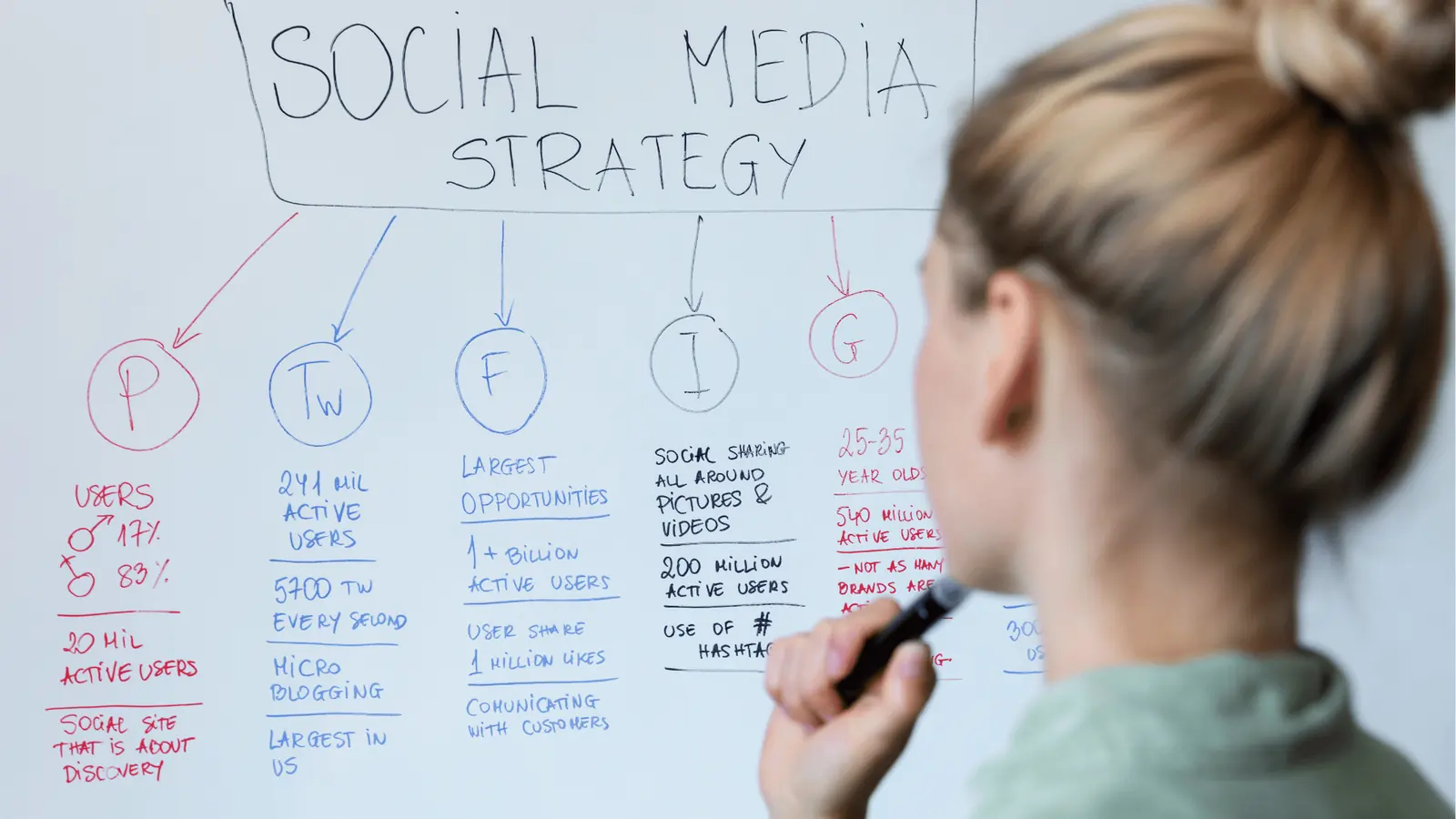
Person writing social media strategy notes on a whiteboard

A social media response system that never misses a lead sorts every comment and DM into one of four lanes, gives each lane an owner and a response time, and uses keyword rules for the repeat questions. The goal is that no message sits unowned and no lead waits more than a few hours. Here is how to build it in an afternoon.

TLDR: Four lanes (lead, support, spam or abuse, everything else), one owner per lane, a response-time target for each, keyword rules for repeat questions, and a 15-minute daily sweep. Spam gets muted for review. Threats and angry customers get escalated at once.

Why leads get missed

Leads rarely arrive as a "contact us" form. They show up as a comment ("how much?"), a DM ("do you ship to Canada?"), or a mention. They get lost because the message lands in someone's personal notifications, nobody owns the next step, and the high-value message looks like every other one.

A response system fixes the three at once: one inbox, one owner, one clock.

The four lanes

Lane What it looks like Target Owner Automation
Lead "Price?", "Do you offer...", "How do I book?" Within 1 hour in working hours Sales or account lead Keyword rule flags and assigns; DM sends the booking or info link
Support "My order is late", "It does not work" Same business day Support or community lead Assign, tag, internal note
Spam or abuse Links, scams, hate, threats Review daily; urgent if a threat Community moderator Mute and tag for review; urgent alert on threats
Everything else Praise, emojis, tags Within 24 hours if useful Whoever posted Optional templates, human review

The targets are suggestions to set for your team, not industry numbers. Shorten them for paid campaigns.

Step 1: put every account in one inbox

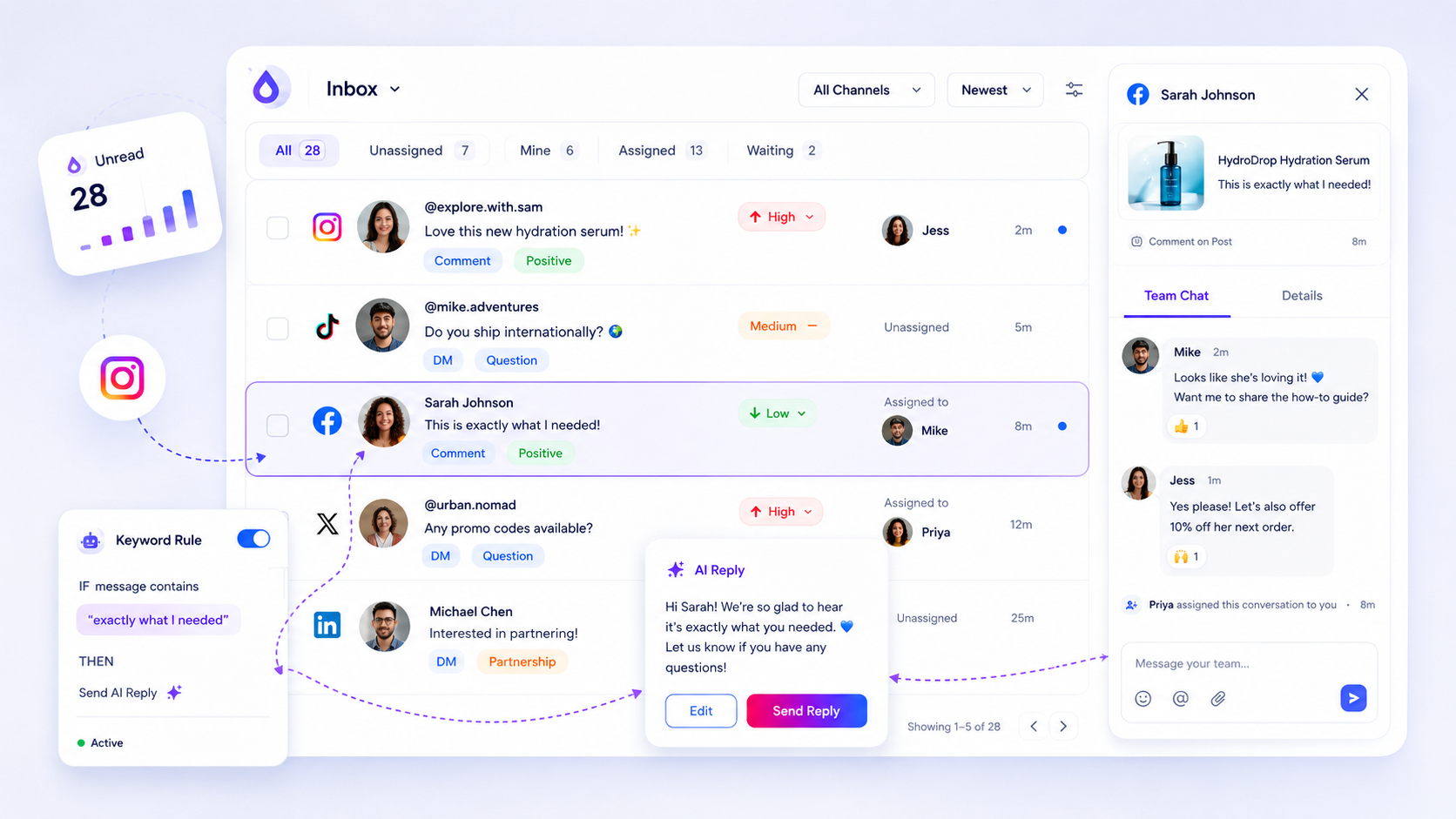
If comments from Instagram, Facebook, LinkedIn and YouTube are read in four apps, something will be missed. Connect all accounts to a social inbox so every comment, DM and mention lands in one list with an owner, a status and a priority. For the setup details, see how to automate social inbox management.

Step 2: write the keyword rules

Start with ten words that signal a lead: price, cost, quote, book, buy, ship, available, demo, trial, how much. Add the ones your own customers use.

In Mydrop, rules match keywords in comments and DMs and then act: reply with a template or an AI draft, tag, notify, or assign. Add exclude keywords so "price drop" memes do not trigger a sales alert. Use Draft and approval mode at first, so each reply waits for a person, and move to auto-reply only for answers that never change. Trigger words can also send a private DM with the link to people who comment a keyword, within Instagram's one-DM-per-comment, seven-day limit.

Step 3: handle spam without risking real customers

Auto-deleting is risky, because real questions get caught. Mute and tag instead. In Mydrop's comment moderation, spam is muted and tagged but never deleted or hidden automatically, and every other flag only changes priority and notifications. A human always decides. Threats and furious customers jump to Urgent with an email alert to the thread owner.

Write your community rules in one short page (what you remove, what you answer, when you escalate) and link it from your bio.

Step 4: assign an owner and a status to every thread

An unassigned thread is a missed lead. Every message gets one owner and one status: new, in progress, waiting on customer, or done. Our guide to assigning inbox threads shows the rules for handover and cover.

Step 5: run a 15-minute daily sweep

Each day, one person opens the inbox and checks three things:

  1. Anything in the lead lane older than the target.
  2. Anything flagged urgent.
  3. Unassigned threads.

Once a week, export the inbox to CSV and count leads, replies and response times. Looking at those numbers is how you spot the comment that was a lead, which is covered in the comment-to-lead audit.

Next step: write your four lanes and the ten lead keywords today, then connect your accounts to one inbox. You can build the rules free at app.mydropai.com.

Free tools

Free tools

Calculators, templates and generators for social media teams.

FAQ

Quick answers

Aim for under one hour in working hours for lead comments and DMs, and the same business day for support. Treat these as targets to set for your team; they are not an industry standard.

Use rules that match spam keywords and tag or mute them for review. In Mydrop, spam is muted and tagged but never deleted, so a human can restore anything that was caught by mistake.

Use one shared inbox for every account, assign each thread an owner, and set a priority. That way nothing sits in a single person's notifications.

Next step

Stop coordinating around the work

If your team spends more time chasing approvals, assets, and publish details than creating better posts, the problem is probably not your people. It is the workflow around them. Mydrop brings planning, review, scheduling, and performance into one calmer operating system.

Mydrop Editorial Team

About the author

Mydrop Editorial Team

Mydrop

The Mydrop Editorial Team writes the guides, comparisons, and playbooks on this blog. We cover social media planning, publishing, approvals, analytics, and multi-brand workflows, drawing on how teams actually use Mydrop to run their social programs. Every article is researched, edited, and maintained by the team behind the product.

View all articles by Mydrop Editorial Team

Managing 14+ social platforms felt like a 2 a.m. nightmare until Mydrop. The AI brand-voice mapping is scary accurate, and the client approval portal saved me easily 15 hours this week alone. It's the ultimate set-and-forget workspace for busy agencies.
A true automation tool for scheduling (and creating) social media content! It has saved me over 20 hours of work already in just my first couple weeks. A true game-changer for anyone in business, big or small!
Finally tried Mydrop on a test client and the white-label portal on a custom domain actually looks legit, no Mydrop branding sneaking in. The OAuth setup saved me from the usual “what's my password” back-and-forth.
Absolute game-changer. Mydrop completely automated my content workflow. The scheduling is flawless, it actually feels intuitive, and it saved me 10+ hours in my very first week. Best decision I've made for my socials!
Mydrop AI has been an absolute game changer, it has saved me so much time and effort. It does what it promises. Easy to use, versatile, and the creator is really open to feedback. Very happy!
I was looking through a bunch of management tools for my client, as it was getting out of control; after comparing every solution, I found Mydrop to be a no brainer.
This app helps me more than any other I have ever used. I've got all of my pages and accounts and I can drag and drop like I want. Mydrop has really been a huge asset to my business!
I was looking for a scheduling tool as my clients were using more and more platforms. Mydrop does the job very well, and automations and forms are very useful and save me a lot of time. I recommend!
Love that you baked in white-label portals from day one, that's a huge pain point for agencies.
Love this platform for scheduling social media posts! Easy and very intuitive to use! Highly recommend!
Very nice tool, you will save a lot of time. Very easy to use, user friendly. I have used it for several months and it is very helpful.
Helpful app if you are trying to streamline social content creation for clients.
Managing 14+ social platforms felt like a 2 a.m. nightmare until Mydrop. The AI brand-voice mapping is scary accurate, and the client approval portal saved me easily 15 hours this week alone. It's the ultimate set-and-forget workspace for busy agencies.
A true automation tool for scheduling (and creating) social media content! It has saved me over 20 hours of work already in just my first couple weeks. A true game-changer for anyone in business, big or small!
Finally tried Mydrop on a test client and the white-label portal on a custom domain actually looks legit, no Mydrop branding sneaking in. The OAuth setup saved me from the usual “what's my password” back-and-forth.
Absolute game-changer. Mydrop completely automated my content workflow. The scheduling is flawless, it actually feels intuitive, and it saved me 10+ hours in my very first week. Best decision I've made for my socials!
Mydrop AI has been an absolute game changer, it has saved me so much time and effort. It does what it promises. Easy to use, versatile, and the creator is really open to feedback. Very happy!
I was looking through a bunch of management tools for my client, as it was getting out of control; after comparing every solution, I found Mydrop to be a no brainer.
This app helps me more than any other I have ever used. I've got all of my pages and accounts and I can drag and drop like I want. Mydrop has really been a huge asset to my business!
I was looking for a scheduling tool as my clients were using more and more platforms. Mydrop does the job very well, and automations and forms are very useful and save me a lot of time. I recommend!
Love that you baked in white-label portals from day one, that's a huge pain point for agencies.
Love this platform for scheduling social media posts! Easy and very intuitive to use! Highly recommend!
Very nice tool, you will save a lot of time. Very easy to use, user friendly. I have used it for several months and it is very helpful.
Helpful app if you are trying to streamline social content creation for clients.
Smiling social media managerSmiling social media managerSmiling social media managerSmiling social media managerSmiling social media managerSmiling social media manager

4.8/5 · on Trustpilot & Google