






































Every number is dated
Every price and plan gate is read on the rival's own pricing or help pages, and the copy says when. Nothing is quoted from memory or review blogs.
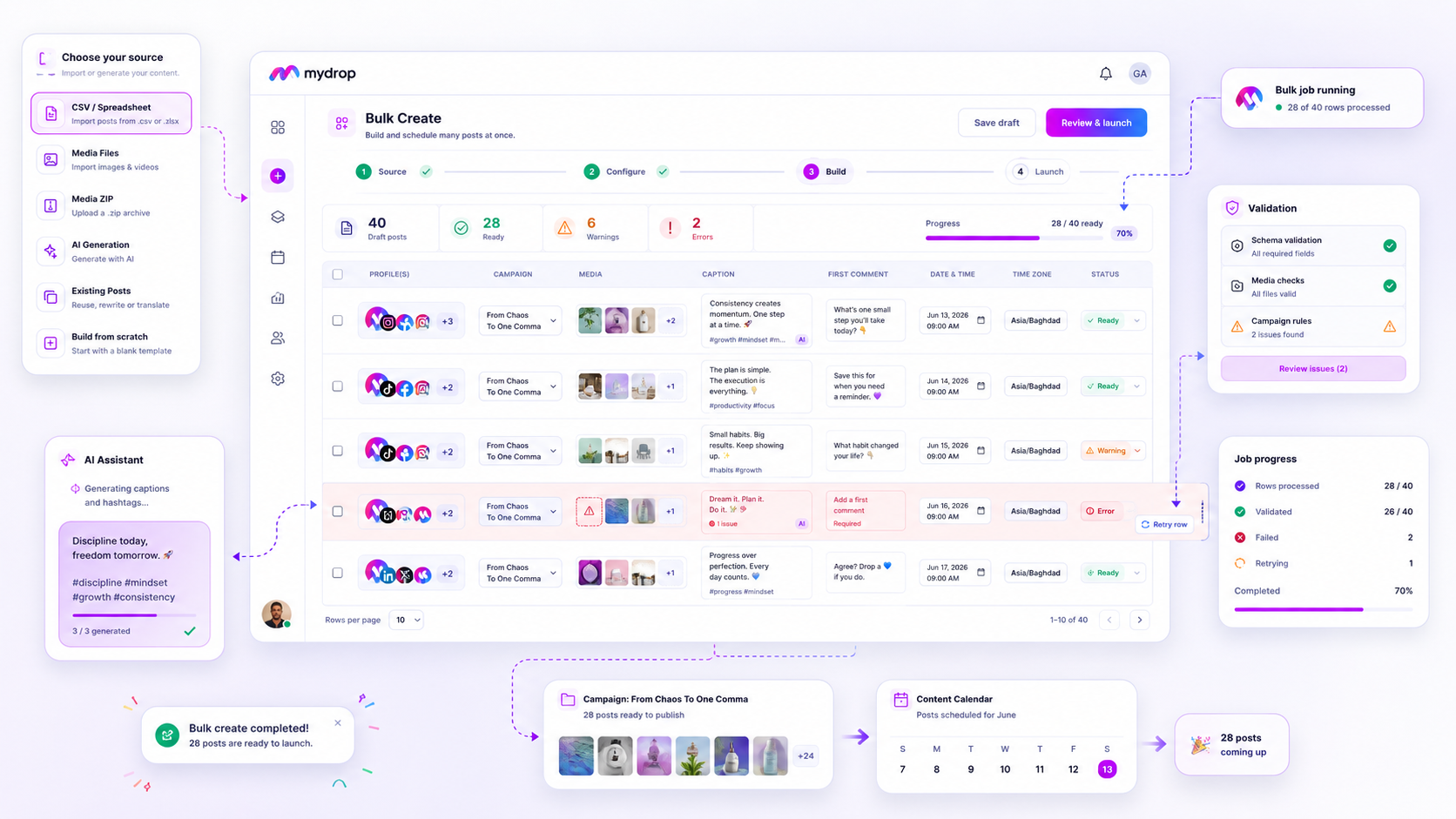
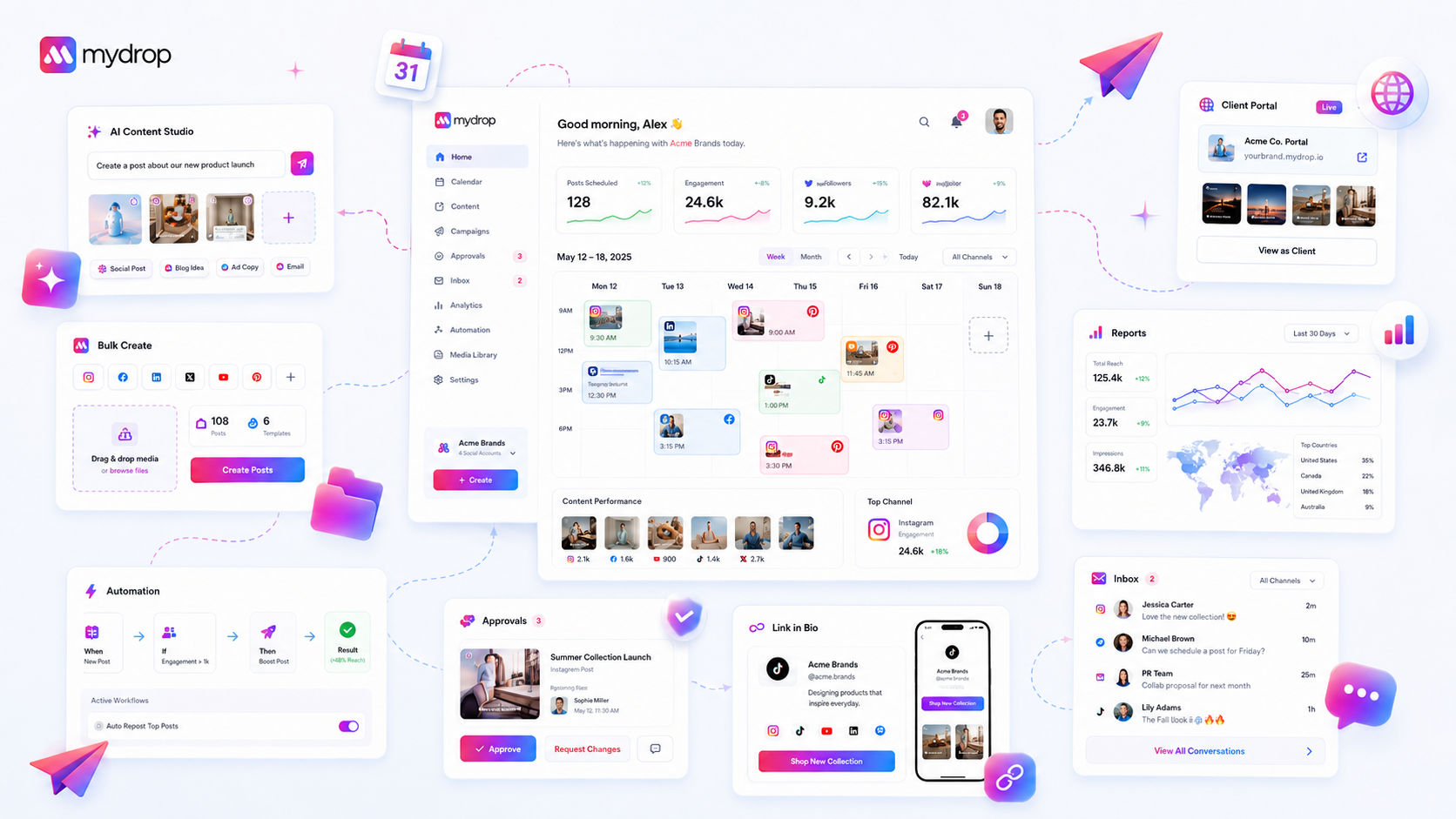
Most social media management tools do one slice, scheduling, links, or reports. Mydrop connects the whole client operation in one workspace.
Head to head
Eight tools, one honest page each: entry price, the growth taxes, approvals, portals, white label, and how their AI is metered.
How we compare
Comparison pages are usually marketing wearing a lab coat. Ours follow four rules, and you can hold us to every one of them.
Every price and plan gate is read on the rival's own pricing or help pages, and the copy says when. Nothing is quoted from memory or review blogs.
Every page opens by conceding what the other tool is genuinely good at. If it fits you better, use it.
The tables only carry rows where we verifiably differ or tie, and a tie is labeled a tie, not spun into a win.
Some rivals cost less than Mydrop. We tell you where, and what you give up for it. Price is a fact, not a weapon.
The difference
The scheduler was never the hard part. The operation was. That is the gap most social media management software leaves open.
The old stack
With Mydrop
One brand workspace
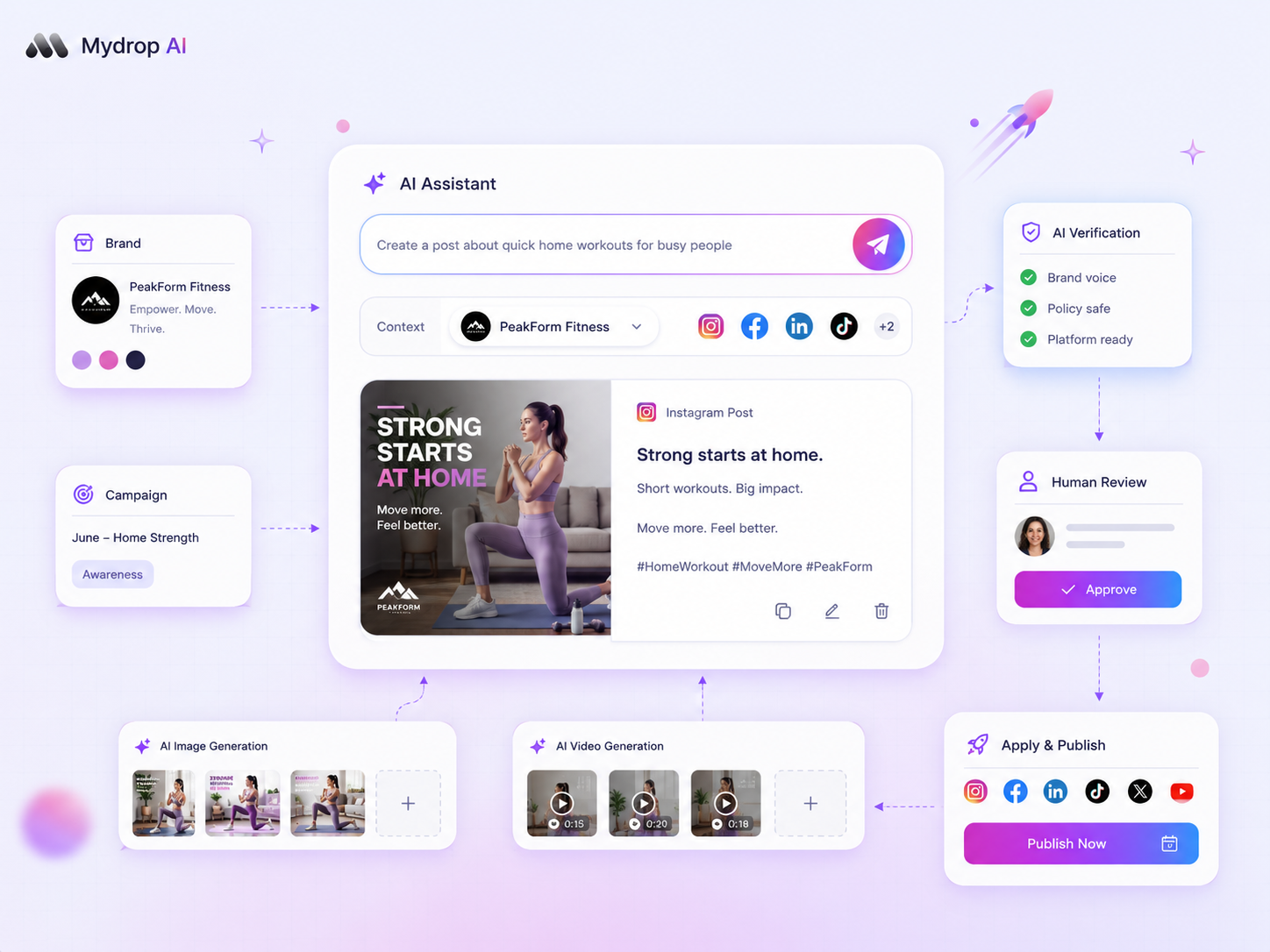
Content, approvals, publishing, inbox, reports, links, assets, AI, and the client portal, connected, not scattered across eight tools.
Deep dives
Why people switch
They ran the comparison the real way, with a live client. Here's where they landed.

Managing 14+ social platforms felt like a 2 a.m. nightmare until Mydrop. The AI brand-voice mapping is scary accurate, and the client approval portal saved me easily 15 hours this week alone. It's the ultimate set-and-forget workspace for busy agencies.
 Google review
A true automation tool for scheduling (and creating) social media content! It has saved me over 20 hours of work already in just my first couple weeks. A true game-changer for anyone in business, big or small!
 Trustpilot review
Finally tried Mydrop on a test client and the white-label portal on a custom domain actually looks legit, no Mydrop branding sneaking in. The OAuth setup saved me from the usual “what's my password” back-and-forth.
 Product Hunt comment
Absolute game-changer. Mydrop completely automated my content workflow. The scheduling is flawless, it actually feels intuitive, and it saved me 10+ hours in my very first week. Best decision I've made for my socials!
Google reviewMydrop AI has been an absolute game changer, it has saved me so much time and effort. It does what it promises. Easy to use, versatile, and the creator is really open to feedback. Very happy!
Trustpilot reviewI was looking through a bunch of management tools for my client, as it was getting out of control; after comparing every solution, I found Mydrop to be a no brainer.
Trustpilot reviewThis app helps me more than any other I have ever used. I've got all of my pages and accounts and I can drag and drop like I want. Mydrop has really been a huge asset to my business!
Google reviewI was looking for a scheduling tool as my clients were using more and more platforms. Mydrop does the job very well, and automations and forms are very useful and save me a lot of time. I recommend!
Google reviewLove that you baked in white-label portals from day one, that's a huge pain point for agencies.
Product Hunt commentLove this platform for scheduling social media posts! Easy and very intuitive to use! Highly recommend!
Google reviewVery nice tool, you will save a lot of time. Very easy to use, user friendly. I have used it for several months and it is very helpful.
Trustpilot reviewHelpful app if you are trying to streamline social content creation for clients.
Google reviewManaging 14+ social platforms felt like a 2 a.m. nightmare until Mydrop. The AI brand-voice mapping is scary accurate, and the client approval portal saved me easily 15 hours this week alone. It's the ultimate set-and-forget workspace for busy agencies.
Google reviewA true automation tool for scheduling (and creating) social media content! It has saved me over 20 hours of work already in just my first couple weeks. A true game-changer for anyone in business, big or small!
Trustpilot reviewFinally tried Mydrop on a test client and the white-label portal on a custom domain actually looks legit, no Mydrop branding sneaking in. The OAuth setup saved me from the usual “what's my password” back-and-forth.
Product Hunt commentAbsolute game-changer. Mydrop completely automated my content workflow. The scheduling is flawless, it actually feels intuitive, and it saved me 10+ hours in my very first week. Best decision I've made for my socials!
Google reviewMydrop AI has been an absolute game changer, it has saved me so much time and effort. It does what it promises. Easy to use, versatile, and the creator is really open to feedback. Very happy!
Trustpilot reviewI was looking through a bunch of management tools for my client, as it was getting out of control; after comparing every solution, I found Mydrop to be a no brainer.
Trustpilot reviewThis app helps me more than any other I have ever used. I've got all of my pages and accounts and I can drag and drop like I want. Mydrop has really been a huge asset to my business!
Google reviewI was looking for a scheduling tool as my clients were using more and more platforms. Mydrop does the job very well, and automations and forms are very useful and save me a lot of time. I recommend!
Google reviewLove that you baked in white-label portals from day one, that's a huge pain point for agencies.
Product Hunt commentLove this platform for scheduling social media posts! Easy and very intuitive to use! Highly recommend!
Google reviewVery nice tool, you will save a lot of time. Very easy to use, user friendly. I have used it for several months and it is very helpful.
Trustpilot reviewHelpful app if you are trying to streamline social content creation for clients.
Google reviewStart free and see what one connected workspace does that a stack of tools can't.