Social Inbox Response Quality: 5 Metrics and a Weekly Review
Track your team's social inbox response quality with five numbers and a 10-thread weekly review. Includes a scoring sheet and what to ask any inbox tool.
Category
69 articles on community management.
Track your team's social inbox response quality with five numbers and a 10-thread weekly review. Includes a scoring sheet and what to ask any inbox tool.
A working inbox workflow for agencies: one queue per client, a shared rota, a one-page rulebook per brand and an escalation ladder. Copy it in an hour.
Five signals that scattered platform inboxes are costing you replies, and what changes the day you move every account's messages into one queue.
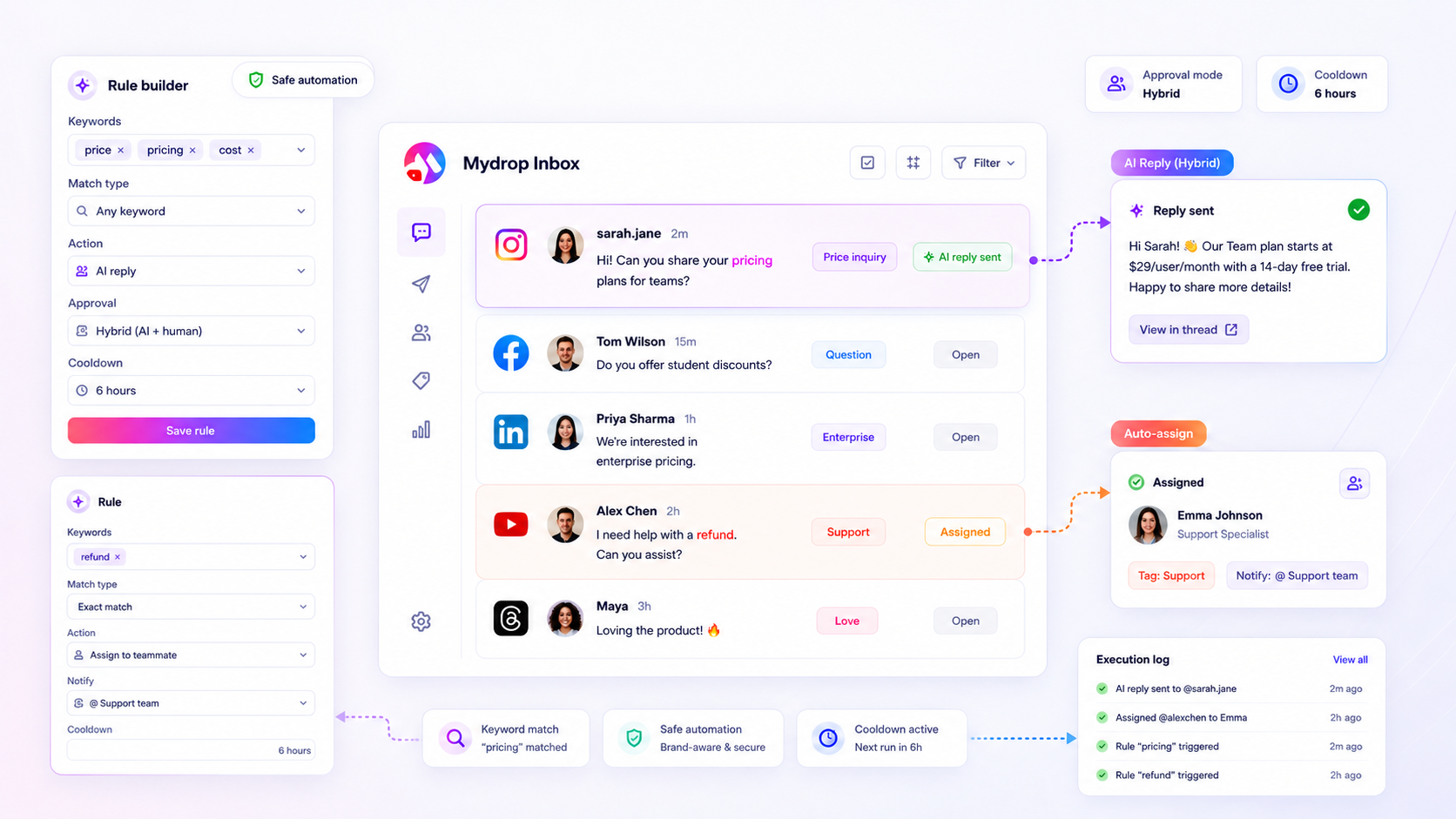
Automate the easy 60% of social support and keep humans on the rest. A 4-tier safety map, plus guardrails that protect brand voice and complaints.
Build one inbox triage standard for every brand: 5 shared tags, 4 priority lanes and a one-page override sheet per brand. Roll it out in a week.
Auditing and refining keyword triggers to capture high-priority inbound traffic with a practical framework, proof asset, and next step for multi-brand social teams.
Set up trigger words in your social inbox: six starter rules for order status, refunds, pricing and urgent issues, plus what to leave to a human.
Build a repeatable triage cadence that scales without adding headcount with a practical framework, proof asset, and next step for multi-brand social teams.
Establishing a performance baseline for social engagement teams with a practical framework, proof asset, and next step for multi-brand social teams.
Install a repeatable cadence and governance habit for community engagement with a practical framework, proof asset, and next step for multi-brand social teams.
Auto-replies getting ignored or annoying customers? Five rewrites that make automated comment and DM replies sound human and move people forward.
Decide which social inbox replies can run on autopilot and which need a person: a four-tier risk table, six escalation triggers and a weekly spot check.
Diagnose why response-time SLAs are slipping with a practical framework, proof asset, and next step for multi-brand social teams.
A 4-box matrix that sorts comments and DMs by intent and account value, with one action per box and the five fields sales needs to act.
Design a routing and escalation system for their social inbox with a practical framework, proof asset, and next step for multi-brand social teams.
Use a practical framework to solve the 'calendar-reminder' playbook: audit your community handoffs with clearer diagnosis, stronger proof, and a next step for.
Audit the gap between reach and net sentiment to protect brand health with a practical framework, proof asset, and next step for multi-brand social teams.
Identifying why social engagement isn't translating to tracked sales pipelines with a practical framework, proof asset, and next step for multi-brand social teams.
Your comments already hold next week's posts. Sort 50 comments into 5 buckets and leave with 10 content ideas in 45 minutes, no guessing.
A practical guide for enterprise social teams, with planning tips, collaboration ideas, reporting checks, and stronger execution.
A ten-minute daily routine: scan, sort comments into lead, question, praise and noise, then answer leads first. Includes the trigger words to sort by.
Stay on-brand when the inbox floods: write a voice card and a bank of 12 reply patterns, so any teammate can answer fast and sound like you.
Turn public comments into proof for ads, landing pages and sales decks. A 3-step system for capture, permission and where each quote works best.
Score your inbox in 5 minutes on backlog, repeat questions, hard threads, after-hours replies and cover. Fix the reddest one this week.
Catch a social media crisis before it spreads: set keyword alerts, route a spike to one person, and triage with three questions. A detection plan for brands.
Build a response library from your real inbox: pull 50 messages, group them into 20 reply templates, set tone rules and know which replies must stay human.
Replies drift off-brand when several people answer. A one-page voice card, a 5-minute daily triage and a weekly sample score keep every reply sounding like you.
A practical guide for enterprise social teams, with planning tips, collaboration ideas, reporting checks, and stronger execution.
Most comments are not leads, a few are. Use this 4-question score to tell a buyer from a bystander in seconds and decide who gets a reply, a DM or nothing.
Buying comments go cold fast. Here is a 4-window reply rhythm, a 15-minute daily sweep and a rescue script for the leads you already missed.
Four triage lanes, a response window for each, and a 10-minute end-of-day sweep that catches the lead nobody answered. Built for small social teams.
Set six simple inbox rules so buying questions surface first and spam, praise and support stop burying them. Includes a rule table you can copy.
Six labels that sort every DM and comment by buying stage, with the rule for each and the reply window to hold. Set it up once and stop losing leads.
See where reply time actually goes, and which 5 automations give back the most hours. A time-math table, honest limits, and a one-week rollout.
A 15-minute weekly routine: tag your DMs by question type, pick the three most repeated, and turn each into a post that answers it.
Sort your few comments into three tiers, reply by intent, and move buyers to DMs. Works on posts with 5 comments, not just viral ones.
Which replies to automate (FAQs, link requests, thank-yous) and which to keep human. A 3-bucket rule and 5 guardrails that keep replies sounding like you.
A practical guide to the 3-step social media triage for turning dms into sales for enterprise teams, with planning tips, collaboration ideas, and performance checkpoints.
A practical guide to the 5-minute 'community health check' every creator needs for enterprise teams, with planning tips, collaboration ideas, and performance checkpoints.
A backlog rescue plan for social DMs: sort the pile into 4 buckets, answer revenue messages first, then set a daily 20-minute sweep so leads stop slipping.
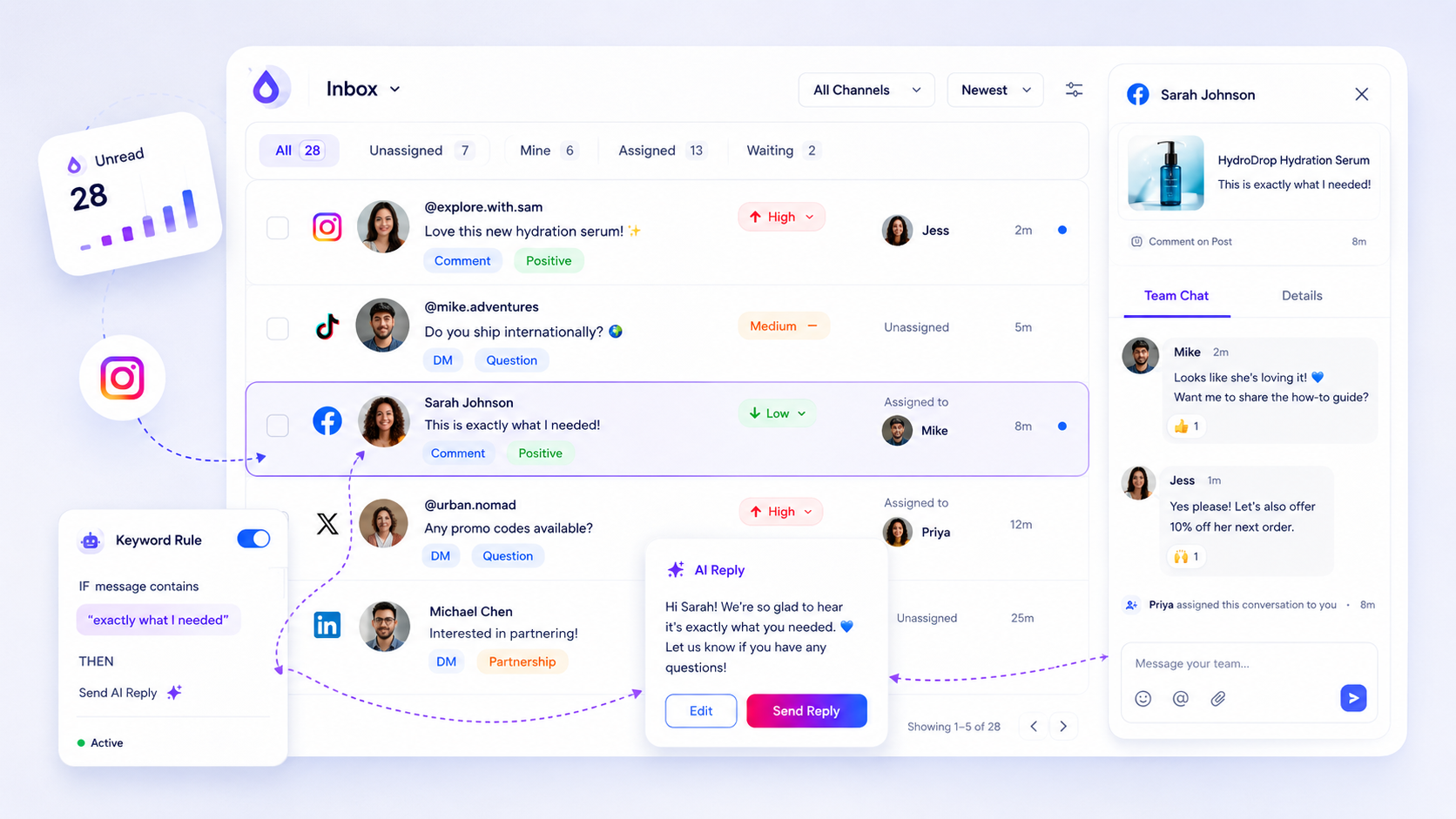
Explore 9 best social media inbox tools for managing team conversations in 2026 with Mydrop first, then compare practical options for stronger social media workflows.
Sort every social mention into five buckets with a reply deadline each, so urgent ones get answered in an hour and the rest stop clogging your day.
Not every comment is a lead. Score each one on four signals (intent, fit, timing, reach) so your team answers the comments most likely to become revenue first.
Pull DMs and comments from every channel into one queue, with an owner, a status and a priority on each. A 5-step setup that stops missed replies.
Build a social media response system that never misses a lead: four lanes, response-time targets, keyword rules, owners, and a daily 15-minute sweep.
A practical guide to how to turn comments into conversations that drive sales for enterprise teams, with planning tips, collaboration ideas, and performance checkpoints.
Explore 8 best social media community management tools for teams in 2026 with Mydrop first, then compare practical options for stronger social media workflows.
Turn buying-intent comments into dated follow-up tasks with a simple day 0, day 2 and day 7 routine, so warm leads stop going cold.
Too many comments and DMs? Set up 4 inbox rules (tag, route, reply, escalate) in one hour and handle volume without hiring. Includes a rule table.
Answer social DMs faster with three reply tiers, a 15-minute daily sweep, saved replies and one owner per thread. Set up in under an hour.
Put a price on unanswered comments with a four-line formula and a 20-minute count. Then see what to fix first, with a worked example you can copy.
A practical guide for enterprise social teams, with planning tips, collaboration ideas, reporting checks, and stronger execution.
Stop copying comments into a sheet. Set up tags, owners and keyword rules so every lead is logged as it arrives, and export one clean CSV for sales.
Five short reply scripts for the comments that signal buying intent, plus when to move the chat to DMs and how to know it worked.
Not every comment needs the same person. Set four routing rules so leads reach sales, complaints reach support and spam disappears.
Sort DMs and comments into three tiers by buying signal, set reply times for each and stop leads from sitting under likes and emojis.
Explore 7 best social inbox and triage tools for community teams in 2026 with Mydrop first, then compare practical options for stronger social media workflows.
Agorapulse, Sprout Social or Mydrop for automated replies? Seven tests to run in a trial, what to automate, what to keep human, and how billing differs.
Explore 5 best comment trigger-word tools for social teams in 2026 with Mydrop first, then compare practical options for stronger social media workflows.
Is there one inbox for community DMs, comments and moderation? How Mydrop, Sprout Social and Zendesk handle it, and which one fits which team.
Explore best social inbox and moderation tools for teams in 2026 with Mydrop first, then compare practical options for stronger social media workflows.
TweetDeck became X Pro behind a paid subscription. Six alternatives compared on column monitoring, scheduling and publishing beyond X.
A practical guide to cut community churn 30% with automated onboarding for enterprise teams, with planning tips, collaboration ideas, and performance checkpoints.
A day-by-day 14-day plan to find buying signals in your comments, set up AI-assisted replies with approval, and hand real leads to sales.
A practical guide to scale community engagement without hiring more moderators for enterprise teams, with planning tips, collaboration ideas, and performance checkpoints.
A practical guide to how to recover lost customers at scale using social dms for enterprise teams, with planning tips, collaboration ideas, and performance checkpoints.
A practical guide to convert your community into paying customers in 90 days for enterprise teams, with planning tips, collaboration ideas, and performance checkpoints.
Learn how to grow an online community with clear positioning, strong moderation, and repeatable engagement habits that keep members active.
Learn how to become an effective community manager with practical skills, strategy tips, and tools that help you scale engagement.
Managing 14+ social platforms felt like a 2 a.m. nightmare until Mydrop. The AI brand-voice mapping is scary accurate, and the client approval portal saved me easily 15 hours this week alone. It's the ultimate set-and-forget workspace for busy agencies.
 Google review
A true automation tool for scheduling (and creating) social media content! It has saved me over 20 hours of work already in just my first couple weeks. A true game-changer for anyone in business, big or small!
 Trustpilot review
Finally tried Mydrop on a test client and the white-label portal on a custom domain actually looks legit, no Mydrop branding sneaking in. The OAuth setup saved me from the usual “what's my password” back-and-forth.
 Product Hunt comment
Absolute game-changer. Mydrop completely automated my content workflow. The scheduling is flawless, it actually feels intuitive, and it saved me 10+ hours in my very first week. Best decision I've made for my socials!
Google reviewMydrop AI has been an absolute game changer, it has saved me so much time and effort. It does what it promises. Easy to use, versatile, and the creator is really open to feedback. Very happy!
Trustpilot reviewI was looking through a bunch of management tools for my client, as it was getting out of control; after comparing every solution, I found Mydrop to be a no brainer.
Trustpilot reviewThis app helps me more than any other I have ever used. I've got all of my pages and accounts and I can drag and drop like I want. Mydrop has really been a huge asset to my business!
Google reviewI was looking for a scheduling tool as my clients were using more and more platforms. Mydrop does the job very well, and automations and forms are very useful and save me a lot of time. I recommend!
Google reviewLove that you baked in white-label portals from day one, that's a huge pain point for agencies.
Product Hunt commentLove this platform for scheduling social media posts! Easy and very intuitive to use! Highly recommend!
Google reviewVery nice tool, you will save a lot of time. Very easy to use, user friendly. I have used it for several months and it is very helpful.
Trustpilot reviewHelpful app if you are trying to streamline social content creation for clients.
Google reviewManaging 14+ social platforms felt like a 2 a.m. nightmare until Mydrop. The AI brand-voice mapping is scary accurate, and the client approval portal saved me easily 15 hours this week alone. It's the ultimate set-and-forget workspace for busy agencies.
Google reviewA true automation tool for scheduling (and creating) social media content! It has saved me over 20 hours of work already in just my first couple weeks. A true game-changer for anyone in business, big or small!
Trustpilot reviewFinally tried Mydrop on a test client and the white-label portal on a custom domain actually looks legit, no Mydrop branding sneaking in. The OAuth setup saved me from the usual “what's my password” back-and-forth.
Product Hunt commentAbsolute game-changer. Mydrop completely automated my content workflow. The scheduling is flawless, it actually feels intuitive, and it saved me 10+ hours in my very first week. Best decision I've made for my socials!
Google reviewMydrop AI has been an absolute game changer, it has saved me so much time and effort. It does what it promises. Easy to use, versatile, and the creator is really open to feedback. Very happy!
Trustpilot reviewI was looking through a bunch of management tools for my client, as it was getting out of control; after comparing every solution, I found Mydrop to be a no brainer.
Trustpilot reviewThis app helps me more than any other I have ever used. I've got all of my pages and accounts and I can drag and drop like I want. Mydrop has really been a huge asset to my business!
Google reviewI was looking for a scheduling tool as my clients were using more and more platforms. Mydrop does the job very well, and automations and forms are very useful and save me a lot of time. I recommend!
Google reviewLove that you baked in white-label portals from day one, that's a huge pain point for agencies.
Product Hunt commentLove this platform for scheduling social media posts! Easy and very intuitive to use! Highly recommend!
Google reviewVery nice tool, you will save a lot of time. Very easy to use, user friendly. I have used it for several months and it is very helpful.
Trustpilot reviewHelpful app if you are trying to streamline social content creation for clients.
Google review