





























Agencies manage client bio pages well when the structure is one account, one workspace per client, one subdomain per client, and roles instead of shared passwords. The tool matters less than the structure, but only a few tools support that structure at all. Here's what breaks, and how to set things up so it doesn't.
TLDR: Separate logins per client is the setup that fails, usually at offboarding. Put every page on the client's own subdomain, keep them all in one account with a workspace per client, and give the client a report link instead of a monthly screenshot.
How agencies manage link in bio pages for multiple clients
Three patterns, in the order agencies usually discover them.
One free account per client. Fine at two clients. At six, you have six passwords in a vault, no idea which pages are current, and no way to answer "what did the bio link do last month?" without logging in six times. Something goes stale and nobody notices for weeks.
One paid account, all clients on one page structure. Cheaper, but every editor can see and edit every client. That becomes a problem the first time a freelancer needs access to one brand only.
One account with a workspace per client. Each client gets its own page, domain, editors and analytics. Team members only see the brands they're assigned to. This is the only version that still works at fifteen clients, and it's why workspaces matter more here than any page-design feature.

Whose domain, whose account, whose data
Decide these three things before you build the first page. They're cheap to set now and expensive to unwind later.
- Domain: the client's.
links.clientbrand.com, notagency.link/client. It looks like them, it builds their trust rather than yours, and it turns the end of a contract into an admin step instead of an argument. - Account ownership: yours during the engagement, transferable at the end. Write the transfer into the scope so nobody discovers the question at the worst moment.
- Data: exportable, and exported. Get the email captures out on a schedule and into the client's CRM. A list that only exists inside a tool is a liability for both of you.
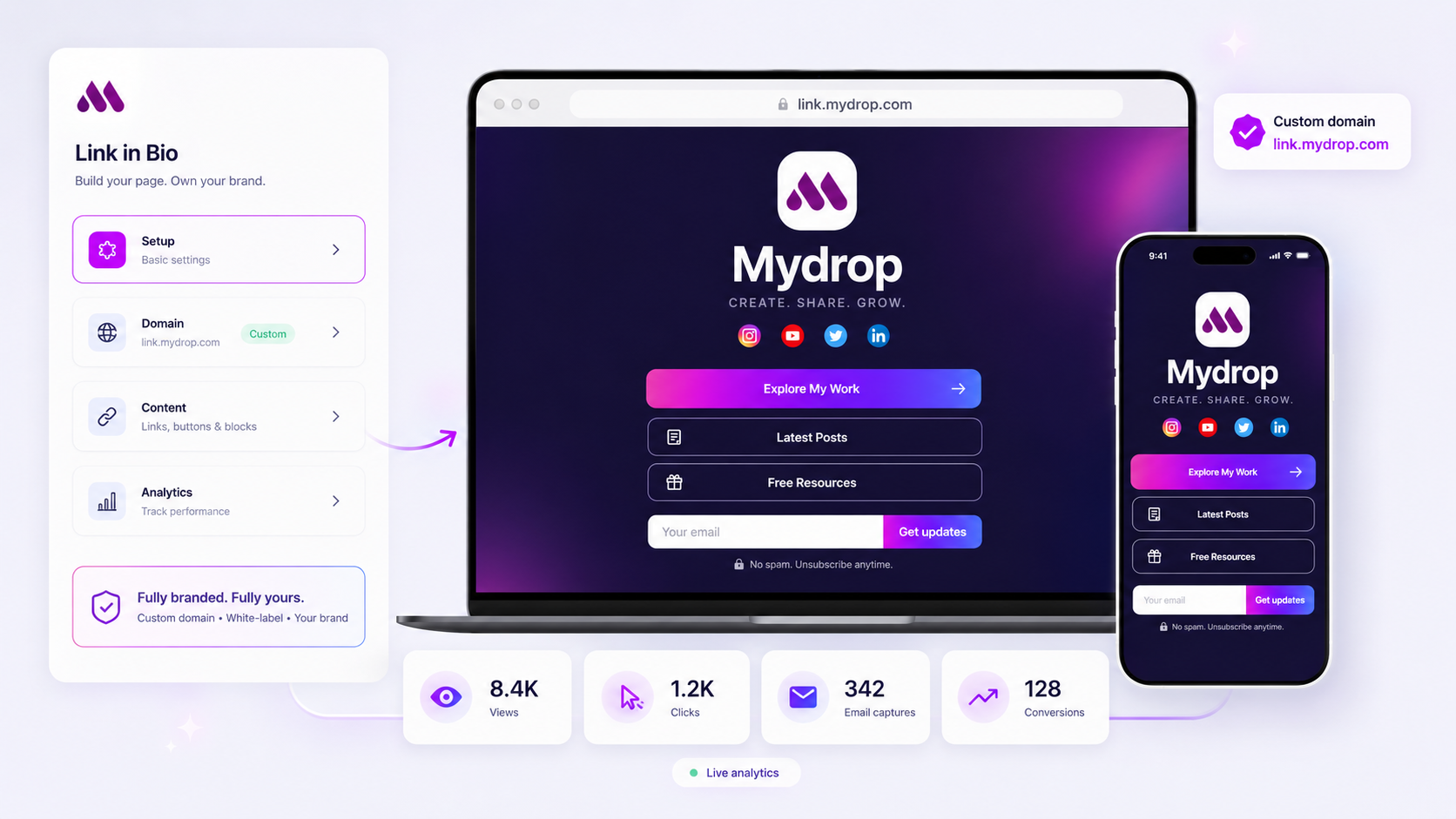
White label matters here too. If the page carries a vendor badge, the client sees the vendor, not you and not their own brand. Mydrop publishes on the client's domain with managed SSL and no Mydrop branding on the page.
The client bio page management setup that works
A working setup, per client:
- One workspace, named for the client.
- One subdomain, connected before anything is designed.
- One primary action on the page, matching the campaign that's live now. Everything else is secondary.
- Two named editors, one of whom is the reviewer. No shared logins.
- An approval step on changes, so a link swap on a Friday afternoon gets checked by someone. The same approval workflow you use for posts covers this, without teaching a second process.
- A monthly review date in the calendar. Most stale bio pages aren't a tooling failure, they're a calendar failure.
What "data driven" actually means here
Agencies get asked for the best link in bio tool for a data-driven marketing team, and the honest answer is that the bar is low: most tools report one page-view number.
What you need to answer a client's question:
- Clicks per destination, so you can say which offer worked.
- Source and UTM carried through the capture, so a signup can be traced back to the TikTok bio and the campaign that sent it.
- Captures and conversions, not just visits.
- A share link for the client, so the report is self-serve.
Put that beside the post performance data and the bio page stops being a separate report nobody opens. It becomes one line in the client's monthly reporting, which is where it belongs.
The tools agencies actually use
- Mydrop. Multi-brand workspaces, roles, approvals, the client's own domain with managed SSL, white label and per-destination analytics. The page also pulls in the client's recent posts, so it stays current on its own. The fit is strongest if you already schedule the client's content in one place. See how it compares across the rest of the market in Mydrop vs Linktree vs Taplink.
- Linktree. Fine for one client. There's no workspace model, so the third client is where it starts costing you time.
- Beacons. Creator-first. Good if the client is a creator selling small digital products; weak on roles and reporting.
- Carrd. The cheapest way to build a genuinely custom page per client, but you're now maintaining small websites, and only one person on the team can update them.
Next step
Pick one client and rebuild their page properly: their subdomain, one primary action, two named editors, a monthly review date. It takes about an hour. Then copy the structure across the rest, and read how to design a link in bio page that converts before you decide what goes on the page itself.
If you run several brands in-house rather than for clients, the same structure applies with different labels: team link in bio software covers that version, and Mydrop for agencies shows the workspace model in full.



 Google review
 Trustpilot review
 Product Hunt comment




