






























The tools that handle team collaboration on bio link updates and approvals are the ones that give every person their own login, keep a change as a draft until it has been checked, and let the reviewer see the page before it goes live. Single-owner link in bio tools were built for one creator, so teams often end up sharing a single password. Team platforms like Mydrop put the bio page in the same workspace as the posts, the client and the conversation about them.
TLDR: Give each person their own login, keep every change as a draft until someone else has looked at it, and schedule the go-live date alongside the campaign it belongs to. Avoid any setup where "approval" means a screenshot in a chat thread.
Mydrop pricing check, September 2026: the entry paid plans of the eight tools most often compared with Mydrop run from $6 per channel (Buffer) and $25 a month (Later) to $99 per user (Hootsuite) and $199 per seat (Sprout Social), read on each vendor's pricing page. Mydrop is free to start, then $19 a month flat, not per seat. Full table on Mydrop's compare pages.
Who touches a bio page, and what each person should be able to do
A bio page is a one-person job until a campaign launches. Then the social manager, a designer, a campaign owner and the client all want a say. Map it out first:
| Person | Edits the page | Puts it live | Sees it before launch | Typical job |
|---|---|---|---|---|
| Social lead or account manager | Yes | Yes | Yes | Owns the page and has the final say |
| Content or campaign editor | Yes | No | Yes | Adds buttons, swaps campaign links |
| Designer | Theme only | No | Yes | Keeps it on brand |
| Client or brand manager | No | No | Yes | Says yes or asks for changes |
The column that matters is the second one. The person who adds a link should not be the only person who checks it, because a wrong URL on a bio page is live on every profile at once.
A four-step review flow for bio link changes
It works in any tool. A better tool simply does more of it for you.
- Request. Someone asks for a change in one place, never in a DM. "Swap the spring sale button for the summer one on 1 June."
- Draft. The editor makes the change as a draft. The live page does not move.
- Review. The reviewer opens the draft on a phone, taps every changed button, then says yes or asks for changes in the same thread.
- Publish. The change goes live on the agreed date, ideally scheduled so nobody has to be online at midnight.
Plan the review around the posts it supports. In Mydrop's data on posts that went through client approval, the median time from submission to approval was 6 hours, and 66% were approved within 24 hours. A bio change on the same timeline should be submitted at least a day before launch.
What to check before your team commits to a tool
Run these checks in a free trial with two real teammates, not on your own:
- Separate logins. If the answer is "share the password", stop there. Offboarding then means changing the password on every account.
- Drafts. Can someone save a change without it going live?
- Scheduled go-live and take-down. Can a button, or the whole page, appear and disappear on set dates?
- A client view without a login. Clients rarely create an account for a single review.
- One conversation per brand. Feedback scattered across email, chat and calls is how the wrong link goes live.
- Access per brand. An editor working on one client should not be able to change another client's page.
Running bio page changes inside the Mydrop workspace
In Mydrop the bio page belongs to the brand, not to a separate app. The four steps map across like this:
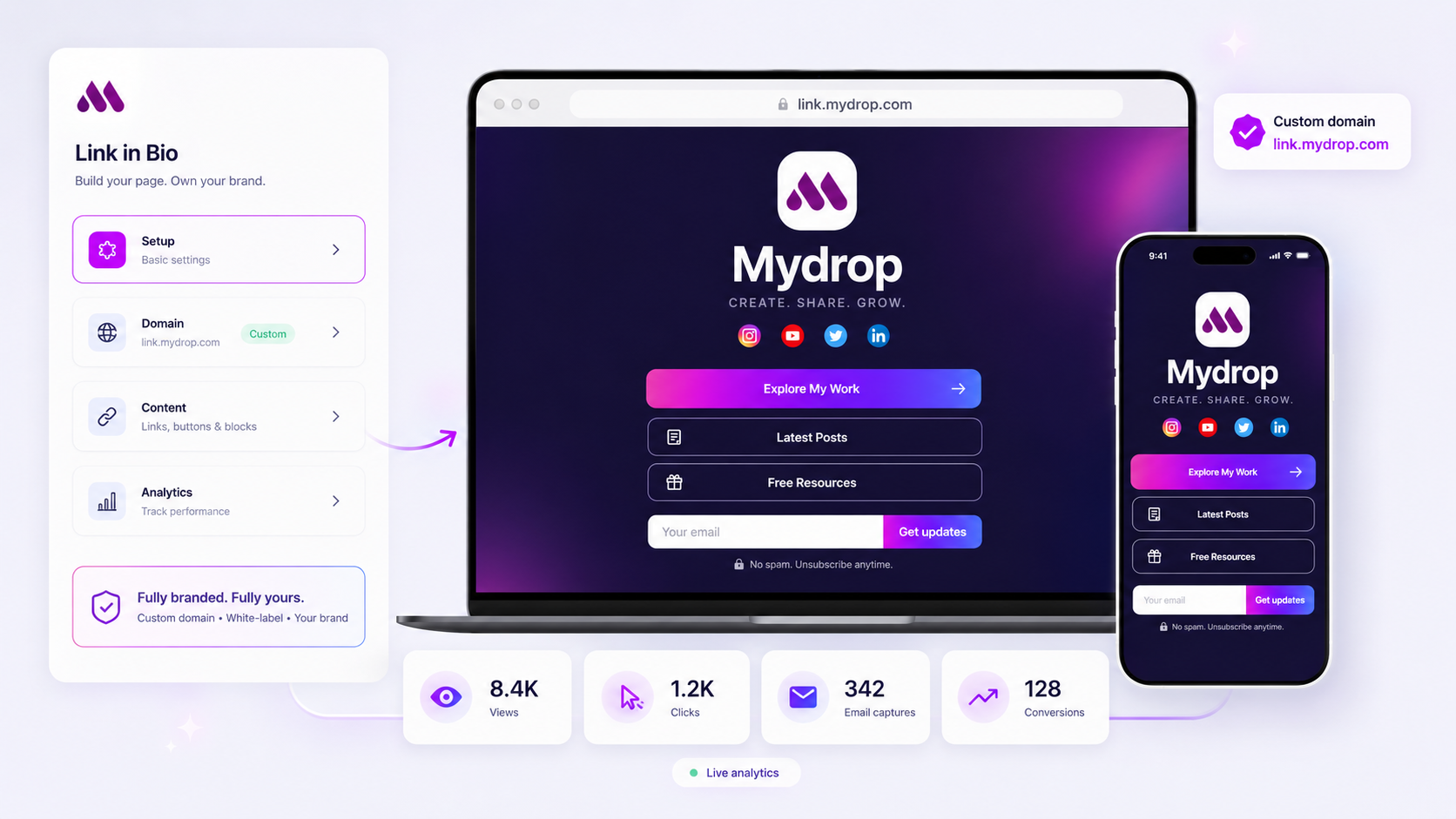
- Request and review happen in one thread. Each brand has its own conversation, and the client joins it from their no-login client portal. The portal can also show the brand's link in bio pages.
- Drafts stay off the live page. A draft cannot be switched live, and it never replaces the published page at the same address.
- Go-live is scheduled. A whole page, or a single button, can be set to go live and come down on set dates, so the summer button appears on 1 June all by itself.
- Access follows the workspace. Teammates get their own logins and roles in the workspace, and what they can edit on a brand's pages follows their permissions for that brand. Brand lock lets each member focus the whole app on one client.
Mydrop's formal approve button lives on posts, through its approval workflow. For bio pages, the draft, the client portal and the brand thread do the job, so a bio change and its posts get reviewed in one place.
If you are stuck on a single-seat tool for now
Not every team can switch this quarter. Until you can:
- Name one person who edits the page. Everyone else requests changes in one channel.
- Keep a simple change log: date, what changed, who asked.
- Before each launch, have a second person tap every button on a real phone.
It's slower, but it stops the Friday-evening wrong link.
Want the full picture for several client brands? The agency guide to link in bio covers whose account and whose domain each page should live on. To try the four-step flow with your team, create a workspace free at app.mydropai.com/register, invite one editor and one reviewer, and run your next bio change through it.


 Google review
 Trustpilot review
 Product Hunt comment




