
ClaudeChatGPTCursorGeminiWorks with your AI agentsChromeMydropTry Mydrop Chrome Extension
Multi Brand Operations

Stop Your Brands Competing With Each Other on Social: 5 Rules

Sister brands, product lines or regional accounts all chasing the same audience? Here are five rules on audience, calendar, campaigns, promotion and review.

3 min read

Updated: Oct 31, 2026

Group of smiling young adults taking a rooftop selfie

Brands cannibalize each other on social when two accounts under the same roof go after the same audience, the same slot or the same message. The fix is five rules: one primary audience per brand, one shared calendar, one owner per campaign, written cross-promotion rules and a monthly overlap check. This applies to sister brands, product lines and regional accounts alike.

TLDR: Give each brand one primary audience and one job. Plan everything on a shared calendar so launches do not collide. Put one owner on each campaign and hashtag. Set a limit for cross-promotion and review overlap monthly.

How cannibalization shows up

You'll rarely see a report that says "brand A hurt brand B". The symptoms look like this:

What you notice What it usually means
Two brands post the same offer within a day No shared calendar
Followers comment "I thought this was the other account" Overlapping positioning
Same influencers tagged by two brands No campaign owner
Engagement drops on a brand when a sibling launches Same audience, same slot
Customers asking the wrong account for support Unclear brand roles

Each row maps to one of the five rules below.

Rule 1: One primary audience per brand

Write one sentence for each brand: "Brand X talks to [who] about [what], and does not talk to [who] about [what]." The second half is the useful part. It stops a premium line and a budget line from both chasing the same buyer with the same promise.

If two brands truly serve the same audience, decide which one leads on each topic. They can share an audience and still split the topics.

Rule 2: One calendar for every brand

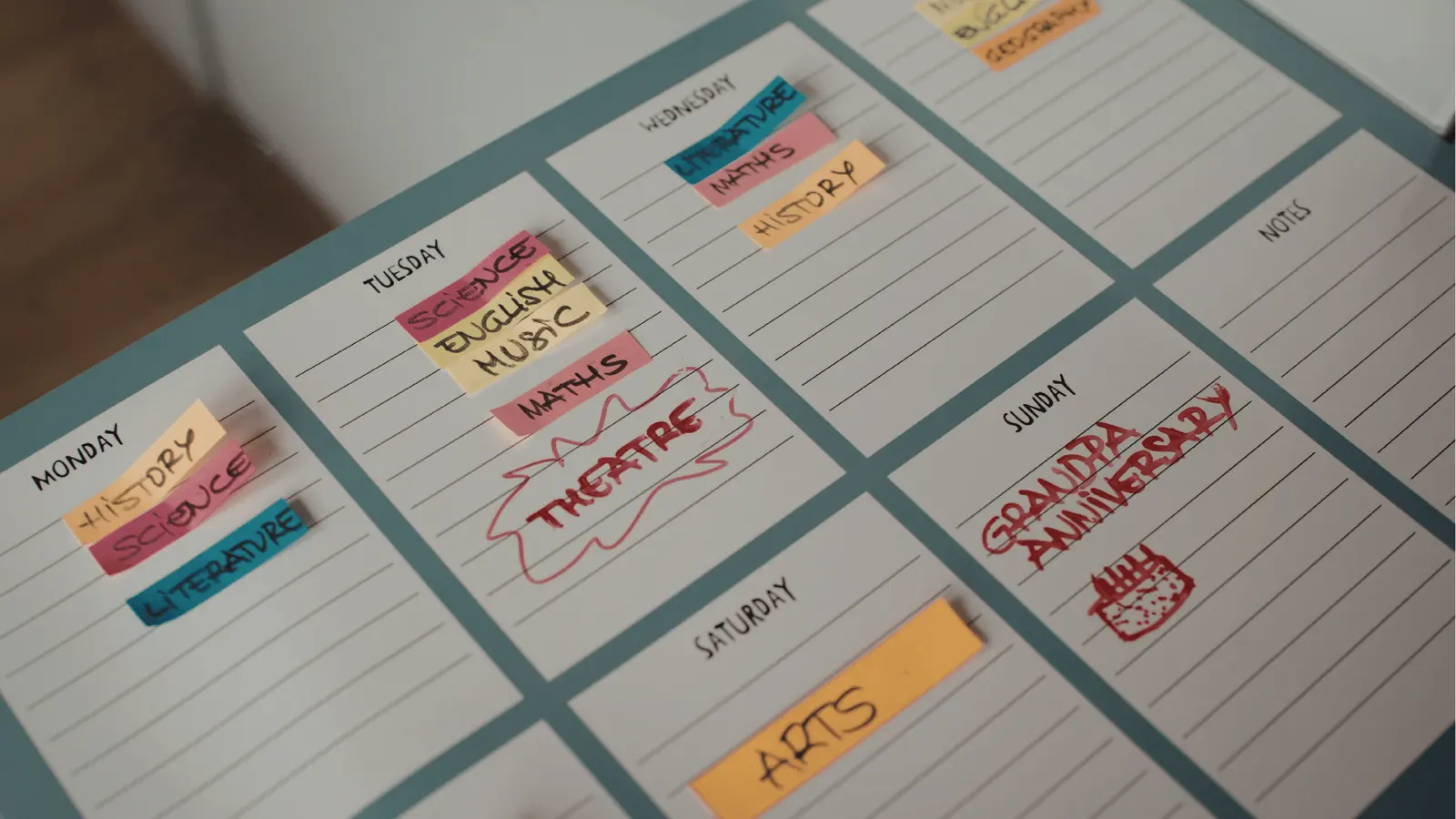
Cannibalization is mostly a visibility problem. Nobody planned to launch two promotions on the same Thursday. They just could not see each other's plans.

Put all brands on one shared calendar view, with each brand color-coded, and review it weekly for clashes. Mydrop's multi-brand calendar lets you see every brand's posts side by side while each brand keeps its own workspace and permissions.

Staggering is cheap. In Mydrop's data, every weekday sat within 2% of the account's median engagement, so moving one brand's post from Tuesday to Wednesday costs almost nothing. Midnight to 6 am, in the audience's local time, is the slot to avoid.

Rule 3: One owner per campaign, hashtag and creator

Any campaign, branded hashtag or creator partnership gets one named owner and one brand. If another brand wants to join, it asks the owner. This ends the case where two brands tag the same creator with different briefs. The same logic applies when organizing brand assets for multi-brand campaigns: one source, one owner.

Rule 4: Write down the cross-promotion rules

Some cross-promotion is good, so do not ban it. Set a limit instead:

  • How often. For example, no more than one in ten posts mentions a sibling brand.
  • Who can. Only when the sibling's owner has approved the post.
  • How. A quiet tag or "from our family" line, not a competing offer.
  • Never during a sibling's launch week unless it is part of the plan.

The exact ratio is yours to choose. What matters is that it is written and checked in approvals, not left to individual judgment.

Rule 5: Run a 20-minute overlap check each month

Once a month, for each pair of brands, check:

  1. Did both post similar offers within three days of each other?
  2. Did either brand's reach or engagement drop in a week the other launched?
  3. Did the same people comment on both accounts asking basic questions?
  4. Are any two brands using the same hashtag or the same creator?

If two or more answers are yes, change the audience sentence or move one brand's slot. Record the decision next to the calendar so the next planner sees it.

Who should own this

In small groups, the social lead owns it. In larger portfolios, name a portfolio planner whose job is the shared calendar and the monthly check. A multi-entity governance setup is the next step when you have regional or franchise accounts too.

Next step: write the one-sentence audience line for each brand today, then put next month's posts on a single calendar and look for clashes. If you run several brands, start free with Mydrop to see them on one calendar.

Free tools

Free tools

Calculators, templates and generators for social media teams.

FAQ

Quick answers

It happens when two brands, product lines or regional accounts under the same company compete for the same audience, posting slot or message, so one account's gain is another's loss.

Give each brand one primary audience, plan all brands on a shared calendar, give every campaign and hashtag one owner, and set rules for cross-promotion.

It can if both target the same followers. In Mydrop's data, the weekday made almost no difference (within 2% of median), so staggering brands across days costs little.

Next step

Stop coordinating around the work

If your team spends more time chasing approvals, assets, and publish details than creating better posts, the problem is probably not your people. It is the workflow around them. Mydrop brings planning, review, scheduling, and performance into one calmer operating system.

Mydrop Editorial Team

About the author

Mydrop Editorial Team

Mydrop

The Mydrop Editorial Team writes the guides, comparisons, and playbooks on this blog. We cover social media planning, publishing, approvals, analytics, and multi-brand workflows, drawing on how teams actually use Mydrop to run their social programs. Every article is researched, edited, and maintained by the team behind the product.

View all articles by Mydrop Editorial Team

Managing 14+ social platforms felt like a 2 a.m. nightmare until Mydrop. The AI brand-voice mapping is scary accurate, and the client approval portal saved me easily 15 hours this week alone. It's the ultimate set-and-forget workspace for busy agencies.
A true automation tool for scheduling (and creating) social media content! It has saved me over 20 hours of work already in just my first couple weeks. A true game-changer for anyone in business, big or small!
Finally tried Mydrop on a test client and the white-label portal on a custom domain actually looks legit, no Mydrop branding sneaking in. The OAuth setup saved me from the usual “what's my password” back-and-forth.
Absolute game-changer. Mydrop completely automated my content workflow. The scheduling is flawless, it actually feels intuitive, and it saved me 10+ hours in my very first week. Best decision I've made for my socials!
Mydrop AI has been an absolute game changer, it has saved me so much time and effort. It does what it promises. Easy to use, versatile, and the creator is really open to feedback. Very happy!
I was looking through a bunch of management tools for my client, as it was getting out of control; after comparing every solution, I found Mydrop to be a no brainer.
This app helps me more than any other I have ever used. I've got all of my pages and accounts and I can drag and drop like I want. Mydrop has really been a huge asset to my business!
I was looking for a scheduling tool as my clients were using more and more platforms. Mydrop does the job very well, and automations and forms are very useful and save me a lot of time. I recommend!
Love that you baked in white-label portals from day one, that's a huge pain point for agencies.
Love this platform for scheduling social media posts! Easy and very intuitive to use! Highly recommend!
Very nice tool, you will save a lot of time. Very easy to use, user friendly. I have used it for several months and it is very helpful.
Helpful app if you are trying to streamline social content creation for clients.
Managing 14+ social platforms felt like a 2 a.m. nightmare until Mydrop. The AI brand-voice mapping is scary accurate, and the client approval portal saved me easily 15 hours this week alone. It's the ultimate set-and-forget workspace for busy agencies.
A true automation tool for scheduling (and creating) social media content! It has saved me over 20 hours of work already in just my first couple weeks. A true game-changer for anyone in business, big or small!
Finally tried Mydrop on a test client and the white-label portal on a custom domain actually looks legit, no Mydrop branding sneaking in. The OAuth setup saved me from the usual “what's my password” back-and-forth.
Absolute game-changer. Mydrop completely automated my content workflow. The scheduling is flawless, it actually feels intuitive, and it saved me 10+ hours in my very first week. Best decision I've made for my socials!
Mydrop AI has been an absolute game changer, it has saved me so much time and effort. It does what it promises. Easy to use, versatile, and the creator is really open to feedback. Very happy!
I was looking through a bunch of management tools for my client, as it was getting out of control; after comparing every solution, I found Mydrop to be a no brainer.
This app helps me more than any other I have ever used. I've got all of my pages and accounts and I can drag and drop like I want. Mydrop has really been a huge asset to my business!
I was looking for a scheduling tool as my clients were using more and more platforms. Mydrop does the job very well, and automations and forms are very useful and save me a lot of time. I recommend!
Love that you baked in white-label portals from day one, that's a huge pain point for agencies.
Love this platform for scheduling social media posts! Easy and very intuitive to use! Highly recommend!
Very nice tool, you will save a lot of time. Very easy to use, user friendly. I have used it for several months and it is very helpful.
Helpful app if you are trying to streamline social content creation for clients.
Smiling social media managerSmiling social media managerSmiling social media managerSmiling social media managerSmiling social media managerSmiling social media manager

4.8/5 · on Trustpilot & Google