

















TLDR: You don't need to read every message to catch the leads. Write six rules (buying words, booking words, support words, praise, spam, everything else), send each match to a label or an owner, and read the buying bucket first. Most teams can set this up in an afternoon and tune it in two weeks.
Leads get lost in a social inbox because of the order things arrive in, not because nobody's trying. Every message lands in one stream, so someone asking "how much for 20 units?" ends up between a heart emoji and a spam link.
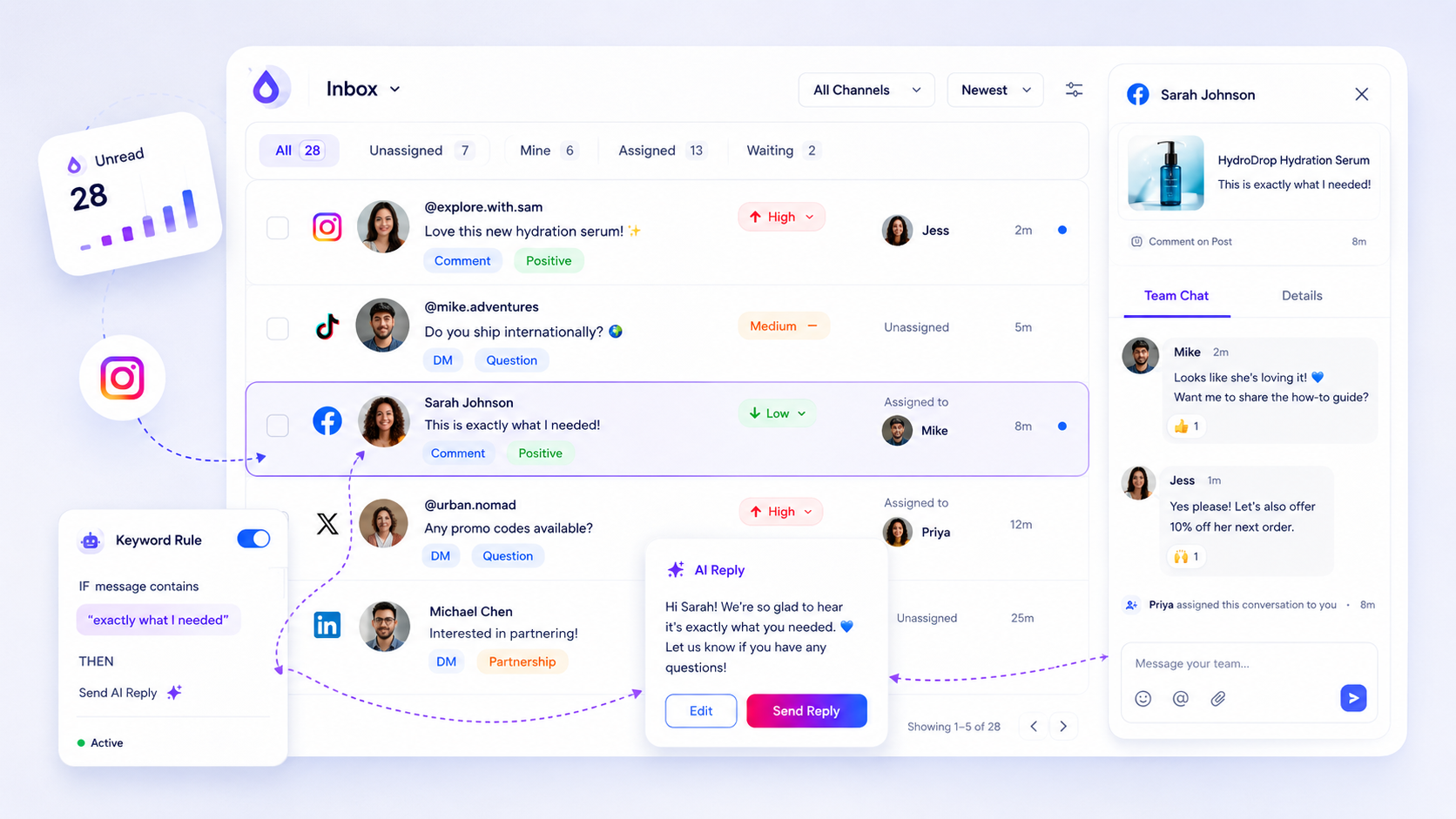
Automation fixes the order. A rule reads each message, puts it in a bucket, and your team opens the buckets in the right sequence. You still do the human part. You just stop doing the sorting.
Six rules that cover most of a small team's inbox
Start with these. Each one is a word list plus an action, and you can write all six in under an hour.
| Rule | Matches | Action |
|---|---|---|
| Buying | price, cost, how much, quote, discount, in stock | Label "Lead", assign to sales owner |
| Booking | book, available, appointment, reserve, slot | Label "Lead", assign to whoever holds the calendar |
| Support | broken, refund, late, wrong, not working | Label "Support", assign to support |
| Praise | love, thank you, amazing, tag emojis only | Label "Praise", batch-reply weekly |
| Spam | known spam phrases, repeated links | Hide, no reply |
| Everything else | no match | Label "Review", check once a day |
Notice what the table does. Only two rows are urgent, and both are leads. The rest can wait for a daily or weekly pass.
Write the word lists from your own messages
Don't copy a generic list. Open the last 50 messages and comments you got and underline the words real customers used when they wanted to buy.
A flower shop will see "delivery Saturday?" A coaching business will see "do you have spots?" Those phrases belong in your rule. Add them in the first week and your catch rate jumps.
Two small habits keep the lists honest:
- Add a word the first time a lead slips through. One miss is a free lesson.
- Remove a word the first time it misfires three times. "Cost" will match "at what cost" complaints, so check it.
Let trigger words send the first reply
For simple questions, the fastest reply is an instant one. In Mydrop, trigger-word automations can answer a comment that contains a chosen word with a reply you wrote in advance, such as a link or a short answer, and the social inbox keeps the whole conversation in one place for your team.
Keep that first reply short and human in tone. "Thanks for asking, sending details now" is enough. The point is to confirm someone saw them while you get to the real answer.
Never let a rule reply on its own to the Support bucket or to anything that mentions money going back. Those need a person who can decide.
Set a reading order and a clock
The rules only help if the buckets are opened in order. Pick a simple schedule and write it where the team can see it.
- Leads: open first, every working hour you can manage. Aim to reply the same day at the latest.
- Support: open second, same day.
- Review: once a day, ten minutes, to catch what the rules missed.
- Praise: once a week, batch-reply or react.
If you work with several brands, give each brand its own labels and owners so the "Lead" bucket never mixes clients. Workspaces in Mydrop are built for that separation.
Tune the rules for two weeks, then leave them alone
After 14 days, count three things from your labels: leads found, leads that arrived in Review instead (misses), and messages in Lead that weren't leads (false alarms).
A few misses and a few false alarms are normal. If more than one in five Lead messages is a false alarm, tighten the word list. If you still find real leads in Review, add their words.
Then stop fiddling. A rule set you review once a month beats one you rewrite every Monday.
Set up your six rules today
Open your inbox, copy the last 50 messages into a note, and underline every buying phrase. Turn them into the Buying and Booking rules from the table, add the other four, and read the Lead bucket first tomorrow morning.
If you want the sorting and the labels in one place, start free on Mydrop and connect the account that gets the most messages.


 Google review
 Trustpilot review
 Product Hunt comment





