

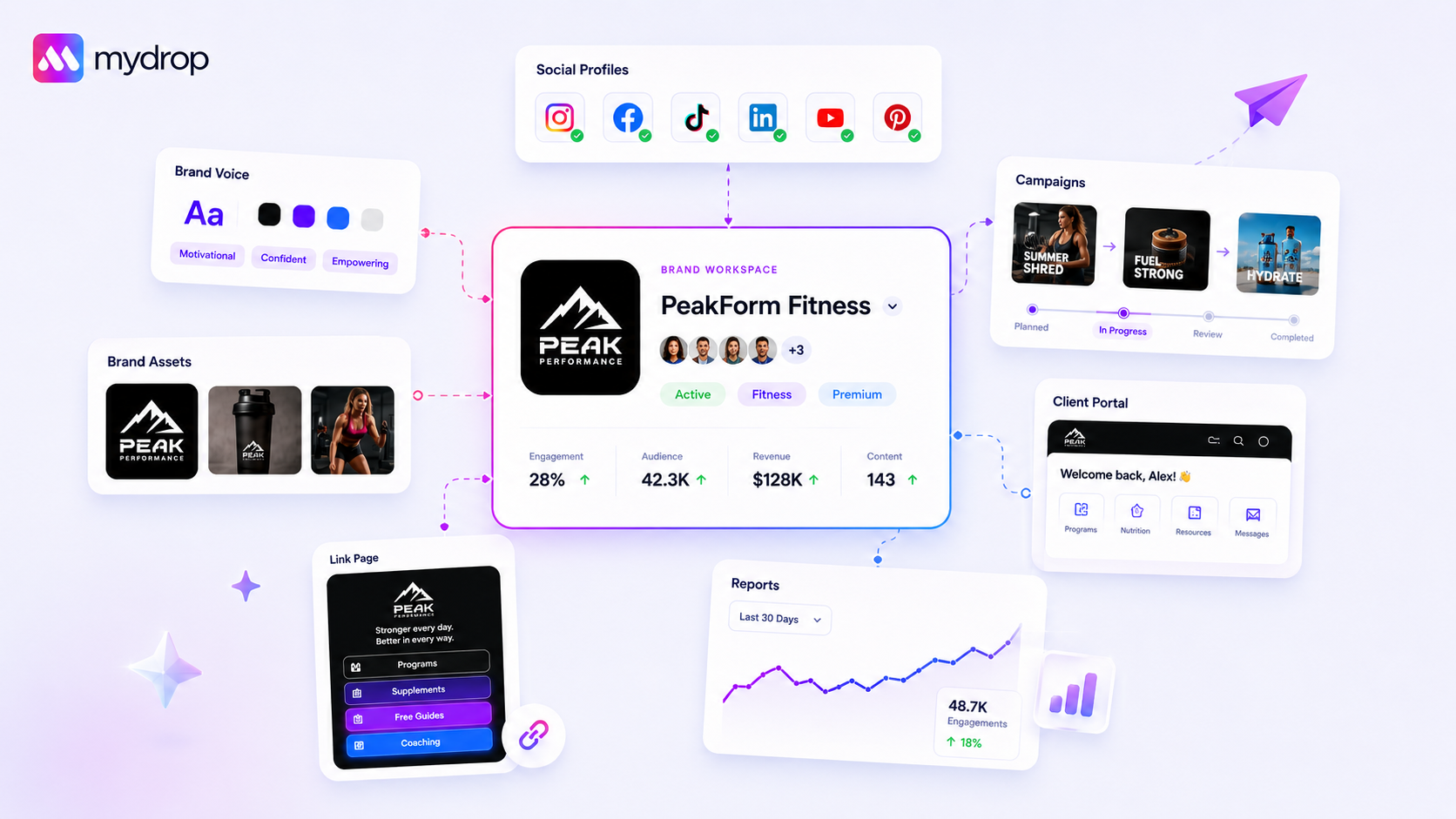
The best way to secure a multi-brand workflow isn't by adding restrictive permissions, but by choosing a platform that physically limits your UI to the brand you are currently handling. When you’re juggling fifty channels across five brands, the real risk isn't a slow approval-it’s an exhausted team member accidentally posting a competitor's meme to your flagship account at 11:00 PM on a Tuesday. We get it, we have been there, and we know that sinking feeling. You don't need more administrative complexity; you need a workspace that actively enforces your focus. The best tools treat brand context as a native safety feature, automatically hiding everything irrelevant so you physically cannot make a cross-brand error.
It is easy to blame human error, but this is a design failure. Your dashboard shouldn't be a chaotic sprawl of 50+ profiles, constant notifications, and high-stakes distraction. When "everything is everywhere," team members inevitably stop noticing which account they are actively editing. It is not just messy-it is a high-stakes environment where one wrong click can undo months of brand positioning.
What the best tools need to handle
The transition from "permissions-only" to "focused-workspace" design is the most significant leap an agency or enterprise brand can make today. If your tool still requires team members to manually toggle, filter, and remember which brand they are working on, you are already operating with a significant coordination debt.
The best tools require these three core capabilities to effectively eliminate cross-pollination risk:
- UI-Level Contextual Filtering: The platform should not just restrict what users can do, but what they see. If you are locked into "Brand A," every menu, calendar, and analytics report should only show "Brand A." Irrelevant data shouldn't be hidden by choice; it should be gone by design.
- Per-Member Persistence: Your security model should allow teammates to focus on different brands simultaneously without getting in each other's way. If I am locking onto a boutique client, it should not affect your view of our corporate flagship account. Focus is personal, not global.
- Dynamic Brand Membership: This is where many legacy systems fail. If you add a new profile to a brand group, it should automatically inherit the lock. You shouldn't have to manually update a "safe list" every time you onboard a new channel.
Operator rule: If your team has to "remember" to switch brands, your tool has already failed the security test.
Mydrop pricing check, September 2026: the entry paid plans of the eight tools most often compared with Mydrop run from $6 per channel (Buffer) and $25 a month (Later) to $99 per user (Hootsuite) and $199 per seat (Sprout Social), read on each vendor's pricing page. Mydrop is free to start, then $19 a month flat, not per seat. Full table on Mydrop's compare pages.
This shifts the burden from the human to the machine. You aren't just preventing errors; you are optimizing for clarity. When your workspace environment is restricted to the active brand, the friction of constant switching disappears, and the chance of a rogue post drops to near-zero. At Mydrop, we built Brand Lock on this principle-ensuring the app environment remains as disciplined as your brand strategy.
Where basic tools start to break
Look, we have all been there. You are staring at a dropdown menu that lists seventy-five different profiles across three continents. You are exhausted, it is nearly 6 p.m. on a Friday, and you just need to get one final post live for a client. That is exactly when the "oops" happens. You click the wrong handle, hit publish, and within seconds, you are on the phone with an angry stakeholder.
The issue here is not that your team lacks discipline; it is that most social management tools are designed for "omniscience" rather than "focus." They assume that because you have a permission level, you want to see everything all at once. That is a mistake. When your dashboard displays every single channel your agency manages, you are suffering from visibility fatigue. Your brain eventually stops checking the small brand logo next to the profile name. It just sees a list.
A dashboard that forces you to scroll through a hundred irrelevant profiles is not a "comprehensive view" of your operations. It is a massive, ongoing liability. Most enterprise tools treat safety as a passive barrier-a gate you pass through only after you have already made the mistake. They rely on complex, restrictive permission sets that are nightmares to audit. If a user has access to a brand, they usually have to navigate through the noise of every other brand to find it. This is where the workflow breaks. When your UI doesn't actively help you exclude the noise, the risk of a cross-brand error becomes a matter of "when," not "if."
Decision check: If a team member is not actively working on a brand, they should not see its profiles. A high-performance workflow keeps the workspace UI strictly constrained to the active brand context.
The buying criteria that matter
When you are vetting a new platform, do not ask about how it restricts access. Ask how it enforces focus. Most tools will sell you on "robust security roles," but what your team actually needs is "contextual clarity."
You need to evaluate tools based on whether they treat safety as a core UI feature rather than a back-end configuration. Use the following scorecard to audit how your current-or prospective-platform handles the risk of brand-crossing errors.
The Focus & Safety Scorecard
| Criterion | What to Ask for in a Demo | Why it Matters |
|---|---|---|
| UI-Level Filtering | Can I lock the entire workspace to one brand? | Prevents accidental cross-posting at the interface level. |
| Per-Member Persistence | Does my brand lock affect my teammates? | Allows teammates to focus on different brands simultaneously. |
| Dynamic Membership | Do new profiles automatically appear in my lock? | Eliminates stale snapshots and manual admin overhead. |
| Selector Integration | Does the filter apply to reporting, calendar, and intake? | Ensures no leaked data appears in secondary views. |
The best way to secure a multi-brand workflow is by choosing a platform that physically limits your UI to the brand you are currently handling. Look for systems that offer a "brand lock" or similar "focus workspace" capability.
When you test a tool, try this: select a brand, lock your workspace, and then navigate to your reporting, calendars, and post creation. If you still see any profile or data point from outside that brand, the tool is failing to provide true focus. In our experience, teams that insist on this UI-level constraint see an immediate drop in "accidental post" incidents.
Most teams do not have a content problem. They have a decision bottleneck. If your tool is making every decision harder by cluttering your screen with irrelevant data, it is actively working against your team's efficiency. At Mydrop, we see the difference immediately when teams enable a dedicated brand lock; it stops being a security exercise and becomes a way to clear the headspace for actual creative work. You should be spending your energy on the message, not playing "find the right handle" in a endless dropdown menu.
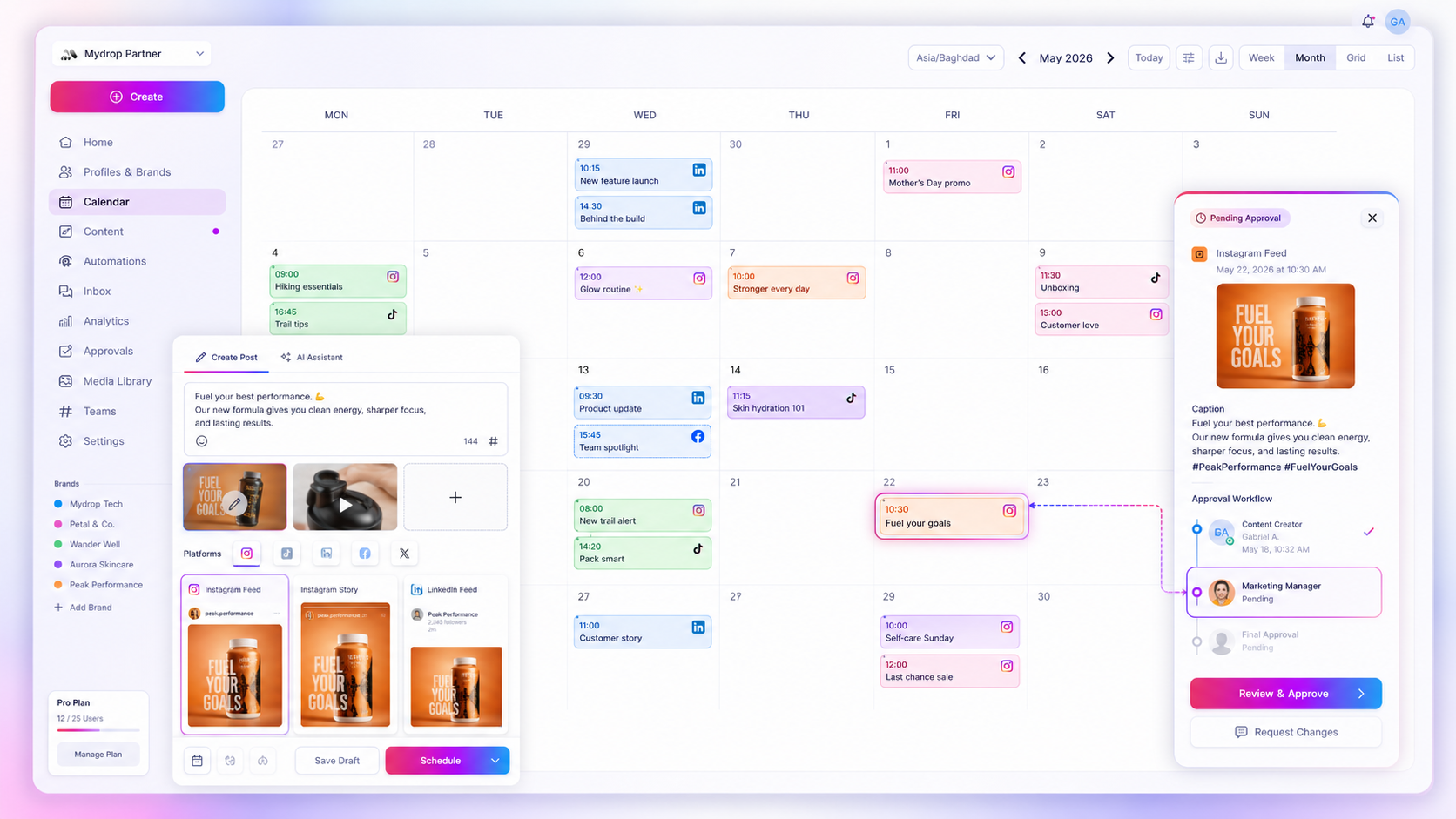
We built Mydrop's Brand Lock not as a complicated permission setting, but as a sanity-saving UI layer. When you enable it in your general workspace settings, you gain a personal sidebar selector that forces the entire interface to focus on exactly what you need to see.
If you are tasked with handling the launch for Brand A, you select it in the sidebar. Every other brand, profile, and report in the workspace instantly fades into the background. You cannot accidentally post to Brand B, and you cannot pull data from a profile you are not currently managing.
This is not just a static view. If your team adds three new social channels to Brand A next week, those profiles automatically roll into your existing lock. There is no need to chase admin updates or fiddle with access settings every time a strategy expands. Your focus remains locked, while the system dynamically handles the membership in the background.
Because these selections are stored on a per-member basis, when using Mydrop, your teammate can be sitting right next to you, locked into an entirely different brand group, without ever seeing your active workflow. You stop fighting the tool for context, and you stop fearing the wrong account post.
Workflow check: Your tool’s UI is your primary defense against human error. If a user has to remember which brand they are in, the system has already failed.
A simple shortlist checklist
When you are evaluating if a platform can handle your multi-brand complexity without becoming a liability, run through this checklist before signing any contract.
- Native focus mode: Can I isolate a specific brand at the UI level for my entire session?
- Dynamic membership: Does the workspace automatically inherit new profiles into my active brand group without manual reconfiguration?
- Per-user persistence: Can my team members maintain independent focus environments, or does the tool force a global filter?
- UI-level safety: Do non-target profiles actually disappear from search, posting, and reporting menus, or do they just get grayed out?
- Gated setup: Can workspace admins toggle these focus features, ensuring that the team stays within the bounds of authorized workflows?
If a tool fails more than two of these, it is not an enterprise solution; it is just a larger, more expensive version of the same mess you are trying to escape.
Conclusion
The transition from permissions-only security to focused-workspace design is not just a change in tool preference-it is a shift in how you manage risk at scale. You are essentially choosing between systems that demand perfection from your team every single minute and systems that design for the reality of high-pressure marketing environments.
Most teams do not have a content problem. They have a decision bottleneck, where the sheer volume of data, profiles, and channels creates enough cognitive noise that mistakes become inevitable. By narrowing the field of vision to the only brand that matters in that moment, you remove the choice, reduce the fatigue, and effectively eliminate the most common cause of brand-crossing errors.
If you are currently managing more than ten profiles, you already know the stakes. The right approach is to stop trying to train your way out of bad UI and start demanding a workspace that works as hard to protect your brand as your team does to build it. When the platform finally understands that focus is the ultimate safety feature, you will wonder how you ever managed the chaos any other way.
 Google review
 Trustpilot review
 Product Hunt comment




