
















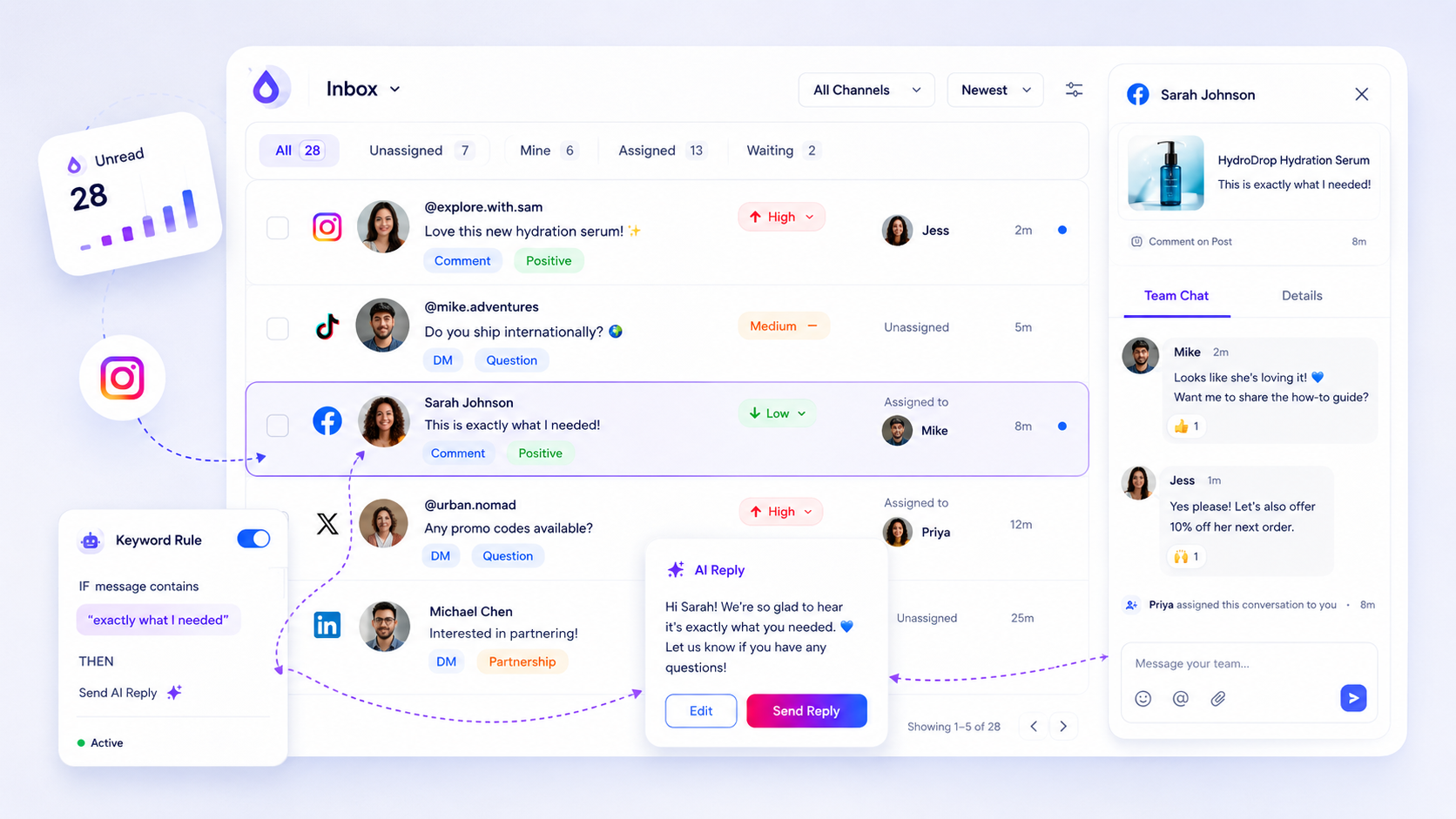
An agency inbox workflow has four parts: one queue per brand, one rota that covers all queues, a one-page rulebook per client, and an escalation ladder for anything risky. Get those four right and replies stop going out from the wrong account, and complaints stop sitting there overnight.
TLDR: Keep the queues separate by client, share your people across them, write down per client what you answer alone and what you escalate, and report response times back every month. The rulebook is the part most agencies skip.
Keep queues separate and people shared
Mixing every client into one list feels efficient, but it causes the worst mistakes: a reply posted from the wrong brand, or one client's complaint read by another's account manager.
Do this instead:
- One queue (or workspace) per client, so access and history stay clean.
- One rota across queues. The person on shift clears new items in every queue, in order of priority, not client by client.
- A named backup per client for sick days and holidays.
Contractors and freelancers should only see the queues they cover. Access follows the rota, not the other way round.
Write a one-page rulebook for each brand
This single page does more for speed than any tool. It answers, per client, who decides what. Fill in one table at onboarding:
| Message type | Who handles it | Client sign-off | Deadline |
|---|---|---|---|
| Opening hours, shipping, how-to questions | Agency, from approved templates | None | Same working day |
| Product or pricing questions | Agency, from approved facts | None for listed facts, yes for anything new | 4 working hours |
| Complaints and refund requests | Agency drafts, client decides | Required | 1 working hour to acknowledge |
| Press, legal, safety or influencer deals | Agency escalates immediately | Required | Same day |
| Praise and emojis | Agency | None | 2 days |
Also record the tone rules (formal or relaxed, emoji or none, how to sign off), the banned topics, and one named person at the client who answers escalations.
Sign-off speed matters for how you design this. In Mydrop's data on posts that went through a client approval, the median time from submission to approval was 6 hours, and 66% were approved within 24 hours. Waiting that long on a customer complaint is too slow, which is why pre-approved templates and clear escalation rules do the heavy lifting.
Build an escalation ladder in three steps
When something risky comes in, nobody should have to work out how to react. Write the ladder once:
- Acknowledge in public or in the DM within the deadline, using a template, without making promises.
- Escalate privately to the client contact with the screenshot, the customer's history and a suggested reply.
- Close the loop by posting the approved answer and logging the outcome.
If the client does not answer inside the deadline, the ladder says what happens next: call the backup contact, or send the safe holding reply again. Clients forgive a slow decision. They do not forgive silence in public.
Plan coverage and handoffs
Agencies often cover time zones the client's own team cannot. Put the answers in writing:
- Hours covered per client, and what the auto-reply says outside them.
- Shift handoff note: open P1 items, anything waiting on the client, anything odd you saw.
- Weekend rule: who checks, how often, and which message types they may answer alone.
Report the inbox back to the client
Most clients never see the inbox work, so it looks like nothing happened. A short monthly summary fixes that:
- number of conversations handled, split by type,
- median time to first reply,
- escalations, and how fast the client answered,
- one theme worth acting on (for example, the same shipping question five times).
The last line is where agencies earn their retainer: the inbox shows what the client's customers keep asking, and that feeds content and product decisions. Mydrop's report tools make the white-label version easy to schedule.
Run the inbox next to each client's calendar
Mydrop's social inbox sits next to the content calendar, and each client can live in its own workspace, which covers the separation step. The client portal gives clients a no-login way to review and approve, so escalations do not wait for someone to remember a password. More on how we support agencies.
Next step: pick your most demanding client and write their one-page rulebook this week. Once it exists, the other brands take ten minutes each. To see the setup working, start free with Mydrop and add that client first.


 Google review
 Trustpilot review
 Product Hunt comment





