Localization

Cross-Platform Localization: Adapt One Post for 5 Platforms

Your best post can be invisible on other platforms and in other languages. Adapt captions, limits and formats for five platforms with this checklist.

3 min read

Updated: Oct 24, 2026

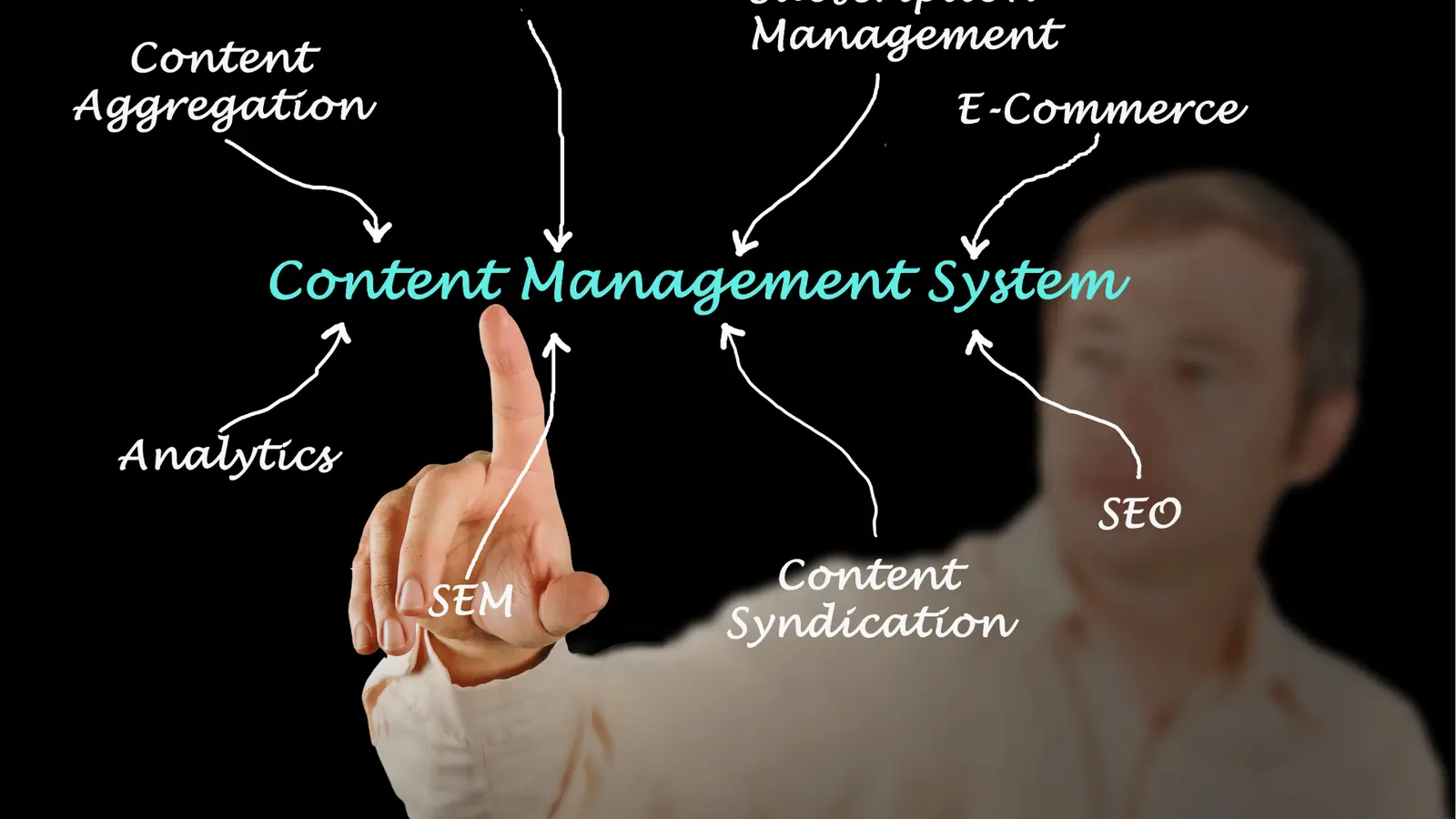
Diagram of a content management system connecting several channels

A strong post often stays invisible because it was published once, in one language, in one format. Adapting it to each platform's limits and audience takes about 20 minutes and gives one idea five chances to be seen. Here is the checklist.

TLDR: Pick your best post of the last 90 days. For each platform, check the caption limit, rewrite the first line for that audience, translate the caption and any text on the image, and publish the file natively. If several channels get weaker results than one, adapt before you create something new.

Mydrop pricing check, September 2026: the entry paid plans of the eight tools most often compared with Mydrop run from $6 per channel (Buffer) and $25 a month (Later) to $99 per user (Hootsuite) and $199 per seat (Sprout Social), read on each vendor's pricing page. Mydrop is free to start, then $19 a month flat, not per seat. Full table on Mydrop's compare pages.

Pricing basis matters here, because adapting one post for five platforms and several languages multiplies the number of channels you manage. Per-channel and per-seat plans grow with every platform you add.

Step 1: choose a post worth adapting

Do not localize everything. Sort the last 90 days by engagement against your own median and take the top post, or the top three if you have several brands.

A post that already worked in one place has proof of demand. A post that failed will fail in five languages too.

Step 2: check each platform's hard limits first

Limits are where adapted posts break. The caps a scheduler enforces before sending are:

Platform Limit to respect
Instagram 2,200 characters, and no more than 5 hashtags
TikTok 2,200 characters, with hashtags counted inside the caption
X 280 weighted characters
Bluesky 300 characters
Pinterest 500 characters for alt text

These can differ from what the app shows while you type, which is why a scheduled post can fail at send time. A caption that fits Instagram will not fit X without a rewrite. Translation also changes length, so leave room and recount after you translate.

Step 3: rewrite the first line for each audience

The first line decides whether anyone reads the rest. A caption that opens with a joke in English may land flat in another market, and a long opener cut off by the "more" fold on Instagram wastes your best line.

For each platform, write the first 80 characters on their own. Mydrop's data shows captions under 80 characters ran 9% below an account's typical post, so keep the opening short and then keep going.

Step 4: translate the words on the image too

A translated caption under an English graphic is half a job. Text inside the image, subtitles and slide copy are what people actually read.

Our testing recommendation, covered in localize captions, not videos, is to start with the caption and on-screen text, and leave dubbing for later. If a platform serves a market where English is the second language, that alone may be enough.

Step 5: publish each file natively

Do not repost a screen recording of a video from one app on another. Upload the original file to each platform, sized for it. Our walkthrough on publishing native video to five platforms in 20 minutes covers the sizes.

Native uploads avoid watermarks and cropped frames, and they get the full reach each platform gives its own format.

Step 6: schedule by local time, not yours

Posting between midnight and 6 am local time ran 17% below the median across platforms in Mydrop's data. If you publish for Germany from Vietnam, set the time in German local hours.

With Mydrop's multi-brand calendar, you plan the five versions in one view and see the per-platform post preview before anything goes out, so a cut-off caption shows up while you can still fix it.

What to do this week

Take your top post. Write down five caption versions in a doc, one per platform, within their limits. Translate one into your biggest second market. Publish them over three days and compare each to that account's median.

If the second-market post beats your median, you have found a gap worth filling. The wider process is in how to localize without extra work.


Free tools

Free Content Calendar Template

Plan a month of posts, then download it as a CSV or a printable calendar.

FAQ

Quick answers

Adapting one piece of content to the language, caption limits and format of each platform. The idea stays the same, the packaging changes.

Often not. Translating the caption and on-screen text, and publishing the video natively on each platform, covers most of the gain.

Each platform enforces its own limits. A scheduler checks them before sending, so a caption the app accepts while you type can still be rejected at publish time.

Next step

Stop coordinating around the work

If your team spends more time chasing approvals, assets, and publish details than creating better posts, the problem is probably not your people. It is the workflow around them. Mydrop brings planning, review, scheduling, and performance into one calmer operating system.

Mydrop Editorial Team

About the author

Mydrop Editorial Team

Mydrop

The Mydrop Editorial Team writes the guides, comparisons, and playbooks on this blog. We cover social media planning, publishing, approvals, analytics, and multi-brand workflows, drawing on how teams actually use Mydrop to run their social programs. Every article is researched, edited, and maintained by the team behind the product.

View all articles by Mydrop Editorial Team

Managing 14+ social platforms felt like a 2 a.m. nightmare until Mydrop. The AI brand-voice mapping is scary accurate, and the client approval portal saved me easily 15 hours this week alone. It's the ultimate set-and-forget workspace for busy agencies.
A true automation tool for scheduling (and creating) social media content! It has saved me over 20 hours of work already in just my first couple weeks. A true game-changer for anyone in business, big or small!
Finally tried Mydrop on a test client and the white-label portal on a custom domain actually looks legit, no Mydrop branding sneaking in. The OAuth setup saved me from the usual “what's my password” back-and-forth.
Absolute game-changer. Mydrop completely automated my content workflow. The scheduling is flawless, it actually feels intuitive, and it saved me 10+ hours in my very first week. Best decision I've made for my socials!
Mydrop AI has been an absolute game changer, it has saved me so much time and effort. It does what it promises. Easy to use, versatile, and the creator is really open to feedback. Very happy!
I was looking through a bunch of management tools for my client, as it was getting out of control; after comparing every solution, I found Mydrop to be a no brainer.
This app helps me more than any other I have ever used. I've got all of my pages and accounts and I can drag and drop like I want. Mydrop has really been a huge asset to my business!
I was looking for a scheduling tool as my clients were using more and more platforms. Mydrop does the job very well, and automations and forms are very useful and save me a lot of time. I recommend!
Love that you baked in white-label portals from day one, that's a huge pain point for agencies.
Love this platform for scheduling social media posts! Easy and very intuitive to use! Highly recommend!
Very nice tool, you will save a lot of time. Very easy to use, user friendly. I have used it for several months and it is very helpful.
Helpful app if you are trying to streamline social content creation for clients.
Managing 14+ social platforms felt like a 2 a.m. nightmare until Mydrop. The AI brand-voice mapping is scary accurate, and the client approval portal saved me easily 15 hours this week alone. It's the ultimate set-and-forget workspace for busy agencies.
A true automation tool for scheduling (and creating) social media content! It has saved me over 20 hours of work already in just my first couple weeks. A true game-changer for anyone in business, big or small!
Finally tried Mydrop on a test client and the white-label portal on a custom domain actually looks legit, no Mydrop branding sneaking in. The OAuth setup saved me from the usual “what's my password” back-and-forth.
Absolute game-changer. Mydrop completely automated my content workflow. The scheduling is flawless, it actually feels intuitive, and it saved me 10+ hours in my very first week. Best decision I've made for my socials!
Mydrop AI has been an absolute game changer, it has saved me so much time and effort. It does what it promises. Easy to use, versatile, and the creator is really open to feedback. Very happy!
I was looking through a bunch of management tools for my client, as it was getting out of control; after comparing every solution, I found Mydrop to be a no brainer.
This app helps me more than any other I have ever used. I've got all of my pages and accounts and I can drag and drop like I want. Mydrop has really been a huge asset to my business!
I was looking for a scheduling tool as my clients were using more and more platforms. Mydrop does the job very well, and automations and forms are very useful and save me a lot of time. I recommend!
Love that you baked in white-label portals from day one, that's a huge pain point for agencies.
Love this platform for scheduling social media posts! Easy and very intuitive to use! Highly recommend!
Very nice tool, you will save a lot of time. Very easy to use, user friendly. I have used it for several months and it is very helpful.
Helpful app if you are trying to streamline social content creation for clients.
Smiling social media managerSmiling social media managerSmiling social media managerSmiling social media managerSmiling social media managerSmiling social media manager

4.8/5 · on Trustpilot & Google