


For a global launch, plan in your audience's local time, not yours. Pick one local send time per region, schedule each regional version in that region's time zone, and run a single pre-flight check before anything goes live. That removes the 3 am alarm and the post that lands while your audience sleeps.
TLDR: Build a table with one row per region and a local send time. Schedule each row in that zone. Check the calendar once before launch.
Mydrop data, September 2026: in the 30 days to 16 September 2026, 98.5% of posts published through Mydrop went live at the first attempt. The most common warning was a YouTube custom thumbnail rejected because the channel was not phone-verified; the most common hard failure was an expired platform connection. Method in the Mydrop social media benchmarks.
Start with the one window you must avoid
Before hunting for the best hour, know the worst one. In Mydrop's data, measured in each account's local time, posting between midnight and 6 am ran 17% below the median across platforms and 36% below on Instagram. The weekday made almost no difference, since every day sat within 2% of the median.
So the rule is simple. Every regional post should land between early morning and late evening in that region's own time. Beyond that, the exact hour matters less than people think, and you should treat any "perfect time" claim with suspicion.
Build a regional send-time table
Make one row per region you care about. Here is an example for a product launch with a 9:00 local send:
| Region | Local send | Time zone | Language or version |
|---|---|---|---|
| California | 9:00 | Pacific | English (US) |
| London | 9:00 | UK | English (UK) |
| Paris | 9:00 | Central Europe | French |
| Singapore | 9:00 | Singapore | English |
| Sydney | 9:00 | Eastern Australia | English (AU) |
Notice the table is by region, not by platform. The same table works for Instagram, LinkedIn or TikTok, and you can shift one platform later if its audience behaves differently.
If you serve fewer than three regions, do not post to all of them at the same local hour. Stagger by an hour or two and watch which one gets earlier replies, because your team needs to be around to answer comments in the first hour.
Schedule in the audience's zone, not your own
The usual mistake is scheduling in your own time zone and doing the math in your head. Do the opposite. Set your workspace to the zone you work in, then choose the target zone for each scheduled post. The calendar should show you the local time at the destination.
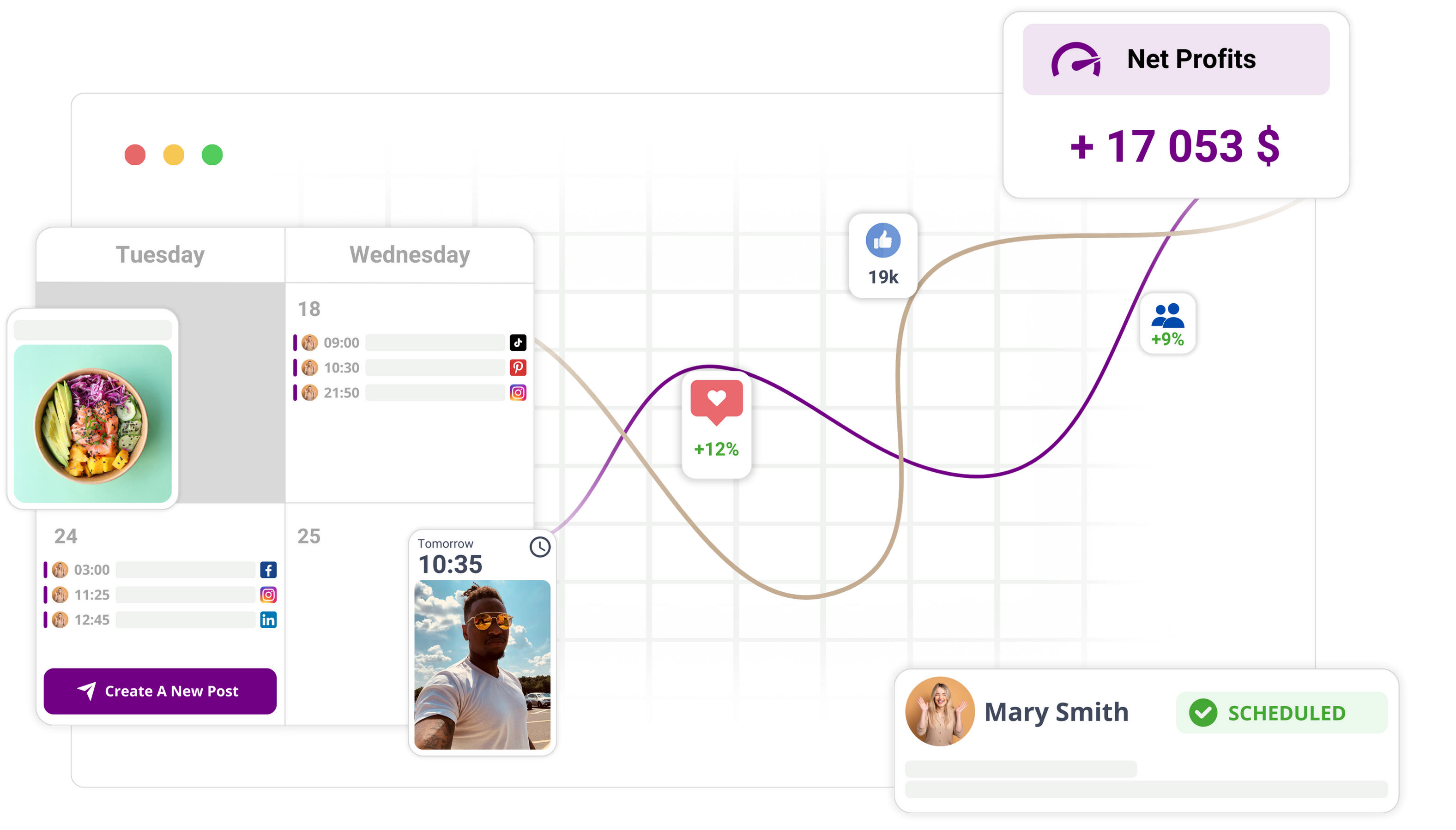
Mydrop supports this through workspace time zones, and the calendar view shows what will publish and when. Our guide on setting workspace time zones walks through the exact clicks.
One trap to know about is the daylight saving shift. Europe and North America change on different dates, so for two or three weeks a year, London and New York are one hour closer or farther apart than usual. Recheck any recurring post in those weeks.
Run a pre-flight check 24 hours before launch
A launch fails in small ways: a wrong zone, an expired connection, a missing thumbnail. A 10-minute check catches almost all of them.
- Open the calendar for launch day and read the local time for each regional post.
- Look for gaps and doubles. No region should have two posts within an hour, and none should be empty.
- Check the connections. An expired platform connection was the most common hard failure in the data above.
- Preview each post on its platform, including the thumbnail for video.
- Name an owner per region who will answer comments in the first hour.
Our 5-minute timezone audit is a shorter version of the same idea for normal weeks.
Send your first regional schedule this week
You do not need a global launch to try this. Take your next campaign, choose two regions, fill in the table and schedule both versions in their own zones. Then compare first-hour replies.
If you want a calendar that shows local times at a glance, open a free Mydrop workspace and set your first workspace time zone. The first schedule takes about 15 minutes, and the second one takes five.

 Google review
 Trustpilot review
 Product Hunt comment




