Publishing Workflows

Consistent Posting Schedule: 4 Reminders for 3 Posts a Week

Stay consistent on social media without burnout: a three-post-a-week rhythm, four repeating reminders and a fallback bank. Backed by Mydrop cadence data.

4 min read

Updated: Oct 24, 2026

Handwritten to-do list on a tablet

You do not need to post every day to look consistent. A realistic rhythm is three posts a week, and four recurring reminders are enough to keep it: plan, make, approve, check. Build the reminders around the rhythm, not the other way around.

TLDR: Pick a rhythm you can keep for 12 weeks (three posts a week is a good start), set one reminder per step of the cycle, and automate the reminder rather than relying on memory. In Mydrop's data, accounts posting 1 to 3 times a week had a median engagement rate of 3.1%, so this pace is not behind.

Mydrop data, September 2026: in the 30 days to 16 September 2026, 98.5% of posts published through Mydrop went live at the first attempt. The most common warning was a YouTube custom thumbnail rejected because the channel was not phone-verified; the most common hard failure was an expired platform connection. Method in the Mydrop social media benchmarks.

Choose a rhythm you can keep, not one that looks impressive

Mydrop's September 2026 data on accounts with at least 8 posts found that those posting under once a week had a median engagement rate of 7.0%, 1 to 3 posts a week 3.1%, 3 to 7 a week 1.5%, and 7 or more 0.7%.

That is a correlation, not a cause. Smaller accounts post less and carry higher rates, so cutting your output will not raise your number. What it shows is that posting less often than daily is normal, not a failure.

Start at three posts a week, such as Monday, Wednesday and Friday. Move up only after 12 steady weeks.

Four reminders cover the whole cycle

Posting fails in the gaps between steps. Each gap gets one reminder.

Reminder When What it asks for
Plan Friday, 15 minutes Choose next week's three topics
Make Monday morning, 45 minutes Draft all three posts and visuals
Approve Tuesday midday Sign off, or send to the client
Check Friday Look at results, fix anything that failed

Put the reminders in the calendar you already open every day. A reminder in an app you never check is the same as no reminder.

Make reminders hard to dismiss without acting

A reminder that says "social media" gets snoozed. One that names a deliverable gets done.

Write it like a task: "Draft Wednesday's post, hook plus one number." Add a link to the folder or tool where the work lives. Set the duration, so a 45-minute task is blocked as 45 minutes.

For recurring ones, set the repeat once and leave it. The guide to a recurring calendar reminder in Mydrop shows the setup.

Keep a two-post fallback for the weeks that go wrong

Every rhythm breaks. A sick week, a client deadline, a trip.

Build a small bank of two evergreen posts that need no new work, and schedule them as the fallback. When the Make reminder goes unanswered, the bank fills the gap. The calendar never looks empty, and you do not feel behind.

The burnout-proof minimum schedule explains how to size that bank for your own account.

Schedule ahead, so the reminders protect you and the posts go out on their own

The best protection against a missed day is a post that already sits in the queue. If you draft and approve on Monday and Tuesday, Wednesday and Friday publish without you.

In Mydrop's data, 98.5% of posts went live at the first attempt. The most common hard failure was an expired platform connection, so the Check reminder should include one job: confirm every connection is still active.

Handle several brands without tripling the reminders

If you manage more than one brand, do not create four reminders per brand. Stack them: one Plan session, one Make block and one Check pass across all brands.

Feeling overwhelmed is mostly context switching. Batch by step, not by brand.

On Mydrop, a multi-brand content calendar shows every brand's week together, and Workspaces keep each one separate when you drill in. Mydrop also connects with Google Calendar, so reminders can sit in the calendar you already use.

Let the tools nudge you, and let the people nudge each other

For solo creators, the reminder is the system. For a team, the weak link is usually someone else's step.

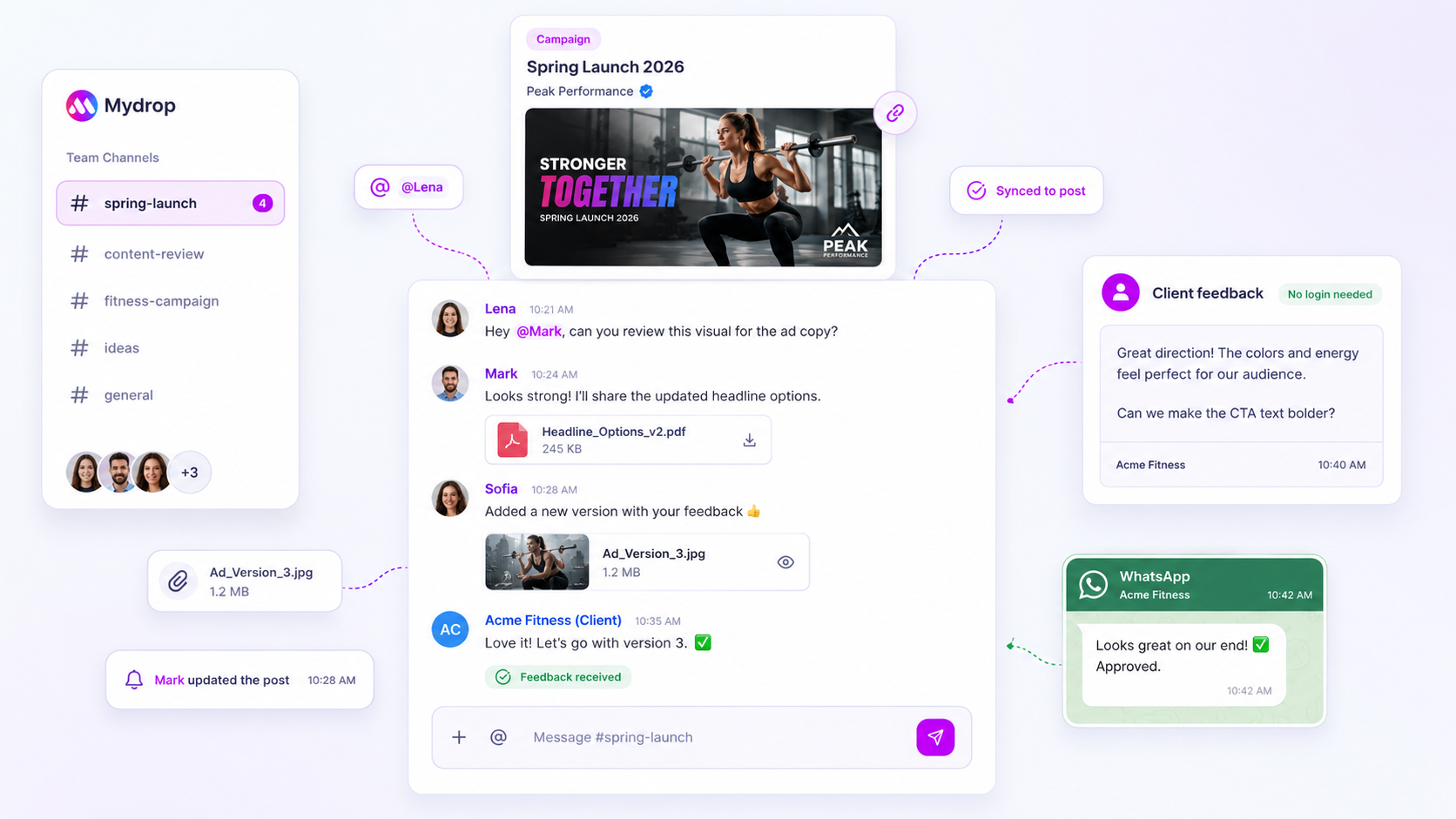
Collaboration features such as comments and roles let you tag the person holding up a post. For clients, the approval flow and the no-login client portal keep sign-off from stalling in an inbox. The approval reminder schedule shows a three-step nudge you can copy.

Set up the four reminders today

  1. Choose three posting days for the next 12 weeks.
  2. Create the four reminders (Plan, Make, Approve, Check) as repeating calendar events.
  3. Write each one as a task with a duration and a link.
  4. Schedule two evergreen posts as a fallback.
  5. After four weeks, count posts published against posts planned.

To plan, schedule and track the rhythm in one place, start free with Mydrop.
Free tools

Free Content Calendar Template

Plan a month of posts, then download it as a CSV or a printable calendar.

FAQ

Quick answers

Three posts a week is a realistic start. In Mydrop's data, accounts posting one to three times a week had a median engagement rate of 3.1%, so you are not behind by skipping daily posting.

Four: plan, make, approve and check. Set each as a repeating calendar task with a duration and a link to where the work lives.

Batch by step, not by brand. Run one planning session, one making block and one check pass across all brands, and keep a two-post evergreen fallback.

Next step

Stop coordinating around the work

If your team spends more time chasing approvals, assets, and publish details than creating better posts, the problem is probably not your people. It is the workflow around them. Mydrop brings planning, review, scheduling, and performance into one calmer operating system.

Mydrop Editorial Team

About the author

Mydrop Editorial Team

Mydrop

The Mydrop Editorial Team writes the guides, comparisons, and playbooks on this blog. We cover social media planning, publishing, approvals, analytics, and multi-brand workflows, drawing on how teams actually use Mydrop to run their social programs. Every article is researched, edited, and maintained by the team behind the product.

View all articles by Mydrop Editorial Team

Managing 14+ social platforms felt like a 2 a.m. nightmare until Mydrop. The AI brand-voice mapping is scary accurate, and the client approval portal saved me easily 15 hours this week alone. It's the ultimate set-and-forget workspace for busy agencies.
A true automation tool for scheduling (and creating) social media content! It has saved me over 20 hours of work already in just my first couple weeks. A true game-changer for anyone in business, big or small!
Finally tried Mydrop on a test client and the white-label portal on a custom domain actually looks legit, no Mydrop branding sneaking in. The OAuth setup saved me from the usual “what's my password” back-and-forth.
Absolute game-changer. Mydrop completely automated my content workflow. The scheduling is flawless, it actually feels intuitive, and it saved me 10+ hours in my very first week. Best decision I've made for my socials!
Mydrop AI has been an absolute game changer, it has saved me so much time and effort. It does what it promises. Easy to use, versatile, and the creator is really open to feedback. Very happy!
I was looking through a bunch of management tools for my client, as it was getting out of control; after comparing every solution, I found Mydrop to be a no brainer.
This app helps me more than any other I have ever used. I've got all of my pages and accounts and I can drag and drop like I want. Mydrop has really been a huge asset to my business!
I was looking for a scheduling tool as my clients were using more and more platforms. Mydrop does the job very well, and automations and forms are very useful and save me a lot of time. I recommend!
Love that you baked in white-label portals from day one, that's a huge pain point for agencies.
Love this platform for scheduling social media posts! Easy and very intuitive to use! Highly recommend!
Very nice tool, you will save a lot of time. Very easy to use, user friendly. I have used it for several months and it is very helpful.
Helpful app if you are trying to streamline social content creation for clients.
Managing 14+ social platforms felt like a 2 a.m. nightmare until Mydrop. The AI brand-voice mapping is scary accurate, and the client approval portal saved me easily 15 hours this week alone. It's the ultimate set-and-forget workspace for busy agencies.
A true automation tool for scheduling (and creating) social media content! It has saved me over 20 hours of work already in just my first couple weeks. A true game-changer for anyone in business, big or small!
Finally tried Mydrop on a test client and the white-label portal on a custom domain actually looks legit, no Mydrop branding sneaking in. The OAuth setup saved me from the usual “what's my password” back-and-forth.
Absolute game-changer. Mydrop completely automated my content workflow. The scheduling is flawless, it actually feels intuitive, and it saved me 10+ hours in my very first week. Best decision I've made for my socials!
Mydrop AI has been an absolute game changer, it has saved me so much time and effort. It does what it promises. Easy to use, versatile, and the creator is really open to feedback. Very happy!
I was looking through a bunch of management tools for my client, as it was getting out of control; after comparing every solution, I found Mydrop to be a no brainer.
This app helps me more than any other I have ever used. I've got all of my pages and accounts and I can drag and drop like I want. Mydrop has really been a huge asset to my business!
I was looking for a scheduling tool as my clients were using more and more platforms. Mydrop does the job very well, and automations and forms are very useful and save me a lot of time. I recommend!
Love that you baked in white-label portals from day one, that's a huge pain point for agencies.
Love this platform for scheduling social media posts! Easy and very intuitive to use! Highly recommend!
Very nice tool, you will save a lot of time. Very easy to use, user friendly. I have used it for several months and it is very helpful.
Helpful app if you are trying to streamline social content creation for clients.
Smiling social media managerSmiling social media managerSmiling social media managerSmiling social media managerSmiling social media managerSmiling social media manager

4.8/5 · on Trustpilot & Google