


A social media calendar drives growth when every slot has a job: reach, trust or sales. Fill the calendar from those goals, choose a format for each, and review one number per goal each month. A calendar of dates with nothing assigned to them is only a to-do list.
TLDR: Split slots across three jobs (reach, trust, sales), give each a format and a metric, avoid midnight to 6 am, and review monthly. Keep a rule that every slot answers: what should this post do?
This is the planning version. If you already have a calendar and want to improve it from data, see how to optimize your content calendar with performance data.
Start with three jobs, not 30 post ideas
Every post does one of three things:
- Reach: gets in front of people who do not follow you yet. Formats that travel: short video, carousels, useful tips.
- Trust: shows people who already follow you that you know your work. Case notes, behind the scenes, customer stories.
- Sales: asks for an action. A product post, an offer, a booking.
A calendar that is all sales gets ignored. One that is all reach grows followers who never buy. A good starting split is half reach, a third trust and the rest sales, adjusted to your business after a quarter of data.
Use a four-column planning grid
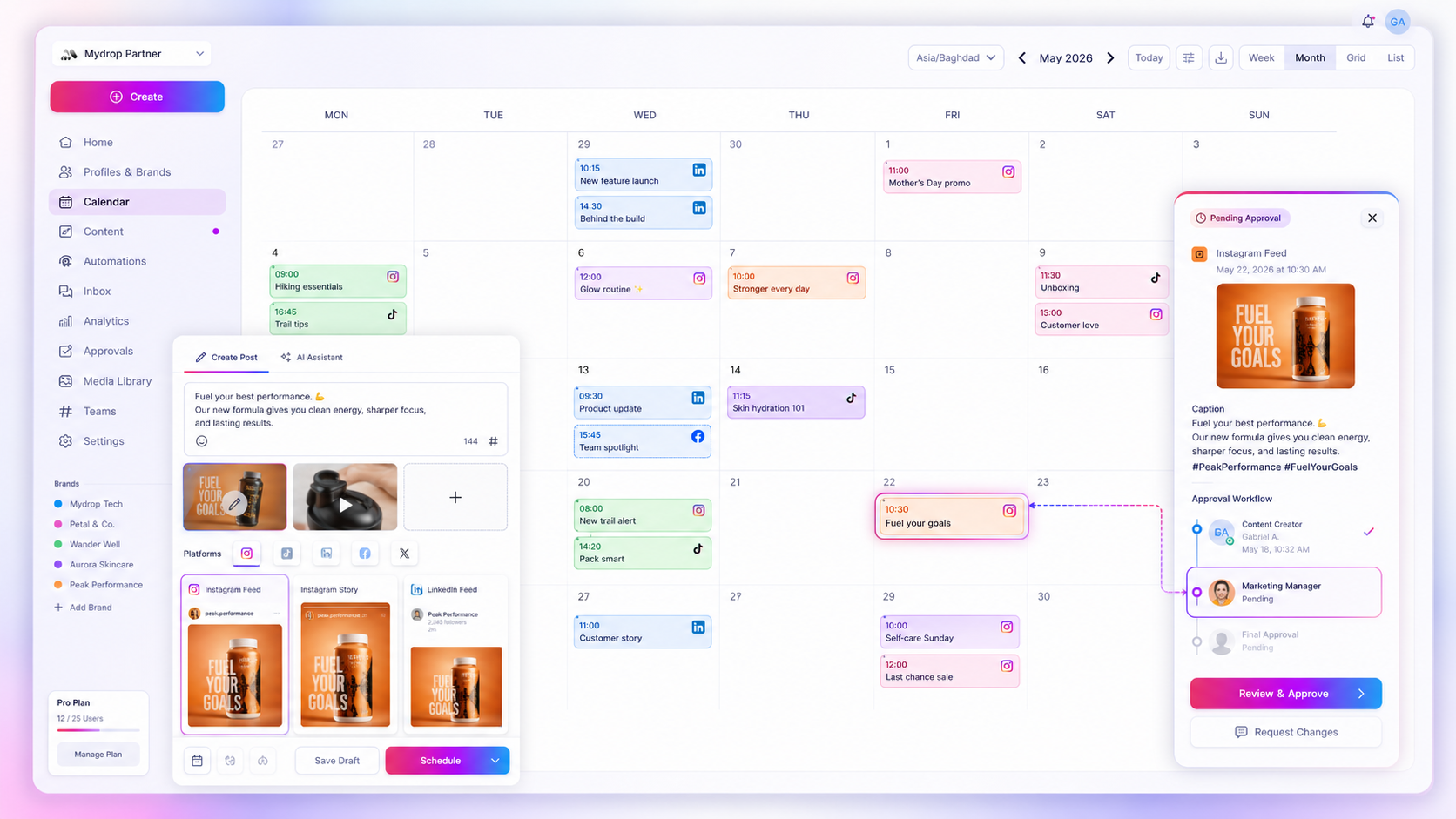
Plan each week on a grid with four columns. You can do this in a spreadsheet, or directly in the Mydrop calendar by labelling each post.
| Slot | Job | Format | Number to check |
|---|---|---|---|
| Mon | Reach | Carousel | Reach and saves |
| Wed | Trust | Customer story | Comments and shares |
| Thu | Reach | Short video | Views |
| Fri | Sales | Product post | Link clicks |
If a slot cannot be filled in all four columns, do not post it yet. A post with no number to check cannot teach you anything.
Choose formats from data, then stop agonizing
Format debates eat planning time, and the data suggests the gap is smaller than people think. In Mydrop's data, carousels ran 10% above an account's typical post, photos and videos sat at the median, and a link in the caption cost 7%. So carousels are a fair default for reach, and the "link in bio" habit costs less than a link in the caption.
The better question is which format you can make every week without burning out.
Put posts at sensible times and move on
The same data showed that the weekday made almost no difference: every day sat within 2% of the account's median. The clear loser was posting between midnight and 6 am in your audience's local time, which ran 17% below the median across platforms and 36% below on Instagram.
For a team across time zones, schedule in the audience's time, not yours. That is a tool job. Scheduling in advance in Mydrop lets you set the time per post so a late-night session still publishes at breakfast time for the reader.
Keep a theme per month, a job per slot
A theme gives your team something to build ideas around: "autumn menu", "first-time customers", "behind the build". Pick one per month, then give each slot its job. This keeps the calendar from filling with unrelated posts, and it makes creative briefs short.
For several brands, keep each brand's calendar separate but use the same grid. When the structure is the same, a manager can review five calendars in the time it takes to review one.
Build in room for the unplanned
Leave one slot a week empty on purpose. Fill it with a reaction to news, a customer comment or the best-performing idea from last week. A calendar that is 100% full cannot respond to anything, and some of your best posts will come from that gap.
Review monthly with one question per job
Once a month, spend 30 minutes. For each job, look at its number and ask a single question:
- Reach: which format earned the most views per post?
- Trust: which story got the most real comments?
- Sales: which post sent the most clicks?
Move two slots next month toward the winner and retire one slot that taught you nothing. After three months you have a calendar built on your own evidence.
Your next step: open next week's calendar and write the job beside every slot. Delete or rewrite any slot you cannot give a job, then schedule the rest.

 Google review
 Trustpilot review
 Product Hunt comment




