

















Three kinds of platforms automate project reminders and updates: task managers (Asana, Monday, ClickUp, Trello) for tasks, social tools (Mydrop) for deadlines tied to a post, and calendar apps for time-based nudges. For a content team, the best setup uses one of each for what it does best, and gives every reminder an owner, a due time and a place to act.
TLDR: Map your recurring tasks (weekly, monthly, quarterly), give each one an owner, put post-related deadlines on the post itself, and send two reminders per task: one before, one at the due time. Escalate anything overdue.
Which kind of tool for which reminder
| Reminder type | Best place | Example |
|---|---|---|
| Deadline on a specific post | The social tool, next to the post | "Caption due Tuesday", "Client approval pending" |
| Repeating team task | A task manager | "Monthly analytics export" |
| Personal time-based nudge | A calendar app | "Check the inbox at 4 pm" |
| Waiting on someone outside the team | The approval flow | Client sign-off |
Tool sprawl is the main risk. Pick one home for each reminder type and write it down. Comparing task tools in depth is a different question, which we cover in Mydrop vs Monday vs ClickUp.
Step 1: Map the recurring tasks
Write down every task that repeats, with its rhythm. A starter map for a small content team:
| Rhythm | Task | Owner | Due |
|---|---|---|---|
| Weekly | Plan next week's posts | Content lead | Monday 10 am |
| Weekly | Drafts ready for review | Writer | Wednesday 12 pm |
| Weekly | Approvals done | Approver | Thursday 12 pm |
| Weekly | Posts scheduled | Scheduler | Thursday 5 pm |
| Weekly | Inbox clean-up | Community manager | Friday 3 pm |
| Monthly | Analytics review and report | Analyst | 3rd working day |
| Quarterly | Refresh bios, links and pinned posts | Content lead | First week |
Change the days to fit your rhythm. The structure is what matters: one owner and one time for every row.
Step 2: Put the deadline where the work happens
A reminder only works if the person can act on it in one click. A task that says "approve posts" with no link sends them hunting. Where possible:
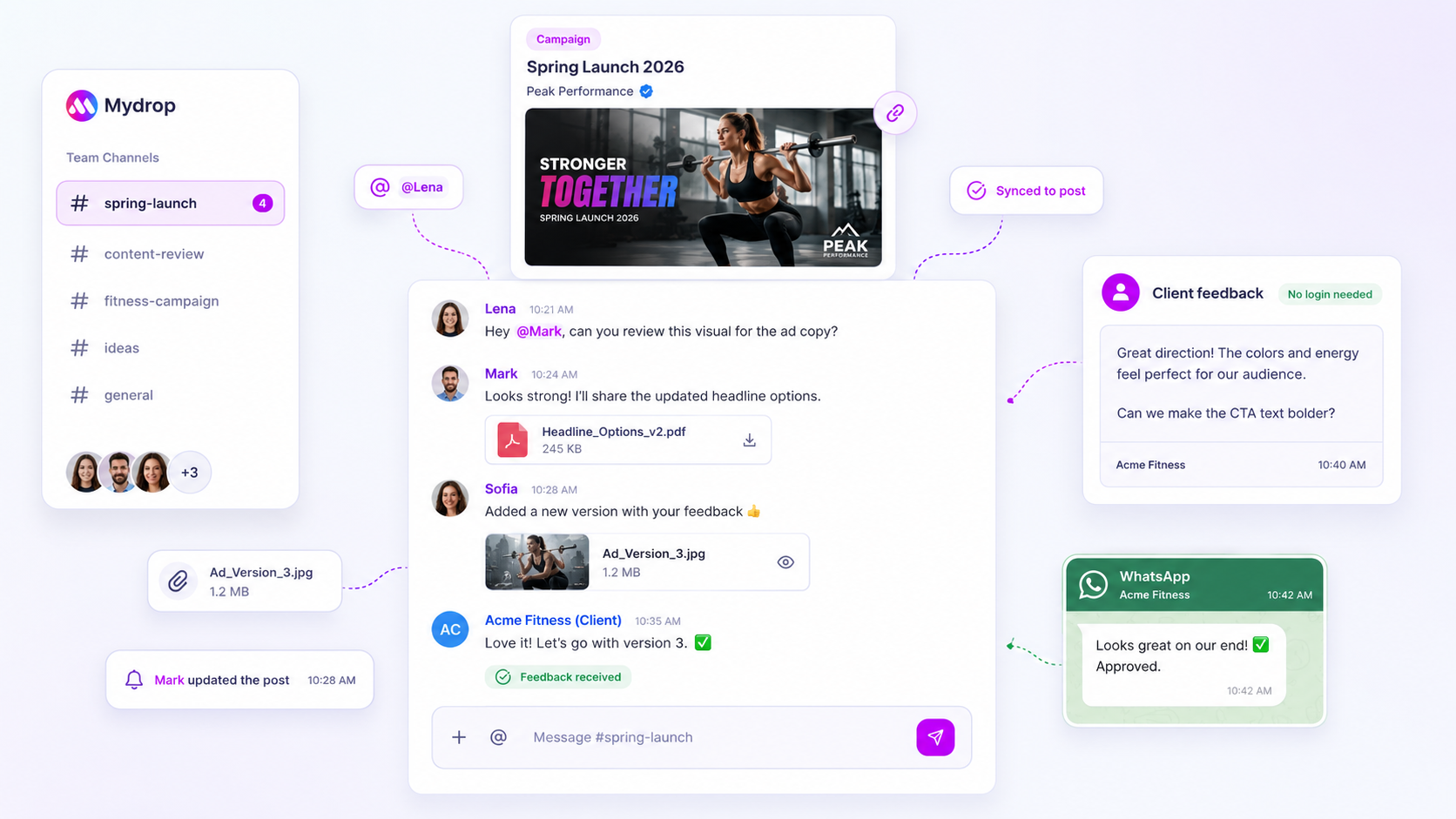
- Put post deadlines on the post (in Mydrop's calendar the draft, the reviewer and the status live together).
- Link the task to the exact document or folder.
- Keep the instructions to one line.
Step 3: Send two reminders, not five
- Reminder 1: 24 hours before the due time, so the person can plan.
- Reminder 2: at the due time.
For approvals, in Mydrop's data on the posts that went through a client approval, 66% were approved within 24 hours and the median was 6 hours. So a reminder at 24 hours only reaches the slower third, which is exactly who needs it. More on that in automating approval reminders.
Step 4: Decide what happens when something is overdue
Without a rule, an overdue task turns into an awkward chat message. Write it down:
- Overdue by one hour: the owner gets a second nudge.
- Overdue by one day: the manager sees it in a weekly overdue list.
- Overdue and blocking publication: the manager reassigns it. The post does not go out unapproved.
Step 5: Review the map every quarter
Recurring tasks go stale. Once a quarter, ask of each task: is it still needed, is the owner still right, and is the due time still realistic? Delete what nobody misses. A shorter map gets followed better than a long one.
Keep post tasks on the calendar, the rest in your task tool
Mydrop covers the part of the map tied to posts: approvals, comments, reviewers and due dates on the calendar. It doesn't replace a general task manager for work with no post attached, such as the monthly report prep, so keep that in the tool your team already uses.
Next step: fill in the table above for your own team in ten minutes, then set up the two reminders for the three tasks that slip most often. To put the post-related deadlines on the calendar, start free with Mydrop.


 Google review
 Trustpilot review
 Product Hunt comment





