






























Short answer: Canva is still the best place to get editable social media templates in 2026. It has the biggest library, presets for every platform size, and the free plan covers most people.
But "template tool" actually means two different things, and buying the wrong kind wastes money:
- Design tools give you editable graphic templates: Canva, Adobe Express, VistaCreate, Figma, Visme.
- Publishing tools turn a finished design into a reusable post you can duplicate, adapt per platform, and schedule. That's where Mydrop fits.
Most teams need one of each. Here are the six worth your time, what's genuinely free, and how to crosspost one template to nine platforms without rebuilding it nine times.
TLDR: Design in Canva (the free plan is enough to start), then push designs into a scheduler with bulk creation so one template becomes a week of posts. If you only pay for one tool, pay for the one that both stores the template and publishes it.
Mydrop pricing check, September 2026: the entry paid plans of the eight tools most often compared with Mydrop run from $6 per channel (Buffer) and $25 a month (Later) to $99 per user (Hootsuite) and $199 per seat (Sprout Social), read on each vendor's pricing page. Mydrop is free to start, then $19 a month flat, not per seat. Full table on Mydrop's compare pages.
The 6 best template tools at a glance
| Tool | Best for | Free plan | The catch |
|---|---|---|---|
| Canva | Biggest editable template library | Yes, generous | Brand Kit and resize live in Pro |
| Adobe Express | Teams already on Adobe / stock-heavy work | Yes | Smaller social-specific library |
| VistaCreate | Free editable templates, fast edits | Yes | Fewer advanced features |
| Figma | Building your own template system | Yes, with limits | Steeper learning curve, no publishing |
| Visme | Data posts, charts, infographics | Yes, limited | Downloads throttled on free |
| Mydrop | Turning designs into reusable, crosspostable posts | Free to start | It's a publisher, not a graphics editor |
1. Canva: the default for editable templates
Canva wins on sheer volume. Hundreds of thousands of editable social templates, every platform preset (Reels covers, carousel slides, Stories, LinkedIn banners), and drag-and-drop editing anyone on your team can handle.
Free plan: genuinely usable. You get most templates, basic photos, and standard exports.
Pro (around $15/month per person): adds Brand Kit (locked fonts and colours), Magic Resize to convert one design between platform sizes, and the premium template pool.
The honest limitation: Canva stores designs, not posts. Captions, hashtags, first comments, and scheduling live somewhere else. That gap is exactly why the Canva integration in Mydrop exists: finished designs flow straight into your calendar without the download-and-reupload dance.
2. Adobe Express: best if you're already paying Adobe
Adobe Express is Canva's closest rival, and it comes bundled with many Creative Cloud plans, so check whether you already own it before paying for anything.
Strengths: Adobe Stock assets built in, tight handoff with Photoshop and Illustrator, solid brand controls.
Free plan: real and usable. Premium is around $10/month.
Pick it over Canva when your designers live in Adobe tools and you want templates that respect print-grade brand files. Skip it if you just need fast social graphics: Canva's social library is deeper.
3. VistaCreate: the best fully free option
VistaCreate (formerly Crello) is the tool I point people to when the budget is zero. Thousands of editable social templates, animated formats included, and a free plan that doesn't constantly nag you into upgrading.
The library is smaller than Canva's and the brand-management features are thinner. For a solo creator posting a few times a week, it's plenty.
4. Figma: build your own template system
Figma is the odd one out: it doesn't hand you templates, it lets you build a proper component system so your team's posts stay pixel-consistent forever.
Change the logo in one component and every template updates. For brands with a real design team, that beats any pre-made library.
When it's wrong for you: if nobody on the team knows Figma, the setup cost eats months. And it has zero publishing features, so you'll still need a scheduler.
5. Visme: templates for data-heavy posts
Visme specialises in the posts Canva does worst: charts, infographics, stat carousels, report-style graphics. If your content leans on numbers (B2B, finance, SaaS), its editable chart templates save real hours.
Free plan exists but limits downloads and branding. Treat it as a complement to Canva, not a replacement.
6. Mydrop: where a design becomes a reusable post
Here's the part most template roundups skip: the graphic is maybe 40% of the post. The caption, the hashtags, the platform variants, and the schedule are the rest, and design tools don't template any of that.
Mydrop covers that second half:
- Bulk creation turns one format into a batch: build the structure once, generate a week or a month of variants in one sitting.
- AI captions and post ideas fill the template's text layer, so "editable template" includes the words, not just the pixels.
- Every post lands on a multi-brand content calendar, so the formats you keep reusing are visible at a glance and the next batch is easy to plan around them.
It publishes to 9 platforms (Instagram, TikTok, LinkedIn, X, Facebook, YouTube, Pinterest, Threads, Google Business Profile), and there's a free way to start.
Crossposting: one template, nine platforms, zero rebuilds
A lot of you found this page searching for crossposting tools, so here's the workflow that actually holds up:
- Design once in Canva or Adobe Express, using each tool's resize feature for platform dimensions (1080x1350 for Instagram feed, 1080x1920 for Stories and TikTok, 1200x627 for LinkedIn).
- Import into your scheduler rather than posting natively nine times.
- Adapt the caption per platform. Straight copy-paste crossposting underperforms: LinkedIn wants context, X wants brevity, Instagram carries the hashtags.
- Check the preview before it goes out. Mydrop's per-platform post preview shows exactly how the same template renders on each network, which catches cropped text and broken line breaks before your audience does.
One more housekeeping tip: keep final exports in one shared location, or you'll be hunting "logo_final_v3" forever. We covered that mess in our asset management tools guide.
What this stack costs in 2026
For the people searching pricing: a full design-to-publish template workflow costs between $0 and roughly $25/month for a solo creator.
- Free stack: VistaCreate or Canva free + Mydrop's free start. Fully workable.
- Solo/paid: Canva Pro (~$15/month) for Brand Kit and Magic Resize, plus a paid scheduler tier when volume grows.
- Team: budget per seat on the design side, and pick a publisher priced on brands or workspaces rather than per-user if you manage multiple accounts.
Prices shift, so verify before you commit. But the shape holds: design tools are cheap or free, and the publishing layer is where plans differ most.
Set up your first reusable template this week
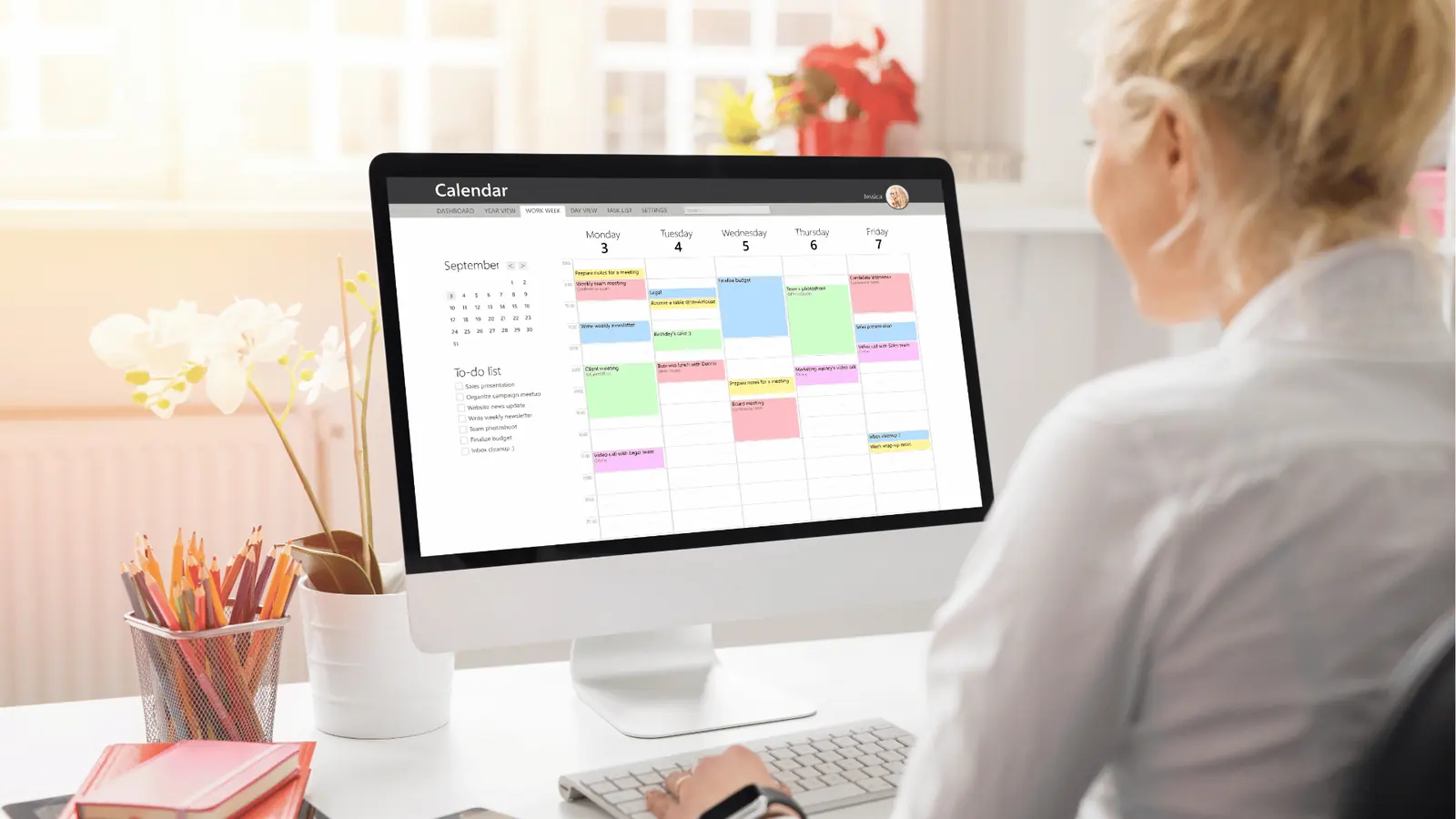
Don't audit six tools. Do this instead:
- Pick your 3 most repeated post formats (for most accounts: a tip post, a promo, and a testimonial or results post).
- Build each one as an editable template in Canva, free plan.
- Connect Canva to Mydrop and batch next week's posts from those three templates in one sitting.
If next week's content takes under an hour to produce, the template system works. Start free with Mydrop, connect your platforms, and let one good design do the work of nine.


 Google review
 Trustpilot review
 Product Hunt comment




