

















A multi-platform campaign needs three templates, not thirty: one brief, one channel matrix and one UTM naming rule. All three are below, ready to copy. The last two sections show what to automate and how to test a tool against them.
TLDR: Fill in one brief per campaign, adapt it with a channel matrix, tag every link with the same UTM pattern, and automate only the repetitive parts: scheduling, link tagging, approval reminders and reporting. Choose a tool that groups posts into a campaign, because that is what makes the reporting automatic.
Mydrop pricing check, September 2026: the entry paid plans of the eight tools most often compared with Mydrop run from $6 per channel (Buffer) and $25 a month (Later) to $99 per user (Hootsuite) and $79 per seat (Sprout Social), read on each vendor's pricing page. Mydrop is free to start, then $19 a month flat, not per seat. Full table on Mydrop's compare pages.
Template 1: the one-page campaign brief
If the brief doesn't fit on one page, the campaign has no focus yet. Copy this table into a doc and fill in the right-hand column.
| Field | What to write |
|---|---|
| Goal | One number and a date ("300 signups by 30 November") |
| Audience | One sentence: who, and what they care about |
| Offer | What the reader gets, in plain words |
| Core message | The one sentence every post must carry |
| Dates | Start, end, and number of posts |
| Owner and approver | Two names, not two teams |
| Assets | A link to one folder |
| Campaign name | Used in every tracked link (see Template 3) |
Template 2: the channel matrix
The core message stays the same on every platform. The shape changes. Fill one row per platform you'll use.
| Platform | Caption cap enforced before sending | Typical job in a campaign |
|---|---|---|
| 2,200 characters, 5 hashtags | Awareness and saves (carousel or Reel) | |
| TikTok | 2,200 characters, hashtags count inside | Reach with short video |
| X | 280 weighted characters | Announcements and replies |
| Bluesky | 300 characters | Short updates |
As of September 2026, these are the caps Mydrop's publisher checks before a post goes out, with one exception: the 5-hashtag cap on Instagram posts and Reels is a rule you keep yourself. They can differ from what the app shows while you type, which is why a scheduler sometimes rejects a caption the app would accept. Add rows for LinkedIn, YouTube and Pinterest the same way, and write the call to action for each row before you write a single caption.
Template 3: the UTM naming rule
Without one rule, the same campaign shows up as five different rows in your analytics. Use this pattern on every link:
utm_source: the platform, lowercase (instagram)utm_medium: alwayssocialutm_campaign: brand, campaign and month, with hyphens (acme-spring-launch-2026-03)
Keep everything lowercase and never use spaces. Analytics tools treat Instagram and instagram as two different values, so one capital letter splits your report in half.
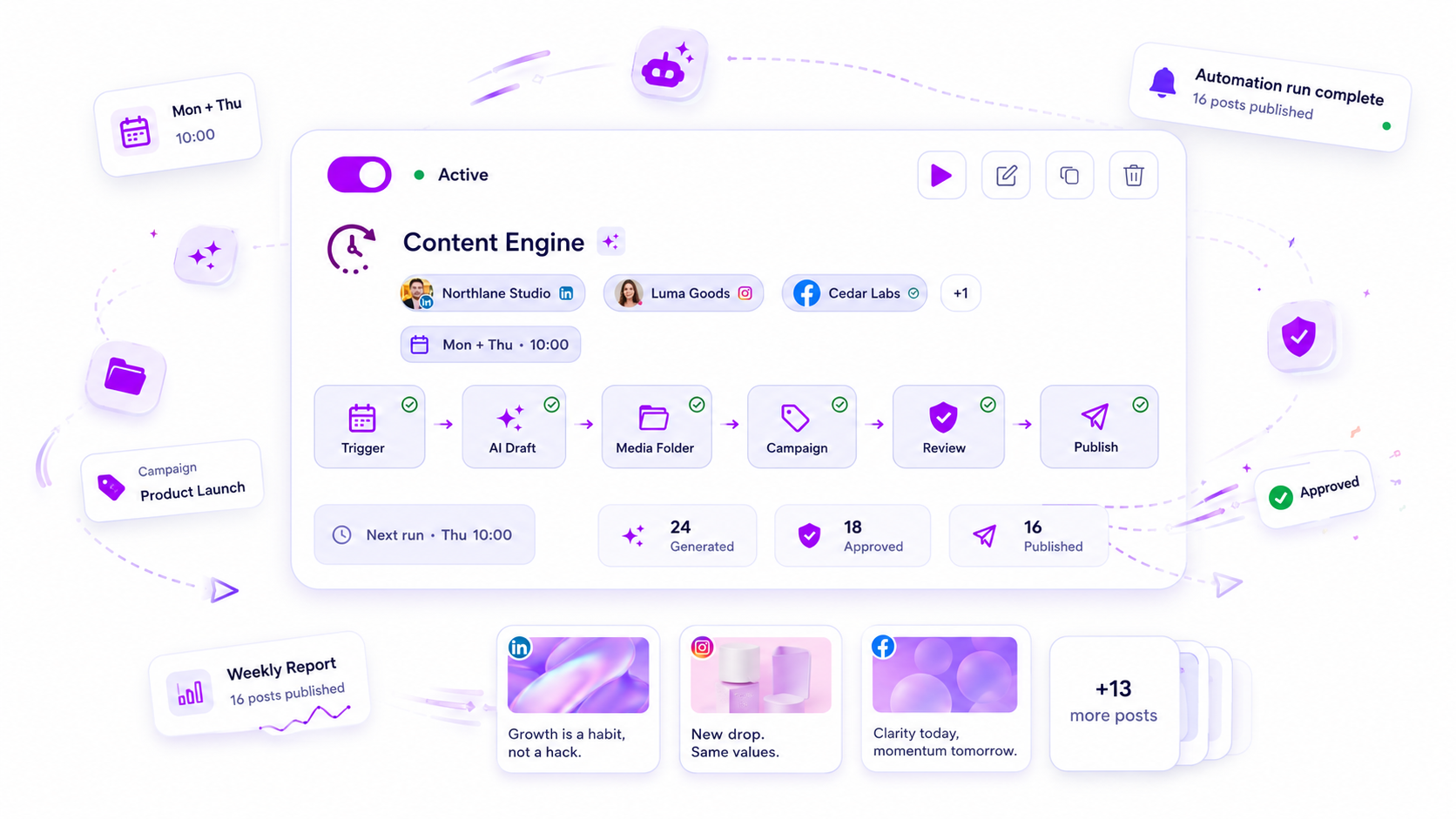
You can also stop typing these by hand. In Mydrop's campaigns you set the source, medium and campaign once, and every caption link published during the campaign's active dates gets the parameters added.
Which campaign tasks to automate: UTMs yes, the brief no
| Task | Automate? | How |
|---|---|---|
| Link tagging | Yes | Campaign-level UTM rule |
| Scheduling the whole set | Yes | Create posts in bulk from a CSV, with dates per row |
| Approval reminders | Yes | Automatic nudges to the approver |
| Weekly campaign report | Yes | Scheduled report to the client |
| Core message and hook | No | This is the campaign |
| Final read of each post | No | One human check before it goes out |
An automated mess is just a faster mess, so route anything generated to an approver first. Mydrop's bulk creation validates every row before anything publishes and lets you retry only the rows that failed.
Four tests for any campaign tool
Run these in a free trial with a real campaign:
- Can I group posts under one campaign with start and end dates?
- Does it add UTM tags for me, only during those dates?
- Can I load a month of posts from a CSV and see errors row by row?
- Can the client approve without creating an account?
Mydrop covers all four, and the box above compares what the entry plans of the usual alternatives cost and how they bill.
Next step: copy Template 1 into a doc today and fill it in for your next launch. Then start free with Mydrop and set up the campaign, so the dates, tags and approvals are in place before the first post.


 Google review
 Trustpilot review
 Product Hunt comment





