

















TLDR: Clutter comes from reports with no home and no naming rule. Use one Drive tree (client, year, month), one file name pattern, and a monthly routine that starts from a scheduled PDF report instead of a fresh export each time.
Most social reporting mess is not a data problem. It is a filing problem: ten exports called "analytics final v2", spread across three people's downloads folders.
Here is a short system that fixes it, using Google Drive and a scheduled report. One honest note first: Mydrop produces the report, and you decide where it lives. Think of Drive as the archive, not as a live data feed.
One folder tree that never changes
Use the same structure for every client or brand:
- Client or brand name
- 2026
- 2026-09 September
- 2026-10 October
- 2026
Inside each month, keep exactly three things: the PDF report, the raw export if you need one, and a short notes file with what you changed and why. Nothing else.
A fixed tree means a new teammate can find any report without asking. It also makes it obvious when a month is missing.
A naming rule you can type without thinking
Pattern: YYYY-MM_Brand_Social-Report.pdf.
Putting the year and month first sorts files in date order automatically. Putting the brand second keeps the file identifiable once it leaves the folder. Ban words like "final", "latest" and "v2". If a report changes, add the date to the notes file instead.
Start from a scheduled report, not a manual export
The slow part of reporting is the export. Downloading CSVs from each platform and rebuilding charts is where Friday afternoons disappear.
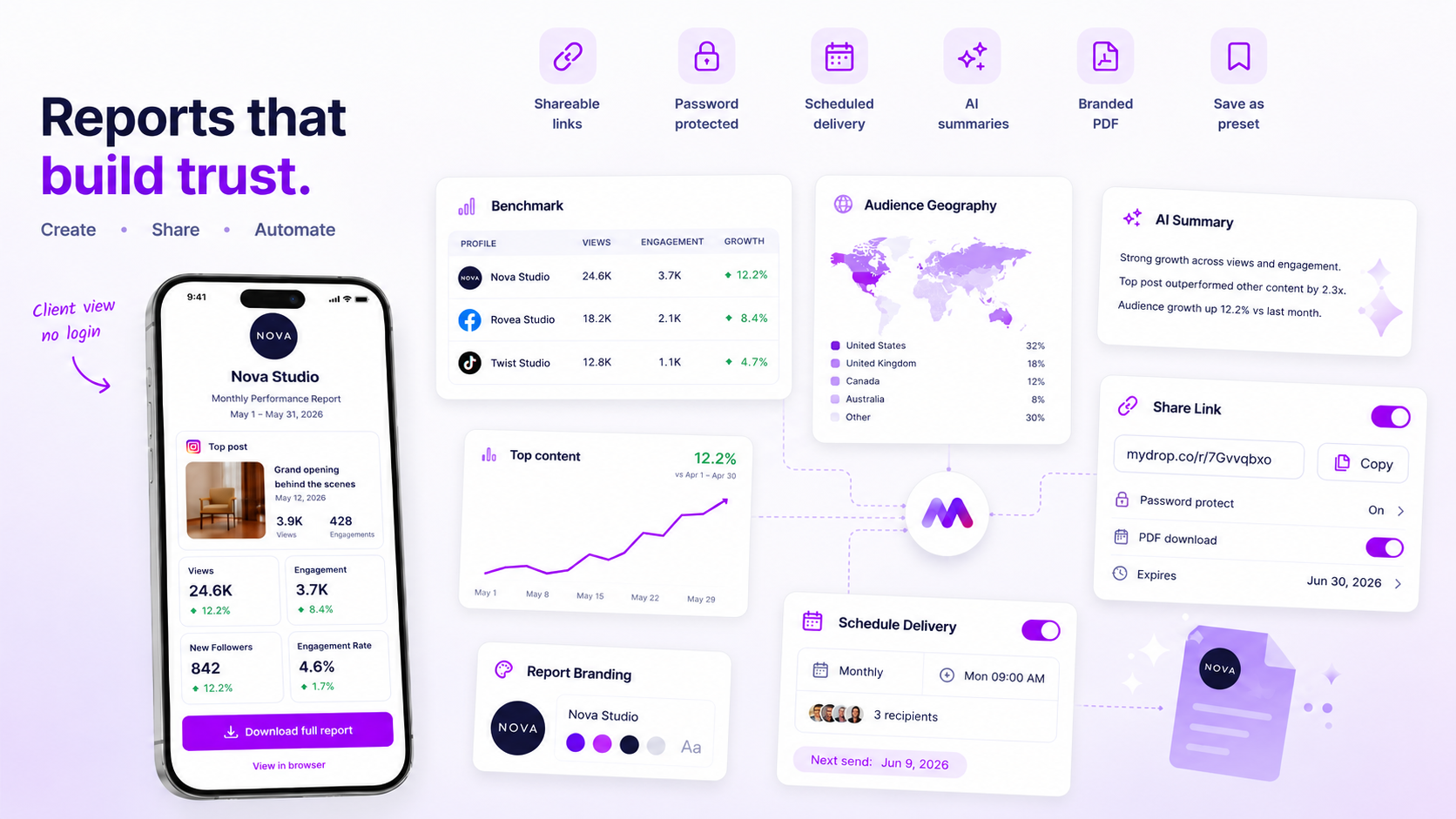
Mydrop's social media reports generate white-label PDFs, share links and scheduled delivery, so the report arrives on the same day each month. You save it to the month folder and you are done. The numbers behind it come from Performances, which carries native per-platform metrics such as YouTube watch time, Pinterest saves and LinkedIn seniority breakdowns.
If stakeholders only need to read the result, send the share link and skip the file entirely.
Set Drive permissions once
Give clients view-only access to their own folder, and keep editing rights inside your team. Share the folder, not individual files, so every new month is visible without another invite.
Do not give edit access to the report folder to anyone who might "tidy up". Reports are a record, and a record should not change.
Run a 20-minute month-end routine
| Step | Time | Output |
|---|---|---|
| Open the scheduled report | 3 min | PDF saved with the naming rule |
| Add 3 notes | 10 min | What moved, what did not, one change for next month |
| Check the folder | 2 min | Month folder has exactly three items |
| Tell the client | 5 min | Link sent with a one-line summary |
If you find yourself rebuilding a chart by hand, that is a sign the report template is missing a metric. Fix the template once, not the report every month.
For agencies comparing tools for this, see report template software for agencies. To keep media assets organised in the same Drive, see how to organise assets with Google Drive import.
Clean up the old reports once
Do not migrate every old file. Pick the last 12 months per client, rename them with the pattern, and move the rest into a folder called Archive. If nobody has opened a file in a year, nobody will miss it.
Set a calendar reminder on the first working day of each month to check that the new report landed. A missing file is easier to catch in week one than in week twelve, when a client asks for it.
Create the first month folder this week
Build the folder tree for one client, rename the last three reports with the new pattern, and start free in Mydrop to schedule next month's PDF. One client set up properly makes the rest copy-paste.

 Google review
 Trustpilot review
 Product Hunt comment





