
















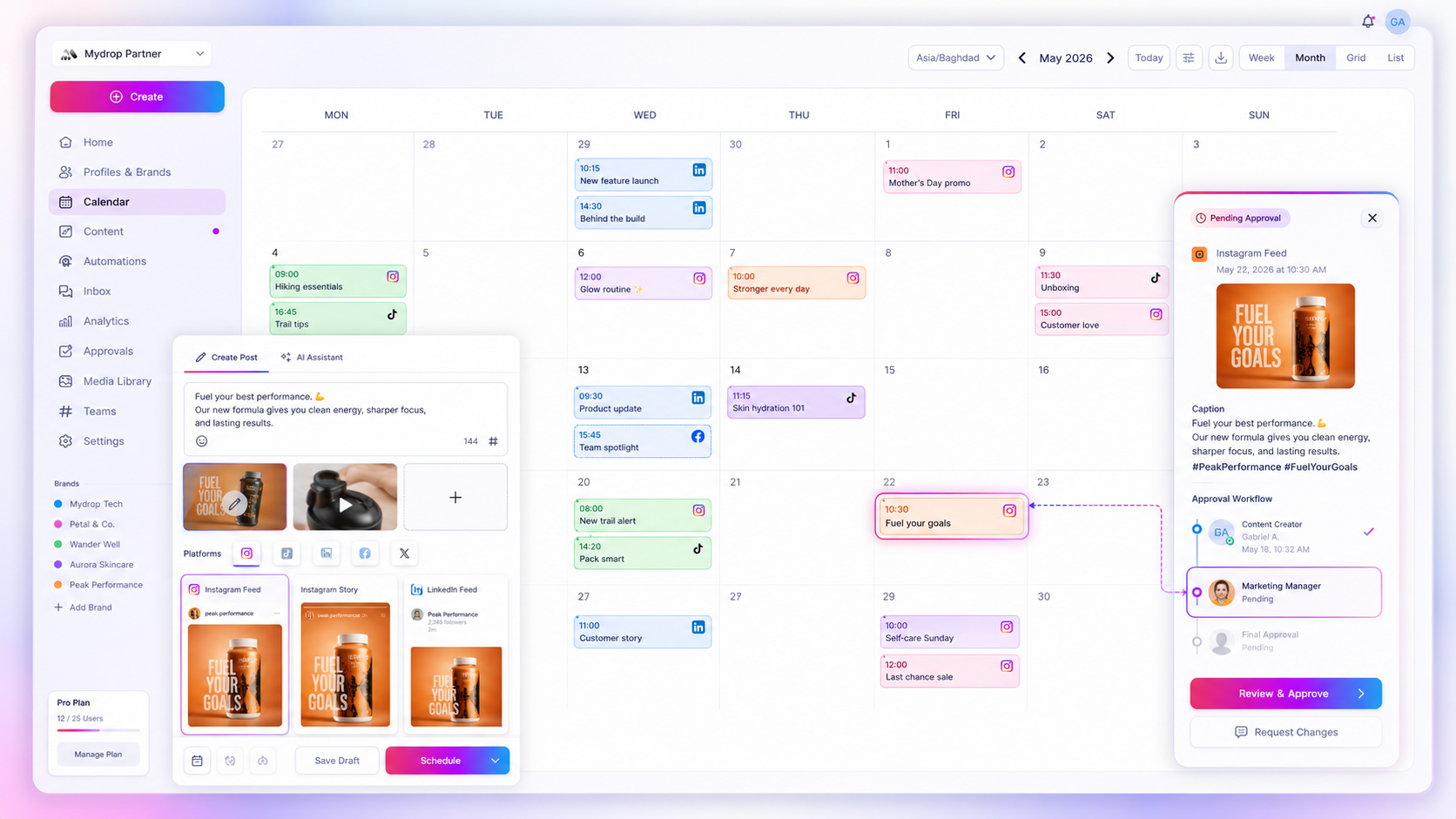
To link social media tasks to campaign assets, give every task exactly one asset it points at, put that link inside the task, and use the same name for both. When a reminder opens onto the draft it is about, nobody wastes ten minutes digging through Drive and chat to find it.
TLDR: One task, one asset, one name. Attach the post or file to the reminder, set review deadlines from real approval times, and close the task when the post goes live.
The cost of a task with no asset
Picture a reminder that says "Review spring promo". Which post? Which version? Which brand? So you open chat, search the folder, then ask the designer. That is the task-context gap, and it plays out every time a reminder pings.
It adds up across a campaign. If a launch has 30 tasks and each one costs five minutes of searching, that is two and a half hours of looking, not working. The numbers are illustrative, but the pattern is real for any team with more than a few tasks.
What to attach to which task
Most campaign tasks fit one of five types. Match each one to the asset it should open on.
| Task | Attach this | Due |
|---|---|---|
| Write caption | The brief or post idea | 3 days before publish |
| Make creative | The draft post with media | 3 days before publish |
| Client review | The post as it will look live | 2 days before publish |
| Fix feedback | The same post, with comments | 1 day before publish |
| Check after publish | The live post link | Day after publish |
Notice that the last row points at a live link, not a draft. Once the post is published, the task changes object.
Name things once
Pick a short pattern and use it for the post, the file and the task: brand_campaign_platform_date. For example, acme_spring_ig_0412.
When the name matches everywhere, search works, and you can spot a missing asset just by glancing at the list. Our guide on what to check when campaign assets are missing from social posts covers what to do when one slips through.
Set deadlines from real review times
Teams often give clients "a week to review", then chase them on day six. Use the real figure instead. Across accounts connected to Mydrop, the median time from submission to approval on posts that went through client review was 6 hours, and 66% were approved within 24 hours.
So a two-day review window is generous for most clients. Set the reminder for 24 hours after sending, and chase only the ones still open. That keeps campaign dates honest without nagging everyone.
Where Mydrop fits in the workflow
Mydrop's reminders live next to the work. Create a reminder from a post, profile or media item, and it carries that context with it. The content calendar shows the post, the reminder sits beside it, and recurring tasks such as a weekly report check repeat without you rebuilding them.
If the reviewer is a client, the approval flow gives them the post itself, so the task and the thing to approve are one click apart. For the full recurring setup, see how to automate recurring content tasks with shared reminders.
Clean up after the post goes live
Old reminders are noise, and they hide the ones that matter. When a post publishes, close every task attached to it, or turn the last one into the "check results" task from the table. A list that only shows live work is one you will trust.
Once a month, scan for tasks with no asset attached. Each one is a small bug in your system. Fix it by attaching the asset or deleting the task.
Test it on one campaign
Take your next campaign and write its tasks in the table's five types. Attach an asset to each. Use the naming pattern. Then count how many times someone asks "where is the file for this?" over the campaign.
If the answer is close to zero, make it your default. You can start free on Mydrop and attach your first reminder to a scheduled post in a few minutes.

 Google review
 Trustpilot review
 Product Hunt comment





