ClaudeChatGPTCursorGeminiWorks with your AI agentsChromeMydropTry Mydrop Chrome Extension
Content Planning

Posting reminders that keep you consistent: 4 to automate

Set up four automated reminders (draft, review, publish, report) so posting stays consistent without checking reach every day. Includes a schedule table.

3 min read

Word cloud of marketing terms with large Direct Marketing and Social Media

TLDR: Consistency fails because nobody owns the steps before publishing, not because reach is low. Automate four reminders (draft, review, publish, weekly numbers), schedule posts ahead so a missed reminder can't cause a missed post, and look at reach once a week.

If you check reach every morning, you're measuring the wrong end of the process. Reach is the result. Consistency is the input you control, and it breaks at a few predictable moments: nobody writes the draft, nobody approves it, or the post goes out late.

Four reminders cover those moments. Here's the setup.

The four reminders and when each one fires

Reminder When Who Done means
Draft block Monday, 60 minutes Writer Next week's posts exist as drafts
Review nudge Wednesday, 15 minutes Approver Every draft approved or commented
Publish check Daily, 5 minutes Owner Today's post is scheduled and live
Numbers check Friday, 20 minutes Owner Top and bottom post noted, one change chosen

Keep them recurring, not one-off. A reminder you have to recreate each week stops existing by week four.

Why a weekly rhythm beats a daily reach check

Daily reach moves for reasons you can't see: platform tests, a slow news day, one post that got shown to a different audience. Reading it every morning pushes you to change plans on noise.

In Mydrop's data, the weekday a post went out made almost no difference to engagement: every day sat within 2% of the account's median. The one clear loser was posting between midnight and 6 am. So the day matters less than showing up on a rhythm and avoiding the dead hours.

Schedule the posts so a missed reminder costs nothing

Reminders prompt people. They shouldn't be the only thing standing between a finished post and your audience. Once a draft is approved, schedule it for its slot and let it publish itself.

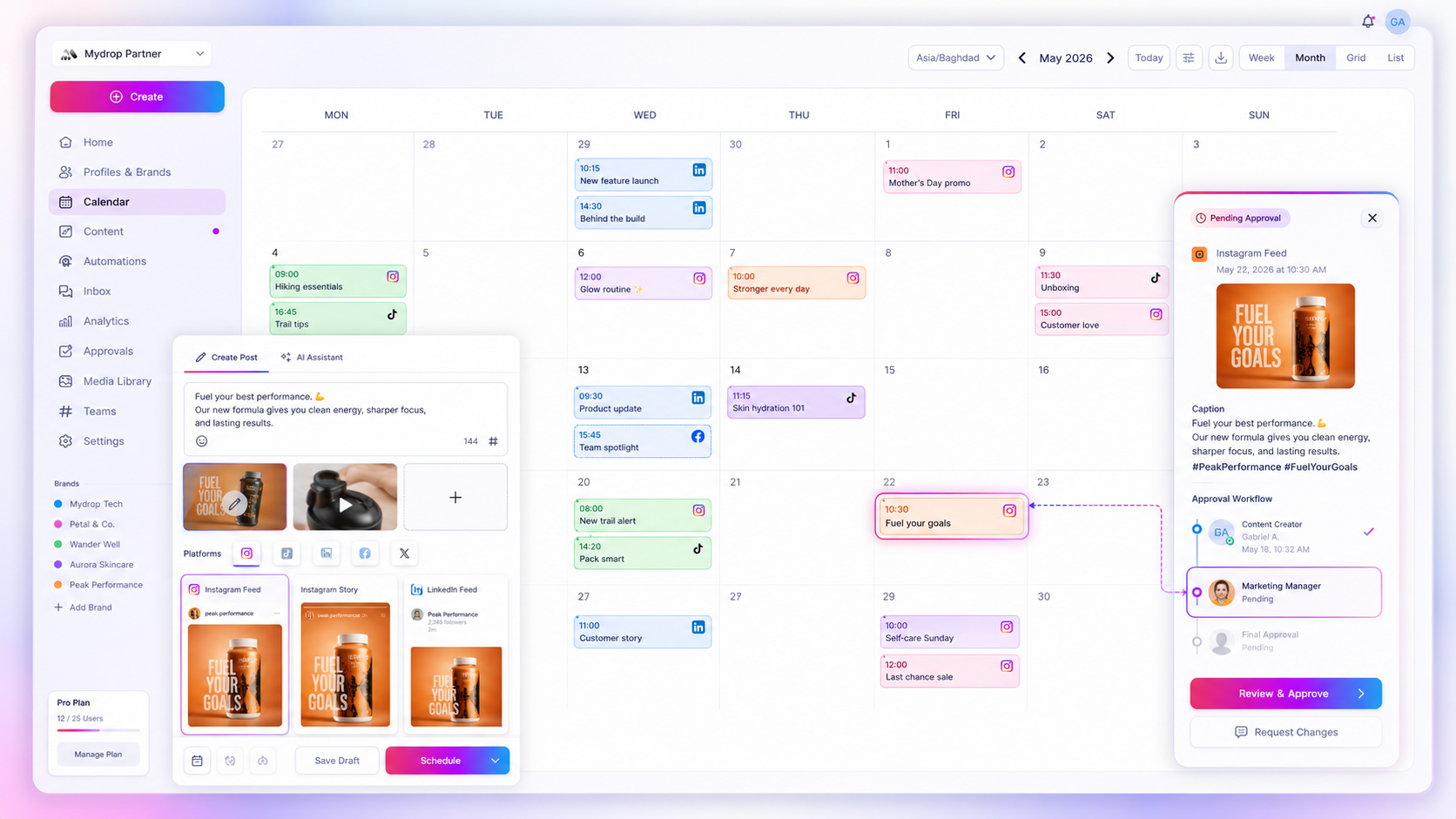
In the Mydrop calendar you can lay out a week across channels, and connect Google Calendar so the draft, review and numbers blocks sit next to your other commitments. The automations handle the repetitive part, so the reminder only asks for a human decision.

Set a cadence you can keep for 12 weeks

Choose the number first, then build reminders around it. If three posts a week is realistic, do three. Raising it to seven in a good month and dropping to zero in a bad one gives you the worst of both.

Mydrop's data on accounts with at least 8 posts shows engagement rates fall as posting frequency rises (0.7% at seven or more posts a week against 3.1% at one to three). That's a correlation, since smaller accounts post less and carry higher rates, but it's a useful reminder that more is not automatically better.

For the longer setup with a calendar tool comparison, see how to schedule consistent social media reminders.

Turn the Friday check into one decision

The numbers reminder should end with a single change, not a report. Note the best and weakest post of the week, write one sentence on why, and change one thing next week: a format, a topic or a time slot.

That keeps the weekly check to 20 minutes and keeps you out of the daily reach loop.

What to do when a reminder keeps getting ignored

If the same reminder is dismissed three weeks running, the problem is the reminder, not the person. Check three things.

  • Is the block too long? Shrink the draft block from 90 minutes to 45 and see if it gets done.
  • Is the owner unclear? A reminder sent to a team belongs to nobody. Name one person.
  • Is the deadline soft? "Sometime this week" never fires. Use a day and an hour.

Fix the cause, keep the reminder. Deleting it is how a posting rhythm quietly dies.

Build your first week of reminders today

Open your calendar and create the four recurring events from the table, with names attached. Then start free in Mydrop, schedule next week's posts, and let the Friday check tell you what to adjust.


Free tools

Free Content Calendar Template

Plan a month of posts, then download it as a CSV or a printable calendar.

FAQ

Quick answers

Put four recurring events in your calendar: a draft block, a review block, the publish slot and a weekly numbers check. Tie each one to a named person and a deadline, then schedule the posts themselves so publishing never depends on a reminder.

Pick a number you can keep for 12 weeks, not the highest number you can reach once. For most small teams that is 3 to 5 posts a week per channel. A steady lower rate beats bursts followed by silence.

No, check it once a week, not daily. Daily reach swings are mostly noise, and reacting to them is what breaks a posting rhythm.

Next step

Stop coordinating around the work

If your team spends more time chasing approvals, assets, and publish details than creating better posts, the problem is probably not your people. It is the workflow around them. Mydrop brings planning, review, scheduling, and performance into one calmer operating system.

Mydrop Editorial Team

About the author

Mydrop Editorial Team

Mydrop

The Mydrop Editorial Team writes the guides, comparisons, and playbooks on this blog. We cover social media planning, publishing, approvals, analytics, and multi-brand workflows, drawing on how teams actually use Mydrop to run their social programs. Every article is researched, edited, and maintained by the team behind the product.

View all articles by Mydrop Editorial Team

Managing 14+ social platforms felt like a 2 a.m. nightmare until Mydrop. The AI brand-voice mapping is scary accurate, and the client approval portal saved me easily 15 hours this week alone. It's the ultimate set-and-forget workspace for busy agencies.
A true automation tool for scheduling (and creating) social media content! It has saved me over 20 hours of work already in just my first couple weeks. A true game-changer for anyone in business, big or small!
Finally tried Mydrop on a test client and the white-label portal on a custom domain actually looks legit, no Mydrop branding sneaking in. The OAuth setup saved me from the usual “what's my password” back-and-forth.
Absolute game-changer. Mydrop completely automated my content workflow. The scheduling is flawless, it actually feels intuitive, and it saved me 10+ hours in my very first week. Best decision I've made for my socials!
Mydrop AI has been an absolute game changer, it has saved me so much time and effort. It does what it promises. Easy to use, versatile, and the creator is really open to feedback. Very happy!
I was looking through a bunch of management tools for my client, as it was getting out of control; after comparing every solution, I found Mydrop to be a no brainer.
This app helps me more than any other I have ever used. I've got all of my pages and accounts and I can drag and drop like I want. Mydrop has really been a huge asset to my business!
I was looking for a scheduling tool as my clients were using more and more platforms. Mydrop does the job very well, and automations and forms are very useful and save me a lot of time. I recommend!
Love that you baked in white-label portals from day one, that's a huge pain point for agencies.
Love this platform for scheduling social media posts! Easy and very intuitive to use! Highly recommend!
Very nice tool, you will save a lot of time. Very easy to use, user friendly. I have used it for several months and it is very helpful.
Helpful app if you are trying to streamline social content creation for clients.
Smiling social media managerSmiling social media managerSmiling social media managerSmiling social media managerSmiling social media managerSmiling social media manager

Excellent · on Trustpilot