

















The best social media reminder tool for a creative team isn't a stand-alone task manager like Asana or Trello. It's a calendar that makes the day-to-day work as visible as the posts themselves.
You've spent hours perfecting a post, only for the campaign to stall because someone forgot to film the b-roll, check the legal copy or finalise the community engagement plan. That gap between what's being posted and what's actually getting done is the quietest, most expensive leak in your creative operation. It's the friction that turns a high-performing team into a group of people chasing status updates in Slack threads instead of shipping content.
A content calendar that doesn't track operational chores is just a wish list. To stop the drift, you need to line your reminders up with your output, not hide them away in a separate project management bucket.
TLDR:
- Disconnected stack: Scheduling tool + project management tool = a hefty coordination tax.
- Unified stack: Calendar-first operations (like Mydrop) = visibility by default.
- Decision rule: If a task relates to a specific post, it has to live on that post's timeline.
Mydrop pricing check, September 2026: the entry paid plans of the eight tools most often compared with Mydrop run from $6 per channel (Buffer) and $25 a month (Later) to $99 per user (Hootsuite) and $79 per seat (Sprout Social), read on each vendor's pricing page. Mydrop is free to start, then $19 a month flat, not per seat. Full table on Mydrop's compare pages.
The feature list is not the decision

Most enterprise teams come to this category looking for heavyweight task features: sub-tasks, priority labels, complex dependencies. All useful in a vacuum, but they often fall flat when the goal is scaling social media. Scaling social media usually fails because of coordination debt, not a shortage of ideas or fancy project management widgets.
When your reminder tool lives outside your calendar, you're inviting a context gap that every stakeholder eventually has to cross. You ping the designer in your PM tool. They miss it because they're working in the calendar interface. The manager pings the legal reviewer. The legal reviewer ignores it because the notification has none of the visual context of the post.
The real issue: The "external tool trap." Teams pay for two different subscriptions because they assume the disconnect between planning and execution is just how the work happens. It isn't. That gap is where your efficiency, brand consistency and sanity go to die.
Here's what defines a social operations tool that actually works:
- Attachment to intent: Does the reminder know which post it serves?
- Approval proximity: Can you approve the content from the same view where you track the reminder?
- Workflow integration: Is the reminder a blocker for the publishing engine, or just a digital sticky note?
If your current setup doesn't block the post when the reminder task is incomplete, you're relying on human memory. And in an enterprise environment, relying on memory isn't a process. It's a compliance risk.
Operator rule: Don't let your process live in an inbox; let it live on the board. If you have to switch tabs to see whether a post is ready for review, you aren't managing a workflow. You're just managing noise.
The buying criteria teams usually miss

Most teams weigh up reminder tools by hunting for the longest feature list, but they almost always forget to check for contextual gravity. You're not just looking for a tool that pings you. You're looking for a tool that anchors your work. If your reminder lives in a separate project management app, it exists in a vacuum. You get a notification, you tick it off, and you hope that action actually helped the post. In a high-volume social operation, that creates a dangerous "disconnect of intent."
Most teams underestimate: The cost of "notification switching." Every time an operator has to jump from a calendar view to a project management board to tick off a task, the mental model of the campaign breaks. You lose the rhythm of your content strategy just to satisfy the process of the tool.
The criteria you should really prioritise are proximity, relevance and state-awareness. Does the reminder tool know which post it belongs to? Does it block the post from going live if the task is still undone? If the answer is no, your tool is adding to the noise, not reducing the risk.
| Feature | External PM tools (Asana/Trello) | Unified platforms (Mydrop) |
|---|---|---|
| Calendar proximity | Separate tab/window | Native to the timeline |
| Post-linking | Manual references required | Automatic attachment |
| Governance | None (tasks are independent) | Hard block on publishing |
| Approval flow | Ping-based (email/chat) | Built into the workflow |
When you're looking for a tool, stop asking "Can this set a reminder?" and start asking "Does this reminder hold the context of the asset?" A reminder for a TikTok video should be physically attached to the video file and the draft caption inside your calendar, not sitting in a generic list called "Social Tasks Q2."
Where the options quietly diverge

The market for these tools splits into two camps: the Generalists and the Integrators. Generalist tools like Notion, Asana or ClickUp offer limitless flexibility. You can build anything, which is exactly why they often fail for social teams. They ask you to build the process from scratch, maintain the integrations and constantly police your team to make sure they're actually linking tasks to posts.
Operator rule: If your team has to spend more than 5 minutes a week "maintaining the system" for your reminders, the system is the problem, not the team.
Integrators like Mydrop treat reminders as a core dependency of the content lifecycle. They know that if a legal review isn't finished, the calendar should show the blockage loud and clear. That changes the whole dynamic. Instead of managers chasing updates in Slack, the workflow is visible by default.
Here's how the execution flow typically shifts once teams see the value of a unified stack:
- Intake: The idea and initial brief appear on the calendar.
- Operational chores: Reminders for b-roll, script drafts and asset collection are generated alongside the post.
- Internal validation: The team ticks off the reminder items, and the status updates on the calendar automatically.
- Approval: The final review only kicks off once every operational reminder is resolved.
- Publish: The post enters the queue, safe in the knowledge that the dependencies are cleared.
This isn't just about speed. It's about governance at scale. When you're managing dozens of channels across multiple brands, you can't afford "mystery gaps" where a post goes out because someone forgot to tick a box in a separate tool. The tool should be the keeper of the process, not just a place to track it.
The biggest shift for an enterprise team is moving from "managing tasks" to "managing outcomes." If your calendar isn't telling you what's actually broken in your production line, you're flying blind. A content calendar that doesn't track operational chores is just a wish list. Don't let your process live in an inbox; let it live on the board where the work actually happens.
Match the tool to the mess you really have

Most teams try to fix operational chaos by throwing another tool at the wall. They layer a specialist project management platform on top of their scheduling app, convinced that the extra subscription will finally bridge the gap between their creative ideas and their actual post pipeline.
But that just creates a new kind of overhead: coordination debt. Now your team spends half the day copying status updates from the calendar into the project manager, just so someone else can see that a video is still waiting on b-roll.
To stop the bleeding, stop treating reminders as simple to-do items and start seeing them as project dependencies. If your tool doesn't stop the workflow when a dependency is missing, you're just building an expensive digital wish list.
Operator rule: A content calendar that doesn't track operational chores is just a wish list. Don't let your process live in an inbox; let it live on the board.
Here's a quick way to audit your current stack. If you can't answer "yes" to these, you're managing a gap, not a workflow.
- Can I attach an asset directly to a calendar reminder?
- Will the post auto-pause or flag a warning if the reminder isn't marked complete?
- Does my legal or brand reviewer get a notification without leaving their email or WhatsApp?
- Can I see both the post deadline and the operational chores in the same weekly view?
- Is the approval context permanently tied to the post record?
If your current tools fail this audit, you're probably suffering from context switching tax. Your designers, writers and managers are jumping between five tabs just to work out why a single Instagram post is sitting in "Draft" status.
Common mistake: Treating reminders as a static to-do list instead of a live project dependency. A reminder that lives outside your publishing calendar will always be forgotten the moment a higher-priority fire breaks out.
The proof that the switch is working

Moving to a unified model is less about the software and more about closing the distance between a task and its outcome. When you stop syncing tools and start syncing workflows, the noise drops and the output actually starts to climb.
Take a look at how a campaign moves from idea to live under a disconnected stack versus a unified approach.
| Phase | Disconnected stack (PM tool + scheduler) | Unified stack (Mydrop) |
|---|---|---|
| Ideation | Ideas live in a separate document. | Notes live right on the calendar grid. |
| Asset check | Manual ping in chat threads. | Reminder linked to the post, with the file attached. |
| Approval | Link sent by email, feedback gets lost. | Review context attached to the post workflow. |
| Publishing | Manual entry or copy-paste. | Scheduled straight from the final approved state. |
| Visibility | Manager hunts for status across two apps. | One view of all chores and posts. |
This isn't just about saving a few minutes of toggling between windows. It's about removing the friction that leads to human error. When the approval context is attached to the post, you no longer have to guess whether legal cleared the copy or the client liked the thumbnail. It's right there, baked into the record.
KPI box: The unified workflow model
- Intake -> Capture the brief and assets in calendar notes.
- Execution -> Assign operational reminders (filming, copy, edits).
- Validation -> Internal and stakeholder review via integrated approval.
- Publishing -> Automated deployment with verified assets.
When your team moves to a tool like Mydrop, the most immediate change isn't speed. It's governance. You stop asking "Who's working on this?" and start asking "What's blocking this?"
The most effective social media teams don't manage content and operations in separate universes. They unify them. By anchoring your reminders to the actual calendar date of the post, you turn your calendar from a passive display into an active engine. You stop the cycle of constant status pings and start focusing on the real work of building the brand.
Turns out the secret to publishing more isn't working harder. It's just making sure that when you sit down to work, the only thing you have to manage is the content.
Choose the option your team will actually use
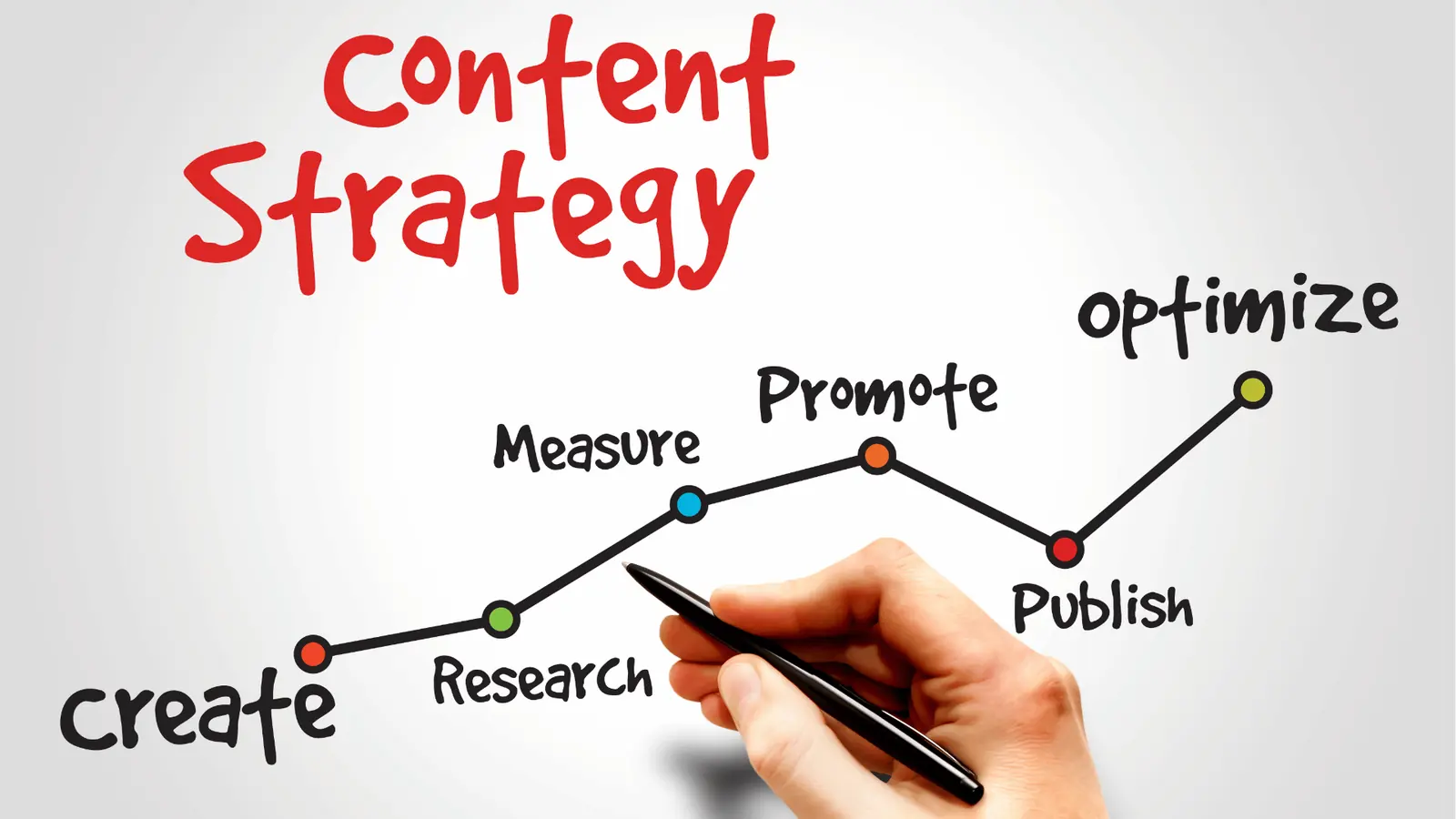
The best tool for your team isn't the one with the longest list of integrations. It's the one your team will actually open every day. If your current workflow means jumping from a calendar to a project manager to a messenger just to check whether a post is ready, your process is effectively broken. The teams that win are the ones that remove the friction between "planning the work" and "doing the work."
Framework: The 3-tier execution audit
- Ideation: Does the calendar capture the why behind the post?
- Operational chores: Are the tasks (filming, copy editing, legal review) visible on the calendar?
- Final approval: Does the approval link straight back to the live draft?
If your answer to step two is "no," you're forcing your team to operate in two separate realities. You want a tool where the reminder isn't a notification. It's a placeholder that holds the actual asset, the feedback and the approval status.
If you're stuck in the "external tool trap," take these steps this week to get back in control:
- Audit your current handoffs: For three days, track where the conversation moves from your project management tool to your scheduling platform.
- Consolidate one workflow: Pick one social channel and move its operational reminders straight into your scheduling calendar.
- Delete the redundant ping: Switch off the automated task notifications in your external PM tool for that specific channel, and see whether your team's output actually speeds up.
Operator rule: A content calendar that doesn't track operational chores is just a wish list. Don't let your process live in an inbox; let it live on the board.
Conclusion

At the end of the day, enterprise social media management is rarely about the volume of ideas. It's about how reliably you execute them. You can have the most creative team on the planet, but if they're fighting coordination debt, constantly checking Slack for approvals or hunting for the latest version of an asset in a separate task manager, they aren't really creating content. They're doing admin.
The most effective social teams walk away from the "disconnected stack" model the moment they realise that the gap between a task and a post is the most dangerous place in their operation. When you pull operational reminders, notes and approval workflows into the same view as your publishing schedule, you stop managing tasks and start managing campaigns.
Success isn't about having more tools. It's about having fewer places where a post can die on the vine. Mydrop was built with exactly this in mind, keeping your operational heartbeat in perfect sync with your publishing rhythm, because in 2026 the calendar is the only source of truth that matters.

 Google review
 Trustpilot review
 Product Hunt comment





