
















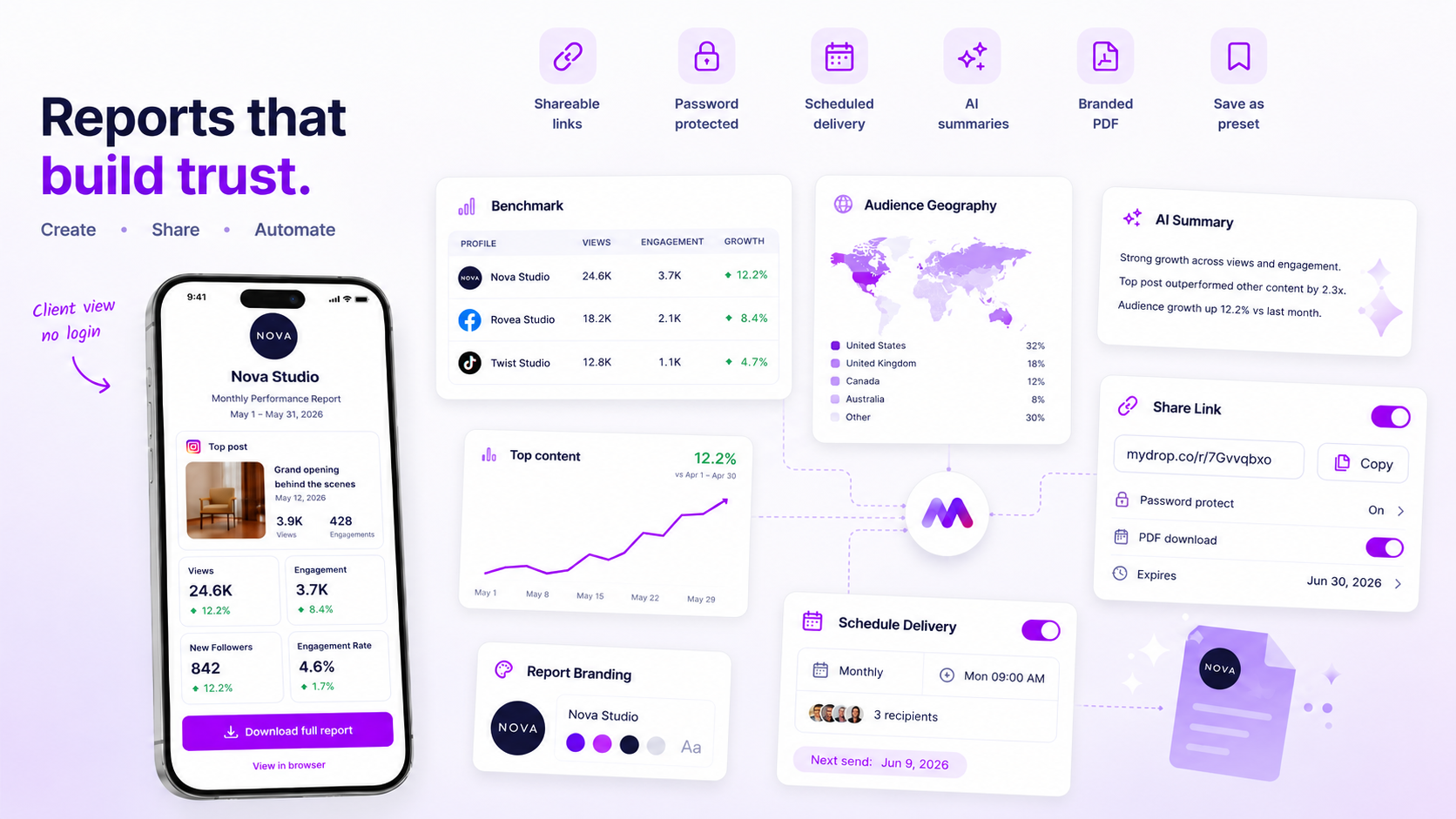
A standard client report is one saved layout with five fixed sections, a short list of agreed metrics per client, and two lines of your own commentary. Everything else stays the same every month. That is what turns a three-hour custom job into a 20-minute review.
TLDR: Fix the layout, not the numbers. Use five sections, let each client pick three KPIs once, write the commentary rules down, and generate the report from a saved template.
The five sections every client report keeps
Clients do not read a 14-page deck. They read the first page, then look for the one thing they asked about. So the template should put the answer on page one and keep everything else in the same place every month.
| Section | What it holds | Who fills it |
|---|---|---|
| Headline | One sentence: up, flat or down, and why | You |
| Goal metrics | The 3 KPIs this client chose, vs last month | Auto from data |
| Best and worst post | One screenshot each, with the numbers | Auto, you pick |
| What we learned | Two lines, one pattern and one surprise | You |
| Next month | Three planned actions | You |
Only three cells need a human. Everything else is data you should never retype.
Let each client pick three KPIs once, then freeze them
Inconsistent reports usually start with inconsistent metrics. One month you show reach, the next you show impressions, and the client concludes nothing is happening.
At onboarding, ask each client which three numbers matter to them. Followers, link clicks, leads, saves, video views: any of them. Write the choice and the definition into the client's file. Do not change them mid-quarter unless the client asks.
A useful benchmark helps you frame the numbers. In Mydrop's data, the median engagement rate per post was 3.1% on Instagram, 3.0% on TikTok and 1.1% on Facebook. A 2% Instagram post is normal, and saying so up front prevents a lot of worried emails.
Write the commentary rules down
The numbers are easy to standardise. The words are where reports drift, because every team member writes in a different voice and at a different depth.
Give your team three rules:
- Lead with the change, then the cause. "Saves rose 18% after we moved to carousels" beats "Saves were 214."
- One pattern, one surprise. Never more than two learnings. If everything is a learning, nothing is.
- Every miss gets a next action. A drop without a plan reads as a drop you did not notice.
Keep a swipe file of two or three past commentaries that the client praised. New hires copy the shape, not the content.
Build the layout once and reuse it per client
Once the structure is fixed, build it in a tool that stores it. In Mydrop, the reports feature lets you save a white-label PDF layout, attach it to a brand, and share it as a link or send it on a schedule. Your logo and the client's name sit on every page, and the data comes straight from the connected profiles, so nobody pastes screenshots.
If you manage several clients, put each in its own brand and workspace so a report can never pull the wrong account. That also protects you from the nightmare of sending client A the numbers of client B.
Run a 20-minute monthly routine
Here is the routine that works for most small agencies:
- Minutes 0 to 5: Generate the report from the template and skim the numbers.
- Minutes 5 to 10: Pick the best and worst post.
- Minutes 10 to 18: Write the headline, the two learnings and next month's three actions.
- Minutes 18 to 20: Send it, or let scheduled delivery send it.
If a report takes longer than this, one of two things is wrong: the template has too many sections, or someone is rebuilding charts by hand. Fix the cause, not the deadline.
Check the template against your three busiest clients
Do not roll the layout out to everyone at once. Pick the three clients with the most different goals, for example a restaurant, a B2B firm and a creator. Run last month's data through the template.
If all three look right with only the KPIs swapped, the template is solid. If one needs a new section, ask whether the other clients would also benefit. If yes, add it for everyone. If not, put it in the commentary.
Then book the first template run for the start of next month and start a free Mydrop workspace to build it before then. Reading how other agencies automate the monthly send is a good second step once the layout is stable.

 Google review
 Trustpilot review
 Product Hunt comment





