
















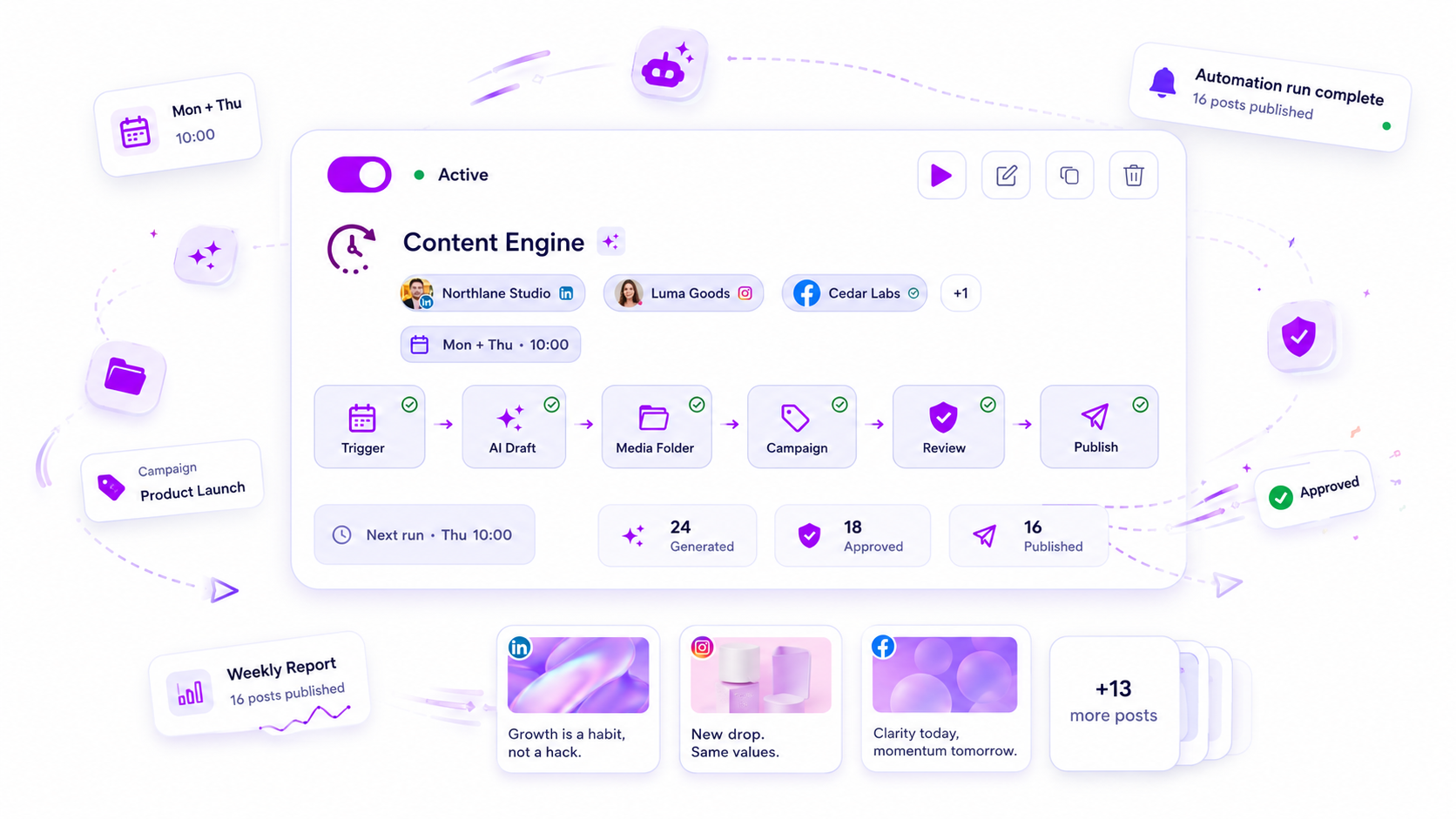
Automate the stage of your content pipeline that eats the most repeat hours, and only once you can describe it in five lines. For most teams that means scheduling and publishing first, reporting second, drafting last. Intake and review stay human the longest.
TLDR: A content pipeline has five stages: intake, draft, review, schedule, report. Automate in the order of repeat work, not in the order of excitement. If you cannot write a stage as a checklist, it is not ready to automate.
The five stages and how ready each one is
| Stage | What happens | Ready to automate? |
|---|---|---|
| Intake | Ideas, briefs and assets arrive | Partly: collect in one place, keep judgment human |
| Draft | Captions and variations get written | Partly: AI first drafts, human edit |
| Review | Someone checks and approves | Routing yes, decision no |
| Schedule | Posts go into the calendar and out to platforms | Yes, first |
| Report | Numbers go to the client or boss | Yes, second |
The order matters. A fast scheduler in front of a messy intake just publishes the mess on time.
A readiness test: can you write the stage as a checklist?
Take one stage and write its steps in under ten lines. If you can, with no "it depends", it is ready.
If you cannot, you are not ready to automate it. You are ready to document it.
This test sounds basic. It filters out most failed automation projects, because most of them automated a process that only lived in someone's head.
Start with scheduling and publishing
This stage is the safest first bet. It is repetitive, rule-based and easy to check: either the post went out at the right time or it did not.
If you still publish by hand to 14 places, the time saved is large. A single content calendar that publishes to Instagram, TikTok, LinkedIn, Facebook, YouTube, Pinterest, Threads, X, Google Business Profile, Bluesky, Snapchat, Tumblr, Telegram and WordPress removes the tab-hopping completely.
Bulk work belongs here too. If a campaign is 30 posts built from one spreadsheet, bulk creation turns an afternoon into a few minutes.
Automate reporting second
Reporting is the stage people forget, then rush on the last day of the month. It is also pure repetition: same metrics, same layout, new numbers.
Scheduled delivery of a white-label PDF report means the client gets it on the same day every month without you opening a template. Check the first two reports by eye, then trust it.
Use AI at the draft stage, with a human gate
AI captions and post ideas are best at the blank-page problem: a first version, five variations, a shorter cut for X. They are weaker at knowing your client's history.
A safe rule is AI writes, a person approves, then the schedule takes over. Do not skip the person. Our five-gate guide to automating posting without losing quality shows where to put the gates.
What to leave manual for now
- Choosing what to say. Strategy is the part you are paid for.
- Replying to sensitive comments. Automate the easy ones with trigger words and keep complaints human.
- The final approval on anything a client sees. See when to automate client approvals.
Pick the hours before you pick the tool
Before you automate anything, count. For one week, note every time you copy a caption, resize an image, rebook a time slot or paste a number into a report. Write down the minutes.
The total is your baseline, and the biggest single line is your first target. Teams that skip this step tend to automate what is interesting instead of what is expensive.
What goes wrong when you automate too early
Three failures show up again and again.
Automating a process nobody agreed on. Two people do the same step two ways. The rule picks one, and the other person quietly works around it.
Automating without a way to see it run. If a rule fails and nobody notices, posts stop and the calendar looks fine. Check that you can see what went out, and spot-check the first week by hand.
Automating the whole chain at once. When something breaks, you cannot tell which stage did it. One stage at a time means one place to look.
A one-week rollout
- Monday: write the schedule stage as a checklist.
- Tuesday: move that week's posts into one calendar, with times set per platform.
- Wednesday to Friday: publish through it and note every time you still touch something by hand.
- Friday: list those touches. The longest list item is your next automation.
After that week, pick one repeat task and add a rule in automations, then measure hours saved against the week before.
Do this now: write your scheduling stage in ten lines or fewer. If it fits, run it through Mydrop this week with the free start at app.mydropai.com.


 Google review
 Trustpilot review
 Product Hunt comment





