
















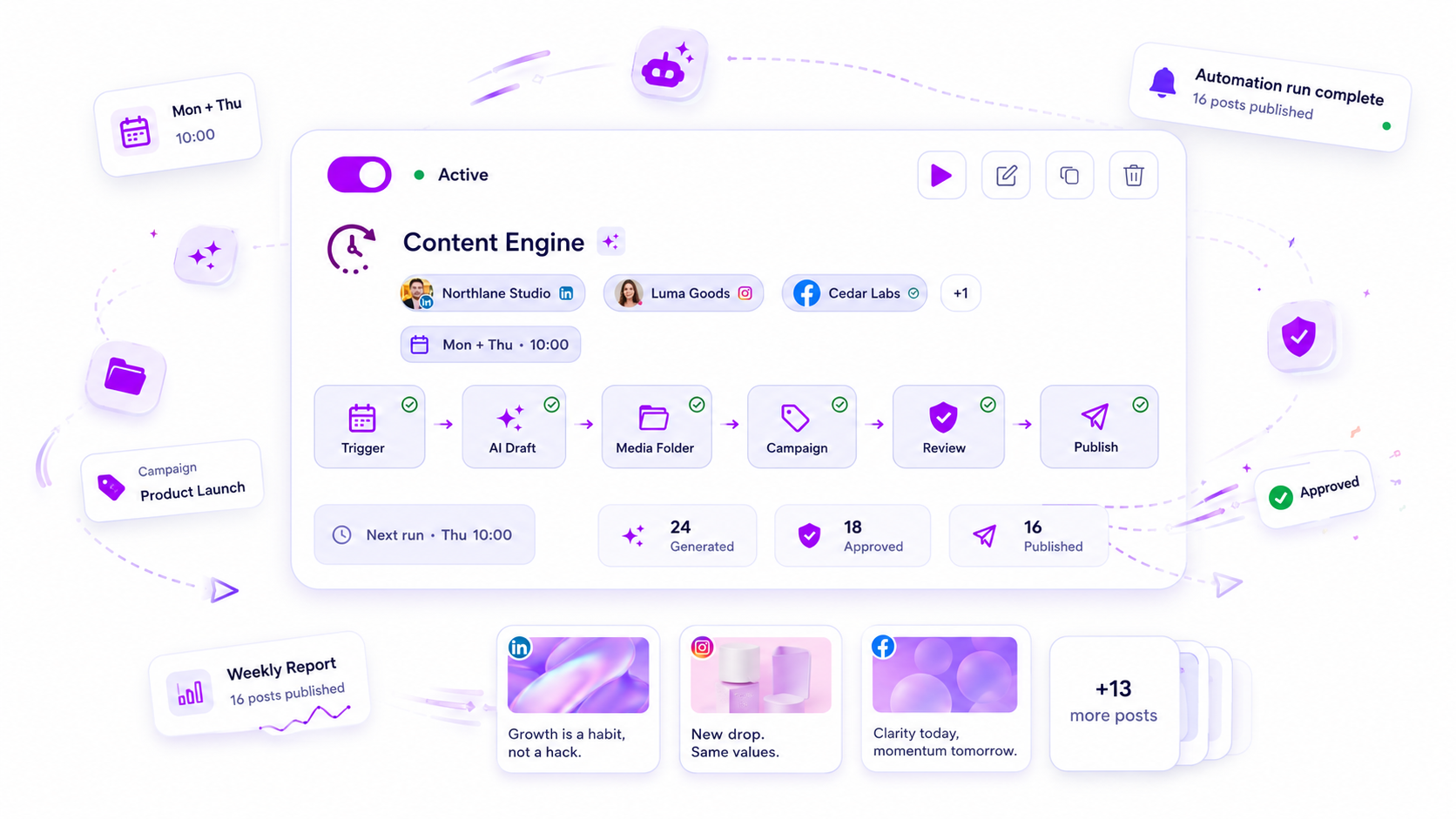
Automate how an approval moves: who gets the post, when they get nudged, and what happens after they say yes. Never automate the yes itself. If you work with roughly five clients or more, or you chase the same sign-offs by hand every week, the moving parts are ready to be automated today.
TLDR: Automate routing, reminders, escalation and scheduling after sign-off. Keep the client's decision and any rewrites manual. Most approvals are quick, so the automation is really there for the slow third.
Mydrop data, September 2026: across posts that went through a client approval on Mydrop, the median time from submission to approval was 6 hours, and 66% were approved within 24 hours. Method in the Mydrop social media benchmarks.
Four signs your approvals are ready for automation
You don't need a tool to tell you when to automate. Check yourself against these four:
- You send "just checking in" messages more than three times a week. That's a reminder doing a human's job.
- A post missed its slot because sign-off came in late and nobody noticed. The failure was visibility, not the client.
- You work with more than about five clients. In our experience, below that a calendar reminder is enough.
- The same person approves the same kind of post every time. Predictable routing is the easiest thing to automate.
If none of these apply, wait. A flow with two clients and one reviewer doesn't need a rules engine.
What a 6-hour median tells you about where to automate
Look at the shape of the data above. Half of approvals on Mydrop came back within 6 hours, and 66% within 24 hours. The sample is small, so read it as a shape, not a benchmark.
The point is that most approvals don't need help. Automating the fast two thirds saves you almost nothing. The slow third is where posts miss slots and where you lose an afternoon writing polite nudges.
So build the automation around the 24-hour mark, not around the first hour.
What to automate and what to keep manual
| Step | Automate? | Why |
|---|---|---|
| Send the post to the right approver | Yes | Same client, same reviewer, every time |
| First reminder at 24 hours | Yes | Catches the slow third before the slot is at risk |
| Escalate to the account lead at 72 hours | Yes | A person should know a post is stuck |
| Schedule the post once it's approved | Yes | Removes a copy-paste step and a typo risk |
| Auto-approve after silence | No | Silence isn't a yes |
| The client's final decision | No | This is the whole point of the process |
| Rewrites after feedback | No | Needs judgment and the client's voice |
If you only automate the first four rows, you already remove most of the chasing.
Why silence should never count as approval
Some teams set a rule: no reply in 48 hours, the post goes out. It looks efficient, and it works until the one time a client didn't see the message because they were on holiday.
The cost is lopsided. A late post costs you a slot. A wrongly published post costs you the client's trust.
If a client genuinely wants silence to mean yes, put it in the contract, apply it only to recurring low-risk posts, and still send them a "published" notice. Otherwise, treat silence as a reason to escalate to a human.
Set it up in one afternoon
- Write the approval path for each client on one line: who reviews, who's the backup, how fast they usually reply.
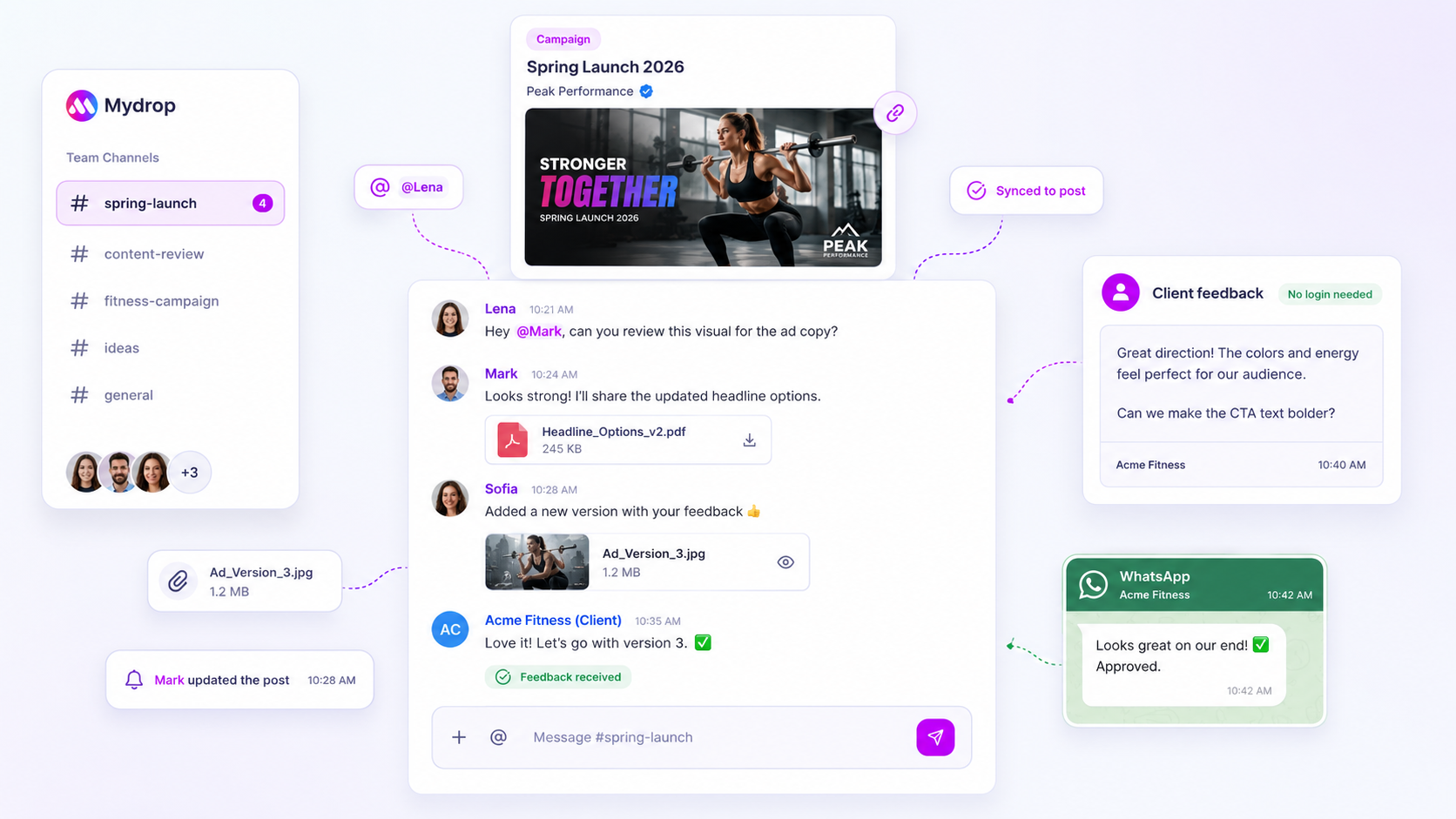
- Give clients a way to approve without a login. Mydrop's client portal lets a client open the post, comment and approve from a link, which removes the "I forgot my password" delay.
- Put the post through a real approval workflow so status (draft, in review, approved) is visible to everyone without asking.
- Add the 24-hour reminder and the 72-hour escalation. Our 3-step nudge schedule has wording you can copy, and automations can carry the rest.
- Schedule on approval, so an approved post lands in the calendar without you touching it.
Agencies running several clients through one workspace will find this easiest. See Mydrop for agencies.
Check one number after two weeks
Don't judge the setup by how it feels. Track one figure: median time from submitted to approved, before and after.
If the median barely moves but the slowest posts get faster, it's working. That's the result you should expect, since the fast posts were never the problem.
If posts still stall, the cause is usually upstream. Our guide on what to check when an approval workflow creates bottlenecks lists the usual suspects, such as too many reviewers or unclear feedback.
Your move this week: pick your slowest client, write down their path, and add one 24-hour reminder. Leave everything else manual until that one proves itself. You can start free at app.mydropai.com.


 Google review
 Trustpilot review
 Product Hunt comment





