

















Automate the work where a mistake is cheap and the task repeats every day, and leave the judgement calls to people. For most content teams that means this order: scheduling approved posts, approval reminders, first drafts, repurposing, report delivery, routine comment replies, and asset intake. Final approval, crisis replies and strategy stay manual.
TLDR: Rank each task by how often it repeats and how bad a wrong result would be. Automate the high-repeat, low-damage tasks first. In Mydrop's data, 98.5% of posts published at the first attempt, so publishing is a safe place to start, while approvals took a median of 6 hours, which is where reminders earn their keep.
Score every task on two things before you automate it
Write down your weekly content tasks. For each one, give two scores from 1 to 3:
- Repeat: how many times a week it happens (3 is daily).
- Damage: what a wrong result costs (3 is a public mistake or a client complaint).
Automate anything with a high Repeat and a low Damage. Anything with Damage 3 gets a human check, even if it repeats all day.
The seven tasks, in the order to automate them
| Order | Task | Repeat | Damage | Keep a human on |
|---|---|---|---|---|
| 1 | Publishing posts that are already approved | 3 | 1 | Nothing, once approval is done |
| 2 | Approval reminders to reviewers | 3 | 1 | Nothing |
| 3 | First drafts and variants of routine posts | 3 | 2 | Final read |
| 4 | Repurposing one asset into a version per platform | 2 | 2 | Quick check per platform |
| 5 | Delivering recurring performance reports | 2 | 1 | The commentary on top |
| 6 | Replies to common comments by trigger word | 2 | 2 | Anything outside the script |
| 7 | Moving assets from Canva or Drive into the library | 2 | 1 | Naming and rights |
Tasks 1 and 2: take the clock out of publishing
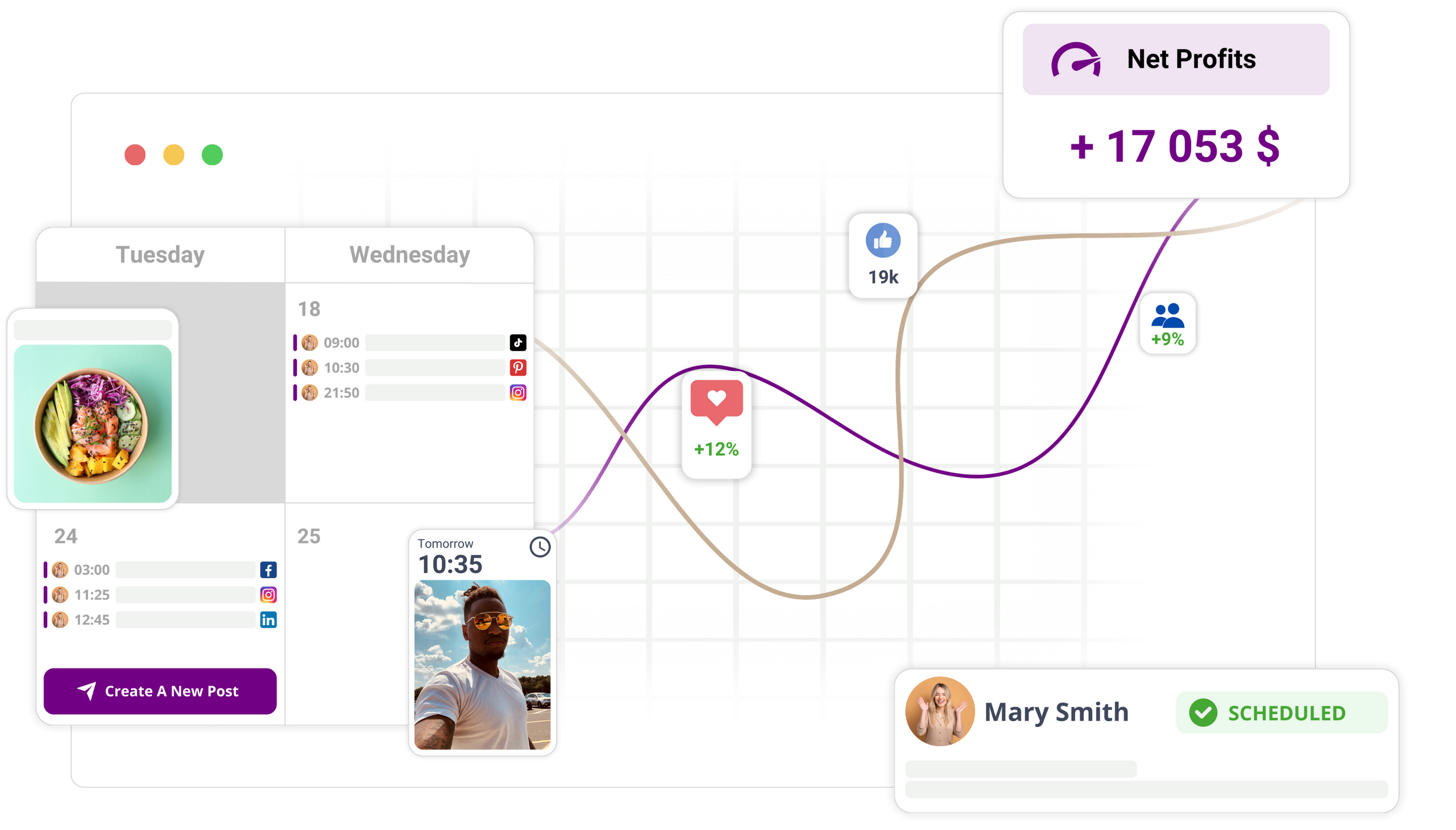
A person pressing "post" at 9 am adds no judgement. The judgement happened earlier, at approval. Schedule everything approved into the content calendar and let it publish.
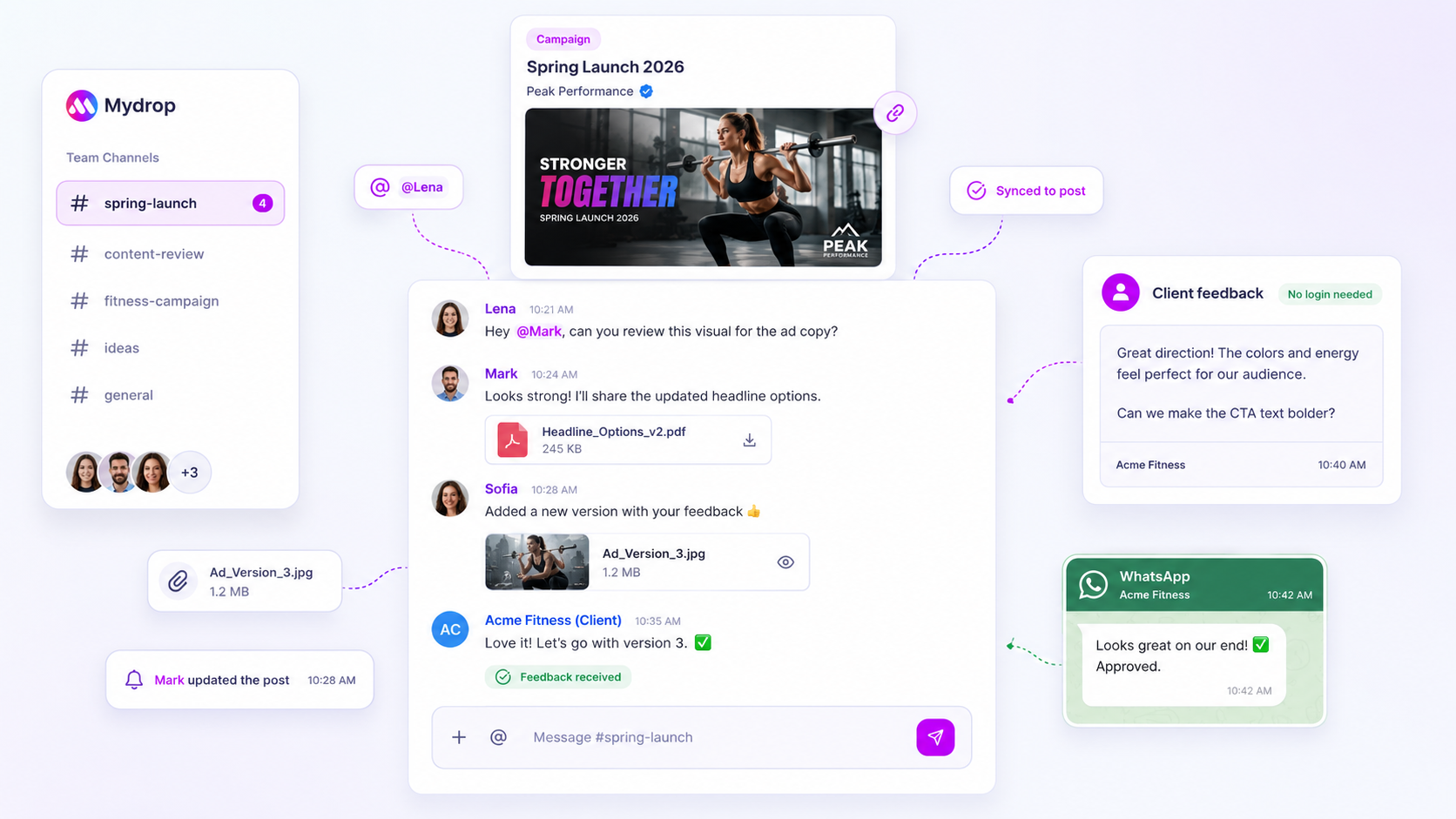
Reminders matter more than they look. In Mydrop's September 2026 data on client approvals, the median post was approved in 6 hours and 66% within 24 hours, but the sample is small and the slow quarter is where weeks disappear. A reminder at the right moment costs nothing. Our 3-step nudge schedule shows how to time them.
Tasks 3 and 4: drafts and versions, with a person reading the result
AI captions, post ideas and bulk creation save the most hours in this group, and they carry the most risk of sounding generic. So automate the draft, never the sign-off. Mydrop's bulk creation can produce a month of drafts in one pass, and each one still goes through the approval queue.
Repurposing follows the same rule: the machine resizes and rewrites for each platform, a person glances at each result for broken line breaks, wrong handles and character limits.
Tasks 5 to 7: the quiet time savers
- Reports: set up scheduled delivery of white-label PDF reports so the numbers arrive on the same day every week. You still write the two sentences that explain them.
- Comment replies: trigger-word automation answers the repeat questions ("link?", "price?") instantly. Anything off-script goes to the social inbox for a person.
- Asset intake: with Canva and Google Drive connected, finished designs arrive in the library without downloading and re-uploading.
What stays manual
Three things should not be automated at all in the first year: final approval of anything with a claim or number, replies during a crisis, and the monthly decision about what to stop posting. The cost of getting those wrong is higher than any hour saved.
Automate one task this week
Pick the highest row you have not automated yet, usually reminders or scheduling, and switch it on for a week. Compare how many hours the task took before and after. If you manage several brands, start free with Mydrop and automate tasks 1 and 2 across all of them first.

 Google review
 Trustpilot review
 Product Hunt comment





