
















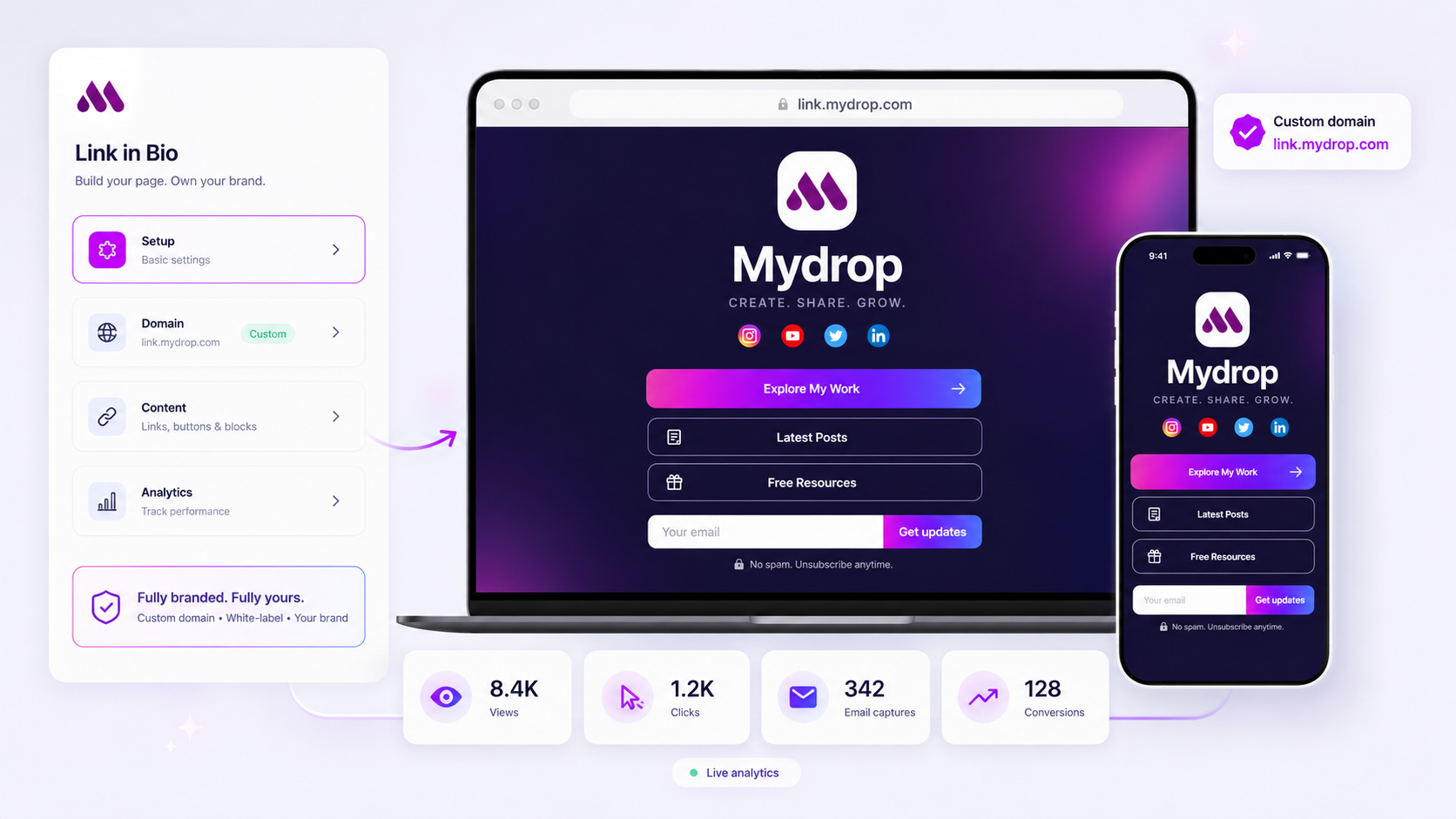
When your link in bio analytics drop, the cause is usually fewer people being told to click, a page that loads badly, or tracking that stopped counting. Redesign is the last thing to try. Check six things, in order, and you'll usually find the answer in the first three.
TLDR: Compare clicks with the number of posts that mention the link, then test the page on a phone, then check tracking. Only after those three should you change the layout.
Write down your clicks for the last four weeks before you start. You need a before and an after.
Check 1: did the number of calls to action fall?
Clicks follow instructions. If you stopped saying "link in bio" in posts and Stories, clicks drop.
- Count posts in the last 4 weeks that told people to tap the link.
- Compare with the 4 weeks before.
- If the count fell, the drop is no mystery.
A caption link is not the answer. In Mydrop's data a link in the caption cost 7% against the account's typical post, so keep the instruction and keep the link in the bio.
Check 2: did traffic fall, not just clicks?
Clicks divided by profile visits gives you click rate. Clicks divided by nothing tells you little.
| What changed | Probable meaning |
|---|---|
| Visits down, click rate the same | Reach problem, fix the posts |
| Visits the same, click rate down | Page or offer problem |
| Both down | Check Check 1, then reach |
If visits fell, diagnose your reach before touching the page.
Check 3: the page on a real phone
Open your page on a phone, on mobile data, in the in-app browser. Count the seconds until the first link is tappable.
- Under 3 seconds is good.
- Images over 500 KB are the usual cause of slow loads.
- Check that the first screen shows your main link without scrolling.
A page that looks fine on a laptop can fail inside an app browser.
Check 4: is the tracking still firing?
A tracker that stops counting looks like a sudden drop.
- Click your own links from a phone and see if they register.
- Check for a change in the tracking code, domain or plugin.
- Look for a gap that begins on one exact date.
A clean cliff on one date points to tracking. A slow slide points to audience or content.
Check 5: the order and the labels of the links
People tap the top link far more than the sixth. If the best link moved down, or a new link pushed it off the first screen, clicks move with it.
- Keep one primary link at the top.
- Label by outcome: "Book a call" beats "Website".
- Remove links that nobody clicked in 30 days.
Our guide to building a link in bio that converts gives you a layout to start from.
Check 6: platform changes
Sometimes it's the app. A platform can change where the bio link appears, how it opens, or how many links it allows. If clicks fell across all your accounts on the same day, look for an announcement before you change anything.
Test one change at a time
After the checks, change a single thing and wait a full week. Move the main link to the top, or rename it by outcome, or cut the list to five. If you change the order, the label and the image together, you won't know which one worked. Write the date and the change in a note, and compare the next seven days of clicks per visit with the previous seven. A week of data is small, so only act on a clear move, and ignore a difference of a few clicks.
Track the whole path in one place
A link in bio page from Mydrop shows clicks per link next to your post performance, so you can see which post sent people to which link. Combine that with the Performances view and you can tell a reach problem from a page problem in minutes.
Next step: run Check 1 and Check 2 today with the numbers from the last eight weeks. If clicks and visits moved together, fix the posts. If only clicks moved, fix the page. Start free with Mydrop to set up a tracked page.


 Google review
 Trustpilot review
 Product Hunt comment





