






























Buffer is a good, simple scheduler for one brand or a handful of channels. Mydrop fits better once you run several client brands, need different roles for creators, agency staff and reviewers, and want clients to approve without a login. What separates them is control over who does what, brand by brand.
TLDR: For agencies, compare tools on four things: brand separation, roles, client approvals and how the cost grows. Buffer is lighter and cheaper at small scale. Mydrop is built for many brands and sign-off.
Mydrop pricing check, September 2026: the entry paid plans of the eight tools most often compared with Mydrop run from $6 per channel (Buffer) and $25 a month (Later) to $99 per user (Hootsuite) and $199 per seat (Sprout Social), read on each vendor's pricing page. Mydrop is free to start, then $19 a month flat, not per seat. Full table on Mydrop's compare pages.
Buffer vs Mydrop for agencies
| What an agency needs | Buffer | Mydrop |
|---|---|---|
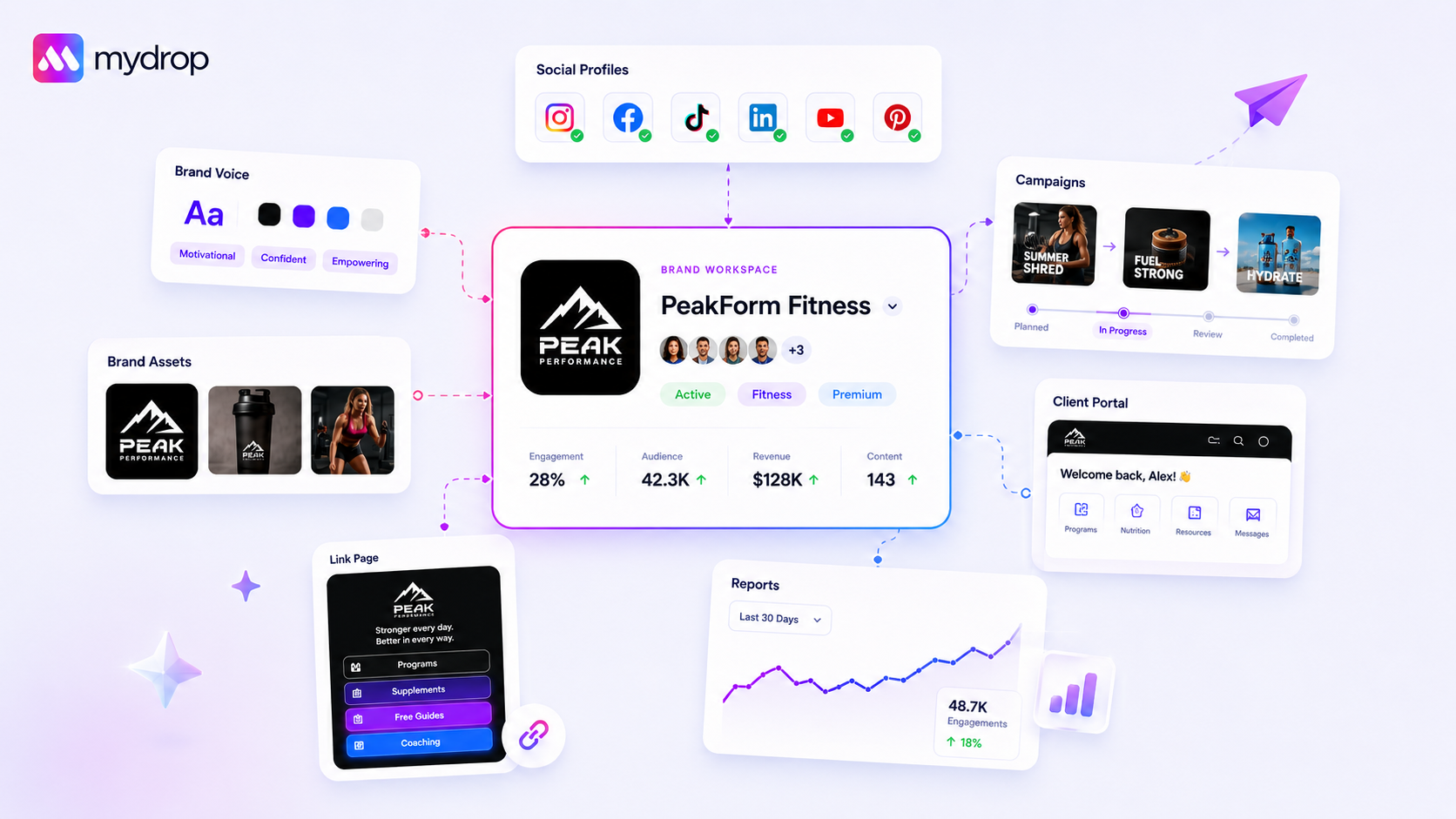
| Separate each client brand | Channels are grouped by brand. Check how many brands your plan allows | Workspaces, one per brand, each with its own calendar and time zone |
| Roles for creators, staff, reviewers | Team permissions depend on the plan, so check what yours includes | Roles and comments, set per brand |
| Client approval | Check which plan includes approval steps | Approval workflows and a no-login client portal |
| Recurring tasks and reminders | Basic scheduling | Calendar reminders with recurrence, attachments and a done state |
| Reporting for clients | Analytics available | Multi-profile analytics and white-label PDF reports with share links |
| How cost grows | Per connected channel | Flat, not per seat |
Buffer's plan limits change, so confirm the current ones on its own pricing page.
The role question, answered with a map
When people search for "role-based permissions", they usually mean one thing: everyone should be able to do only what their job needs. Here is a simple map you can build in any tool that supports it:
- Creator or freelancer: can draft and comment. Cannot publish or see other clients.
- Agency team member: can draft, edit and schedule for the brands they are assigned to.
- Brand reviewer or manager: can comment and approve. Cannot change the schedule.
- Client: reviews and approves posts for their own brand only, ideally without having to create an account.
- Account lead: sees everything across brands, and can publish.
Then test it. Create a throwaway creator and a throwaway reviewer, and see what each can view and do. A role that can still get into another client's calendar is the one that causes the incident. Our permissions guide for multi-brand teams covers the map in more depth.
What costs more as you grow
Buffer's per-channel pricing is cheap at 3 channels and adds up at 30. An agency with 10 clients and four channels each has 40 channels. In Mydrop's September 2026 price check of the tools most often compared with it, Buffer's entry plan started at $6 per channel, while Mydrop is flat rather than per channel or per seat. Work out the sums for the channel count you will really have, not the one you have today.
A 30-minute test for any agency tool
Set up two fake brands and two fake users: one creator and one reviewer. Draft a post as the creator, send it for review, approve it as the reviewer and schedule it. Then try to open the other brand as the creator. If the tool lets you, or if any step needs a screenshot or an email, you have found the gap before you have paid for it.
When to stay on Buffer
Stay if you manage one brand and a few channels, one person publishes, and clients never review inside the tool. Switching would cost you a week of setup for no benefit if you aren't hitting the limits above.
When to move
Move when any of these is true: clients approve over email and you have to chase them, a freelancer can see more than they should, or you are copying posts between brands. To migrate, create one workspace per brand, recreate recurring tasks as reminders, and move one client first. You will find more on tools at this scale in our guide to brand management tools for multi-brand agencies.
Next step: write your role map for one client, then check whether your current tool can enforce it. To try Mydrop's version with one brand, start free.


 Google review
 Trustpilot review
 Product Hunt comment




