
















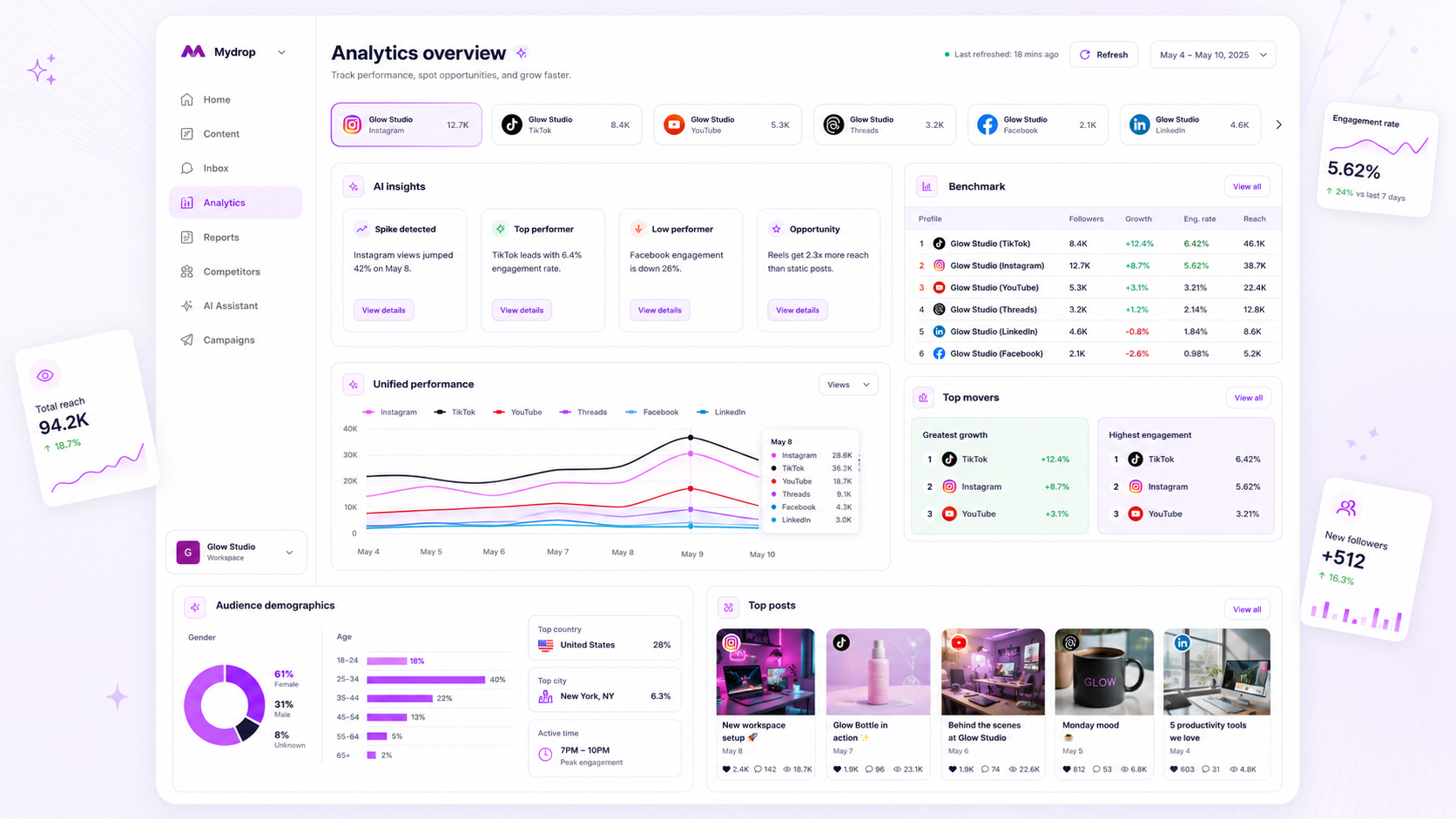
A stale dashboard almost always comes down to one of six causes, and you can track it down in about ten minutes by checking them in order. Start with the account connection, because an expired login is the most common culprit. Only then look at delays and settings.
TLDR: Check in this order: connection, date range, platform delay, account type, permissions, then filters. Compare one post against the platform's own insights to see whether the data is missing or just late.
Mydrop data, September 2026: in the 30 days to 16 September 2026, 98.5% of posts published through Mydrop went live at the first attempt. The most common warning was a YouTube custom thumbnail rejected because the channel was not phone-verified; the most common hard failure was an expired platform connection. Method in the Mydrop social media benchmarks.
Check 1: the connection has expired
Platforms ask you to log in again from time to time, and a tool cannot pull data without a valid connection. In Mydrop's publishing data for the 30 days to 16 September 2026, the most common hard failure was an expired platform connection. The same cause stops analytics pulls.
Open your connected accounts. If any shows a warning, reconnect it. Numbers usually fill in after the next refresh.
Check 2: the date range is hiding new data
It sounds daft, but it happens all the time. A report saved as "last month" will never show this week. A custom range ending yesterday misses today's post.
Reset the range to "last 7 days" and see if the new post appears. If it does, update the saved view.
Check 3: the platform itself is late
Some metrics arrive with a delay, and the delay is the platform's, not the tool's. Reach and impressions often show first. Watch time, saves and follower breakdowns can lag by a day or two.
Test it: open the same post in the platform's native insights. If the native number is also zero or low, wait. If it is higher there, the problem is on your side.
Check 4 to 6: the quieter causes
| Check | What to look for | Fix |
|---|---|---|
| Account type | Personal profiles often lack the insights a business or creator account has | Switch the account type in the platform settings |
| Permissions | The connection was granted without the analytics permission | Reconnect and accept every permission box |
| Filters | A brand, platform or tag filter is hiding the posts | Clear filters and reload |
Account type catches a lot of people out. Several platforms give detailed insights only to business or creator profiles, so a personal account looks like it never updates.
Decide whether it is missing, late or wrong
Use one post as a test. Write down its numbers in the platform's insights, then in your dashboard.
- Same number: the dashboard is fine, the post is just quiet.
- Lower in the dashboard: a delay. Check again in 24 to 48 hours.
- Zero in the dashboard, real number in the platform: a connection, type or permission problem. Go back to checks 1, 4 and 5.
Do not report a number to a client until it matches within a few percent. Note the date you pulled it, so a later change is easy to explain.
Make the freshness check a habit
Add a 30-second line to every weekly report: "data pulled on [date], all accounts connected." It takes one look and saves an awkward call.
In Mydrop, the Performances dashboard shows native per-platform metrics for your connected accounts, and social media reports can go to clients on a schedule. When a connection expires you reconnect it from the same place, and the numbers come back.
For comparing platforms once the data is fresh, read how to compare social ROI across platforms. And if clients live in different time zones, multi-timezone scheduling explains why numbers can look a day off.
What to tell a client while you fix it
If a report is due and the data is late, say so plainly. Send what you have, mark the missing metric as "pending platform data" and give a date for the update. Clients forgive a late number far more easily than a wrong one they find later.
Never fill a gap with an estimate and present it as a result. Keep a note of which numbers were late, so the next report is clean.
Do this today: open your connected accounts, reconnect any warning, then reset your date range and compare one post. Start with Mydrop to see every platform's numbers in one place.



 Google review
 Trustpilot review
 Product Hunt comment





