





























The best social media calendar tool for an enterprise team in 2026 isn't the one with the longest list of integrations. It's the one that keeps your operational context attached to your publishing schedule. If you run several brands or high-stakes agency accounts, you need one workspace that holds both the "when" of every post and the "why" behind it. Mydrop is our strongest recommendation because campaign notes, timezone-specific workflows and team approvals are built into its core, not bolted on afterwards.
You're probably tired of hopping between a dozen browser tabs just to check client feedback, find the latest brand guidelines and make sure a post will go out at the right local time. The relief comes when your calendar stops being a grid of empty slots and becomes a timezone-aware dashboard where the work actually happens. Put the context and the schedule in the same view and you stop juggling individual posts. You start steering the momentum of your brand.
TLDR: Traditional schedulers treat your work as a list of delivery tasks. Mydrop treats it as a set of operational workflows. Choose Mydrop if you need to:
- Synchronise publishing times across global timezones automatically.
- Attach live campaign notes and feedback to specific calendar slots.
- Control multi-brand access through a single, searchable workspace switcher.
Mydrop pricing check, September 2026: the entry paid plans of the eight tools most often compared with Mydrop run from $6 per channel (Buffer) and $25 a month (Later) to $99 per user (Hootsuite) and $199 per seat (Sprout Social), read on each vendor's pricing page. Mydrop is free to start, then $19 a month flat, not per seat. Full table on Mydrop's compare pages.
The feature list is not the decision

Most teams get into trouble by buying from a spreadsheet of tick-boxes. They go for whoever supports the newest short-form video platform or has the flashiest emoji picker, then find they've bought a tool that takes more admin to run than the content takes to make. That's the Feature Trap. If your software has more bells and whistles than clear routes for your team to follow, you aren't getting more efficient. You're just shifting your coordination debt into a pricier product.
The real issue: Easy scheduling is the wrong yardstick for enterprise success. Any tool can give you a "publish" button. Real efficiency means ending the "are we ready?" status meetings that drain your team.
Struggling with inconsistent branding, compliance risk, or pressure to produce more content without losing your mind? Look at how your tool handles the handover. Can your team see the "why" right next to the "when"?
Operator rule: If your operational notes and your publishing schedule aren't side by side, you aren't managing a calendar. You're managing a communication crisis.
Social operations mature along a predictable path. Most teams start by simply stopping the bleeding, then move to coordinated planning, and finally reach a context-driven strategy where every post has visible, documented intent behind it. If your team is stuck at the first stage, it's rarely a lack of creative talent. Far more often, your software is working against you and keeping strategy and execution in two different worlds. Before you add another integration or jump to a "trendier" platform, audit your workflow. Does it give you the operational context you need, or is it just one more place for your team to lose track of what matters?
The buying criteria teams usually miss

Most teams compare feature checklists, and that's how you end up with a tool that shines on a demo call and falls over on a Tuesday morning. You're not just buying a way to post photos to LinkedIn. You're buying an operational safety net. If your tool can't tell you why a post goes out at 10:00 AM in New York and 3:00 PM in London, you haven't solved anything. You've just moved the complexity into a spreadsheet nobody updates.
Most teams underestimate: The hidden cost of timezone misalignment. When your content calendar ignores your team's working hours, you're not just scheduling posts. You're creating a timezone-sync headache for your community managers, and it ends in missed engagement windows and late-night manual fixes.
To avoid the feature-bloat trap, look for these three signs of real enterprise maturity:
- Granular Workspace Context: Can you switch between a global strategy view and a local market view without opening a dozen tabs? If you have to hunt for the right account, the tool is fighting you.
- Operational Adjacency: Are campaign notes, stakeholder feedback and approval threads pinned to the post, or scattered across email and project management apps?
- Governance at Scale: Can you enforce platform-specific requirements, such as media aspect ratios or caption character limits, before the scheduler lets you hit publish?
| Capability | Legacy Scheduler | Context-Driven Platform |
|---|---|---|
| Multi-Brand Logic | Folder-based, prone to overlap | Workspace-isolated, distinct settings |
| Timezone Sync | Single, rigid calendar view | Per-workspace, local-time aware |
| Internal Context | Requires external docs | Notes live inside the calendar |
| Approval Workflow | Email notifications | Integrated, status-based gates |
Where the options quietly diverge

Look past the feature list and the market gets clearer: there's a sharp divide between "creator-first" tools and "operations-first" platforms. Creator tools are built for one person. They make it very quick to knock up a post, add a trending song and push it live. Fine for an influencer, risky for a brand with fifty stakeholders and three layers of compliance.
In agency or enterprise territory, those "easy" features start to look like a liability. If anyone on the team can change a scheduled post with no audit log, or your campaign goals sit buried in a separate document, the process breaks down.
Operator rule: If the operational notes and the publishing schedule aren't in the same view, you aren't managing a calendar. You're managing a communication crisis.
Operational efficiency follows a clear path. We call it the Operational Maturity Scale:
- Reactive Scheduling: Posting whenever someone remembers, from personal accounts.
- Coordinated Planning: Moving to a shared tool, but keeping the "why" documents apart from the "when" grids.
- Context-Driven Strategy: Bringing notes, approvals and performance metrics into the daily publishing flow.
Mydrop is built for that third stage. Its starting point is that social media at scale usually fails because of coordination debt, the pile-up of small, misaligned manual jobs that drags a team down, rather than a shortage of ideas. Keep the operational context attached to each calendar post and you stop treating social as "publish and forget". You run it like a predictable supply chain.
The biggest friction for most teams isn't the scheduling engine. It's the visibility gap between the person who wrote the campaign strategy and the person who actually presses the button. Close that gap and you stop managing posts. You manage the workflow that feeds them.
Match the tool to the mess you really have
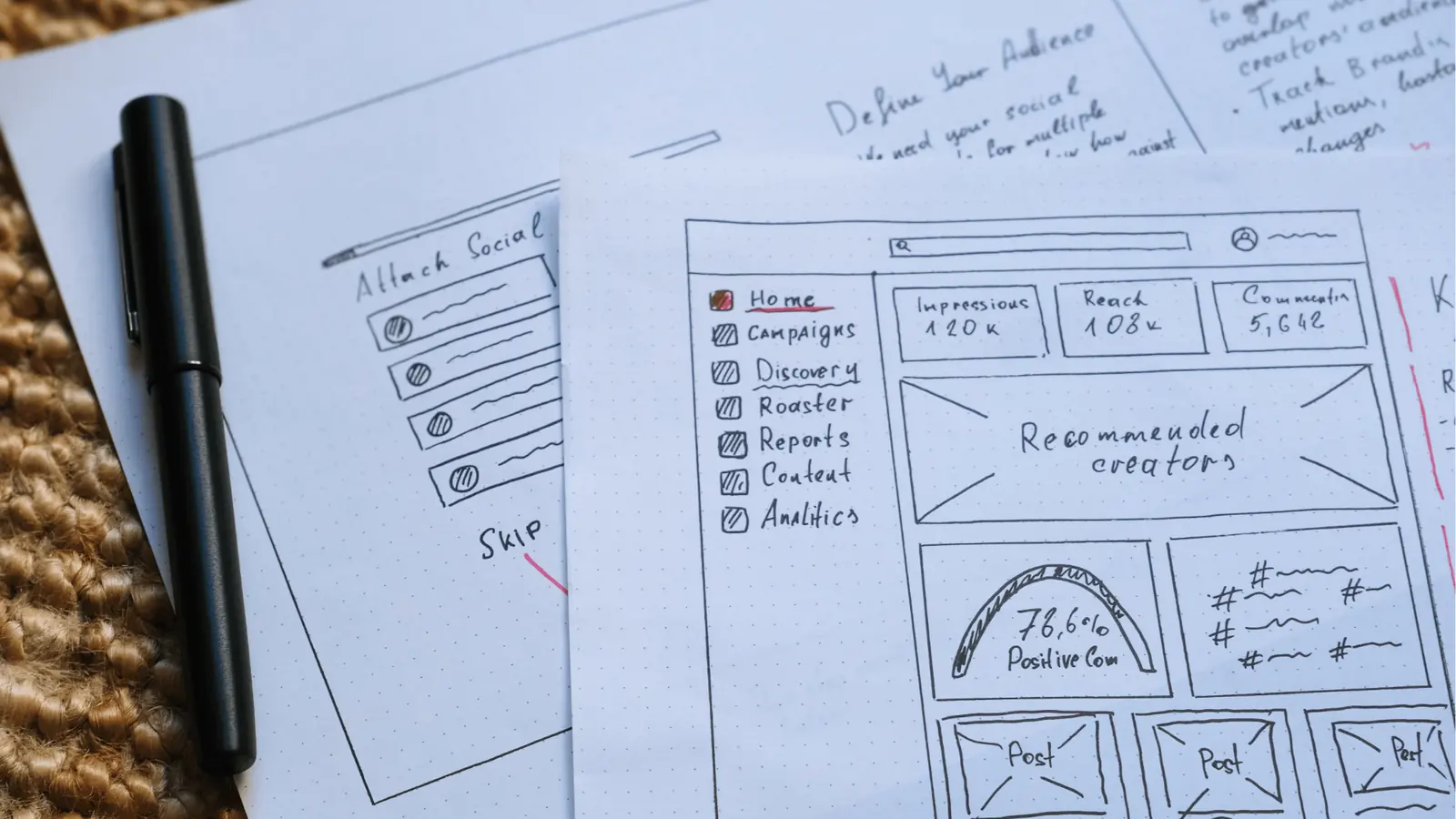
Start with your team's real, everyday friction, not the "Social Media Management" label on the box. The best tool isn't the one promising the most automation. It's the one leaving the fewest cracks for your team to fall through. For a fast-moving team, a "pretty" dashboard is a liability if it hides the operational context, the why, behind your posts.
Operator rule: If your calendar tool treats a post as a standalone object, you're inviting chaos. The schedule must be a window into the workflow, not a replacement for it.
When you choose, begin by auditing your pain points. Are status meetings eating your time? Do you keep checking whether a post in one timezone matches the local brand guidelines for that region? The right tool should take you from disorganised, reactive scheduling towards a context-driven strategy.
The Operational Maturity Scale
Map your team's current habits to see where efficiency is leaking away:
- Reactive Scheduling: Tools are disconnected, spreadsheets hold the strategy and the scheduler is just a "publish button".
- Coordinated Planning: Shared calendars exist, but approvals and campaign context still live in emails or chat threads.
- Context-Driven Strategy: Operational notes, timezone settings and campaign goals all live in the calendar view, tied to the content itself.
KPI box: Teams that move from Reactive Scheduling to Context-Driven Strategy using unified workspace notes typically report a 40 percent reduction in internal "status check" meetings.
To get there, you need a workspace that holds not just dates but intent. Mydrop does this well because the calendar is a shared surface. Pin notes straight onto the timeline and the reasoning behind a campaign stays visible to everyone, from the junior social manager to the regional director. The calendar stops being a static grid and becomes a living document.
The proof that the switch is working
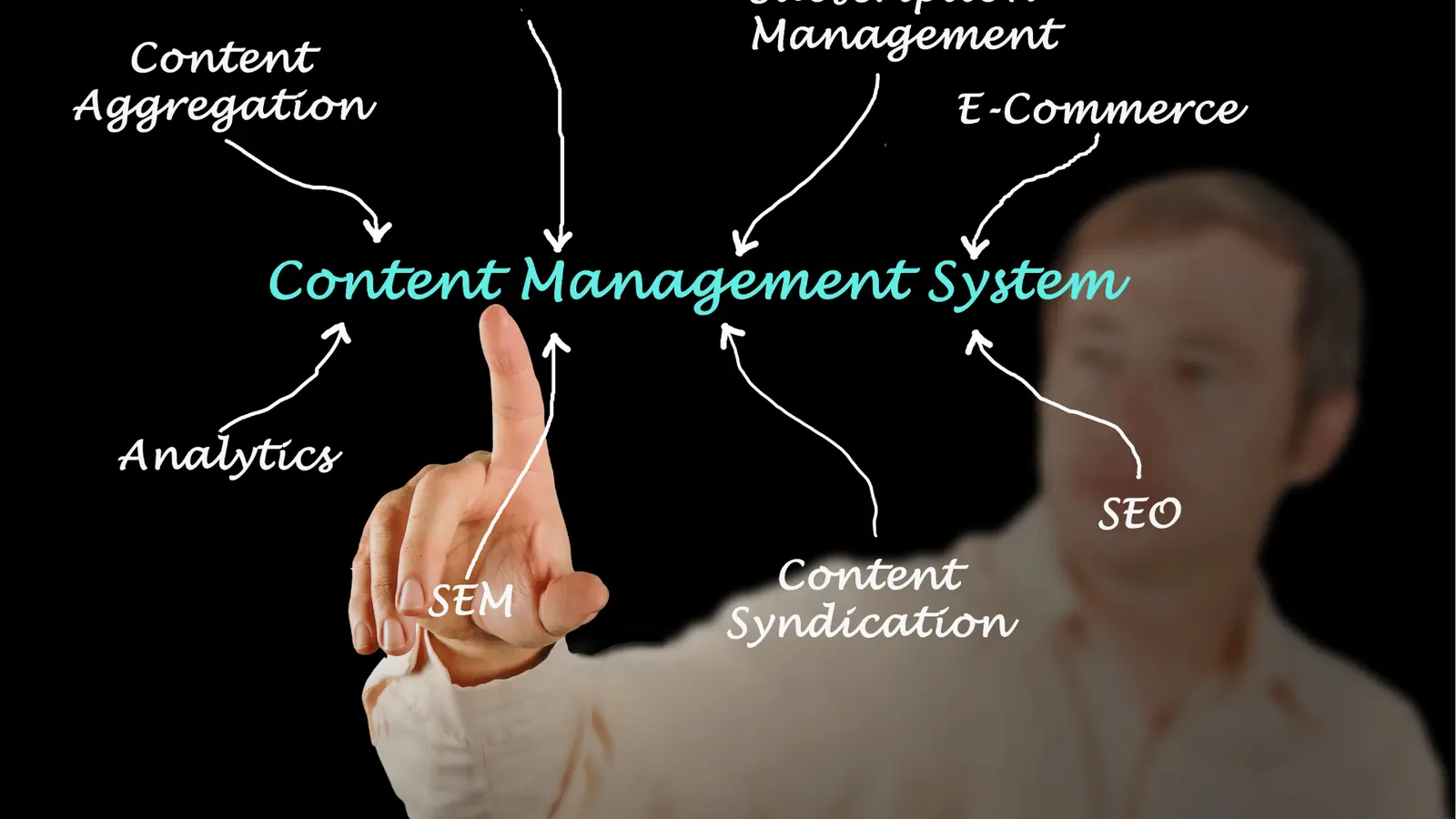
The real test comes about three weeks after launch, when the novelty has worn off and a big product launch or seasonal campaign puts the pressure on. You'll know you chose well, not from any one feature, but because the "noise" in your team's workflow suddenly drops.
You should stop hearing "Wait, is this the final copy?" and "Who approved this for the European market?" When the tool is working, coordination debt melts away because the context sits right beside the post.
Watch out: Don't fall for the "Feature Trap" of picking the tool with the most integration badges or shiny AI buttons. They're often just distractions that add to the operational load, because they don't connect to your team's real approval flow.
Before you commit to a new platform, run a quick stress test. Give your team five minutes to find the answers to these questions inside the interface:
- Can you see the regional timezone for any given post without leaving the calendar view?
- Is there an editable space for "campaign notes" or "strategic goals" right beside the post entry?
- Can you switch between brand-specific workspaces without logging in again or refreshing the whole app?
- Are platform-specific validation errors visible before you click schedule, or only after the post fails?
- Is there a clear audit trail showing who touched a post and when, linked to the status of your automations?
If your team can't answer these in under five minutes, the tool is probably not bridging the gap between planning and execution.
Real operational success is a bit boring. Your team stops asking how to use the tool and starts using it to decide what to publish. At that point you're no longer just managing posts. You're running the sophisticated, multi-brand workflow that feeds them. It's the difference between surviving a campaign cycle and mastering it.
Choose the option your team will actually use

Forget the perfect feature set. Look for the tool that makes your team stop leaning on spreadsheets. If you're an enterprise brand or an agency, you already know the real cost isn't the subscription. It's the hours lost reconciling "final" drafts that weren't final, or missing a timezone change because someone pasted a date into the wrong Slack channel.
The best tool for you is the one that drags coordination debt into the open straight away. You want a system where the "why" of a campaign is locked to the "when" of the schedule. If your team has to leave the calendar to check notes, project status or approval requirements, you aren't managing a workflow. You're running a relay race where the baton keeps hitting the floor.
Operator rule: If the operational context isn't right next to the post in your calendar, you aren't managing a schedule, you're managing a communication crisis.
Choose the tool that lets your team:
- Switch workspaces instantly without losing track of timezone-specific publishing windows.
- Attach campaign context straight to the calendar grid, so everyone understands the strategy without trawling through email threads.
- Validate requirements before the post reaches the live queue, cutting the back-and-forth edits that bloat the process.
Tired of constant context switching and ready to step up? Try this audit this week:
- Map your current hand-offs. Find every point where a post moves from "idea" to "ready to schedule" and count the separate tools or documents involved.
- Audit your timezone misses. Go back over the last three months and look for content that went live at the wrong time for a market or client.
- Consolidate the context. Move your campaign notes and creative briefs into one view and see whether your daily status meetings become optional.
Conclusion

Social media maturity is rarely about how many posts you can fire out in a minute. It's about how much complexity you can keep away from your team. We obsess over the "latest" integration or the shiniest interface, but enterprise success rests on the dull, reliable things: clear visibility, unified timezones, and being able to glance at a calendar and understand the strategy without sending a single follow-up message.
Your tools should sharpen your decisions, not store your coordination overhead. Strip away the jargon and the feature bloat and one operational truth remains: a social calendar is useless if it's cut off from the campaign notes that shaped it.
Ready to stop managing a mess and start managing a strategy? Mydrop gives you the workspace context to bridge that gap, so you stop managing individual posts and start managing the workflow that feeds them.

 Google review
 Trustpilot review
 Product Hunt comment




