






























You don't need more content ideas. You need repeatable structures: fill-in-the-blank templates you can load, tweak, and publish in under ten minutes.
Below are the 12 we see reused most across agency and freelancer accounts: 5 hook lines, 4 post structures, 2 caption skeletons, and 1 weekly content mix. Copy them straight into your notes or your scheduler's draft library today.
TLDR: Steal the 12 templates below, save each one as a reusable draft in your scheduler, and you'll never open a blank composer again. Consistency stops being a discipline problem once the format is pre-decided.
5 hook templates that stop the scroll
The first line decides whether anyone reads line two. These five work across every platform, and each takes about 30 seconds to fill in:
- The contrarian: "Everyone tells you to [common advice]. Here's why we stopped."
- The specific result: "[Concrete result] in [timeframe], without [the thing your audience dreads]."
- The expensive mistake: "The [niche] mistake that cost us [specific number or consequence]."
- The steal list: "[Number] [things] I'd steal if I were starting [activity] from zero today."
- The open loop: "We changed one thing about our [process] and [metric] doubled. It wasn't [the obvious guess]."
Two rules when you fill these in. Keep the blank specific ("14 discovery-call questions" beats "some tips"). And never open a loop you don't close in the post, because audiences remember bait.
4 post structure templates for the body

A hook earns attention. These structures keep it.
1. Problem, Agitate, Solve (the workhorse)
- Problem: name the pain in one sentence, in the reader's words.
- Agitate: show what it costs them (time, money, embarrassment).
- Solve: give the fix in 2 or 3 concrete steps.
- CTA: one clear ask ("save this", "comment X", "link in bio").
Best for: educational posts on any platform. It works because it front-loads relevance instead of context.
2. The 7-slide carousel
- Slide 1: hook (use one of the 5 above, big type).
- Slide 2: the promise ("here's exactly what you'll get").
- Slides 3 to 6: one point per slide, max 25 words each.
- Slide 7: recap plus CTA.
Best for: Instagram and LinkedIn. One point per slide is the whole trick, carousels die when slides get crowded.
3. Before / After / How
- Before: the ugly starting point, with a real number.
- After: the result, with a real number.
- How: the 3 steps between them, no fluff.
Best for: proof content. In our experience this is the format clients approve fastest, because it's built on facts, not claims.
4. Story, Lesson, CTA
- Story: one specific moment (a client call, a failed launch, a DM you got). 3 or 4 sentences.
- Lesson: the one transferable takeaway.
- CTA: invite the reader's version ("what would you have done?").
Best for: LinkedIn and Threads, where comments drive reach more than shares do.
2 caption skeletons (short and long)
Short-form (Reels, TikTok, X):
[Hook, under 8 words]. [One-line payoff or instruction]. [1 to 3 niche hashtags]
Long-form (LinkedIn, Facebook, IG carousels):
[Hook line] [Blank line] [2 or 3 short paragraphs following one structure above] [Question or CTA] [Hashtags in the first comment, not the caption]
Length matters more than most people think, and it's different per platform. We broke down the numbers in our guide to optimal caption lengths.
The weekly content mix template

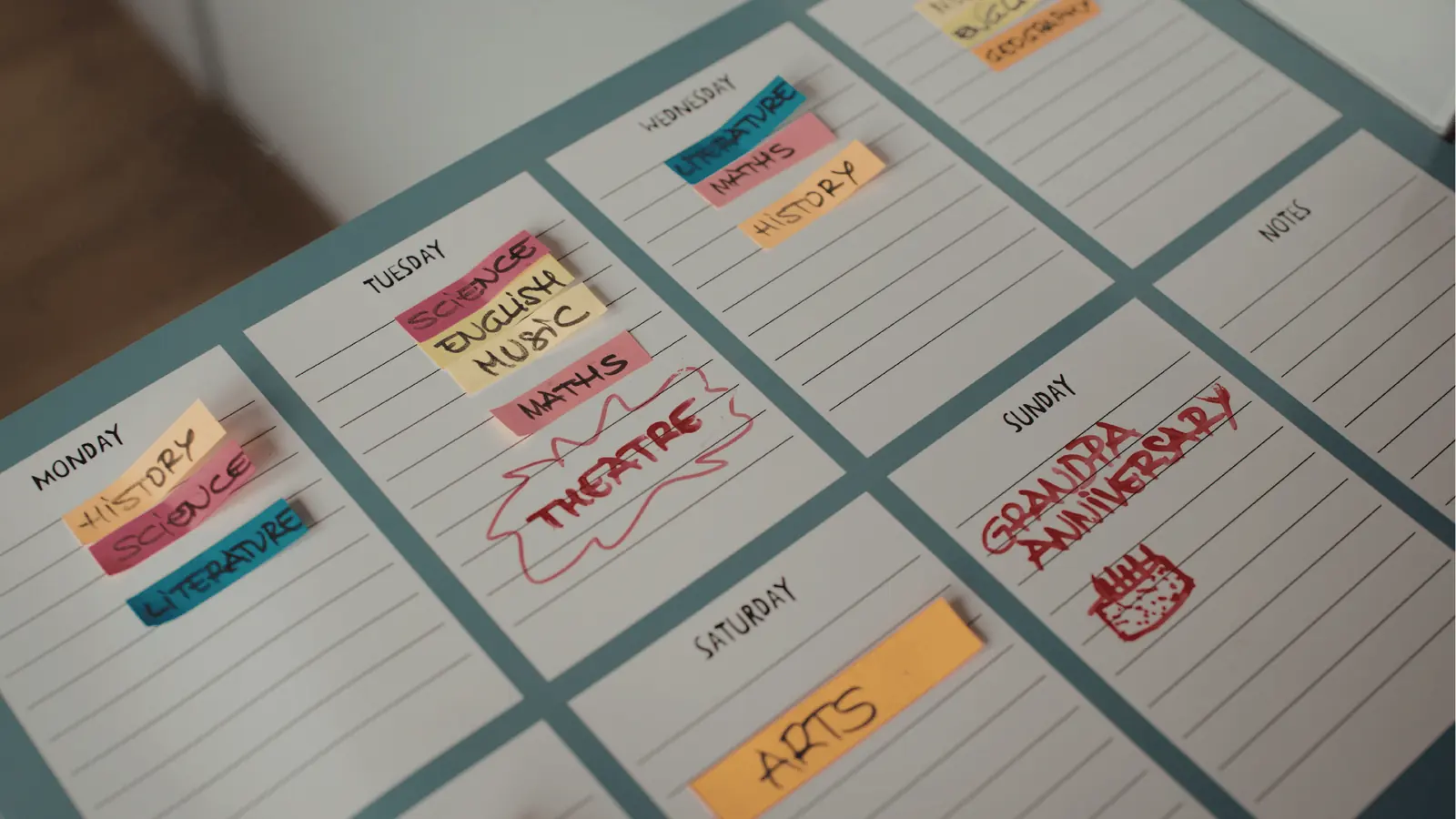
This is the template that fixes consistency, because it turns "what should we post?" into "fill the slot":
| Day | Pillar | Template to use |
|---|---|---|
| Monday | Educational | Steal list hook + PAS structure |
| Tuesday | Proof | Before / After / How |
| Wednesday | Engagement | Open question or hot take (contrarian hook) |
| Thursday | Behind the scenes | Story, Lesson, CTA |
| Friday | Promotional | Specific-result hook + one clear offer |
That's a 4:1 value-to-promo ratio, which is roughly where most accounts stop feeling salesy. Posting 3 days a week instead of 5? Keep Monday, Tuesday, and Thursday. Pair the mix with your account's real best posting times and you've got a full system.
One idea, five platforms (without rewriting five times)
The templates above are platform-agnostic on purpose. One Before/After/How idea becomes:
- an Instagram carousel (7-slide structure),
- a LinkedIn text post (long-form skeleton),
- a TikTok or Reels script (say the Before as the hook, show the How),
- an X thread (one step per post),
- a Facebook post (long-form skeleton, softer CTA).
Same skeleton, different delivery. The structure is the reusable part, not the words.
Save them once, stop rebuilding them
Templates only speed you up if they live where you write, not in a doc three tabs away. Here's the 20-minute setup we recommend:
- Pick 5 to 8 templates from this post (not all 12, unused templates are clutter).
- Save each as a reusable draft in your scheduler, with the blanks marked in [BRACKETS] so nothing placeholder ever ships.
- Map them to the weekly mix so every calendar slot already knows its format.
In Mydrop, that setup compounds: you drop the skeletons into the content calendar, let the AI caption generator fill the blanks, then create a week's posts at once with bulk creation. Filling a month for one brand goes from a full afternoon to about an hour, because the decisions were made once, in the template.
Start with one template this week. The steal-list hook plus the PAS structure is the easiest win: write it Monday, post it, and watch how much faster Tuesday's post goes when the format is already decided.


 Google review
 Trustpilot review
 Product Hunt comment




