
















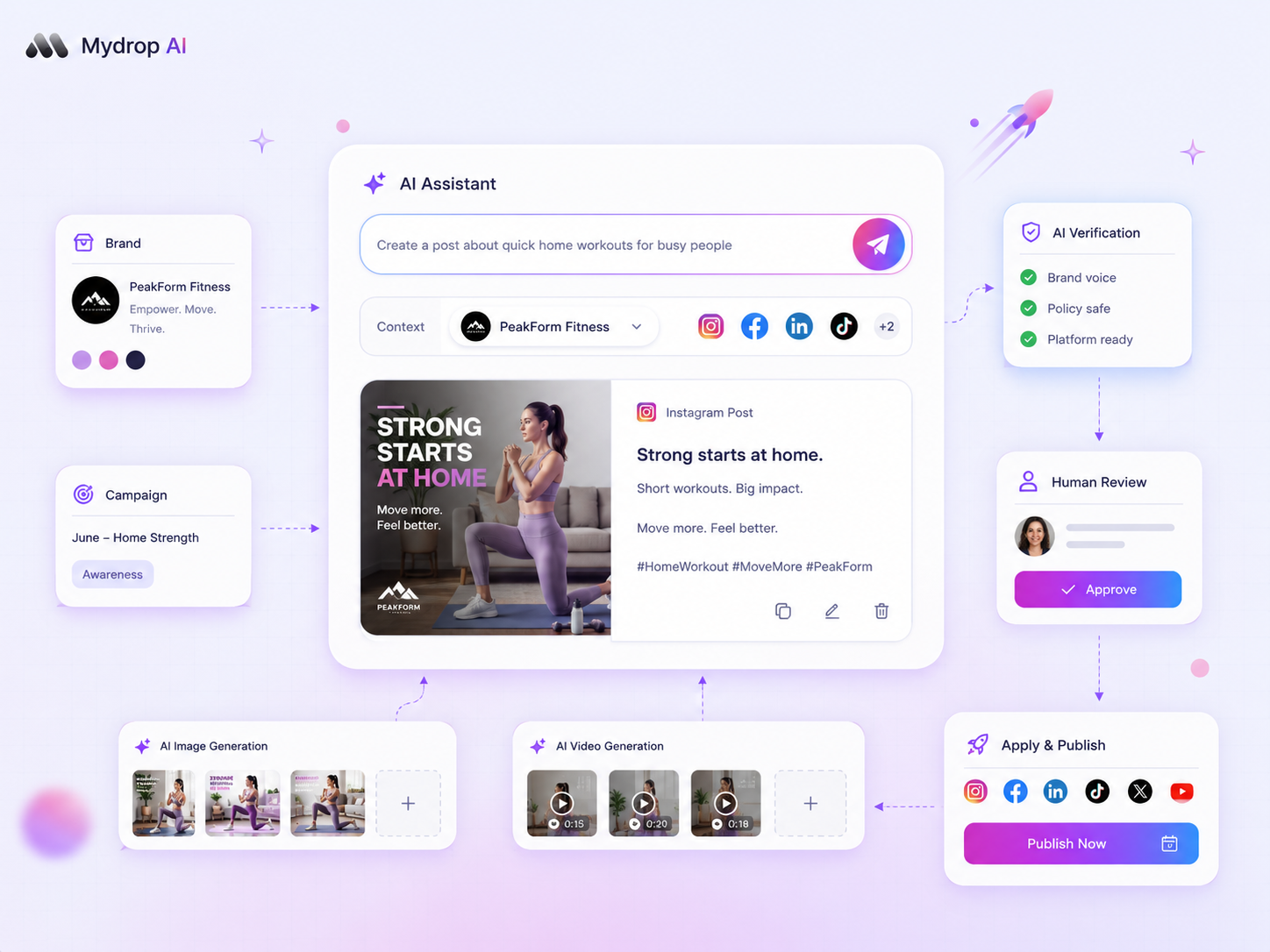
If your AI-generated social captions sound like a corporate robot doing an impression of a human, you haven't failed. You've just been handing it an incomplete instruction manual. Chances are you're treating your AI like a creative writer rather than a junior teammate. You wouldn't expect a new hire to nail your brand voice without your style guides, past wins and clear guardrails, so don't expect it from a raw prompt.
We get it. Social media operations are messy, and the promise of push-button content is tempting. When the results land cold and generic, rewriting every single line is frustrating. You end up doubling your workload instead of halving it. But here's the awkward truth: how smart the AI model is matters less than the quality of the instructions you give it. Better context in, better quality out. If the AI doesn't know the why behind your aesthetic, it defaults to the internet's average.
What changed before the numbers moved

Years ago, the manual overhead was simple creation. You wrote the draft, you checked the spelling, and you hit publish. Today, as teams scale up to manage hundreds of profiles and dozens of stakeholders, that manual path has become a major roadblock. The shift to AI was supposed to clear the way, yet for many it just swapped one set of chores for a new, more tedious one: constant, heavy-handed editing to strip away that distinctive, hollow corporate sheen.
The problem often traces back to how we first started using these tools. When AI text generation was a novelty, we were happy with "good enough" output. Now, with enterprise-level requirements, "good enough" is a liability.
We've seen this across brands and agencies. Teams moved to AI to chase speed, but they didn't build the infrastructure needed to govern the output. They opened the composer panel, asked for a caption, and assumed the model would just "know" the brand personality. When it didn't, the reaction was either to write off the technology or spend hours force-fitting the model into the right tone.
The reality is that your AI isn't struggling because it's incapable. It's struggling because it's working in a vacuum. To fix this, stop treating AI as a magic button and start treating it as an extension of your existing creative operations. You need to move from asking for "a post about our new feature" to feeding the system the specific, lived-in detail that makes your brand recognisable. Once you start attaching real brand assets and specific stylistic constraints to your requests, the quality shifts from generic filler to something that actually sounds like your team.
The failure patterns to check first

When the output feels off, it's almost always because the model is guessing your brand rather than referencing it. We've seen this across hundreds of accounts. The AI defaults to a generic, upbeat tone because it's optimised for the internet average. Unless you explicitly pin it to your specific constraints, you'll keep getting those polished but hollow captions.
Here's the quick way to audit your current process. If your team is hitting these walls, you're probably missing one of these four components.
| Symptom | Missing Context Link | How to fix |
|---|---|---|
| Too promotional | Brand tone guidelines | Update your Saved Prompt to explicitly forbid "hard sell" language. |
| Ignores product nuances | Media or attachment data | Use the AI Attachment feature to upload product specs or technical sheets. |
| Feels disconnected | Profile-specific history | Ensure the correct channel and persona profile are selected in the composer. |
| Lacks internal polish | Brand terminology | Include a "Do not use" and "Must use" list within your Saved Prompt. |
At Mydrop, we usually find that the most effective teams treat the composer AI panel like a new junior hire. You'd never tell a person to "just write a post about X." You'd hand them a brief, a few examples of what worked last week, and maybe a draft of your product messaging. If you aren't doing the same for your AI, the friction you feel is really a request for better onboarding data.
Operator rule: If you have to rewrite more than 20 percent of an AI-generated caption, your prompt isn't a tool; it's a source of extra work. Stop generating and refine the context parameters first.
Mydrop data, September 2026: across accounts connected to Mydrop, which manages 55,000+ posts, captions under 80 characters ran 9% below their account's typical post. From 80 characters up, length made no measurable difference: every bucket from 80 to 600+ characters sat within 3% of the median. Method and full tables in the Mydrop social media benchmarks.
The proof that separates signal from noise
The secret to scaling this isn't just better prompts; it's building a validation layer between generation and publishing. Most teams rush straight from "Generate" to "Schedule," and that's where the quality gap becomes a liability. You need a way to measure the vibe of the content before it hits the production calendar.
We use a scoring loop to calibrate tone. By running your draft through a virality or tone-check feature, you get an objective look at how the AI interpreted your instructions.
The Calibration Workflow
- Draft & Generate: Pull in your media and let the AI build the first pass based on your
Saved Prompt. - Apply Virality Scoring: Run the draft through the score tool to see if the AI accidentally leaned into spammy tropes or lost the brand voice.
- Review Feedback: Look at the specific recommendations. If it suggests a more conversational tone, that's a signal that your initial brand parameters were too loose.
- Refine & Update: Feed those insights back into your prompt settings.
This creates a self-correcting loop. The goal isn't perfect output on the first click. The goal is to build a rhythm where the model learns your specific brand rhythm over time. When you start using the scoring feedback as a way to "train" your prompts, you stop fighting the technology and start directing it.
The best captions don't come from a smarter model. They come from a team that treats the generation step as a collaboration rather than a finished product. If the AI is giving you generic output, it's just mirroring the lack of specific inputs. Change the inputs, and the brand voice usually snaps right back into focus.
What to fix this week
If your AI outputs are consistently missing the mark, stop trying to write "better" prompts and start fixing your inputs. You can't expect a model to synthesise a brand identity it hasn't actually seen.
Use this simple, 15-minute audit to reset your team's generation workflow.
| Symptom | The Fix |
|---|---|
| Sounds too salesy | Update your Saved Prompt tone variable to include "no-hype" or "customer-first" constraints. |
| Ignores brand specifics | Attach a PDF or text file of your current brand guidelines to the AI Attachments panel before generating. |
| Repetitive structures | Use the Virality Score feedback to identify specific phrases that keep triggering and ban them in your system prompt. |
| Lacks visual context | Force the model to "see" your creative by attaching the actual image or video asset for context analysis. |
Beyond these quick fixes, set up a recurring "Calibration Friday." Take 20 minutes to review the last 10 generated captions that failed to pass the first round of internal reviews. Don't just rewrite them; identify which piece of missing context (a specific brand pillar, a recent product update, or a disallowed adjective) would have prevented the initial failure. Add that specific detail into your shared AI Memory or Saved Prompts library.
Decision check: Never treat the first generated draft as the final asset. Treat it as a raw draft that still needs a human to inject the final ten percent of emotional nuance that AI, no matter how well-trained, still struggles to synthesise.
When to stop diagnosing and change the workflow
Sometimes the issue isn't the AI. It's the sheer volume of content you're forcing through the pipeline without adequate human oversight.
If your team is spending more time fighting with AI outputs than you would have spent writing the captions from scratch, you've hit the manual overhead ceiling. At this stage, stop trying to automate the entire post. Switch your operating model to Human-in-the-Loop Curation.
Use the AI to generate the structural skeletons, bullet points or campaign hooks, but save the final voice-driven polish for a human editor who knows the brand's current pulse. If the AI still gets it wrong after three revisions, don't keep clicking generate. The system is probably missing a core piece of your strategy documentation. Go update your source files, then come back.
Conclusion
Social media at scale is rarely about who has the best AI tool; it's about who has the cleanest, most accessible information for that tool to work with. When your AI feels off-brand, it's simply holding up a mirror to the gaps in your own internal documentation.
By systematically feeding your brand's lived-in context into the workflow and treating the generation step as a collaborative partnership rather than an outsourcing play, you stop fighting the technology and start scaling your output. The goal is to reach a point where your team spends less time fixing robotic prose and more time on the high-level strategy that actually drives growth. Start with the input, refine the context, and let your team do what they do best: curate with conviction.



 Google review
 Trustpilot review
 Product Hunt comment





