
















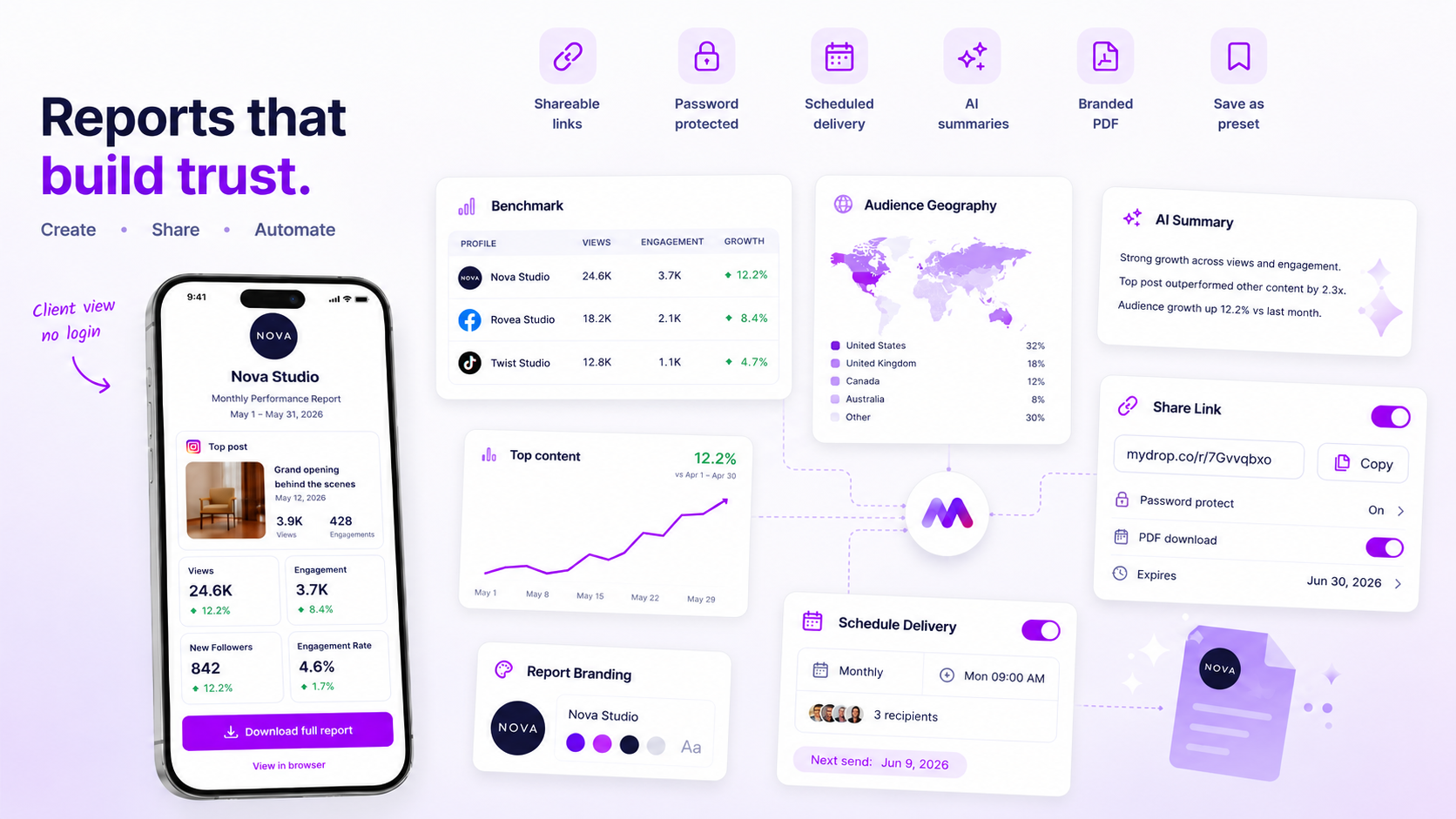
You don't need a full-blown client portal for every stakeholder. Often, the best way to move a project forward is to stop forcing clients to navigate complex app environments. Instead, send them a single, password-protected, browser-based link that gets them the exact data they need, instantly.
We've all been there. You've spent hours perfecting an analytics narrative, only for the client to get stuck behind a login wall, forget their password, or ping you for a static PDF you've already sent three times. It's a classic case of coordination debt: you aren't just sharing data, you're inadvertently forcing your client to manage an account they rarely use.
At Mydrop, we often see teams manage hundreds of brand profiles across dozens of stakeholders. The hidden cost of "full platform access" isn't just security. It's the friction of forcing someone to learn a new tool just to glance at a performance chart. Sometimes, the most professional thing you can do is get out of their way with a clean, immediate link.
The decision each metric should trigger

The secret to efficient reporting is realising that not all client interactions are created equal. You need to tell the difference between exploration and acknowledgment.
If a client needs to dig, filter by region or segment data by campaign duration, they need the power of a full portal. But for the vast majority of weekly or monthly check-ins, they just need to see that the needle is moving in the right direction.
Operator rule: Only use full portal access when a client needs to interrogate the data. Use secure public links when a client needs to approve or acknowledge the data.
When you send a tokenised public link, you're effectively shifting the interaction from a "support request" to a "viewing experience." The client doesn't need to authenticate, they don't need to hunt through their inbox for an invite link, and they don't get distracted by your internal team's workflow tools. They see the report, they get the context, and they move on.
Here's how to classify your reporting needs so you can stop the constant pinging:
| Review Intensity | Recommended Path | Primary Goal |
|---|---|---|
| Weekly Pulse Check | Secure Public Link | Speed; immediate status update. |
| Strategic Audit | Password-Protected Link | Security; safe data review. |
| Deep-Dive Investigation | Full Portal Access | Self-serve; granular filtering. |
| Executive Summary | Email-Delivered PDF | Convenience; mobile consumption. |
When you support thousands of users, you realise that people generally don't want "more access." They want less friction. If your analytics report is buried behind three layers of navigation and a forgotten password reset flow, you've effectively hidden the value you worked so hard to create.
The scorecard that keeps reporting useful

The secret to a high-impact report isn't the number of charts you cram into a PDF. It's how quickly a stakeholder can answer their "so what?" question. When you send a 50-page deep dive to a busy VP who only cares about three specific engagement metrics, you aren't being thorough. You're creating a distribution bottleneck.
Before you share your next analytics run, hold it against this simple scorecard. If your report isn't hitting these markers, no amount of password protection or portal access will make it effective.
| Metric | Threshold | Why it matters |
|---|---|---|
| Primary KPI Clarity | < 10 seconds | The core trend must be visible before they scroll. |
| Contextual Annotations | 3+ key insights | Raw data is noise; notes turn it into a strategy. |
| Stakeholder Task | 1 action item | If they don't need to decide or approve, don't send it. |
| Device Latency | < 3 seconds | If it doesn't load on their phone, it won't get read. |
When we see teams managing hundreds of brand profiles, the reports that actually move the needle are the ones that treat data as a conversation, not a document dump. If you have to explain the report in a follow-up email, you've already failed the design test.
What to stop measuring by default
We've all been there: the "everything report" that tracks thirty different metrics because some legacy template requires it. Stop it. It's exhausting for your team to compile and soul-crushing for the client to read.
Most agencies and large teams fall into the trap of over-reporting to justify their existence. In our experience, clients actually trust you more when you proactively prune the noise. If you aren't actively using a metric to drive a future creative or strategic decision, cut it from the default view.
Decision check: If a metric hasn't triggered a change in your content calendar or ad spend for three cycles in a row, remove it from the recurring report. It's dead weight.
At Mydrop, we see the most successful teams switch to a "priority-first" reporting model. Instead of fighting with spreadsheets or forcing clients into an app they rarely visit, they use our public share links to deliver exactly the data that matters, nothing more, nothing less. By stripping away the fluff and focusing on actionable trends, you stop being a data provider and start being a partner who actually respects your client's time.
When you make your reporting lean, you stop chasing approvals at 6 p.m. and start hitting them with the insights they actually need to say "yes."
How to connect metrics to next actions
The distance between a dashboard and a decision is usually measured in lost time. If your client opens a report and can't immediately tell whether they should keep going or change course, the report has failed. You can bridge this gap by forcing every analytics view to map directly to a "What now?" prompt.
Instead of generic tables, frame your reporting around three specific outcome types. When you share a report, use the accompanying summary to state explicitly which of these three paths the data supports.
| Metric Trigger | Interpretation | Required Action |
|---|---|---|
| Growth plateau | Stagnant reach/engagement | Run an A/B creative test on core messaging. |
| Conversion dip | Declining click-through | Audit landing page or CTA placement. |
| Trend spike | Viral reach on one format | Double down on that specific production style. |
Workflow check: Never share a report without a "so what." If you send a link and leave the client to guess the implication, you've only delivered data, not a service.
The review cadence that makes the model stick
Coordination debt often builds up because we assume every report needs a live walk-through. In our experience, teams managing hundreds of profiles across multiple markets burn out because they treat every recurring update like a high-stakes presentation.
A sustainable cadence needs a tiered approach to interaction. Save your team's live energy for where it actually moves the needle.
- The Passive Sync (Weekly): Use a secure, tokenised public link for high-level health checks. Send it by email with a 3-sentence summary of the wins and one red flag if you spot one. No meeting required.
- The Strategic Pivot (Monthly): This is where you provide full portal access. At this depth, the client needs to filter by region or drill into specific campaign segments. This is your chance to lead a collaborative working session, not just a lecture.
- The Audit (Quarterly): A deep-dive PDF download, if it's enabled on your share link, serves as the permanent record. This lets stakeholders archive the data for their own compliance or board reporting needs.
At Mydrop, we see the most successful teams treating the "share link" as the primary document and the "platform login" as a secondary utility for power users. When you move the default interaction to an immediate, no-login web experience, you remove the friction that causes approvals to stall in a cluttered inbox.
Conclusion
The goal of your reporting workflow should be to make the path from data observation to strategic alignment as short as possible. If you're still chasing down passwords or manually exporting static spreadsheets every Friday, you're managing a tool rather than your brand's performance.
Start by auditing your current review loops. If a stakeholder only ever checks the top-line numbers, stop giving them a platform login they'll never use. Send them a clean, public link, set an expiry date, and give them back the time they would have spent navigating a login screen. Your best work happens when you stop managing access and start accelerating decisions.



 Google review
 Trustpilot review
 Product Hunt comment





