
















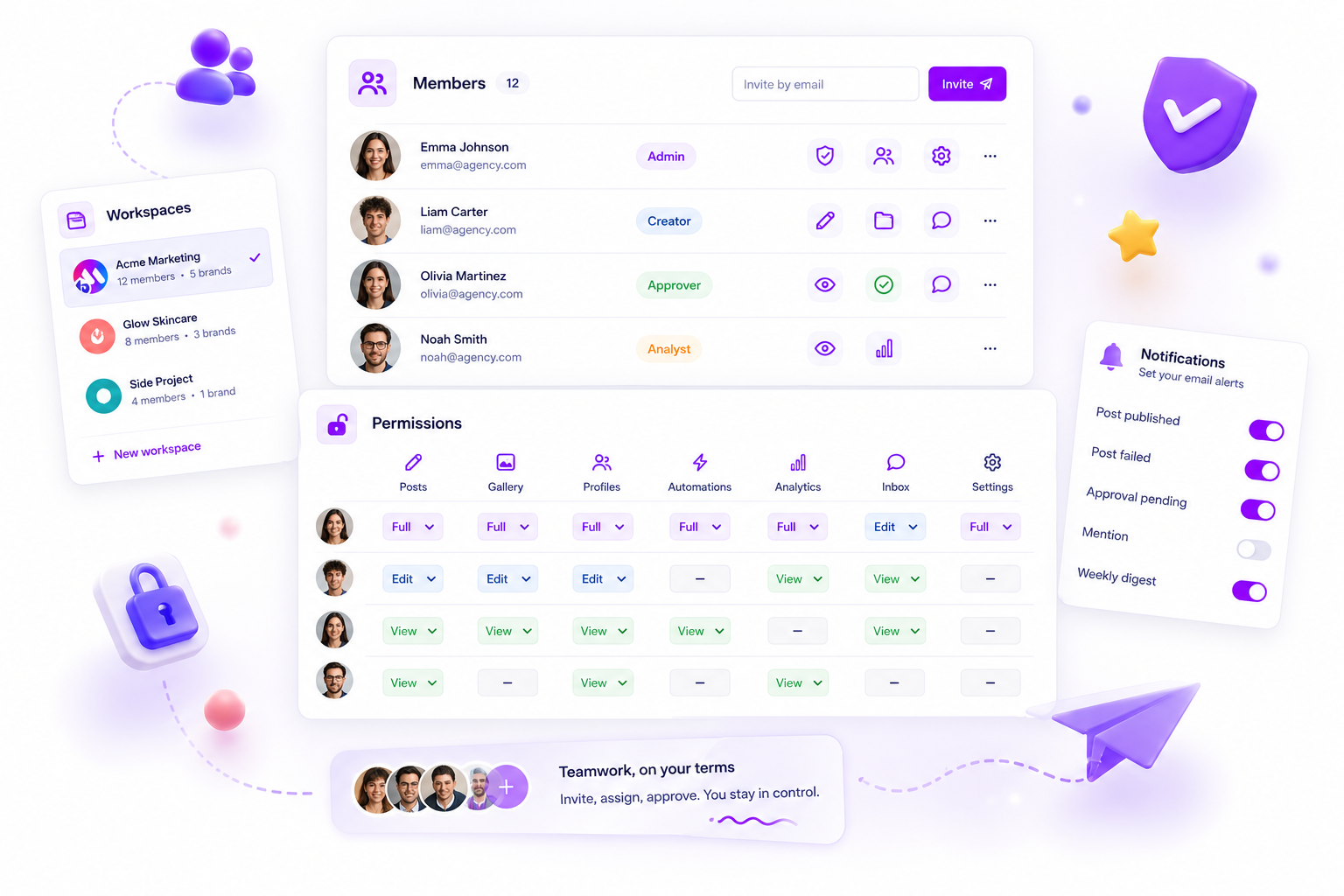
When your Mydrop workspace hits a product quota, the bottleneck is rarely just a lack of volume. It is usually a lack of coordination. Before you reach for the Upgrade button, treat that limit as a prompt to check which team processes are eating the most resources, and whether that consumption still lines up with your current priorities.
We get it. You are in the middle of a high-stakes campaign launch or a complex client reporting cycle, and suddenly the "Action Blocked" banner appears. It is frustrating, it breaks your rhythm, and it makes you feel like you are fighting your own tools rather than scaling your team. But here is the silver lining: hitting a wall often shows you exactly where your operational debt has been hiding.
Most teams assume a quota hit is a success signal that they are growing. The awkward truth is that it is often a sign of coordinated waste: redundant test projects, abandoned drafts, or orphaned assets that aren't adding to your bottom line but are eating your limit.
Operator rule: Treat every system limit as a trigger to check how efficient your workspace is right now, not just a signal to spend more.
The decision teams usually frame too broadly

The mistake most managers make is treating a quota breach as a single, either-or problem: we either pay for more, or we stop working. That either-or view hides the real issue, which is that your workspace setup has probably drifted away from your current campaign strategy.
In our experience supporting teams managing hundreds of brand profiles, we see a recurring pattern of "Project Bloat." Teams create a new workspace for a temporary experiment or a one-off client report, then forget to shut it down once the work is done. These workspaces stay active, tied to your account-wide limits, slowly eating into your capacity.
You aren't just limited by raw data; you are limited by active organisational footprint.
Here is how you can work out whether you are genuinely out of room or simply paying for ghost projects:
| Indicator | Sign of Real Growth | Sign of Operational Drift |
|---|---|---|
| Workspace Count | Adding new, distinct brand or regional units. | Duplicating workspaces for temporary "test" campaigns. |
| Asset Usage | High volume of published, high-performing content. | Stacks of abandoned drafts and discarded creative versions. |
| Member Access | New roles assigned to core campaign contributors. | Persistent access for external contractors from projects closed months ago. |
| Sync/Triggers | Scaling to more channels and automated reports. | Third-party integrations syncing data you no longer use. |
When you are in your Mydrop Settings > Workspace view, look beyond the progress bar. Compare the usage counter against your current active campaign projects. If your workspace is holding assets from six months ago that haven't been touched, that is not a growth problem, it is a housekeeping problem. Clearing that clutter often buys you more "runway" than an upgrade ever would.
What should stay manual and what can move faster

The secret to keeping your workspace healthy is realising that automation is not a magic wand for every part of your social machine. When you automate the wrong tasks, you end up with a high-speed engine that just generates clutter faster than your team can clean it up.
High-stakes decisions, like brand tone, final compliance sign-offs, or sensitive responses, need human judgement. Keep these manual. If you try to automate the approval of a 10-market campaign rollout, you lose the nuance that prevents PR disasters. On the flip side, move the repetitive, low-variance work to automation: file naming conventions, asset resizing, or routine weekly reporting.
At Mydrop, we often see teams hit quota walls because they’ve built elaborate, automated pipelines for every single post. When you automate the creation of "test" assets or recurring syncs that don't actually need to live in your main production workspace, you aren't scaling; you’re just manufacturing noise.
Decision check: If a task can be done by an intern without a briefing document, it is a candidate for automation. If it needs a Slack thread longer than three messages to explain, keep it manual.
The tradeoff matrix
Deciding what to automate versus what to manage by hand is a classic governance tradeoff. Use this matrix to check your current workspace activity and spot where you are leaking capacity or wasting resources.
| Operational Task | Automate When | Keep Manual When |
|---|---|---|
| Draft Creation | Recurring, high-volume format (e.g., daily stats). | One-off campaigns or brand-sensitive launches. |
| Approvals | Standard, internal peer-review loops. | Legal, PR, or cross-departmental compliance. |
| Asset Storage | Standardised final delivery folders. | Raw creative files or iterative "work-in-progress" versions. |
| Reporting | Routine weekly or monthly performance pulses. | Quarterly reviews or strategic deep-dive analysis. |
| Member Access | Bulk onboarding/offboarding of temporary staff. | Core strategy, admin, or agency partners. |
When you look at this table, ask yourself: are we hitting our workspace quotas because we are genuinely shipping more, or because we have automated the creation of "stuff" that no one is actually looking at?
Many teams fall into the trap of using their workspace as a digital junk drawer. They automate a feed or a sync, and suddenly they have thousands of orphaned assets and hundreds of dead-end drafts cluttering the database. This isn't just a quota issue; it's a governance failure.
Before you click that "Upgrade" button, head over to your Mydrop Workspace Settings. Look specifically at your membership summary and your project count. Often, clearing out the "zombie" projects from last year’s holiday campaign will do more to free up your workflow than adding another ten slots to your limit.
Remember, social media scale doesn't fail because of a lack of ideas. It fails because of coordination debt. Keep your workspace lean, keep your manual sign-offs focused on the big bets, and automate only what is truly repeatable.
How to pilot the workflow safely
When you are ready to prune your workspace, do not do it in the heat of a Friday afternoon campaign push. Instead, treat your audit like a scheduled system maintenance window. Start by cloning your active workflows into a temporary sandbox workspace if your platform allows it, or simply do the audit during a low-traffic window to make sure that deleting a "test" project doesn't accidentally cut a live integration link.
We have found that teams who try to clean house while also shipping assets end up breaking more than they fix. A safe pilot involves mapping your project hierarchy first. Before you hit delete, check that the project or asset isn't referenced by an active automated report or a recurring post schedule. If you use Mydrop, go to your Workspace Settings to see your current active usage counters against your threshold. Use this as your baseline rather than guessing which projects are the "heavy" ones.
Here is a simple sequence to make sure you don't wipe out something critical:
- Inventory: Export your current project list. If you cannot export, take a quick screenshot of your main dashboard.
- Tagging: Spend ten minutes tagging or renaming old projects with an
ARCHIVE-prefix so you can easily filter them later. - Verification: Check your integration logs to confirm no active API connections are tied to those specific
ARCHIVE-projects. - Purge: Begin deleting the oldest, tagged projects in small batches of five.
- Monitor: Check your quota status after each batch to see if your usage metrics reset as expected.
The operating rule to keep
The most common reason teams hit quota limits isn't explosive, unexpected growth. It is the silent, steady build-up of "zombie" projects that were supposed to be one-offs but became permanent residents in the workspace.
Workflow check: If a project or draft hasn't been touched in 30 days and isn't part of a recurring campaign, it must be archived or deleted by the end of the month.
Treat this as a non-negotiable hygiene habit. When you treat your workspace as a living environment rather than a digital junk drawer, you stop worrying about quota walls and start focusing on the actual content your audience cares about. This rhythm of active lifecycle management is what separates teams that are constantly fighting their tools from teams that are actually scaling their output.
Conclusion
Hitting a quota limit is rarely a sign that you need to open your wallet. It is a sign that your team has drifted away from the lean, efficient operations that got you to this level of scale in the first place. By shifting from a "more is better" mindset to a "keep it clean" discipline, you regain control over your resources and your team’s focus. The next time the "Action Blocked" banner appears, take a breath. You are probably not out of space; you are just overdue a bit of spring cleaning. Use the diagnostic steps above, clear the digital clutter, and get your team back to doing the work that actually moves the needle.



 Google review
 Trustpilot review
 Product Hunt comment





