

















The secret to managing multiple brands without losing your mind is to move away from scattered, isolated spreadsheets and towards a single, filterable calendar. One view that forces you to see every campaign, profile and post status at once. If you're still hunting through browser tabs for the "final-final" version of a post, or your team spends Monday mornings cross-referencing three different documents just to work out who's posting what, you've got a coordination problem.
We've all been there. It's exhausting, feeling like you're forever chasing your own tail while trying to keep track of a dozen different brand voices and twice as many approval workflows. You're not alone, and frankly, this is harder than it looks. Running high-volume social operations is less about being a creative genius and more about mastering the dull, repetitive logistics of getting content out the door without a compliance headache.
The operating problem this solves

Most teams think their content problem is a lack of creativity. It's actually coordination debt: the hidden operational cost of jumping between platforms and tools to manually track what's live, what's waiting for approval and what's about to miss its window. When you work across multiple brands, that debt compounds. You end up with a spreadsheet that looks like a crime scene of colour-coded tabs, broken links and out-of-date notes.
Here's where teams usually get stuck: they create too many granular, disconnected calendars. It feels like a way to stay focused, but it actually creates huge visibility gaps. If your luxury brand calendar is invisible to your lifestyle brand lead, you can't stop cross-brand cannibalisation or keep your messaging consistent.
Operator rule: If a piece of content isn't on the master calendar, it doesn't exist for the organisation.
The goal is to stop treating your calendar as a static record of what happened and start using it as an active operational dashboard. When you collapse those silos into one view, you're not just saving time on status updates. You're building a resilient, repeatable rhythm that lets your team move from reactive firefighting to proactive strategy.
At Mydrop, we see this across agencies and enterprise brands managing hundreds of profiles. The teams that scale successfully are the ones that stop treating their calendar as a simple to-do list and start using it to filter, audit and move content through a single pipeline. The moment you force every brand and every campaign onto a shared, filterable surface, the shadow work of manual coordination disappears.
The minimum system that works
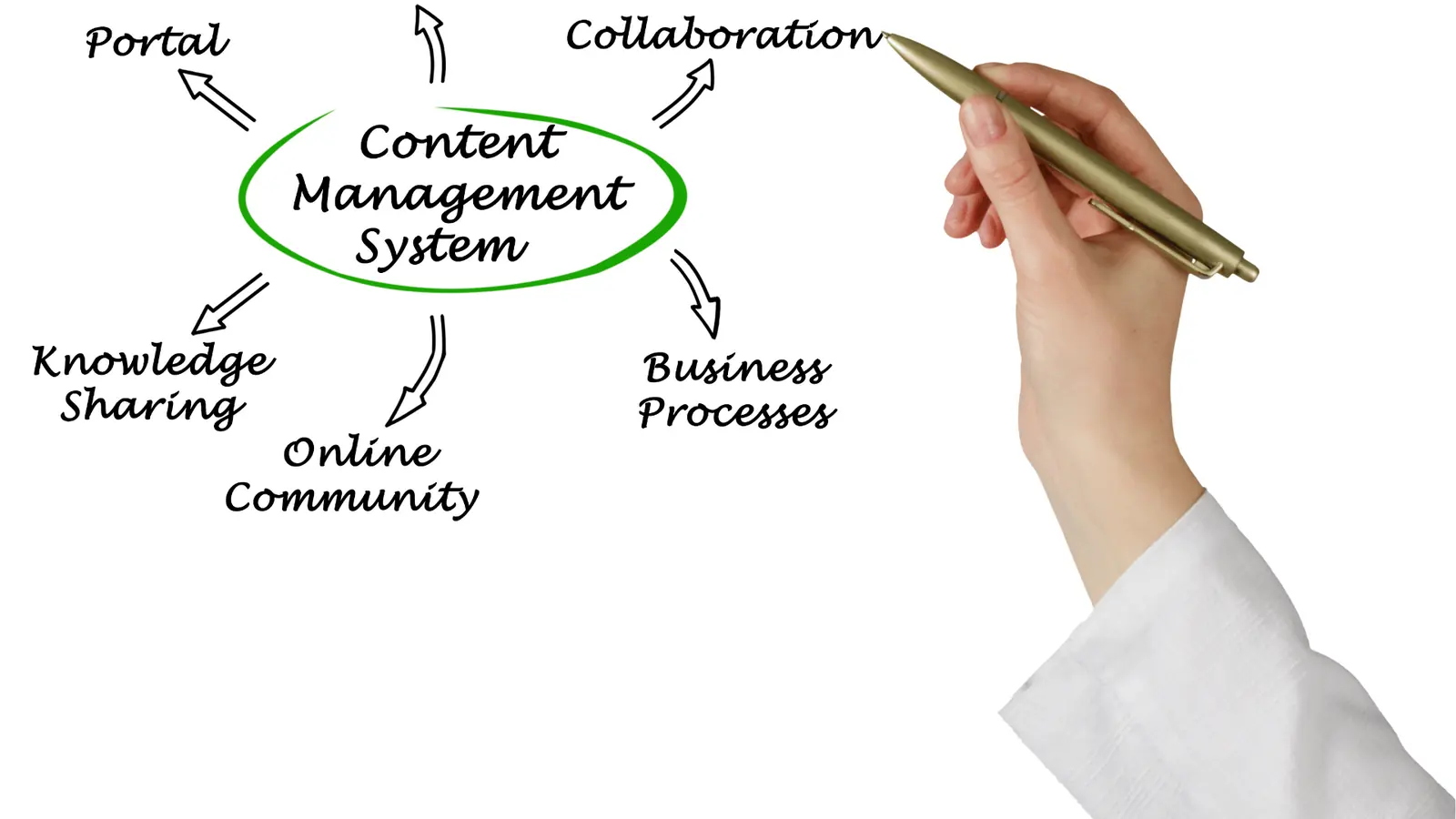
The secret isn't a more complex tool. It's a flatter, more disciplined surface. You need to shift your focus from where the content lives to when and why it publishes. In our experience, teams that stop juggling isolated documents and start using a single, filterable calendar cut their coordination debt in half straight away.
The goal is to turn your calendar into a working dashboard. If you can't filter your view by brand, campaign and status in under three clicks, you're not managing a schedule. You're playing a memory game.
| Feature | The Old Spreadsheet Way | The Unified Calendar Way |
|---|---|---|
| Visibility | Siloed by sheet or tab | Holistic view of all brands |
| Status Tracking | Manual updates (stale data) | Real-time status tags (live) |
| Searchability | Ctrl+F through a mess | Instant filter by Campaign/Profile |
| Blocker ID | Hunting for comments | Direct view of "Pending Approval" |
At Mydrop, we often see teams steady their operations by adopting a "Three-Filter Rule." During your weekly planning, make sure your calendar view is narrowed by exactly three things: Brand Profile, Active Campaign and Approval Status. That forces you to spot the gaps (the missing posts, the unapproved copy, the accidental overlaps) before they go public.
Where teams overbuild the process
Here's the trap almost every fast-growing team falls into: the urge to create "perfect" granular sub-calendars for every niche, platform and content type. It feels like you're getting organised, but you're really just building more walls that block visibility.
When you split your calendar into too many isolated views, you lose sight of the big-picture rhythm of your social footprint. We've seen teams manage hundreds of profiles where the marketing manager had to flick between twelve different calendar views just to check the weekend schedule. That's not organisation. That's a navigation nightmare.
Decision check: If you need more than two distinct calendar views to understand your week ahead, your tagging is too complex.
Teams overbuild when they treat their calendar like a project management tool. A calendar is for timing and sequence, not task management. You don't need a sub-calendar for every minor content iteration. You need one surface that shows you what's scheduled, what's blocked and what's ready to launch.
The moment you start over-tagging or creating custom calendar views for every internal stakeholder, you lose the speed the calendar is meant to give you. Instead of adding more views, focus on sharpening your filter logic. If a piece of content is tagged correctly, one master calendar view is all you need to stay in control across five markets, three brands and dozens of contributors.
The best calendar is the one that stays boring, consistent and visible. Start adding "helper" views for every person in the building and you stop seeing the schedule. You just see more work.
How to run the cadence
The biggest mistake teams make is treating the calendar as a static schedule. A calendar is a living thing. If you don't feed it, it dies. At Mydrop, we see high-performing teams treat the Calendar surface as a daily dashboard rather than a set-and-forget planner.
To keep your sanity, you need to move from planning mode into clearing mode. Your goal isn't just to admire the pretty rows and columns. It's to remove friction, systematically. Every Tuesday morning, your team lead should open the calendar in List Mode, filtered by "Pending Approval" and sorted by "Publish Date."
Workflow check: If a post is within 48 hours of its publish date and hasn't cleared the final approval queue, it gets pulled from the schedule automatically. No exceptions. That stops the last-minute fire drill that drains team morale.
This rhythm forces stakeholders to treat deadlines as real commitments, not suggestions. When you use the calendar filters to isolate by brand and campaign, you stop seeing a sea of tasks and start seeing the actual output of your marketing machine.
Use this simple three-step weekly audit to keep the pipeline moving:
- The Blockage Check: Filter by "Status: Pending Approval." Anything older than 24 hours with no comment or action needs a direct nudge to the stakeholder.
- The Overlap Audit: Toggle your campaign filters. Are three of your sub-brands posting about the same "Summer Sale" incentive within two hours of each other? If so, shift the calendar slots to avoid competing with yourselves.
- The Coverage Review: Switch to the monthly view. Look for dead zones where nothing is scheduled. Spot a week of silence? Drop a note in the calendar to assign a placeholder topic for the creative team to fill.
The proof that the habit is working
How do you know if you're actually winning, or just busy? The data is in the friction, or the lack of it. When you run a disciplined calendar, the signals are usually quieter, which is exactly what you want.
Look out for these three markers of operational maturity:
| Metric | Pre-Audit Symptom | Post-Audit Signal |
|---|---|---|
| Approval Cycle Time | 48+ hours of back-and-forth | Under 12 hours |
| Emergency Edits | Frequent "can we pull this?" alerts | Near zero |
| Calendar Accuracy | "Is this scheduled?" questions | "The calendar says yes." |
The most important proof is the disappearance of the 6pm frantic email chain. When your team trusts the single source of truth, they stop needing to ask you whether something's ready. They just check the calendar, see the status and crack on.
Conclusion
Most teams don't have a content problem. They have a decision bottleneck. You can pour money into more creators or cleverer tools, but if you're still hunting for the latest version of a post inside a spreadsheet, your efficiency will stay capped.
Real scale comes from the boring stuff: standard status labels, filterable planning surfaces and the discipline to clear your blockers before they turn into crises. Start by centralising your view, apply the filters that make sense for your brand structure, and protect your team's time by making the calendar the only place where decisions are finalised.
Once your team knows the calendar isn't just a schedule but the final word on what gets published, you'll find you actually have time to think about strategy again, instead of just chasing the clock.


 Google review
 Trustpilot review
 Product Hunt comment





