
















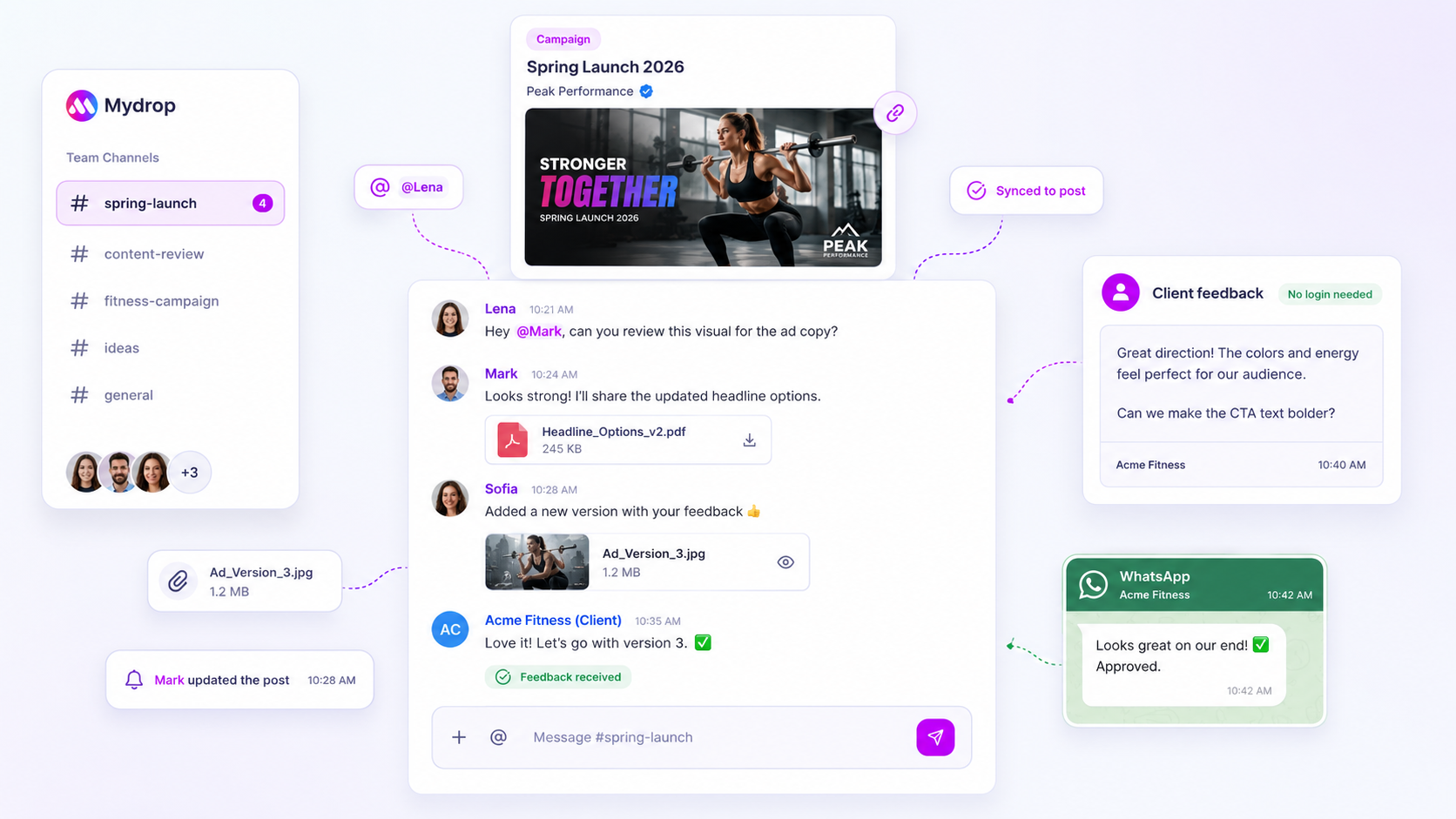
Email is a poor channel for urgent approvals because an urgent email looks exactly like every other email. It sits in the inbox, gets read once, and the reply happens whenever the client next feels like writing one. For same-day sign-off you need three things: a deadline in the first line, a link that opens the post, and an escalation if nothing happens in an hour.
TLDR: Use a 3-tier ladder. Tier 1 is a short message with a one-click review link and a deadline. Tier 2, after 60 minutes, is a text or chat ping. Tier 3, after 2 hours, is a call or a second approver. Agree the ladder with the client before you need it.
Mydrop data, September 2026: across posts that went through a client approval on Mydrop, the median time from submission to approval was 6 hours, and 66% were approved within 24 hours. Method in the Mydrop social media benchmarks.
Why an urgent email behaves like a normal one
The problem isn't that the client doesn't care. Email has no priority the recipient can trust, so urgency is just your word for it.
- No deadline visible in the preview. Subject lines like "Quick approval needed" tell them nothing.
- The post isn't in the email. The client has to open an attachment or a doc, and that's a task.
- Replying is work. "Looks good" has to be typed, sent and filed, and a partial answer ("approve but change the second line") leaves the thread hanging.
- No one owns the silence. If the client doesn't answer, the email doesn't escalate itself.
The 3-tier escalation ladder
Agree this with each client once. It takes five minutes and saves the next ten rushed days.
| Tier | When | Channel | What you send |
|---|---|---|---|
| 1 | Immediately | Email or app notification | One line with the deadline, plus a link that opens the post as it will publish |
| 2 | 60 minutes later | Text or chat the client already uses | "Waiting on one tap for the 3 pm post: [link]" |
| 3 | 2 hours later, or 90 minutes before the slot | Call, or a named backup approver | Ask only for a yes or no |
The key is that each tier uses a different channel, because the first one has already failed.
Write the tier 1 message so it can be answered in 20 seconds
Put the deadline first, the ask second, the link third.
"Approve by 2 pm today, or this goes out Thursday instead: [link]. One post, no changes since Monday."
Say what happens if they miss it. A consequence you've both agreed to is more reliable than a request.
Give the client a review that needs no login
The biggest delay in urgent cases is friction. If the client has to hunt down a password, they'll do it later. A review link that opens the post with media, caption and profile, and offers approve or comment, can be answered from a phone in the coffee queue. Mydrop's client portal works this way, with no account needed for the client, and the approval workflow records who approved and when.
Notifications still matter, but they should point to that link, not replace it. A reminder that says "3 posts waiting" is only useful if one tap opens them.
Set up a pre-approved lane for the truly urgent
Lots of urgent requests are repeats: a holiday message, a stock-out notice, an event reminder. Agree the wording once with the client and mark those templates as pre-approved. Then the urgent ask becomes "swap in the new date", not "approve a new post". For anything with real risk, such as a crisis response, always keep a named second approver.
Agree the ladder in writing before the rush
Send the table above in a short note when you onboard a client, and ask for two things back: the channel they answer fastest and a backup approver. Store both next to the client's brand so any team member can run the ladder, not just you.
Check how often tier 3 fires
Count how many urgent requests reach a call in a month. If it's more than one in five, the problem is planning, not channels. Move review earlier in the week, and use automatic approval reminders for the routine ones so the ladder is saved for real emergencies.
Pick one client this week, send them the ladder in three lines, and use it on the next rush. You can try the review link flow free at Mydrop.

 Google review
 Trustpilot review
 Product Hunt comment





