
















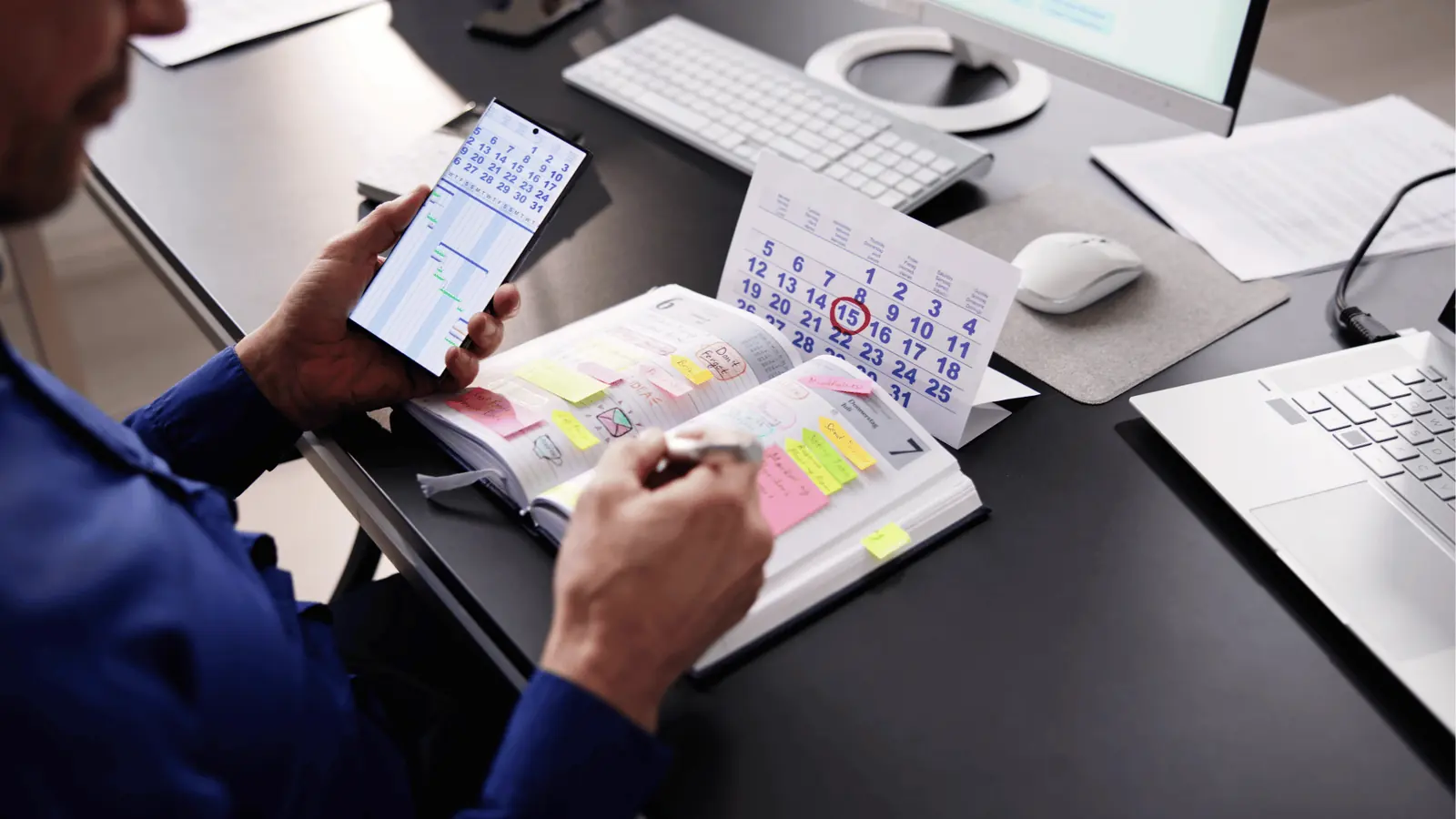
TLDR: A content calendar works when each slot has six fields: date, platform, caption, file, owner and status. Plan four weeks in outline, lock two weeks in detail, and review it for 30 minutes every Friday. That's the whole system.
Most calendars die in week three. They started out as a grid of ideas, nobody owned a slot, and the real posts lived in a different tool.
Here's a setup that survives. It takes about two hours the first time and 30 minutes a week after that. For a ranked list of tools, see our best social media calendar tools. This post is about the structure that makes any of them work.
The six columns every slot needs
| Column | What goes in it | Why it exists |
|---|---|---|
| Date and time | Send time in the audience's zone | Sets the deadline |
| Platform | One platform per row | Formats differ |
| Caption | Draft or final text | Lets people review |
| File | The attached media | Nothing is "coming later" |
| Owner | One named person | Someone is accountable |
| Status | Idea, draft, review, approved, scheduled | Shows what's stuck |
If a slot is missing a column, it isn't ready. That rule alone removes most surprises.
Plan in layers: four weeks outline, two weeks locked
Weeks 1 and 2 are locked: full captions and files, approved. Weeks 3 and 4 are outlined: topic and platform only.
This keeps the calendar honest. You're never fully committed past two weeks, so a launch or a news event doesn't break it.
Give each week a rhythm
A rhythm is a repeating pattern, such as Monday tip, Wednesday customer story, Friday behind the scenes. It cuts blank-page time because the topic type is already chosen.
Keep it to three recurring types at first. Add more only once those run without effort.
Put the plan and the scheduler on one screen
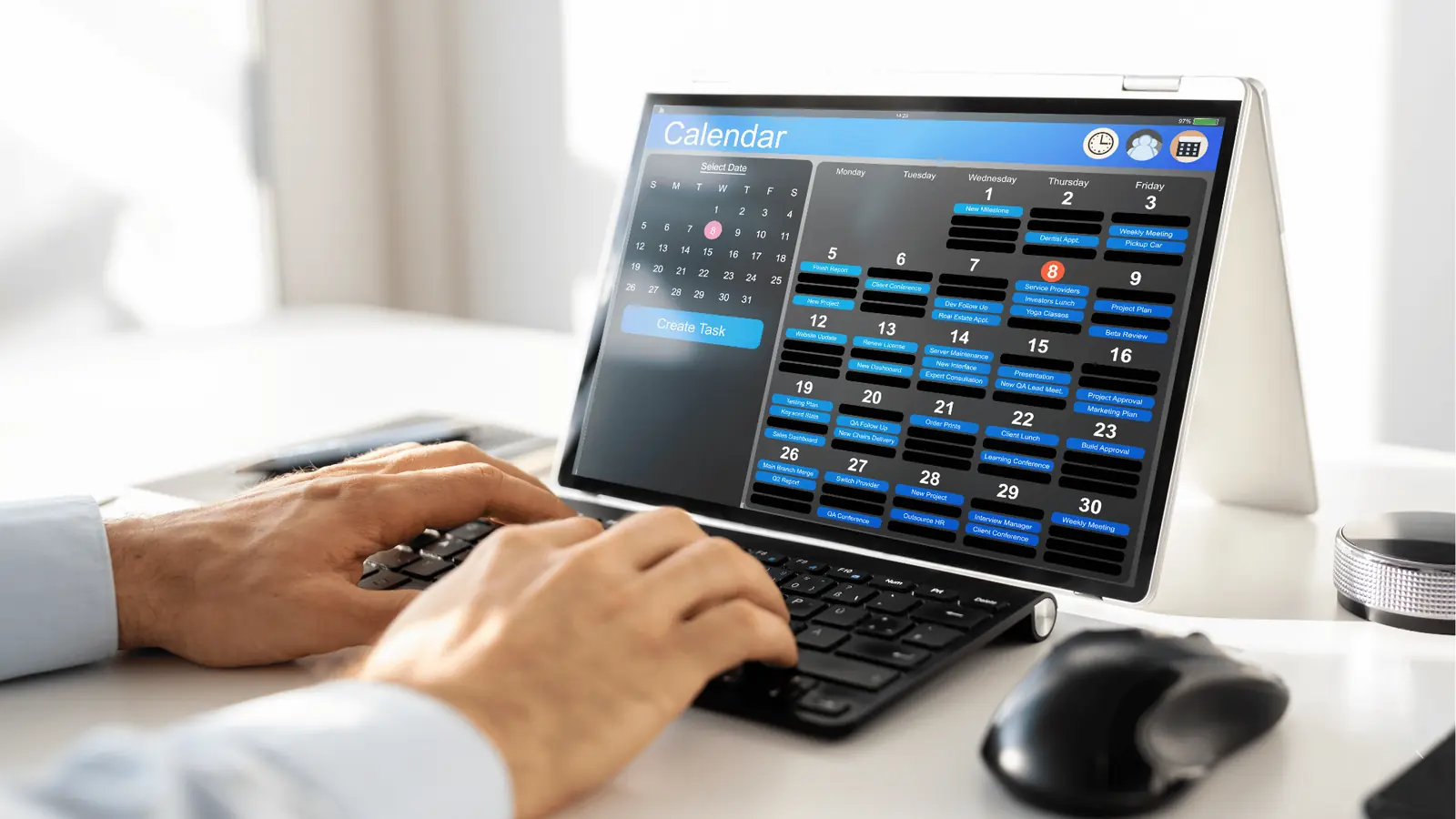
If you plan in a spreadsheet and publish in an app, every post gets typed twice, and edits in one place never reach the other. Use a social media calendar that's also your scheduler, so a slot becomes a post and not a copy of one.
In Mydrop the calendar shows every brand and platform, and you can drag a post to a new day. For agencies, each client's calendar stays separate under its own brand.
Use reminders for the posts that need a human
Some posts need a live action: replying to comments in the first hour, or adding a trend. Set a reminder on the slot. See how to set automated social reminders for the setup.
Don't fill the calendar with AI ideas you don't need
AI is useful for the first draft of a caption or a list of topic ideas. Generating 30 posts and reviewing them one by one is a poor use of time. Generate for the next two weeks only.
Mistakes that make a calendar fail
Too many platforms at once. Start with the two where your audience actually is. Add a third only when the first two run smoothly.
Planning without a goal. Each week should serve one aim: leads, awareness or retention. Write the aim at the top of the week.
No buffer. Leave one open slot per week for something timely. A calendar with zero room gets abandoned the first time reality changes.
One giant owner. If a single person has to touch every slot, the calendar stops when they get sick. Spread owners across the slots, even for a small team.
Keep the calendar small enough to read
A calendar you can't read at a glance is a calendar nobody opens. Use a week view by default, colour by brand or by status (not both) and hide anything already published.
If you manage several clients, give each its own calendar and view them together only when you're planning capacity.
The 30-minute Friday review
- Check the locked weeks. Does every slot have all six fields?
- Promote the outline. Turn next week's outline slots into drafts.
- Look for gaps. Any day with no post? Any platform ignored?
- Read the numbers. Which posts did best? Note the pattern.
- Assign owners to anything still blank.
Do this every Friday and the calendar stays alive. Start free with Mydrop and build next week's six-column calendar in one sitting.


 Google review
 Trustpilot review
 Product Hunt comment





