
















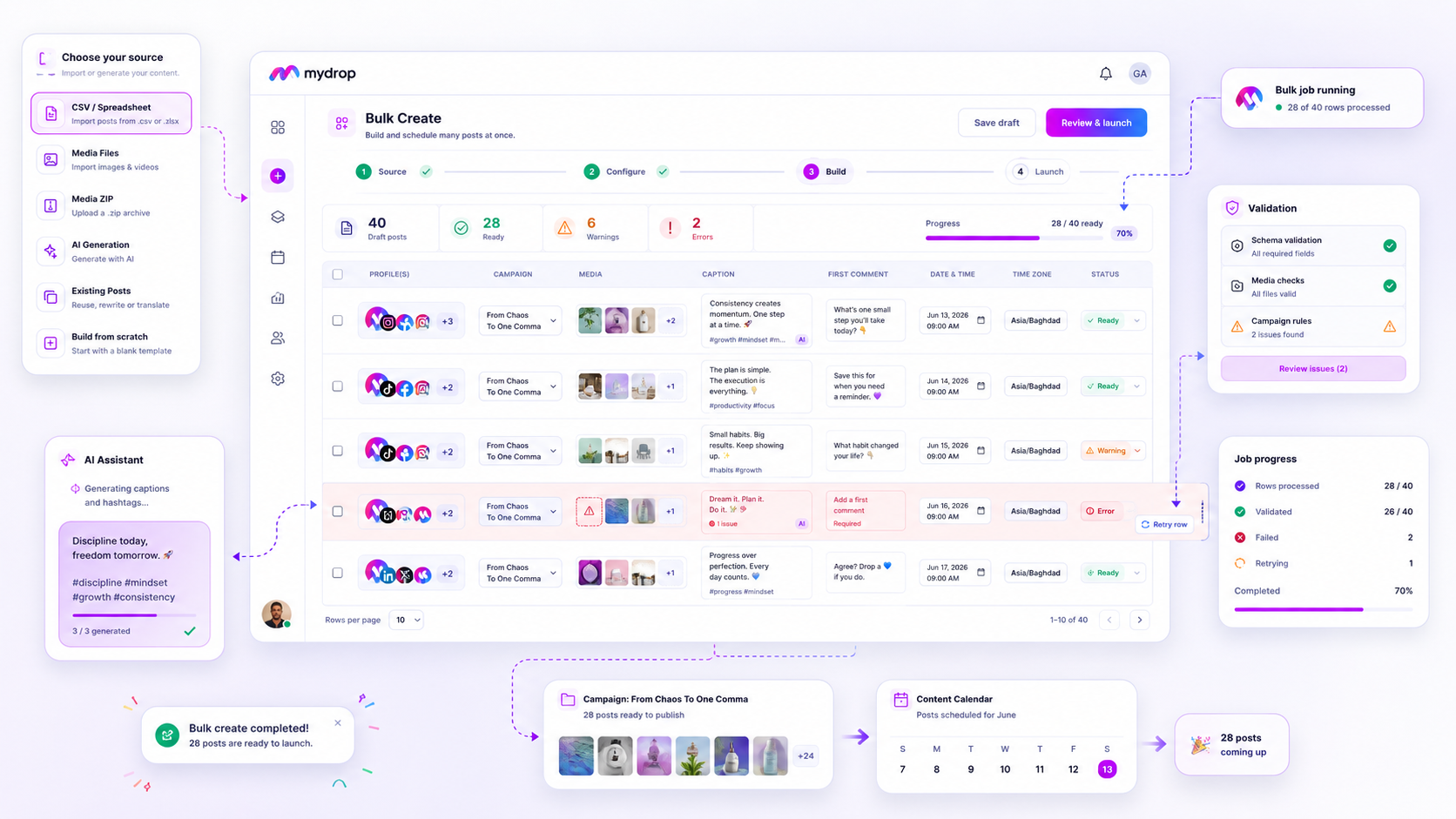
When a bulk job fails halfway, never re-run the whole file. Sort the failed rows by cause, retry only the ones that failed for a temporary reason, and check the calendar before you press go. Re-running everything is how the same post goes out twice.
TLDR: Export the failed rows, label each by cause (connection, validation, platform limit), fix the cause, retry only that group, then compare the calendar to your source sheet. Automate the sorting and the check, not a blind re-run.
Mydrop data, September 2026: in the 30 days to 16 September 2026, 98.5% of posts published through Mydrop went live at the first attempt. The most common warning was a YouTube custom thumbnail rejected because the channel was not phone-verified; the most common hard failure was an expired platform connection. Method in the Mydrop social media benchmarks.
Failures come in three kinds
Not every failure deserves the same response. Group them first.
| Cause | Typical sign | Retry safe? |
|---|---|---|
| Temporary: expired connection, timeout | Many failures on one account at once | Yes, after reconnecting |
| Validation: caption too long, missing media, bad date | Same error on specific rows | Only after editing the row |
| Platform limit: character cap, hashtag cap, format rule | Rejected by one platform only | Only after changing the content |
Look at the data point above. When almost every post goes through on the first attempt, a bulk failure usually points at one shared cause, such as a connection that expired, and not at hundreds of separate problems.
Step 1: export the failures, not the whole file
Take only the failed rows and put them in a new sheet. Keep the original row number so you can match them back later.
Add three columns:
- Cause: one of the three kinds above.
- Fix: what you changed (reconnected account, shortened caption).
- Status: pending, fixed, retried, confirmed.
This sheet is your audit trail. If the job fails twice, you'll know exactly where.
Step 2: fix the cause before you retry
A retry that meets the same error just fails again, and you lose another hour finding out.
- Connection errors: reconnect the account first, then retry the whole group at once.
- Validation errors: fix the rows by hand or with a quick find and replace. Common fixes are caption length, missing alt text, wrong date format and a media link that moved.
- Platform limits: check the caps before you edit. Instagram rejects captions over 2,200 characters or 5 hashtags, X counts 280 weighted characters. Our guide to bulk validation failures lists the checks in order.
Step 3: retry in small batches
Don't push all the rows back in one go. Retry 5 to 10 rows first.
If those land cleanly, retry the rest in groups of 25 to 50. A small first batch tells you the fix worked before you spend the whole queue on it. If you're unsure whether to retry or edit a row, the 3-question triage gives you the answer fast.
Step 4: check the calendar so nothing posts twice
The worst bulk failure is a partial one: some rows went through, and the tool reported an error anyway. Before any retry, open the calendar and compare it to your source sheet.
- Filter the calendar to the campaign and date range.
- Count scheduled posts and compare to the source row count minus the failed rows.
- Remove any row from your retry list that already appears on the calendar.
The Mydrop calendar shows every scheduled post per brand in one view, which makes the comparison a two-minute job instead of an afternoon. For the next big upload, bulk creation works the same way: build in batches, then check the calendar.
What to automate, and what not to
Automate the boring parts: sorting rows by error message, building the retry sheet, and counting calendar posts against the source. Those steps are mechanical, and a script or a sheet formula does them without mistakes.
Keep one human step: a person confirms the retry list before it runs. That single check prevents duplicates, and it takes one minute.
Your next step: the next time a job fails, create the three-column retry sheet before you touch anything. After a week of doing it by hand, turn the cause column into a formula. You can plan and check your next batch free at app.mydropai.com.
 Google review
 Trustpilot review
 Product Hunt comment





