
















A composer shows validation errors when a single post can't meet the rules of every platform you've selected at once. The error points to a real limit: a caption that's too long, a media ratio the platform won't accept, a missing required field, or a connection that has expired. Read the message, work out which platform it belongs to, and fix that version.
TLDR: Most validation errors come from five causes: caption length, media format, missing fields, hashtag or mention limits and expired connections. Deselect every platform except the one that failed, fix it, then add the others back.
Decode the error before you change anything
Errors read like noise because they're written for developers. Here are the common ones in plain English.
| What the composer says | What it means | Fix |
|---|---|---|
| Caption too long | One selected platform has a lower limit than the others | Shorten it for that platform, or write a version per platform |
| Media ratio not supported | The image or video shape is outside what the platform accepts | Export a version in the supported ratio |
| Video too long or too large | Duration or file size is over that platform's limit | Trim it, or compress and re-upload |
| Missing required field | Some platforms need a title, alt text, cover or category | Fill in the field for that platform |
| Too many hashtags or mentions | The platform counts them against the limit | Cut down to the limit |
| Account not connected | The token expired or access was revoked | Reconnect the account |
Why one post fails on only one platform
When you select Instagram, LinkedIn and TikTok together, the composer checks the strictest rule on each point. If any one of them fails, the whole post is blocked.
That's why a caption that's fine for LinkedIn can fail for X. The limits are different. Checked by Mydrop's publisher in September 2026: TikTok allows 2,200 characters with hashtags counted inside the caption, X 280 weighted characters, Bluesky 300, and Instagram's API rejects captions over 2,200 characters. These limits can differ from what the apps show, which is why a scheduler sometimes rejects a caption the app would accept. Instagram also caps posts and Reels at 5 hashtags, a rule you have to keep to yourself.
So the fix is rarely "make everything shorter". It's to write the master version for the strictest platform, then expand for the others.
Isolate the failing platform in two steps
When the message is vague, find the culprit by elimination:
- Deselect every platform except one.
- Check whether the error stays. If it does, that platform is the cause.
- Fix it, then add the next platform back and repeat.
This takes under two minutes and replaces guessing. Write down which platform failed so you can save it as a rule for next time.
Fix media errors without rebuilding the asset
Media causes more blocks than text. The usual culprits:
- Aspect ratio. A square image sent to a vertical-only placement is refused. Keep a master file and export one version per ratio you use: 1:1, 4:5 and 9:16 cover most feeds, stories and reels.
- Video length and size. Each platform has its own limit. Keep a short cut for the strictest.
- Format. Some platforms reject unusual codecs. Export as MP4 with standard settings if a video keeps failing.
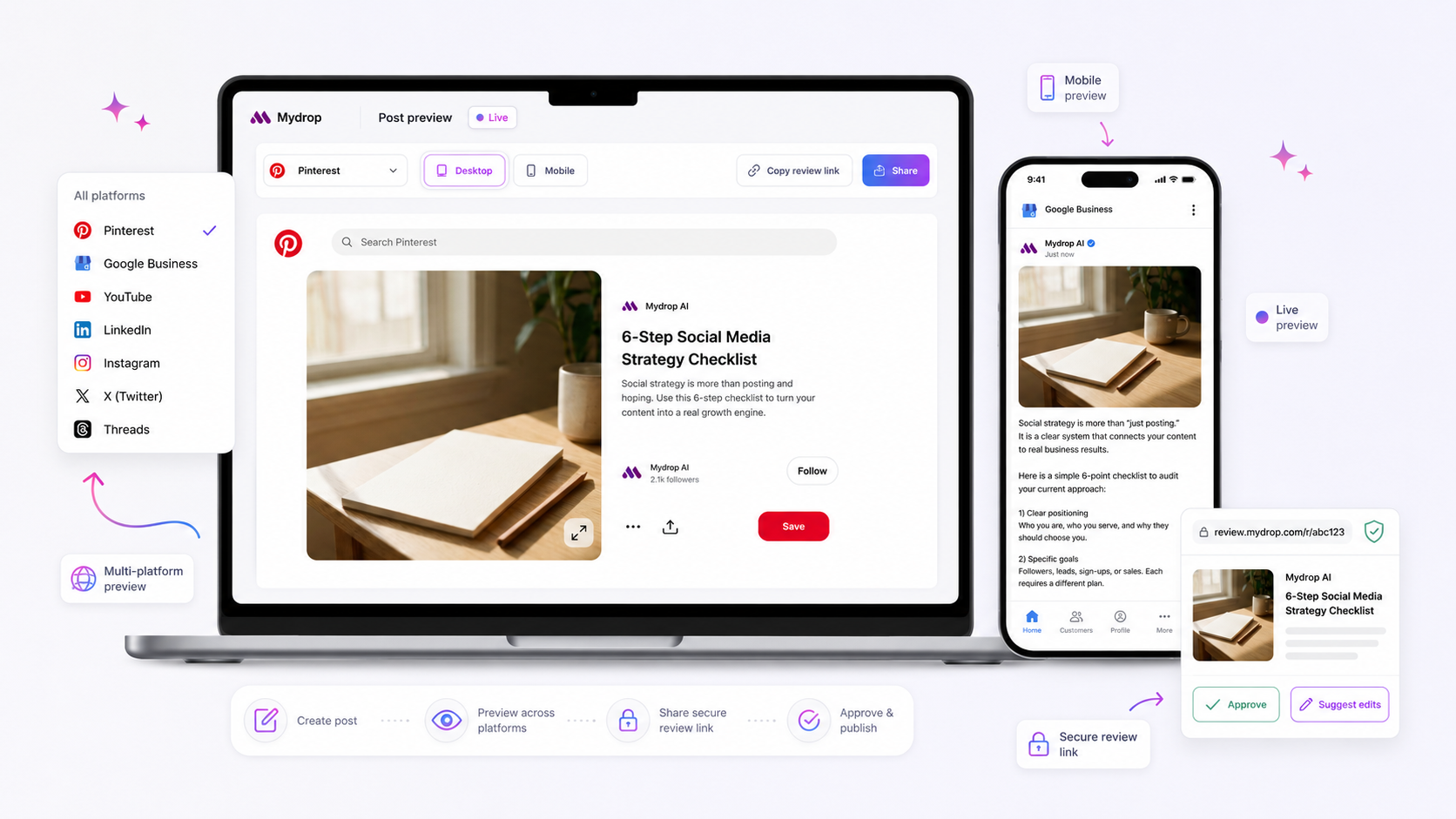
Check the preview of each platform before you schedule. A per-platform post preview shows how the crop will really look, so you catch a cut-off face before the platform does. The reason a preview may differ from the published post is covered in what to check when composer previews mismatch published content.
Reconnect before you blame the post
If every platform fails, or the error mentions access, authentication or permissions, the post isn't the problem. The connection is.
Tokens expire, passwords change and admins remove access. In Mydrop's publishing data for the 30 days to 16 September 2026, 98.5% of posts went live at the first attempt, and the most common hard failure was an expired platform connection. Reconnecting the account takes a minute and clears the error.
A related warning: the most common soft failure was a YouTube custom thumbnail rejected because the channel wasn't phone-verified. A rejection that looks like a media problem can be an account setting.
Catch errors before the deadline, not at it
The worst time to see a red error is five minutes before a launch. Two habits move it earlier:
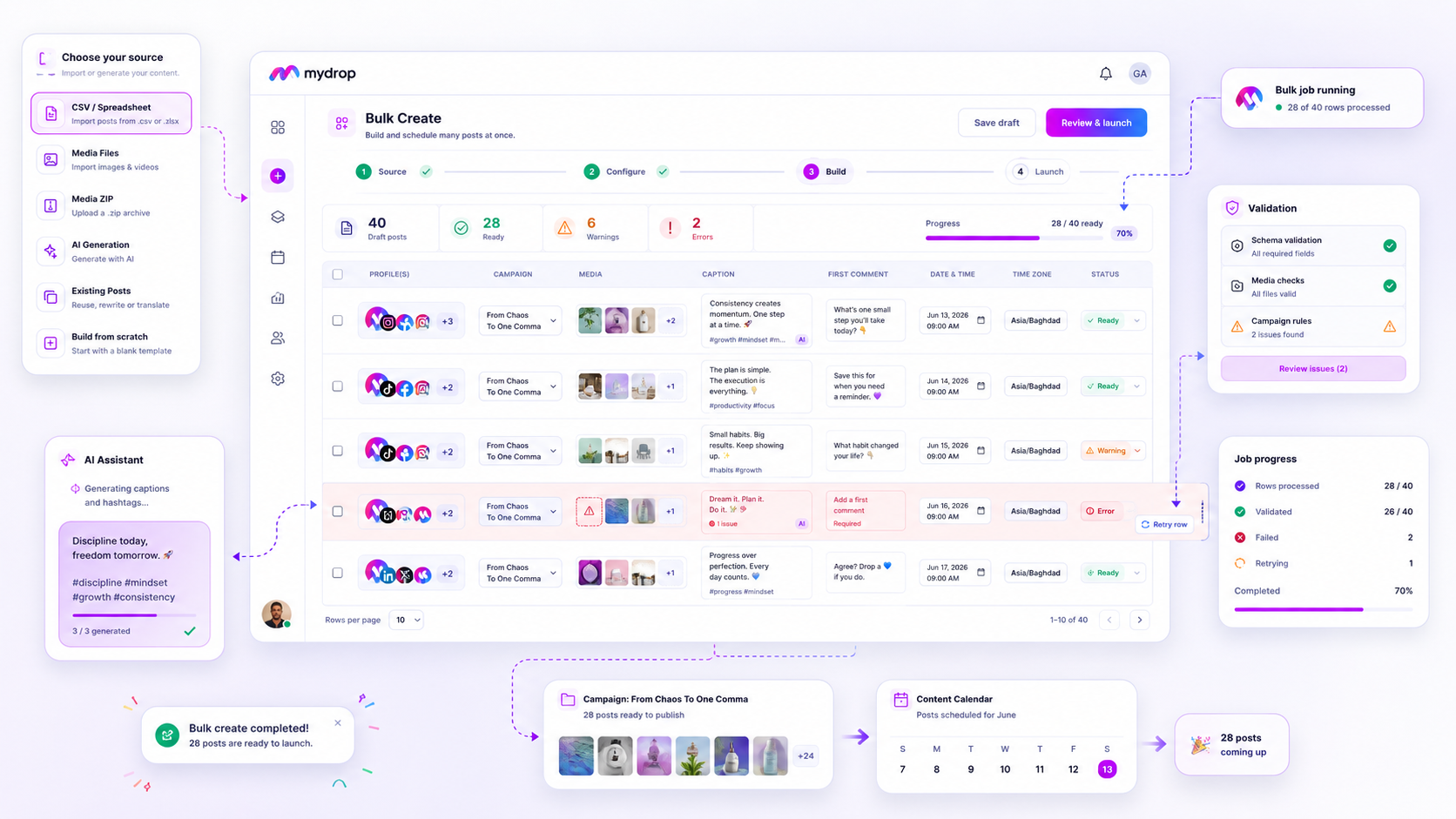
- Schedule at least a day ahead. Mydrop's pre-publish validation checks each post against platform rules while you build it, so a problem shows when you can still fix it.
- Use templates for repeat formats. A template with the right caption length, hashtags and fields means the post starts valid.
If you run campaigns across many accounts, pair this with a bulk check. See what to check when bulk campaigns fail validation for the batch version.
Try the two-minute isolation test on your next failed post
Next time the composer blocks you, deselect all but one platform and add them back one by one. Note the cause, then add it to a short cheat sheet for your team. If you want the checks to run while you write, start free on Mydrop and use pre-publish validation on your next campaign.
 Google review
 Trustpilot review
 Product Hunt comment





