

















Ideas don't go missing because you have too few. They go missing because they're scattered across five places, and none of them is where posts actually go out. Move every idea onto the content calendar as an unscheduled card, keep the context on the card, and review the list once a week. Do that and the idea is already half a post.
TLDR: Gather ideas from docs, notes and chats. Put them on the calendar as unscheduled cards with a source and angle. Review weekly, schedule the best, delete anything older than 60 days.
The cost of keeping ideas in documents
A doc is a fine place to think. It's a poor place to plan, for three reasons:
- No date. A line in a doc can't be late, so it never feels urgent.
- No link to the post. When you write the caption, you copy the idea over and the doc keeps a stale version.
- No team view. Only the person who wrote the doc knows what's in it.
The result is a graveyard. Teams often have 200 ideas in a doc and ship from the last five. Nothing is wrong with the ideas: they're simply out of sight at the moment of planning.
Step 1: collect every idea in one sitting
Set a 30-minute timer and gather ideas from every place they hide:
- Documents and notes apps
- Chat messages you starred
- Customer questions from DMs and comments
- Screenshots of competitor posts you liked
- Voice notes and the back of your notebook
Paste each into a plain list. Don't edit yet. Messy is fine at this stage. If your ideas currently sit in a spreadsheet, our guide to spreadsheet alternatives for social planning explains the move.
Step 2: add three details to each idea
A bare title like "behind the scenes" is not an idea you can use next month. Add three short details:
| Detail | Example |
|---|---|
| Angle | "Show how our stock gets packed, in 20 seconds" |
| Source | A customer DM, link, or screenshot |
| Format and channel | Reel on Instagram and TikTok |
This is context. It's what lets someone else on your team, or you in six weeks, turn the idea into a post without asking what you meant. Keep it to two lines.
Step 3: put the ideas on the calendar, not beside it
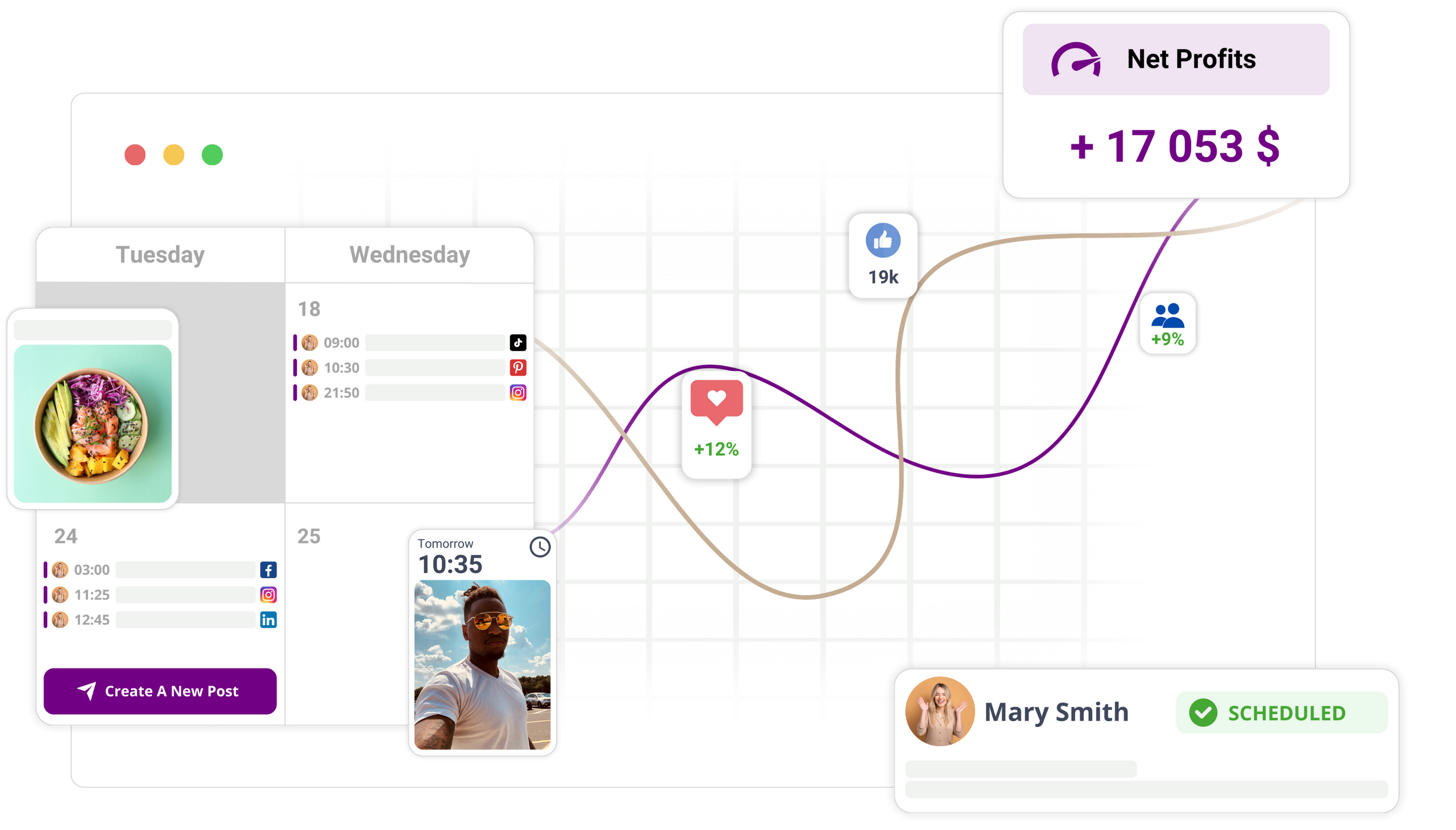
Create each idea as an unscheduled card or a note on the content calendar, with its context in the card. In Mydrop, you can use calendar notes for this, and the Mydrop AI assistant can draft post ideas from your brand's earlier content that land there as well. The multi-brand calendar keeps each brand's list apart.
When a slot opens, you drag the idea to a date, write the caption in the same place, and schedule it. There's no copy step, which is the step where ideas die.
Is a tool like Notion still useful? Yes, for briefs and strategy. Keep the campaign brief there if you like, and link to it from the cards. Our comparison of Mydrop, Notion and Asana for campaign notes covers where each fits.
Step 4: review the list weekly and prune it
A list that only grows becomes the graveyard again. In your weekly planning slot, spend 10 minutes:
- Promote the top three to five ideas to specific dates.
- Merge duplicates.
- Delete anything older than 60 days that you haven't touched.
Deleting feels risky and is healthy. An idea you didn't use in two months probably wasn't a great one, or it wasn't timely, and a new version will come back if it's good.
Planning cadence is covered in more detail in how to build a calendar that sticks.
Keep a small buffer of ready ideas
Aim for about two weeks of ideas with context waiting in the bucket. That's enough to fill a planning session without a blank-page panic, and small enough to stay fresh. If the bucket drops below ten, spend 20 minutes on collection: read your last 30 customer comments, and write down every question.
Customer questions are the best idea source because they're already phrased the way your audience searches and speaks.
What belongs in docs, and what does not
| Keep in documents | Keep on the calendar |
|---|---|
| Brand voice guide | Individual post ideas |
| Campaign strategy brief | Captions in progress |
| Research and screenshots archive | Dates, owners and status |
| Long-form scripts | The final scheduled post |
A good rule: if it has a date or an owner, it belongs on the calendar.
Run the migration this afternoon
Block 90 minutes: 30 to collect, 30 to add angle, source and format, 30 to load the cards and schedule the first five. Then put the weekly review in your calendar. To do it in one place, start free with Mydrop.


 Google review
 Trustpilot review
 Product Hunt comment





