

















The best time to post is the moment your specific audience is already active. You work that out by mapping your own historical performance data, not by chasing generic industry averages. If you're still relying on a "best time to post" article from three years ago, you're competing for attention while your followers have already switched off. Every brand has its own pulse, a particular engagement rhythm shaped by your audience's habits, geography and interests. You just haven't looked at the right data to find it yet.
That constant nagging worry about whether you're posting at the right time disappears the moment you stop guessing and start reading the heat map of your followers' actual activity. Swapping the frustration of ghost-town engagement for the quiet confidence that your content lands in feeds exactly when your audience is scrolling? That's the ultimate operational relief.
Data is the difference between shouting into the void and speaking to a room full of people waiting for your signal.
TLDR: To find your true peak hours:
- Pick a consistent date range in your analytics and filter for high-engagement posts.
- Map those top performers into time-of-day buckets to find your clusters.
- Use those clusters as the baseline for your next batch of scheduled content.
Mydrop data, September 2026: across accounts connected to Mydrop, which manages 55,000+ posts, measured in each account's local time, the weekday made almost no difference: every day sat within 2% of the account's median. The one clear loser was posting between midnight and 6 am, 17% below the median across platforms and 36% below on Instagram. Method and full tables in the Mydrop social media benchmarks.
The real problem hiding under the surface

The real issue isn't that you're posting at the wrong time. It's that you're treating your audience as one big lump while juggling a fragmented brand identity. When you run social media for an enterprise or a multi-brand agency, "average" reach is a comforting lie that makes you feel better about wasted effort.
Here's where teams usually get stuck: they treat social scheduling as a static task rather than an evidence-based experiment. Because they're managing multiple accounts, brands and regions, they default to a "Blast and Pray" approach, pushing the same content to every profile at the same time to save on manual work. That puts internal convenience ahead of audience behaviour, and buries high-effort content under a mountain of your own competitor noise.
Operator rule: Never trust a global trend over your own historical post-level performance. Your audience doesn't care what the "industry standard" says. They care about what fits into their actual daily routine.
When your publishing cadence doesn't line up with real engagement behaviour, you run into coordination debt. You spend hours crafting assets, getting them past the legal reviewer and polishing the copy, only for the post to land when your core demographics are asleep or otherwise occupied. For a big marketing team, that's not just a missed like or comment. It's a fundamental loss of efficiency. You're paying for content production while starving it of the visibility it needs to perform.
On top of that, analysing performance across scattered, platform-specific reports is a slow manual grind that kills momentum. You end up with a spreadsheet graveyard of disconnected metrics that tell you what happened, but rarely why or when it was most likely to succeed.
To break the cycle, you need one consolidated view. Review performance metrics across all connected profiles in one place, see where engagement spikes line up with particular hours of the day, and social management turns from a reactive chore into a predictable, data-backed publishing machine. Stop hunting for the "Golden Hour" and start building your own.
Why the old way breaks once volume rises

Scaling a social presence across five brands and twenty channels turns simple scheduling into an unwinnable game of whack-a-mole. When you rely on fragmented spreadsheets or each platform's own scheduler, the "best time to post" isn't a strategy. It's a chaotic guess made by an overworked team member in a different timezone.
Here's where it gets messy. Every platform has its own dashboard, its own definitions of engagement and its own black-box algorithm. Try to aggregate that data by hand and you're looking at hours of copy-and-paste work that's probably out of date by the time it reaches your desk.
Most teams underestimate: the sheer operational friction of manually reconciling "best times" across different brands. By the time you spot a pattern for Brand A, your team has already pushed three weeks of content for Brand B on nothing more than a gut feeling.
This disconnected workflow creates three distinct failure points:
- Synchronisation drift: You end up posting identical content across channels at the same time, ignoring how differently your LinkedIn and Instagram audiences scroll.
- Approval lag: By the time a high-stakes campaign gets final sign-off, your "optimal" window for the day has already closed.
- Reporting blindness: Without a centralised view, you can't tell a successful post from a lucky one. Was it the content, or did you just happen to hit a high-traffic window?
| Old Approach | Reality |
|---|---|
| Manual Audits | 6+ hours/week of data entry per brand. |
| Platform-Siloed | Impossible to compare cross-channel efficacy. |
| Gut-Feel Posting | Random engagement spikes masked by high volume. |
| Disconnected Assets | Creative files often miss the optimal format for the slot. |
When you manage social identities in silos, you lose the ability to see the wood for the trees. You're not just missing engagement. You're actively training your audience to ignore your brand, because your content keeps turning up when they're offline.
The simpler operating model

Moving to a data-backed cadence isn't about finding a magic hour. It's about shrinking the feedback loop between your results and your calendar. Instead of treating publishing as a final task, treat it as a constant cycle of testing and refining.
- Consolidate Identity: Bring all your profiles under one roof. When you manage profiles and brands in a unified system, your analytics aren't split across ten tabs. You can finally filter performance by specific brand groups to see whether the "8 PM sweet spot" for your beauty line actually applies to your corporate recruitment channel.
- Map Performance to Time: Stop looking at vanity reach numbers. Open your analytics and look specifically at Engagement Rate by Time-of-Day. Sort by your best-performing content pillars. If your video tutorials peak on Tuesdays at 10 AM across all your platforms, that's not a coincidence. That's a signal.
- Embed Context in the Plan: Use calendar notes to capture the "why" behind your scheduling choices. If you decide to test an earlier morning slot, pin a note to the calendar right there. It saves the team wondering why the schedule shifted, and keeps the strategy clear for any stakeholder checking in on campaign status.
- Iterate and Adjust: Review your weekly audit against your actual results. Did the 9 AM post beat the 6 PM one? If so, shift your next batch of content towards the morning.
Operator rule: Never trust a global "best time" trend over your own historical post-level performance. Your audience is the only authority that matters.
By using the right tools to connect your design assets directly to your publishing flow, you make sure high-performing creative doesn't get downgraded by format incompatibility when it finally reaches the feed. You're not just saving time. You're making sure the content you worked so hard on actually has the structural integrity to succeed out in the wild.
The goal is to stop shouting into the void. Once you can see exactly when your audience is listening, your posting cadence becomes a predictable asset rather than a source of team-wide anxiety. You gain the confidence to lead with data, and leave the guesswork to the competition.
Where AI and automation actually help

Technology shouldn't be your publishing brain. It should be the extra pair of hands that keeps your schedule running without human fatigue. Once you're managing dozens of accounts, the "smart" part of scheduling stops being about guessing the right hour and starts being about managing the logistics of high-volume output.
Automation thrives where human error usually creeps in: consistency, rule enforcement and cross-brand coordination.
Common mistake: Using automation tools to "auto-post" content during generic peak times without ever auditing the results. That just broadcasts your mistakes to a bigger audience, faster.
Instead, let your tools handle the mechanical heavy lifting while your team focuses on the cadence. For instance, when your creative team pulls assets from a central design source into your gallery, use that moment to lock in the publishing metadata. If you know your primary brand account sees a 15% lift in engagement on Tuesday afternoons, you shouldn't have to re-enter that logic by hand every time you build a campaign.
Here's the operational workflow that keeps the system tight:
- Centralise: Aggregate performance data across all brands in one analytics view to avoid the "tab-switching" tax.
- Standardise: Save your high-performing slots as templates or presets.
- Contextualise: Use Calendar notes to attach a "reason for timing" to specific slots, so stakeholders understand why a post is scheduled for 8:00 AM rather than 11:00 AM.
- Iterate: Treat every scheduling decision as a hypothesis to review in your next monthly performance sync.
By building this into your Profiles management, you make sure everyone on the team, from a junior social manager to an agency partner, is working from the same operational playbook. The goal is to move from "I think this is a good time" to "This is our confirmed high-reach slot for this brand."
The metrics that prove the system is working
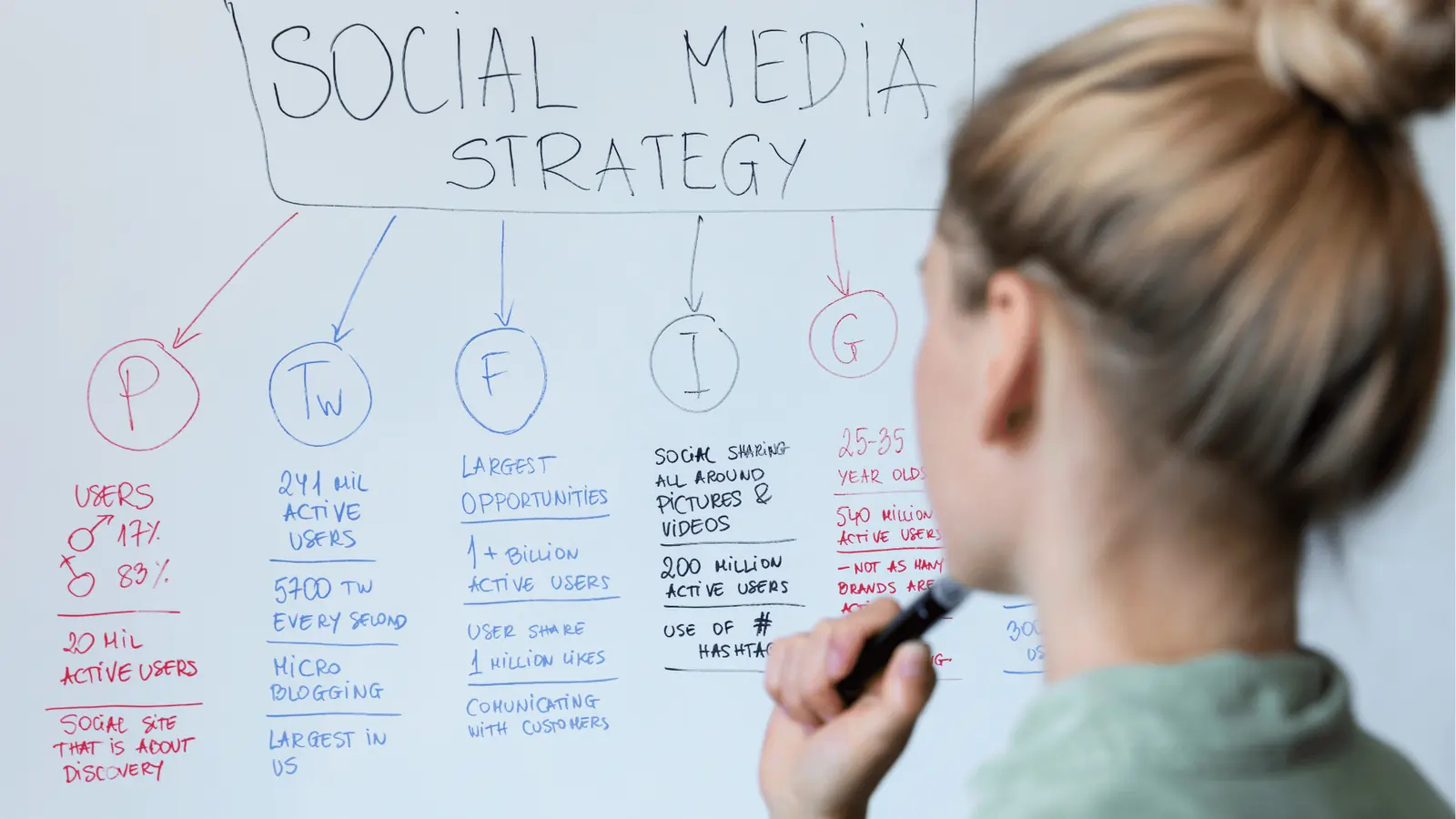
Data is the difference between shouting into the void and speaking to a room full of people waiting for your signal. If you can't point to a specific metric that shows improvement, you're just doing busy work.
To prove your timing strategy is actually moving the needle, track how your engagement rate shifts when you line your output up with your audience's natural rhythm.
KPI box: Monitor these three metrics to validate your cadence:
- Average Reach per Post: Is it trending up as you shift towards peak hours?
- Time-of-Day Engagement Rate: The percentage of audience interaction relative to posts sent in specific hourly windows.
- Follower Growth Velocity: A lagging indicator that tells you whether your content is landing with the right impact to drive long-term interest.
The most important part of this process is the Listen-Test-Adjust cycle. When you review your Analytics > Posts view, don't just look at the raw numbers. Sort your reports by engagement rate and look for the clusters. If your top ten posts from the last quarter all fell between 6:00 PM and 8:00 PM, you've found your baseline.
If you make a change, document it. Use Calendar notes to mark the exact date you shifted your publishing window, so that when you run your next report you can easily connect the timing change to the performance shift.
- Select three core
Profilesfor a two-week pilot test. - Tag your next five posts with "Timing Test" in your
Calendarnotes. - Pull a
Post-level resultsreport after the test window closes. - Compare
ReachandEngagement Rateagainst your previous monthly average. - Present the data to stakeholders to justify a permanent shift in your posting cadence.
If you're posting when everyone else is, you're not competing for attention. You're competing for the mute button. You're playing a game of chance that you have the power to quit today. Centralising your analytics isn't just about cleaner reporting. It's about taking back control of your brand's presence in a noisy, crowded feed.
The operating habit that makes the change stick

The biggest threat to a data-backed publishing cadence isn't a lack of tools. It's the gravitational pull of "emergency posting." Even the best strategy crumbles when a stakeholder demands a campaign update or a crisis needs an immediate response. The habit you need to build is simple: decouple your evergreen cadence from your reactive output.
Treat your data-derived peak times as the non-negotiable slots for your high-effort, flagship content. When reactive requests land, use the "filler" slots in your calendar that fall outside your primary peak engagement windows. That clear distinction stops you watering down your strongest assets with low-priority filler, and keeps your performance metrics from going erratic.
To make this habit stick, adopt a simple 15-minute weekly sync that needs zero manual number-crunching:
- Review: Open your Analytics dashboard, filter by your top three brand profiles, and check "Top Posts by Reach" for the last seven days.
- Tag: Identify the three posts that over-performed against their peers and drop a Calendar note on the original slot, marking clearly whether the time was a "Winner" or a "Dud."
- Adjust: Move one upcoming piece of content into a newly verified high-engagement window based on last week's findings.
Framework: The "Pulse Check" Loop
Observe Results->Update Calendar Notes->Adjust Future Schedule->RepeatDon't skip the middle step. If you don't capture the context of why a post worked, whether it was the creative, the topic or the timing, you're looking at a mirror, not a map.
Most teams underestimate the power of native Calendar notes to hold this strategy together. Instead of letting your publishing insights live in a separate document or a stale slide deck, put them right inside your workflow. When your team can see why a particular Thursday morning slot is reserved for high-value product launches, they're far less likely to push for a low-impact announcement in that same window. It turns an abstract data goal into a shared operating rule.
Conclusion

Your publishing schedule should be a living reflection of your audience, not a rigid checklist dictated by global trends or the arbitrary preferences of internal stakeholders. When you stop chasing the "golden hour" and start listening to the specific engagement signals coming from your own profiles, you stop competing for attention and start earning it.
Data is the difference between shouting into the void and speaking to a room full of people waiting for your signal. The goal isn't just to be seen. It's to be relevant at the exact moment your audience is open to your message.
Ultimately, social media at scale fails from coordination debt, not a lack of ideas. Mydrop is built to pay down that debt, giving teams a single place to centralise performance data and map it directly to their creative output, so the strategy you plan is actually the one that hits the feed.
Your next step
Pull your last 90 days of posts, mark the top ten by engagement, and write down the hour each one went out. The pattern usually shows up inside ten minutes.
Performance analytics does this per profile, and the content calendar lets you lock the winning hours as recurring slots so nobody has to remember them.



 Google review
 Trustpilot review
 Product Hunt comment





