

















TLDR: Organise a global social team by tying four roles (create, approve, publish, respond) to specific hours in each region. Hand work over with a written note at a fixed time each day. Then no post waits overnight for someone who is asleep.
Mydrop data, September 2026: in the 30 days to 16 September 2026, 98.5% of posts published through Mydrop went live at the first attempt. The most common warning was a YouTube custom thumbnail rejected because the channel was not phone-verified; the most common hard failure was an expired platform connection. Method in the Mydrop social media benchmarks.
A team spread across Paris, Ho Chi Minh City and Austin has one advantage: someone is always awake. It has one common failure: nobody knows who that someone is.
This is a roles post. If your problem is wrong send times, read timezone confusion on social teams instead.
Four roles, each with its own hours
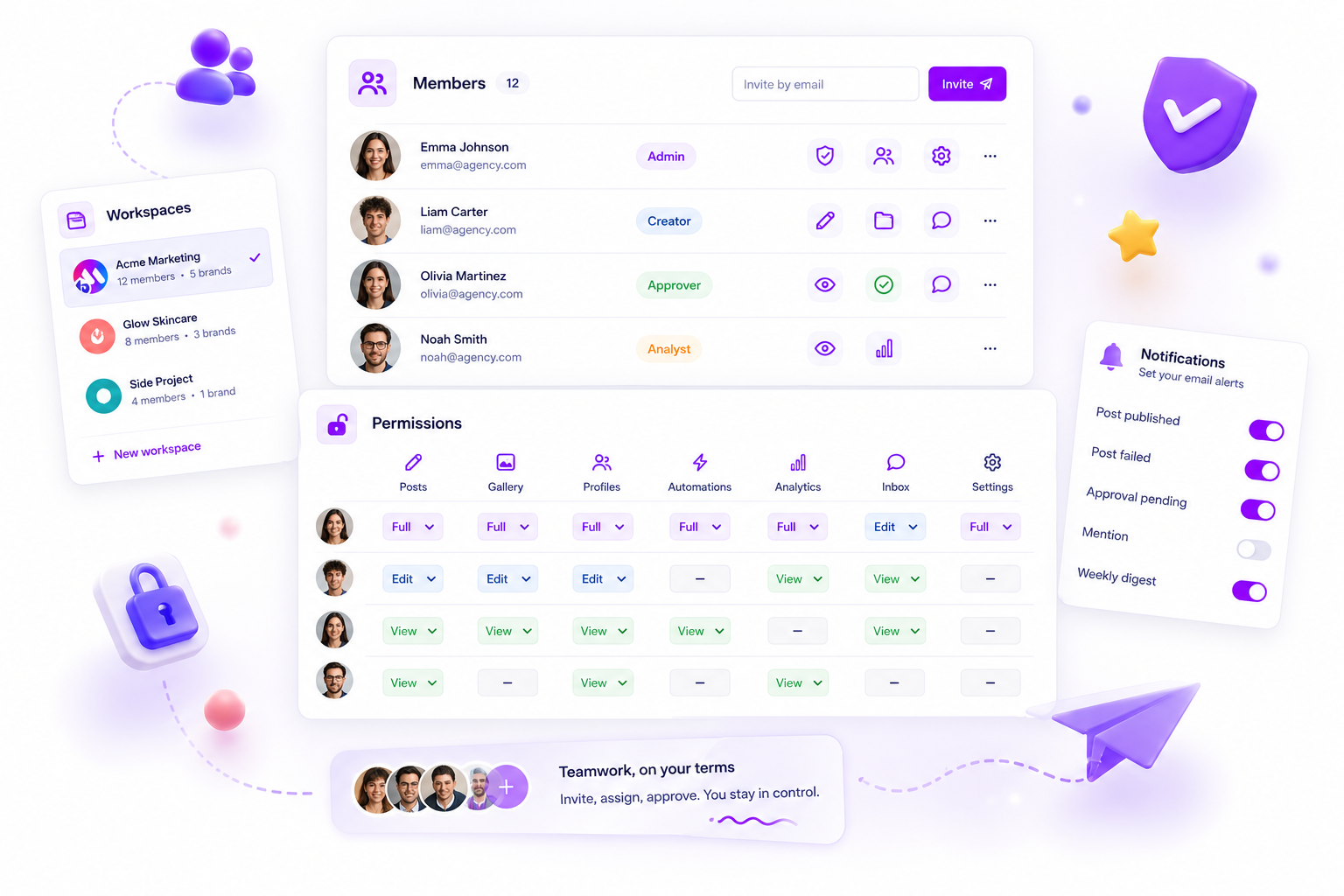
| Role | Owns | Typical window |
|---|---|---|
| Creator | Drafts, designs, captions | Local business hours |
| Approver | Yes or changes, within a deadline | Before the next zone wakes |
| Publisher | Scheduling and final checks | Overlap hours |
| Responder | Comments, DMs, escalations | Audience's daytime |
One person can hold two roles. One role should never have two owners in the same hour.
Map your hours on one page
List each teammate, their city and their work hours in your reference timezone. Then mark the overlap: the hours when two regions are both awake. Overlap is precious, so use it for approvals and handoffs only, not for work anyone can do alone.
Example: Paris and Ho Chi Minh City overlap for about two hours in the Paris morning. That is your daily approval window.
Write the handoff, not just the work
At the end of each region's day, post a three-line note:
- Done: what is finished and scheduled.
- Waiting: what needs a decision, and from whom.
- Watch: anything that might go wrong overnight.
Short and written beats a call that half the team misses.
Make approvals asynchronous
The biggest delay in a global team is the review that waits for one person to wake up. Fix it with a named approver per zone and a deadline in the post itself.
For clients, a no-login client portal lets them approve from a link in any timezone. In Mydrop's data on posts that went through client approval, the median time from submission to approval was 6 hours, and 66% were approved within 24 hours. Full workflow in how to streamline social media approvals.
Keep one calendar and one inbox
Two calendars means two versions of the truth. Use one shared calendar with workspaces per brand, so every region sees the same plan. Do the same for replies with one inbox: whoever is on shift sees every new comment.
Our comparison of tools for this is in best workspace tool for managing multi-timezone agency teams.
Plan for the empty hours
Some hours have nobody online. Decide in advance what happens there:
- Posts are scheduled and approved before the gap.
- A named escalation person has a phone number for real emergencies.
- Replies wait until the next shift unless a keyword flags them.
A written rule for the empty hours is better than a hope.
Two traps that catch distributed teams
Treating overlap as free time. Overlap hours fill up with status calls. Keep them for decisions that need two regions talking, and let everything else go async.
Assuming one region is "the main office". If every deadline is set in headquarters time, the other regions work evenings. State deadlines in the reference timezone, and also show each person's local time.
A small habit helps here: name deadlines like "Wednesday 14:00 UTC", never "end of day". The phrase "end of day" belongs to a different clock for every person on the team.
Set it up in one meeting
- Fill the hours table.
- Mark overlap windows and book approvals there.
- Name an owner for each role and zone.
- Start the three-line handoff tomorrow.
Try Mydrop free, create a workspace per brand and invite each region.


 Google review
 Trustpilot review
 Product Hunt comment





