
















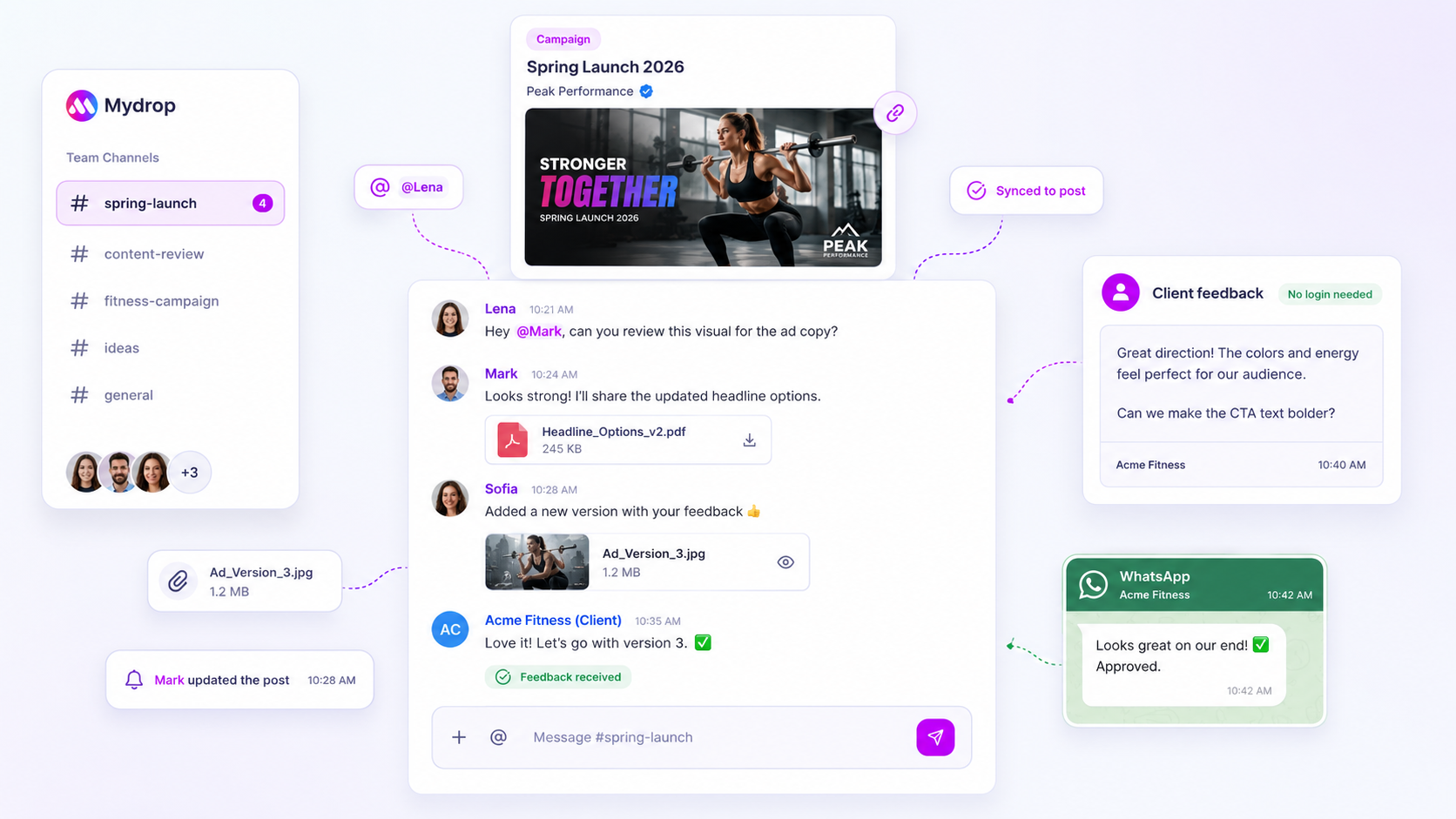
Stop hunting for the perfect standalone note-taking app. If your agency team is juggling dozens of brand profiles and hundreds of assets, the biggest hurdle isn't finding a faster way to type. It's closing the gap between a spark of inspiration and a live post. Every time someone has to copy a hook from a private Slack channel or a separate app into your content calendar, you pay a steep tax on switching between tools. That effort adds up, and eventually it slows your output and splits the team.
We've all been there. You capture a brilliant idea at 9:00 AM, but by the time you're ready to build the post at 2:00 PM, that note has vanished into the abyss of browser tabs. Chasing down creative assets that should have been right in front of you is maddening. The fix isn't a new methodology. It's anchoring your ideas to the exact space where the work actually happens.
What the best tools need to handle

The best tools treat quick notes as immediate extensions of your content calendar, not as separate documents living on an island. If you want to stop losing efficiency, your note system has to meet three basic requirements: spatial proximity, persistent visibility and zero-friction recall.
When you audit your current workflow, look for where the cost of fragmentation is hiding.
Fragmentation Audit Checklist
| Symptom | The Hidden Cost | Impact on Team |
|---|---|---|
| Tab-Switching | 30+ seconds to move an idea | High mental load, lost momentum |
| Orphaned Ideas | No context (date/brand) | Ideas become unusable "stuff" |
| Siloed Notes | Only the author sees it | No visibility for planners/approvers |
If your setup needs more than a single click to bring an idea into your planning view, you have a bottleneck. At Mydrop, we see teams struggle with this constantly. That is why we built our Note feature to surface directly in the Home board and Calendar. If an idea isn't physically next to the work, it quickly loses its value.
The goal is to stop treating notes like a secondary chore. A great ideation tool removes the mental friction of writing a thought down, so that when it's time to build, your assets are already waiting in the right place. An idea left in a vacuum is just a reminder of what you forgot to do.
Where basic tools start to break

The moment your ideation tool forces you to switch tabs, you have already lost. It's the "tab-switching tax", an invisible friction point that builds up throughout a chaotic week. You're in the middle of a brainstorm, you have a solid idea, and you dump it into a separate app. Now that idea is isolated. It doesn't know about your campaign calendar, your brand voice or your team's upcoming deadlines.
When ideation lives in a silo, it stops being a creative asset and starts becoming a management obstacle. We have seen this breakdown across teams managing hundreds of brand profiles: the brilliant hook captured at 9:00 AM becomes a forgotten text file by 2:00 PM because it wasn't physically next to the calendar.
The real issue isn't the tool's interface. It's the lack of context. If you're using a generic note app to plan high-stakes social content, you're fighting a losing battle against fragmentation. Your legal team can't see your notes. Your content managers can't refer back to your first thoughts during the approval process. The result is a constant hunt for information, version control headaches, and ultimately ideas that simply die on the vine because they were too hard to act on.
Common mistake: Treating ideation as a "private" phase that happens before the work begins, rather than an active, shared part of the production process.
Mydrop pricing check, September 2026: the entry paid plans of the eight tools most often compared with Mydrop run from $6 per channel (Buffer) and $25 a month (Later) to $99 per user (Hootsuite) and $79 per seat (Sprout Social), read on each vendor's pricing page. Mydrop is free to start, then $19 a month flat, not per seat. Full table on Mydrop's compare pages.
To see how this affects your throughput, we use a simple scorecard. If your current tool setup requires you to export, copy-paste or manually sync data, you are actively paying the tax.
Idea-to-Calendar Readiness Scorecard
| Capability | High-Friction Tool (e.g., Notion, Docs, Slack) | Integrated Workflow (e.g., Mydrop) |
|---|---|---|
| Spatial Proximity | Separate app; constant switching required. | Surfaced directly in Calendar/Home board. |
| Context Visibility | Locked to the author; hard to share. | Visible to the whole team via workspace data. |
| Production Trigger | Requires manual transfer/copy-paste. | Direct path from note to draft creation. |
| Status Handling | Static text; no workflow connection. | Permissions-gated edit/delete; team-ready. |
The buying criteria that matter
When you're ready to fix these friction points, stop looking for "more features." Most teams don't need a more complex note app. They need a more joined-up workspace. In our experience, the best tools put proximity ahead of how many features they cram in. You want a system where the "perfect" note app is simply the one you already have open.
When you're weighing up your tech stack, put these three non-negotiables first:
- Immediacy: Can your team capture an idea where they are currently working without navigating away from the calendar? If the tool means opening a new window, it will eventually be abandoned. At Mydrop, we designed our notes to surface right where you plan, so the distance between "first spark" and "calendar placement" is zero.
- Contextual Awareness: Does the tool know which brand or campaign the note belongs to? A note without context is just noise. Your tool should automatically tie ideas to your workspace, so that when you open a card, the relevant metadata is already attached.
- Team Cohesion: If an idea is hidden in a personal DM or a private notebook, it doesn't exist for the agency. Your note system has to handle permissions natively, letting team members view notes even if they don't have edit access. This is essential when you have dozens of stakeholders and complex approval loops.
Operator rule: If your team has to ask, "Where did you put that note?", your tool has failed. Ideation must be physically next to execution.
Stop treating your brainstorming tools as separate islands. The goal is to create a seamless channel for your team's creativity. When your notes are just another layer of your workspace, integrated, accessible and ready to use, you spend less time managing the "what" and more time scaling the "how." This is the foundational shift that separates teams who are just reacting to the algorithm from teams who are actually building a brand strategy at scale.
How Mydrop supports this workflow
At Mydrop, we built Notes to be the quiet anchor for your team's loudest ideas. Instead of forcing you into a secondary document app, we surface your scratchpad directly inside the platforms where your work happens: your Calendar and Home board.
When you spot a trend or need to capture a hook for a campaign, you open your notebook from the same interface where you manage your posts. The text is ready immediately. You save it, and it stays right there, waiting for the moment you're ready to build the asset.
Here is what this does for your team:
- Proximity fuels speed: By keeping your brainstorming and your scheduling in the same room, you cut out the friction of jumping between applications. You don't have to copy and paste links or context from a side note; the ideas are already there.
- Permission-gated collaboration: In agency environments, we know that not everyone needs editing power on every note. Our system handles read-only access automatically, so your internal brainstorming stays protected while stakeholders are still kept in the loop.
- Optimistic performance: When you hit save, the system confirms it locally and handles the sync behind the scenes. It feels like an instant, paper-like interaction because it isn't waiting on a server to verify your connection.
A simple shortlist checklist
When you're working out whether your current note tool is helping or hurting, run it through this quick evaluation.
| Evaluation Criterion | Why it matters |
|---|---|
| Spatial Adjacency | Is the note editor one click away from your primary publishing view? |
| Context Preservation | Can you attach notes to specific brand themes or upcoming calendar slots? |
| Access Control | Does the tool distinguish between team contributors and view-only reviewers? |
| Load-Time Friction | Does opening your notepad require a full app reload or context shift? |
| Persistence | Are these ideas pinned to the workspace, not just a personal browser cache? |
Decision check: If your team spends more than ten seconds locating a note, you have already wasted more energy than it would take to rewrite the idea. If the tool feels like a separate application rather than a utility, it is the wrong fit for an active content team.
Conclusion
The best system for capturing ideas is the one you don't have to think about. You shouldn't be managing your tools. You should be managing your brands.
Stop searching for the feature-heavy document manager that promises to fix your workflow, and start looking for the quiet tool that keeps your ideas where your execution is. Agency work is chaotic enough as it is. Your infrastructure should be the calm, consistent part of the day, not another source of noise.
Pick a tool that keeps your sparks close to your calendar, and watch how quickly your team moves from "I have an idea" to "The post is live."


 Google review
 Trustpilot review
 Product Hunt comment





