
















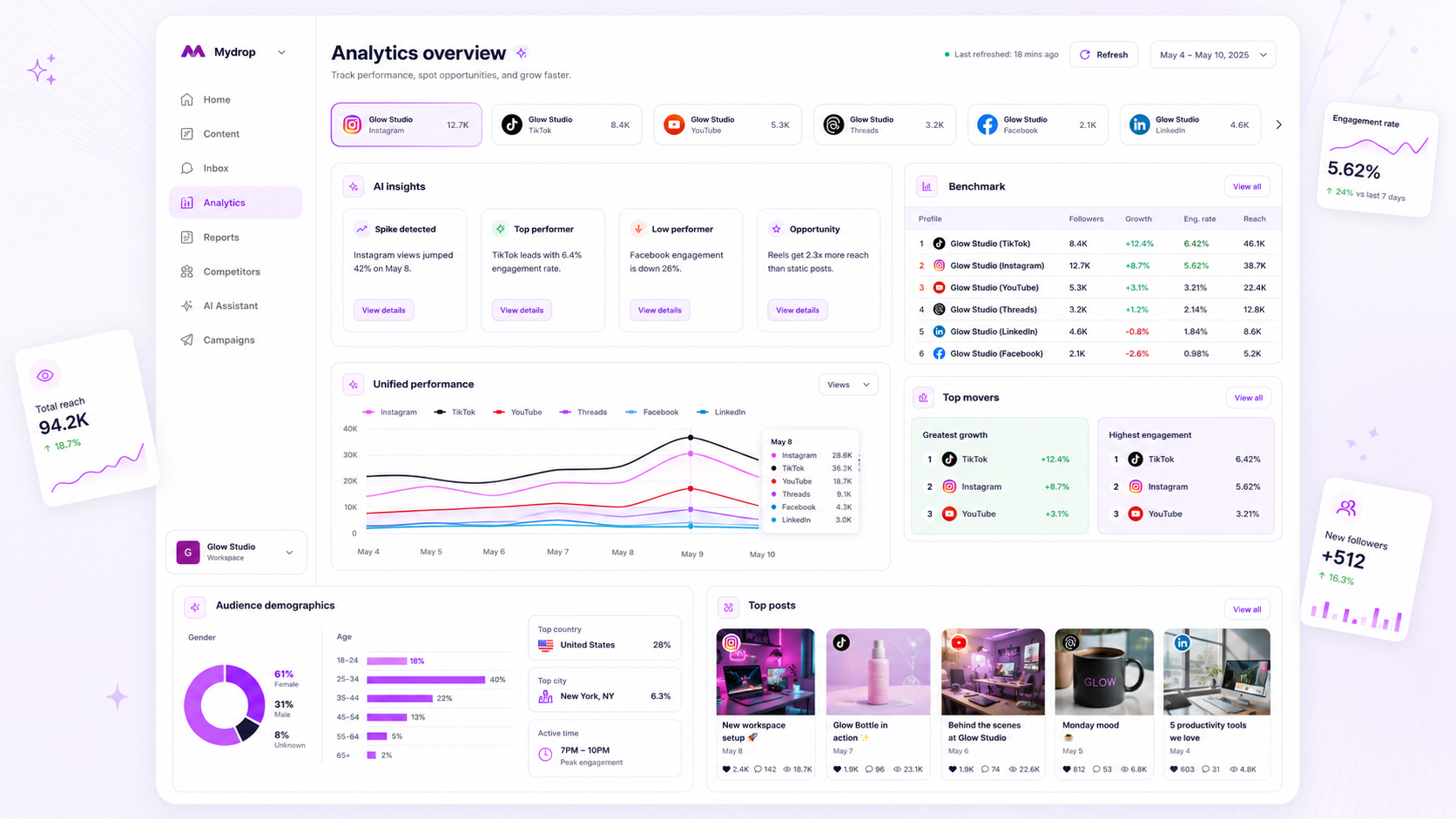
When analytics stop updating, it's almost always a connection problem rather than a data problem. Check in this order: the account connection, the date range, the age of the posts, the account type, permissions, the filters, and finally the platform itself. Most stalls are solved at check one or two.
TLDR: A flat or zero dashboard usually means an expired platform connection. In Mydrop's data, an expired connection was the most common hard failure we saw in September 2026. Reconnect first, then work down the list below before you blame the numbers.
In Mydrop's September 2026 data, the most common hard failure when publishing was an expired platform connection. See the Mydrop social media benchmarks for the method.
The 15-minute stall check
| Order | Check | What a "yes" looks like | Fix |
|---|---|---|---|
| 1 | Is the account still connected? | A warning or "reconnect" prompt | Reconnect and re-authorise |
| 2 | Does the date range include today? | Range ends last week or last month | Reset to the last 7 days |
| 3 | Are the posts old enough to report? | Posts under 24 hours old show zeros | Wait a day, check again |
| 4 | Is it the right account type? | Personal profile where a business or creator account is needed | Switch the account type |
| 5 | Did someone's permissions change? | The person who connected it lost admin access | Reconnect with an admin |
| 6 | Is a filter hiding data? | Format, brand or profile filter left on | Clear all filters |
| 7 | Is the platform itself late? | Other tools show the same gap | Wait and note the date |
Check the connection before anything else
Platforms expire access tokens. Password changes, security prompts and removed admins can all break the link without any visible error on your side.
If the chart is flat, not just low, suspect the connection. A real drop in traffic looks bumpy. A stalled feed looks like a straight line or a row of zeros that started on one exact day.
Note the date the data stopped. That date usually matches a password reset, a role change or a platform security notice.
Fix the date range and the post age
Two harmless causes catch people out all the time. The first is a saved date range that ended last month. The second is expecting full numbers on a post that went live this morning.
Platforms report reach and engagement on their own schedule. Give a new post a full day before you read it, and a week before you judge it.
Confirm the account type and the admin behind it
Some metrics only exist for business or creator accounts. If you switched an account type, or the person who first connected the profile has left the team, the numbers can stop without a clear message.
Ask who connected each profile. Connect every profile through a role that outlasts any one employee. That one habit prevents a large share of repeat stalls.
Rule out filters and platform delays
Clear every filter before you read a chart. A forgotten brand or format filter can hide most of your posts.
If the connection, dates, age and filters all check out, compare with the platform's own app. If the app shows the same gap, the platform is late. Write down the date and move on.
Stop the stall from coming back
Stalls hurt most when a client report is due. Two habits help:
- Check connection status weekly, not when a report is due.
- Keep one owner per profile for reconnecting it.
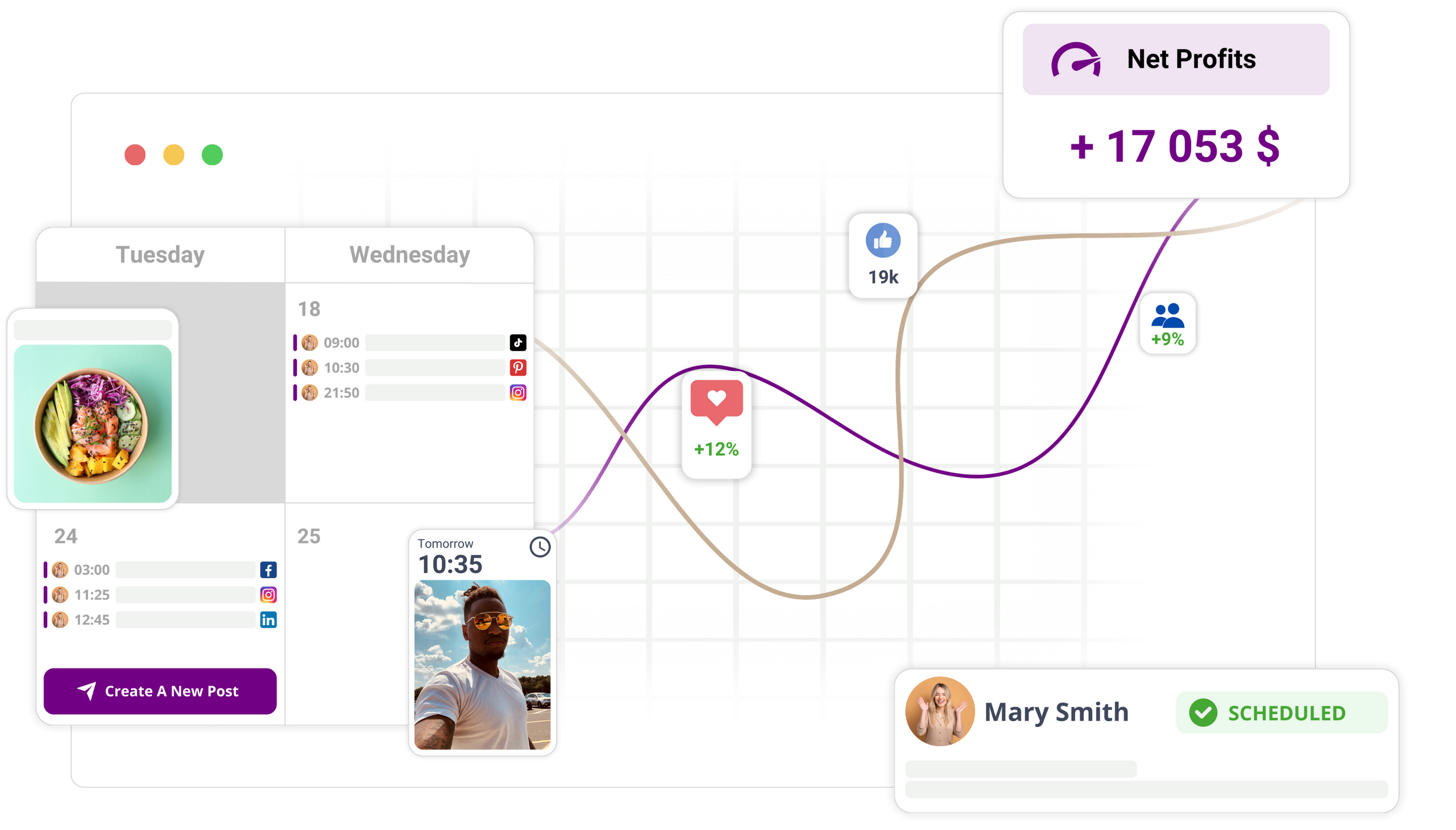
In Mydrop, analytics for each connected profile sit next to your calendar, and a dropped connection is visible before the next scheduled post fails. Scheduled white-label reports then go out from data you've already confirmed.
Run the seven checks on your stalled account today
Open the profile that looks flat. Run checks one to three now, because they solve most cases. Then set a weekly connection check on your calendar. If you manage several brands, compare profile performance in one view so a flat line stands out fast.
 Google review
 Trustpilot review
 Product Hunt comment





