

















Stop trying to "find time" to create content. If you want a predictable output, treat your social operations like a high-stakes executive meeting: if it isn't blocked out in your calendar with a clear owner, a specific deliverable and a direct link to the creative assets you need, it simply does not exist.
We get it. Social media management often feels like a frantic game of whack-a-mole. You're toggling between high-level strategy and admin triage, and by the time you reach the weekend, the plan you built on Monday is just another task buried in an overflowing inbox. When you treat your content calendar as a suggestion rather than a firm commitment, you force your team into constant, high-stress reactive cycles. The goal is to move away from these frantic sprints and into a repeatable rhythm that makes consistency inevitable.
The decision teams usually frame too broadly
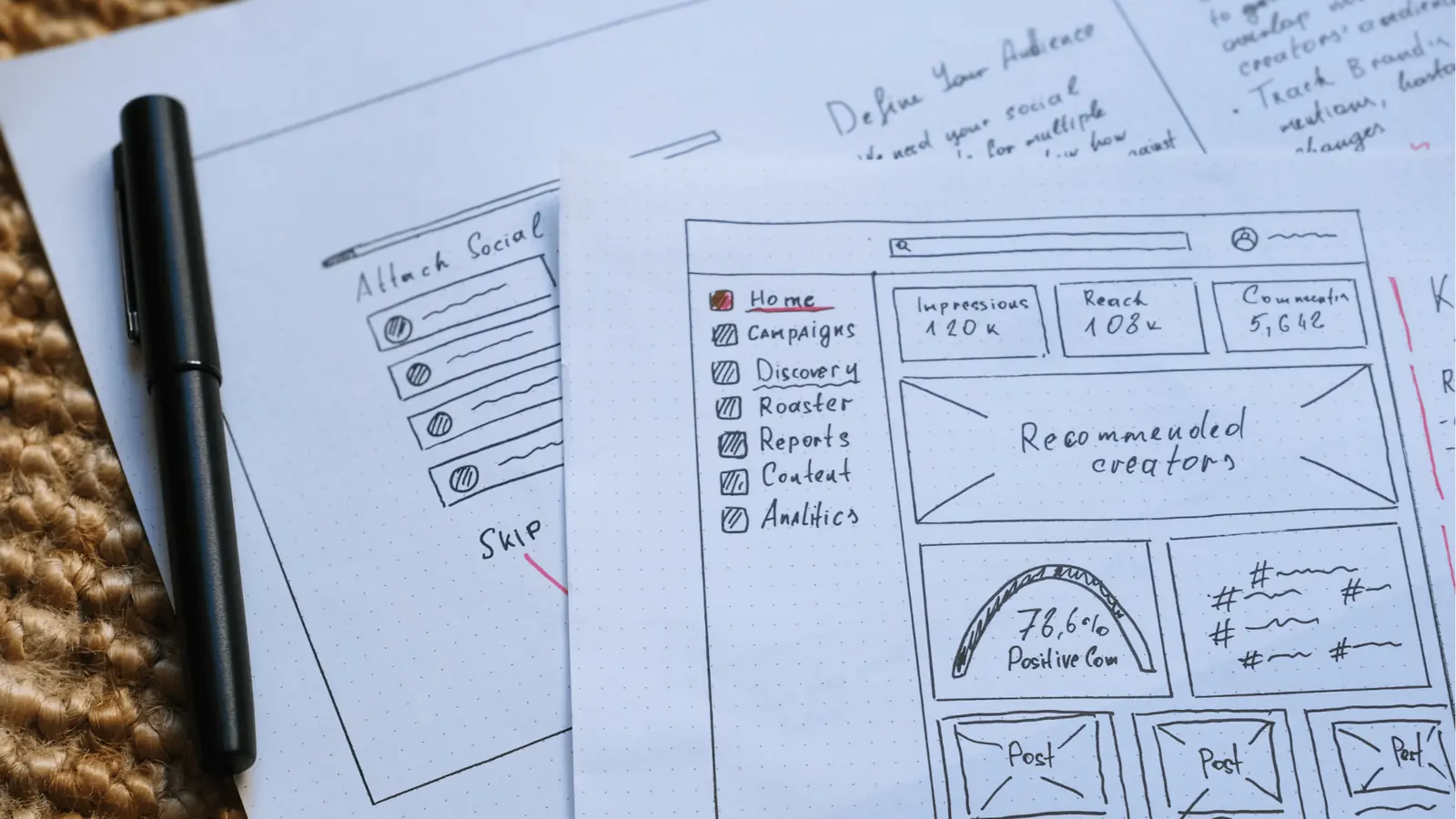
Most managers start this conversation by hunting for a better scheduling app. They assume that if they find the right interface, their publishing woes will vanish. But when you look at teams managing dozens of channels or multiple markets, you realise the software is rarely the bottleneck. The real issue is the lack of a shared operating rhythm.
Even the most advanced tool can't save a team that treats deadlines as optional. Without a calendar-first mandate, the creative team waits for a nudge, the legal reviewer gets buried, and the social manager ends up posting at 6pm on a Friday just to get it done.
Operator rule: A calendar block is a contract, not a placeholder. If it doesn't have a linked creative asset, it isn't a scheduled task. It's a debt waiting to happen.
Mydrop data, September 2026: in the 30 days to 16 September 2026, 98.5% of posts published through Mydrop went live at the first attempt. The most common warning was a YouTube custom thumbnail rejected because the channel was not phone-verified; the most common hard failure was an expired platform connection. Method in the Mydrop social media benchmarks.
We see this all the time across agencies and large enterprise teams. The teams that win aren't the ones with the most expensive software; they're the ones that treat their calendar as the single source of truth for how they work.
| Current State (Reactive) | Future State (Proactive) |
|---|---|
| Schedule via ad-hoc internal requests | Schedule via recurring calendar commitments |
| File management handled via email/chat | Files pulled directly into publishing workflows |
| Missing creative blocks work until deadline | Creative assets linked to calendar reminders |
| Team guesses project status | Done/Undone status visible on shared calendar |
| Strategy review happens during "fire drills" | Strategy review is a recurring, blocked meeting |
The switch is simpler than it seems. You don't need to overhaul your entire setup overnight. You just need to stop letting your calendar be a bystander in your content lifecycle. Once you start pinning your actual work (the file collection, the review cycles, the final polish) to your calendar, you stop chasing your own tail. At Mydrop, we often advise teams to start by automating the friction points, like pulling media straight from Google Drive into their workflow, so their calendar reminders actually point to a ready-to-use asset rather than an empty promise.
What should stay manual and what can move faster
The secret to a sane social routine is telling the difference between high-touch creative work and low-friction admin. If you try to automate the soul out of your content, your brand voice turns into a dial tone. If you keep the logistics manual, you turn your team into a group of frustrated digital file clerks.
Keep your creative brainstorming, community sentiment analysis and human-to-human feedback strictly manual. These need empathy, context and taste, things machines currently lack. When you review a draft or respond to a tricky customer question, keep those interactions in your main workspace where you can see the nuance. At Mydrop, we suggest using the Home assistant for drafting ideas or first outlines, but the final polish should always be a human decision.
Conversely, move everything that involves file movement, deadline tracking and repetitive status updates to an automated flow. Chasing down a high-res image by email or manually copying captions from a document is pure admin tax. Instead, plug your media repositories straight into your publishing workflow. By using Google Drive import, you pull approved assets directly into your gallery, which kills the download-and-re-upload cycle entirely.
Decision check: If a task can be solved by a calendar link, a template or an automated file sync, it's a process issue, not a talent issue.
The tradeoff matrix
Every minute you spend building a firm operating rhythm is a minute you stop spending on damage control. To help you decide where to focus, weigh up the following trade-offs. You're essentially swapping upfront setup time for a long-term drop in reactive panics.
| Operational Area | Manual Focus | Automated/Systematized | Tradeoff |
|---|---|---|---|
| Asset Gathering | Creative brief definition | Google Drive/Cloud sync | High effort reduction |
| Deadlines | Memory and Slack pings | Calendar reminders | High reliability gain |
| Drafting | Tone and brand check | AI-assisted outlines | Medium efficiency gain |
| Community | Strategy and sensitive replies | Rule-based routing | High noise reduction |
| Approvals | Stakeholder chain-email | Workflow status triggers | High bottleneck removal |
If you're just getting started, don't try to improve the whole stack overnight. Pilot it with one channel and one team. Create a single calendar block for your weekly planning session and see how much lighter your Friday afternoon feels.
Ultimately, the goal is to stop treating your social strategy as a series of urgent requests. When you turn abstract goals into concrete calendar commitments, you win back control of your team's headspace. You aren't just saving time; you're protecting your team's ability to produce quality work without the constant background noise of admin drift. The best social teams aren't the ones who work the hardest; they're the ones who've successfully moved the friction out of their own way.
How to pilot the workflow safely
You don't need to overhaul your entire department by Monday morning to see results. In fact, doing so is a great way to trigger a revolt from a team already stretched thin by campaign deadlines. Instead, treat this as a controlled experiment with a single channel or a secondary brand account for exactly one month.
Pick the one platform where your team feels the most "reactive" energy. If you're constantly scrambling to post to LinkedIn on Friday afternoons, that's your pilot.
- Audit the current friction: Spend one week tracking every time you, or a teammate, has to hunt for a file, chase a stakeholder for an approval, or copy-paste text between tools.
- Block the calendar: For that pilot channel, create non-negotiable blocks for
Asset Sourcing,DraftingandFinal Review. - Formalise the handoff: Use a dedicated tool, like the Mydrop calendar reminder system, to attach the specific Google Drive links or assets to each block. That way, when the time comes to create, the files are already waiting for you.
- Debrief: At the end of the month, look at the difference. Did you spend less time in your inbox? Was the team less frantic on Thursday evening?
The goal is to prove that by moving these tasks onto a shared, visible calendar, you cut the need for constant "status check" emails. If the team sees that the process actually saves them two hours of panic-mode work a week, they'll adopt the model voluntarily.
The operating rule to keep
When you finally settle into this rhythm, you need one hard-line policy that stops the slide back into chaos.
Workflow check: If a task doesn't have a confirmed calendar block, it doesn't exist for the team.
That sounds harsh, but it's the only way to protect your team from "pop-up" requests that derail high-impact work. If a stakeholder comes to you with a last-minute content idea, the answer shouldn't be "no," but rather "let's look at the calendar and see where we can swap this for an existing block."
This forces a trade-off discussion straight away. It shifts the conversation from "why aren't you doing this right now?" to "which project has higher priority?" That's exactly the conversation a professional team should be having.
Conclusion
At the end of the day, a social media routine isn't about finding the perfect app. It's about respecting your team's time enough to make their commitments visible and predictable. When you treat your content plan like an executive meeting, you stop being a digital firefighter and start being a publisher.
You'll find that once your calendar is the source of truth, you stop drowning in ad-hoc requests. You can finally stop apologising for late content and start shipping high-quality work on time, every time. If your team is still juggling assets across too many windows, Mydrop is built to bridge that gap, bringing your Drive files, calendar commitments and community inbox into one place. But the tool is just the stage. The performance, and the peace of mind that comes with a reliable, calendar-driven rhythm, starts entirely with you.

 Google review
 Trustpilot review
 Product Hunt comment





