
















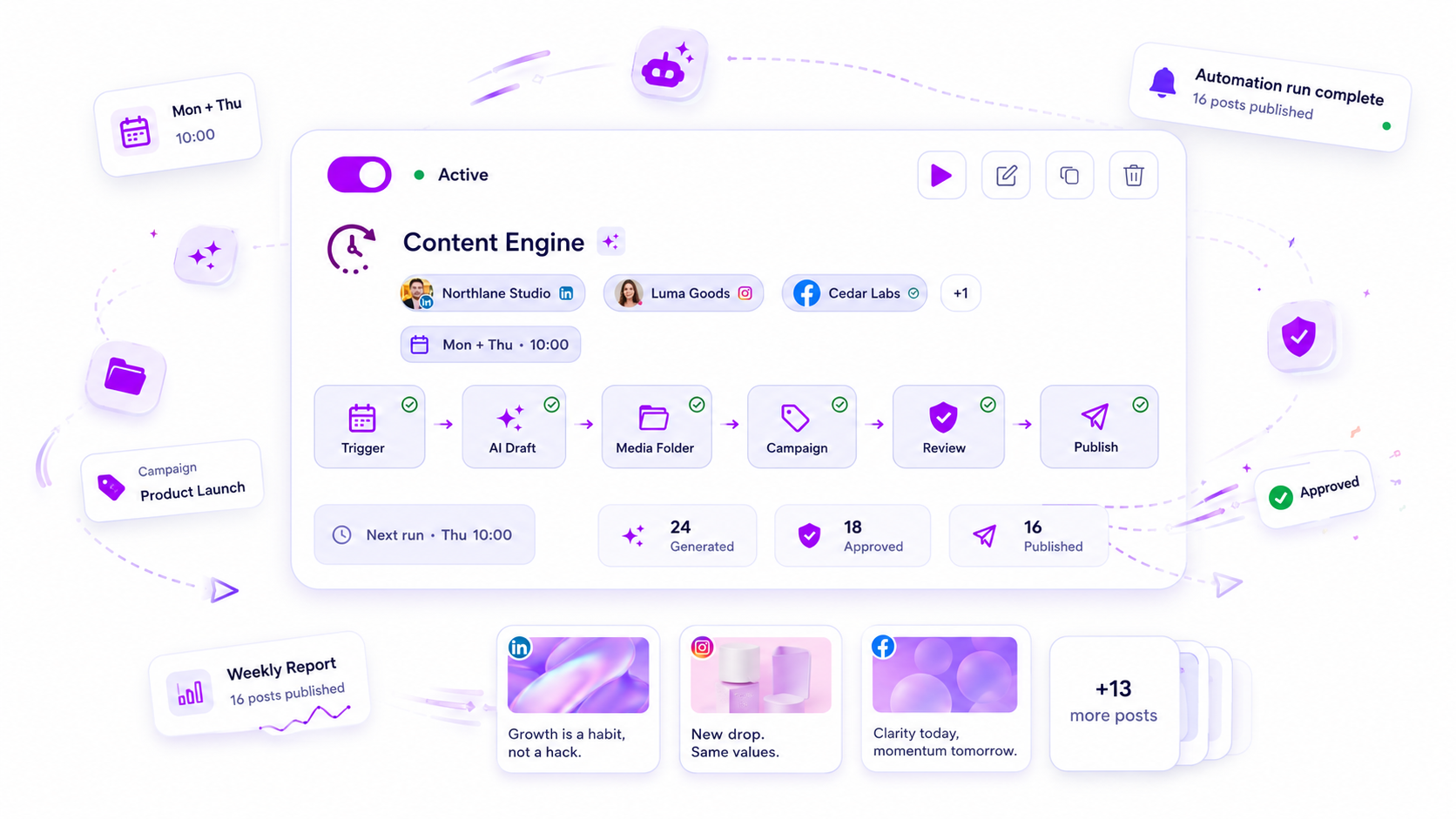
When automated campaigns stop performing, work through seven checks in order: the connection, the trigger rules, the content pool, the timing, the platform limits, audience fatigue and the human review step. Start with the connection. A silent broken link looks exactly like a dead audience.
TLDR: An automation that stops performing has usually stopped running, or is running on stale inputs. Check the connection and the run log before you touch the copy.
Do the checks in this order, because each one is faster and more common than the next.
Check 1: is it still running at all?
Open the run log and look at the last 14 days. You want to see runs, sends and replies, not just "active".
- Count posts published against posts planned.
- Look for gaps of more than two days.
- Confirm the profile is still connected.
In Mydrop's publishing data, the most common hard failure is an expired platform connection. The automation looks switched on while nothing goes out. Reconnect the profile and re-run one test.
Check 2: do the trigger rules still match?
Trigger-based automations, like replying to a keyword in comments, depend on exact patterns. A change in how people write can quietly stop matches.
- Read twenty recent comments on the campaign post.
- Note the words people actually use.
- Compare them with the trigger list.
If people write "info" and your trigger is "details", you are missing every reply. Trigger words in Mydrop let you list several variants for one reply, so add the ones you see.
Check 3: is the content pool stale?
Automation that cycles old posts will fade as people see the same thing twice.
| Sign | Fix |
|---|---|
| Same post reposted within 60 days | Widen the pool or lengthen the gap |
| Same caption, new image | Rewrite the first line |
| Offer or price that no longer applies | Remove it today |
A queue is a shop shelf. Take things off it when they are out of date.
Check 4: timing
If the schedule was set a year ago, check the hours. Our data says the weekday barely matters, with every day within 2% of the median, but the hour does. Posts between midnight and 6 am local time ran 17% below the median across platforms, and 36% below on Instagram. An automation set to a different time zone can land every post in that window.
Check 5: platform limits and rejects
An automated post that breaks a rule is rejected at send time. A caption over 280 weighted characters on X, or over 2,200 on TikTok, will not go out. Check the failed list for patterns and trim the template, not just the single post.
Check 6: audience fatigue
If everything is running and reach is steady but replies fall, the audience may have seen enough of the pattern. Vary the opening line, the format and the call to action every week. In Mydrop's data, carousels ran 10% above an account's typical post, so rotate one in.
Check 7: no one is looking
Most automation fails slowly because nobody reads the output. Add a weekly five-minute review: skim ten posts that went out and ten replies that were sent. If a reply sounds wrong, fix the rule.
For a fuller set of safe workflows, see seven automation workflows worth keeping.
Pause one automation to learn what it was worth
If the checks find nothing, run a clean test. Pause one automation for two weeks and watch the numbers it fed. If nothing changes, it was not earning its place, and you can retire it or rewrite it. If the numbers fall, the automation works and something else, like the audience or the offer, needs attention. Change one thing at a time, and write the date next to each change so you can read the result later.
Write the checks into a monthly routine
Put a recurring slot on the calendar: connection, log, trigger list, content pool. It takes 20 minutes, and it catches the silent failures before the numbers do. Mydrop's automations show the runs, so you can see what fired and what did not.
Next step: open your automation log right now and find the date of the last successful run. If it is more than two days ago, reconnect the profile and test one post before you edit anything else. Start free with Mydrop if you want runs and failures in one view.


 Google review
 Trustpilot review
 Product Hunt comment





