
















You can trust AI captions for routine, low-risk posts written in a saved brand voice, after a 20-second read. You can't trust them for launches, prices, claims or anything where a wrong word costs money. The line between the two is the post type, not the tool.
TLDR: Run every AI caption through a 5-point check (facts, voice, links, platform fit, specificity). Let routine posts go out after a quick read, send risky posts to a human reviewer, and give each brand its own saved voice so captions don't blur together.
Mydrop data, September 2026: across accounts connected to Mydrop, which manages 55,000+ posts, captions under 80 characters ran 9% below their account's typical post. From 80 characters up, length made no measurable difference: every bucket from 80 to 600+ characters sat within 3% of the median. Method and full tables in the Mydrop social media benchmarks.
The 5-point check that takes 20 seconds per caption
Score each caption on five yes or no questions. Four yes answers means it ships. Fewer means it needs an edit.
- Facts. Is every date, product name, offer and number correct? AI makes up details when it lacks them.
- Voice. Would this brand say it this way? Read the first sentence aloud.
- Links and handles. Are the tags, links and hashtags right for this brand, and not another client's?
- Platform fit. Is the length and format right for where it will post? A LinkedIn paragraph does not work as a TikTok caption.
- Specificity. Does it say something only this brand could say? If you could paste it into a competitor's account unchanged, rewrite it.
The data above gives a hint on length. Captions under 80 characters ran 9% below the account's typical post, and past 80 characters length made no measurable difference. So don't pad an AI caption to make it longer. Make it specific instead.
Trust levels by post type
Not every post deserves the same scrutiny. Match the review to the risk.
| Post type | Trust AI as written? | What to do |
|---|---|---|
| Everyday engagement posts (tips, questions, behind the scenes) | Yes, after a quick read | Run the 5-point check |
| Recurring series with a set format | Yes, with a saved template | Spot-check one in five |
| Product launches and announcements | No | Use AI for draft options, a person writes the final |
| Prices, discounts, deadlines | No | A person checks every number against the source |
| Health, finance, legal or regulated wording | No | Human and compliance review |
| Replies to upset customers | No | A person writes it |
For the "No" rows, AI is still useful as a source of options. It just doesn't get the last word. The same logic applies to forcing human review on automated posts.
Why multi-brand teams get blurry captions
When captions sound the same across brands, the cause is nearly always missing context, not a weak model. If the tool only sees a topic, it writes in a neutral marketing voice, and every brand gets the same one.
Fix it per brand, once:
- Save three real captions you consider typical for the brand.
- List five phrases the brand never uses, such as hype words or competitor comparisons.
- State the audience in one line, for example "new homeowners, practical, no jargon".
- Add the one thing it must always include, such as a handle or a sign-off.
Keep each brand's notes separate so one client's voice never leaks into another's. The reusable brand voice prompt template gives you a ready layout for this.
Test on secondary channels first
When you add AI to a new brand, don't start with the main account. Run it on a secondary channel for two weeks, with a person approving every caption. Count how often you had to rewrite the first sentence.
- Rewrote fewer than one in five: the saved voice is working. Move to spot-checks.
- Rewrote half: the voice notes are too thin. Add more real examples.
- Rewrote most: the brand needs a person writing, with AI producing only variations.
Keep the count. It turns "I think the AI is fine" into a number you can show a client.
Build the check into the workflow
A check you have to remember doesn't happen on Friday at 5pm. Put it inside the step the post already goes through.
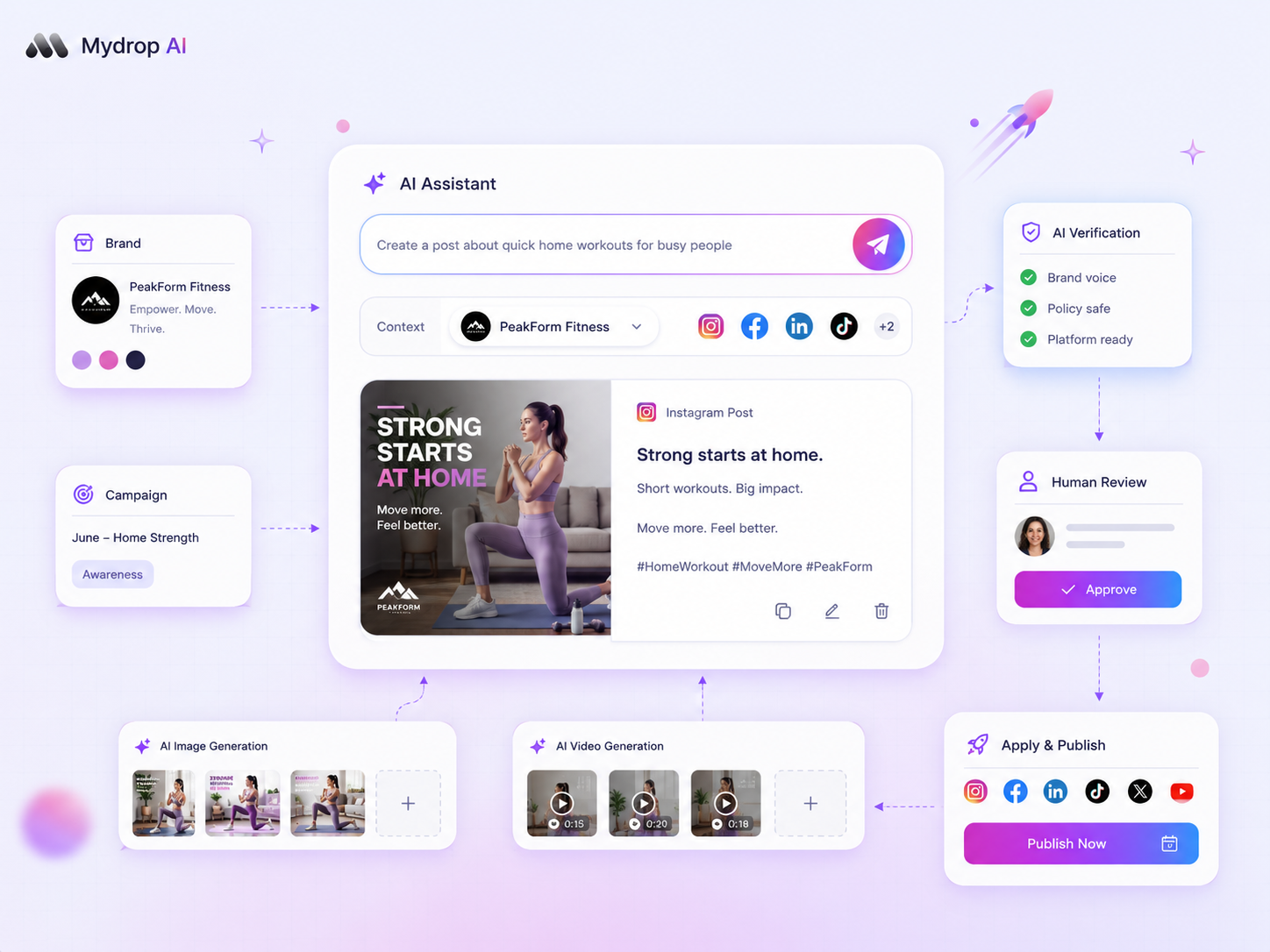
In Mydrop, AI captions and bulk creation generate drafts inside the composer, so you review and edit in the same place you schedule. For each brand, a different Workspace keeps contexts separate. Then route the risky post types through approvals, so a person signs off before anything with a price or claim goes live.
Run the 5-point check on your next ten captions
Take your next ten AI-written captions, score each on the five points, and record how many went out as written. If it's under half, improve the saved voice before you generate more. When you want drafting, review and approval in one place, start free with Mydrop.



 Google review
 Trustpilot review
 Product Hunt comment





