The secret to enterprise-level coordination is making your task management asset-aware so your to-do list knows exactly which campaign it is serving. You should never have to hunt for a file after you have already set the deadline.
We get it. You are managing a multi-brand ecosystem where the distance between a calendar reminder and the actual video file feels like a logistical abyss. It is exhausting to ping team members for that final export when the reminder could have just held the asset itself. This is not just a nuisance; it is a fundamental design flaw that kills your velocity. By tethering every operational reminder directly to its corresponding post, profile, or media asset, you eliminate the context-switching tax that drains your team every single day.
Where the handoff is actually breaking
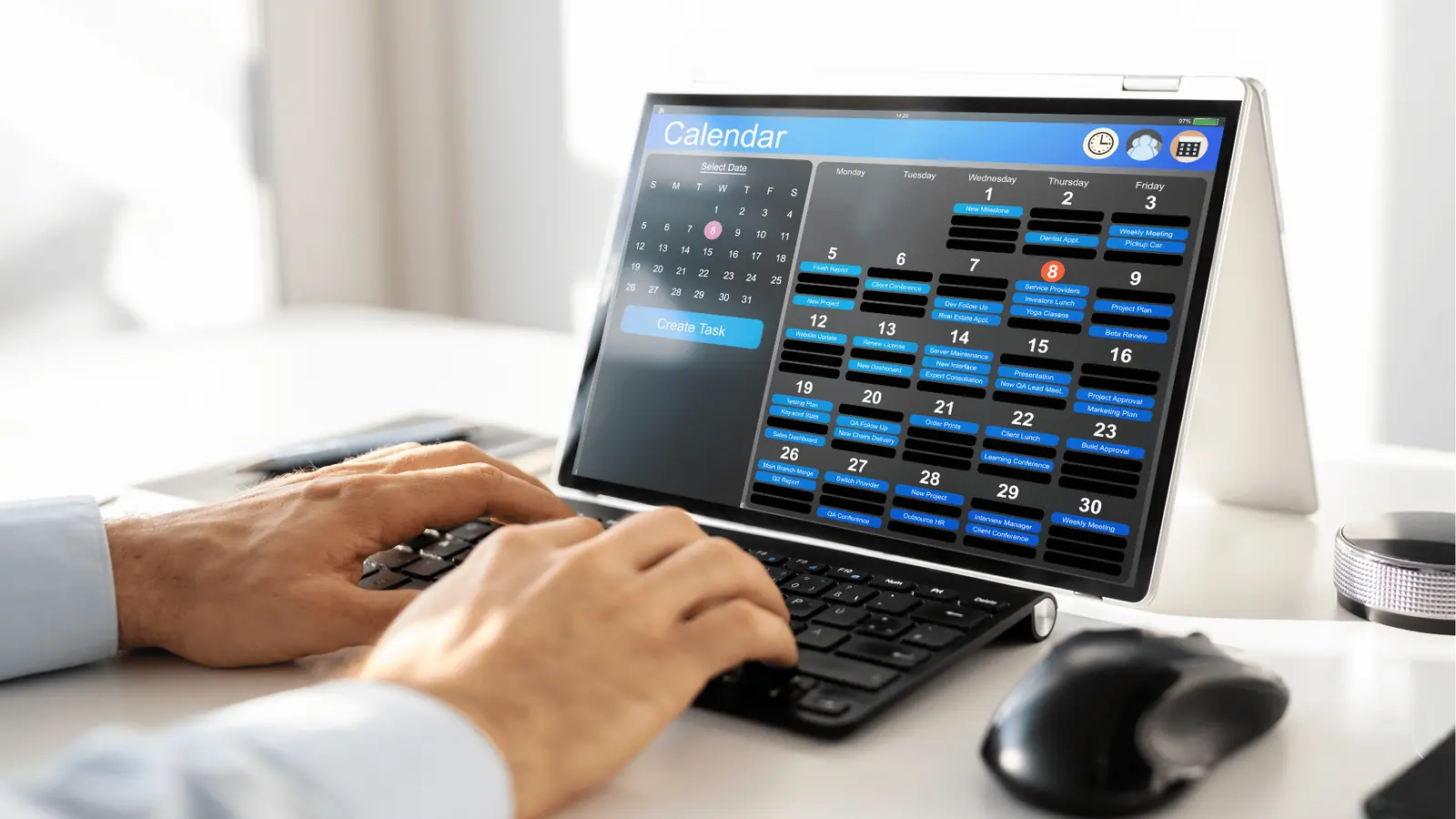
When we see large marketing teams struggle with execution, it is almost never because they lack ideas or talent. It is because their planning and their production live in different universes. You have a team building a beautiful campaign in one interface, while the actual "when" and "how" of publishing lives in a static, disconnected calendar.
This vacuum effect creates coordination debt. You create a reminder to "finalize the Q3 launch video," but that reminder sits as an empty text string on a calendar. When the day comes, you have to go search for the file, check if it is the right version, and hunt for the feedback thread.
Teams typically get stuck because they view tasks as generic calendar items rather than operational containers. If your reminders do not point to the work, they are just glorified post-it notes.
| Feature | Generic Calendar Workflow | Asset-Aware Workflow |
|---|---|---|
| Task Definition | Text-based reminder | Linked object (Post/Media) |
| Asset Location | Scattered (Slack, Drive) | Embedded in the reminder |
| Context | Requires search/memory | Click to open campaign |
| Status Update | Manual ping in chat | Syncs to calendar/done-state |
The hidden cost here is not just the five minutes wasted finding a file; it is the cognitive load of never quite being sure if the reminder you are looking at is still aligned with the latest version of the asset. When you treat the reminder as a container for the actual creative, you stop managing tasks and start managing outcomes.
Operator rule: If a task does not have a direct link to the creative asset it is for, it is not an operational task; it is an administrative chore that will eventually create rework.
In our experience at Mydrop, the best teams treat the reminder editor as the final stop for campaign setup. You do not just set the date; you attach the media doc, link the specific post ID, and verify the profile context. This ensures that when the notification hits, your team has everything they need to execute immediately. You move from "Where is that file?" to "The file is right here, let's get it live."
The coordination debt checklist

Most of us have been in that meeting where someone asks, "Wait, which version of the video are we actually posting?" and the room goes silent. That silence is the sound of coordination debt. It happens when your planning tools and your creative assets live in different galaxies.
You aren't just losing minutes; you are losing intent. Here is how you can tell if your team is already underwater.
| Sign | The Real-World Cost |
|---|---|
| The "Link-Hunting" Loop | Team members spend >15 minutes searching Slack or Drive just to find the correct asset for a scheduled task. |
| Approval Blindness | Approvals are granted in one place, but the final file lives somewhere else, leading to "oops" uploads. |
| Disconnected Done-State | A task is marked "done" in your planner, but the actual post isn't finished-creating a false sense of security. |
| Recurrence Drift | Recurring tasks repeat forever, but the linked media changes every time, leaving team members confused about what to prepare. |
If you see these patterns, stop calling it a "busy week." It is a failure of your operating architecture. When your team has to translate a calendar item into a separate search for a file, you have already paid the context-switching tax twice: once to read the reminder and again to go find the work.
How to move decisions closer to the work
The fix isn't more status meetings. It is collapsing the distance between the task and the asset. You want a world where opening a reminder automatically hands you the exact post, profile, or media document you need to move the needle.
When you use an asset-aware tool like Mydrop, you stop treating reminders as simple "to-do" notes and start treating them as living containers for your work. Instead of a generic alert that says "Prepare Monthly Report," your team gets a notification that links directly to the specific dashboard graphics, profile targets, and draft post they need to finish.
Decision check: If a reminder does not have an attached asset, it is not an operational task; it is just a calendar decoration.
By tethering assets-whether it is a finalized social media post, a high-res video, or a specific brand profile-you create a single source of truth that survives even the most chaotic turnover or rapid-fire campaign pivots.
When you set up a recurring task, such as a weekly beauty influencer product demo rollout, you can attach the core creative assets once. From then on, every time the reminder recurs, the team doesn't have to hunt for the latest version of the media. The context is already sitting there, waiting for them. This isn't just about speed; it is about lowering the cognitive load on your best people so they can focus on the content rather than the chase.
At Mydrop, we see teams that make this switch spend 30% less time on "admin cleanup" every week. They aren't working harder; they are just removing the friction that was hiding in their calendar.
The roles and rules that reduce rework
The best way to stop the "where is that asset?" cycle is to stop letting people treat tasks as floating ideas. You need to formalize who is responsible for "tethering" the creative output to the operational plan.
Without clear ownership, even the most robust calendar becomes a graveyard of vague to-dos. You need a dedicated owner for the link, not just the task.
Workflow check: Every
remindermust have at least oneattachedPostIdorattachedMediaDocIdsbefore it leaves the drafting phase. If it is not linked, it does not exist in the production workflow.
Assigning this role is simple: the person managing the Mydrop calendar is also the one responsible for the "tether." They are not just booking time; they are ensuring that when the creative lead opens their morning dashboard, they see the exact visual asset waiting for them.
This creates a shared accountability loop:
- Producer: Uploads final asset to Mydrop.
- Calendar Manager: Tethers the asset to a recurring
reminder. - Account Manager: Reviews the linked asset in the
reminderview before the post hits the live queue.
When you remove the ambiguity of which file is being used, you remove the excuse for late-game rework.
The weekly habit that keeps the system honest
You can build the most elegant process in the world, but it will rot if you do not have a weekly "calibration" to keep the metadata clean. Treat your coordination habits like your code deployments: check for technical debt, fix the broken links, and keep the pipeline moving.
We suggest a recurring Monday morning session specifically designed to prune the operational noise.
| Phase | Action | Goal |
|---|---|---|
| Audit | Review all done reminders from the previous week. |
Validate completion and asset usage. |
| Clean | Identify orphaned reminders (those without linked assets). | Eliminate future context-switching. |
| Sync | Verify Google Calendar status for all recurring events. | Ensure the team has a single source of truth. |
| Bridge | Assign owners for new reminder tasks for the coming week. |
Prevent last-minute "who is doing this?" panics. |
Using a tool like Mydrop helps here because you can see if the done state actually synced with your team’s Google Calendar. If a reminder is marked isDone but you have no record of the post going live, you know exactly where the communication broke down.
This habit does not take long-often just fifteen minutes-but it shifts your team’s culture. You stop asking "Did you do the thing?" and start asking "Is the asset ready to tether?"
Conclusion
At the end of the day, your team is not suffering from a "lack of communication." They are suffering from a lack of connectivity. When you keep your planning tasks physically detached from the creative assets, you are essentially asking your team to work with one hand tied behind their back.
The goal is to get to a point where your calendar is not just a list of alarms, but a high-fidelity map of your entire production cycle. Once you start tethering assets to your recurring operational tasks, the friction disappears, the status updates become automated, and your team can finally focus on the content-not the hunt for the right file.