You stop treating social posts as one-off fireworks that disappear the second they go live, and you start treating them as permanent inventory. Most teams view their social calendar as a series of expiring deadlines. You build the post, hit publish, and watch the engagement spike before the data drifts away into a black hole of historical posts. The real cost isn't just the creative hours; it is the massive amount of intellectual property you lose because your past work is trapped in siloed folders, buried in Slack threads, or lost in abandoned drafts.
If you cannot find, repurpose, or adapt a piece of creative for a new market or channel in under sixty seconds, you did not invest in a brand asset-you paid for a temporary expense.
TLDR: Stop creating, start curating. Your past posts are your best future assets. If your content isn't searchable, it effectively does not exist.
The emotional toll is sharper than most leaders admit. It is that sinking feeling when a manager asks for a quick holiday campaign update, and your entire team spends three hours digging through Google Drive subfolders, re-downloading files from old messages, and guessing which version was the final approved one. You end up remaking work you already paid for six months ago. This is pure coordination debt.
Here is the pivot your team needs to make:
- Centralize: Every asset must live in one repository, not across desktops.
- Annotate: Every asset needs context-who approved it, what campaign it served, and its performance metrics.
- Retrieve: Every asset should be one click away from the publishing calendar.
The real problem hiding under the surface

The "disposable content" mindset is the single biggest thief of marketing velocity. It starts with a simple, seemingly harmless habit: saving files by date or arbitrary naming conventions like final_v2_edit_REAL.psd. When you rely on dates rather than campaign context, you aren't building a library-you are building a graveyard.
The real issue: When creative files are separated from their operational context, they become useless digital clutter. A great design without the knowledge of why it performed well is just a pretty picture, not a strategic asset.
Most teams underestimate the sheer volume of "ghost labor" lost to re-creating assets. You are not just losing the time spent searching; you are losing the ability to analyze what actually works. If you cannot link a high-performing post to the specific source file and the brief that inspired it, you are effectively flying blind on every future campaign. You end up guessing what your audience wants instead of looking at the evidence sitting right in your past performance data.
Operator rule: Never post a campaign asset without linking the source file and the original strategy note. If it isn't documented, it never happened.
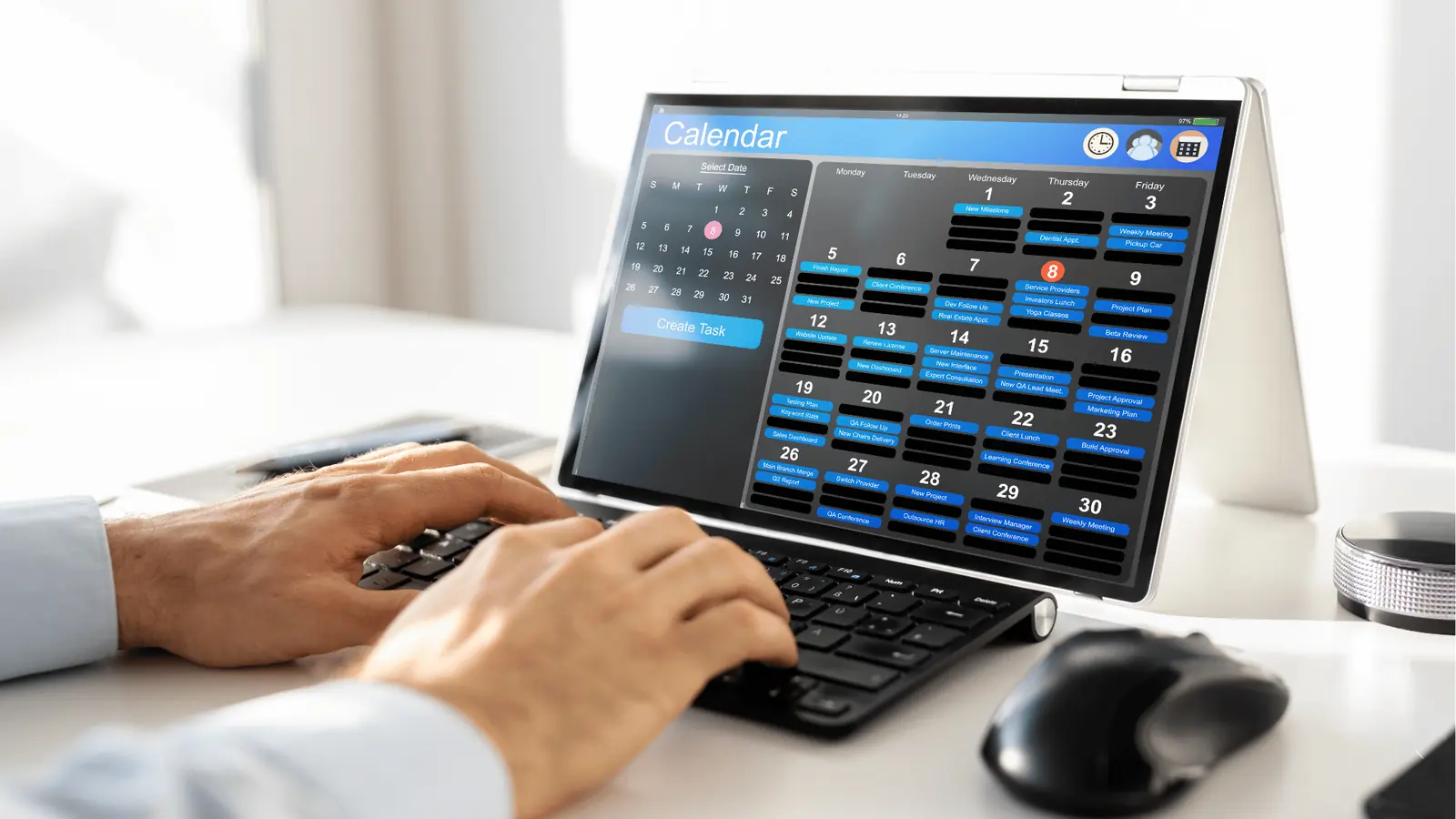
This is where the distinction between a "creator toy" and an enterprise platform becomes obvious. A real asset-driven workflow requires you to move beyond manual file management. When you use Mydrop to manage your calendar, you are not just scheduling slots; you are anchoring your creative work to specific strategic objectives. By attaching notes directly to the calendar and keeping your gallery connected to your Google Drive, you transform your publishing workflow into an automated feedback loop. You stop searching for the "right" file and start pulling from a verified, asset-ready library.
This shift moves your team from a reactive, stressed production cycle to an intentional, scalable model. You aren't just filling squares on a calendar anymore-you are building a lasting repository of brand equity that pays dividends every time you need to launch something new.
Why the old way breaks once volume rises

Scaling social media output is less about hiring more creators and more about managing the inevitable coordination debt that piles up when your team grows. When you handle three brands across five markets, the "email and local folder" approach stops being a minor nuisance and starts functioning as a total block on growth.
Most teams underestimate: The hidden time cost of "file archaeology." When you spend 20 minutes hunting through Slack history, Google Drive folders, and desktop downloads to find the original design file for a post that worked six months ago, you are not just losing time-you are burning your team's creative margin.
The friction is exponential. Every time a new team member joins, or a new brand launches, the complexity of finding the right file-the one with the correct logo version, the right font, and the approved copy-multiplies. You end up with a graveyard of FINAL_v3_copy.psd, FINAL_v3_copy_real.psd, and DO_NOT_USE_THIS_ONE.png. Eventually, the legal or brand reviewer gets buried under a pile of redundant requests simply because nobody can find the original source of truth.
The "Disposable Post" vs. "Asset-Driven" Workflow
| Feature | Before (Chaos) | After (Asset-Driven) |
|---|---|---|
| Source File | final_v2_edit_REAL.psd | [Project-Name]_Social_Template.psd |
| Storage | Local Desktop Folder | Google Drive (Integrated via Mydrop) |
| Context | Lost in email/slack threads | Linked in Mydrop Calendar Note |
| Repurpose | Manual find & re-edit | Mydrop Gallery > Direct Publish |
When content is treated as a one-off firework, you pay for the same work three times: first to create it, second to find it, and third to remake it because the original was lost in a sea of unorganized folders.
The simpler operating model

To break this cycle, you have to move from a reactive "post-by-post" mindset to an archival-first discipline. This means the moment a piece of creative is finished, it is already being prepped for its next life, rather than being dumped into a "Downloads" abyss.
We use the C.A.R. Model to keep this sustainable:
- Capture: Move raw assets directly from your design tools into a centralized location. Using the Google Drive integration in Mydrop allows your team to skip the manual download-and-re-upload dance entirely.
- Annotate: Every post should carry its own context. In Mydrop, we link campaign goals, stakeholder feedback, and original source files directly to the post in the calendar using notes. This keeps the "why" and "what" visible for anyone who needs to reference it later.
- Retrieve: When a high-performing campaign needs a refresh, you do not search for a file-you search for a trend. Use your performance metrics in Mydrop to find what actually worked, then pull the creative directly from the gallery.
Operator rule: Never post without adding a Mydrop calendar note linking the source creative. If it is not linked to the context of the work, it does not exist for the team.
This workflow turns your social calendar into a living library. Instead of building from scratch, you begin to treat your past posts as a collection of modular building blocks. When you need to iterate on a successful campaign for a new market or a different channel, you are no longer starting from a blank page. You are simply retrieving a proven asset, updating the copy to fit the local context, and hitting publish.
The truth is that most teams do not have a content production problem. They have a coordination bottleneck. When you stop viewing every post as a fleeting moment and start treating them as strategic brand inventory, you stop wasting your best work and start building on it. Your past posts are not just history-they are your best future assets, provided you can actually find them.
Where AI and automation actually help
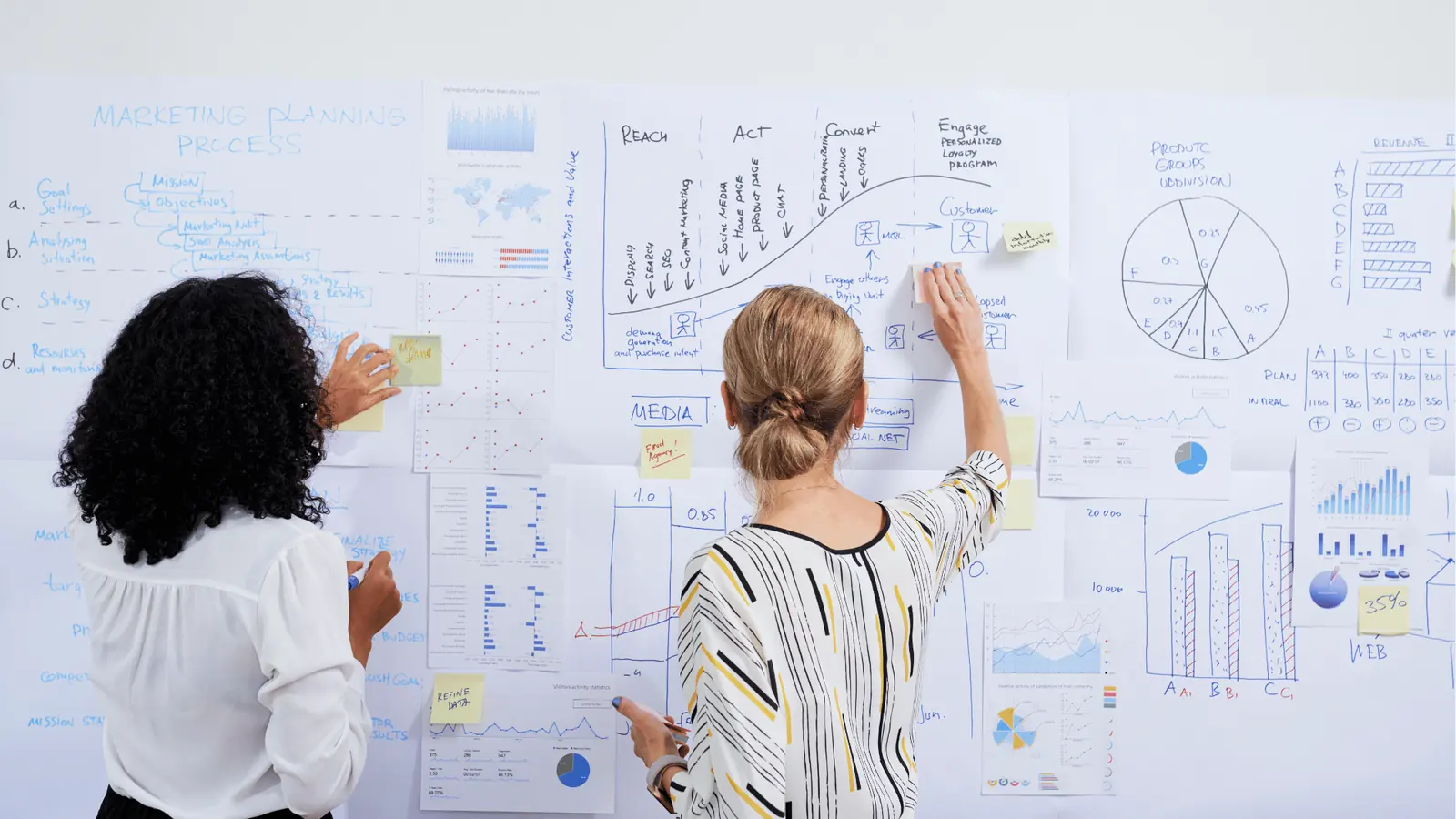
Technology should not be a magic wand that makes the "hard parts" of social strategy disappear; it should be a conveyor belt that keeps the creative process moving without human friction. Most teams lean on automation for the wrong things, like generic AI caption generation, while ignoring the real bottlenecks: asset handoffs, format resizing, and metadata tagging.
When you use the right tools, you stop manually resizing a hero image five times for five different platforms.
Operator rule: Automation belongs in the production pipeline, not the creative spark. If your tool doesn't help you move an asset from a finished design file to a live post, it is just adding another tab to your browser.
With integrated workflows, such as importing assets directly from Google Drive into a gallery, you remove the redundant download-re-upload cycle that buries files in local desktop folders. Similarly, using Canva export options allows your design team to hand off ready-to-use social formats directly into your publishing flow. This ensures the creative remains high-quality and platform-appropriate, without the "I hope this resolution is right" guessing game.
You are not looking for an AI to write your brand voice; you are looking for software that automates the boring administrative tax of moving digital files across the finish line.
The metrics that prove the system is working

If you cannot measure the efficiency of your asset management, you are still operating by feel. Most leaders track vanity metrics like reach or engagement, but the real health of a social operation is hidden in the reusability of the creative.
KPI box: Asset Half-Life
- Primary Metric: The ratio of newly produced creative vs. re-purposed or adapted assets used in a 30-day period.
- Target: A growing percentage of repurposed assets.
- The Logic: If your library is truly working for you, your team should spend more time refining high-performing legacy concepts than building new ones from a blank screen.
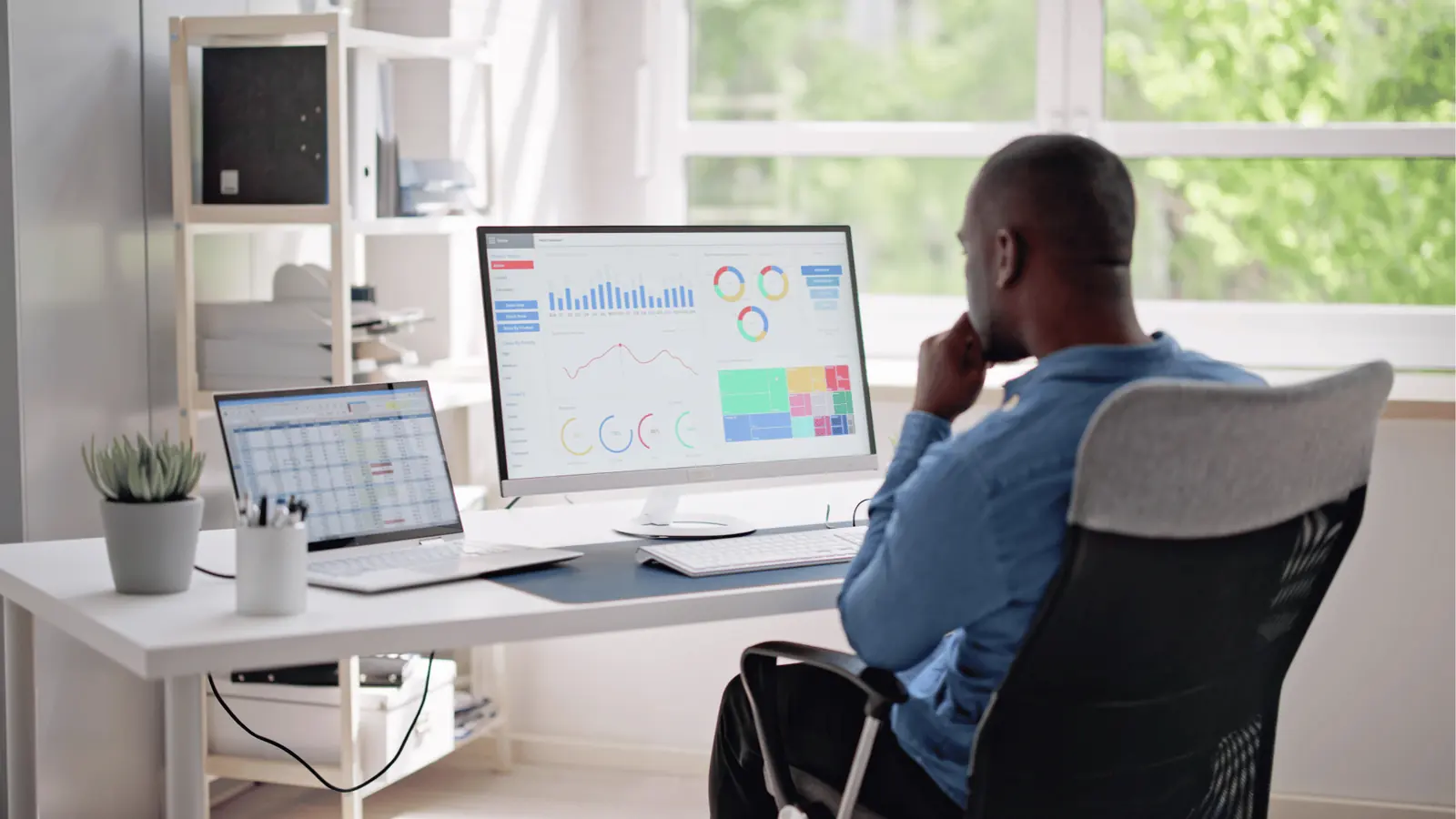
When you track performance at the post level-reviewing which assets drive clicks versus which ones are ignored-you stop planning based on a "gut feeling." Use your analytics dashboard to filter by profile and date to see if your top-performing content from six months ago still holds weight. If it does, that is a prime candidate for an update rather than a full production sprint.
This is the shift from "How many posts did we ship today?" to "How much of our library was utilized today?"
Watch out: Do not confuse "total posts" with "total value." A high volume of one-off posts that cannot be searched or reused is actually a sign of operational decay.
The 30-second post-campaign archival ritual
To keep your library from turning back into a graveyard, integrate this simple check into your post-mortem process:
- Tag the final, approved version of the asset with the campaign or theme.
- Move the source creative from the "Working" folder to the "Archived Library" folder.
- Add a brief note in your calendar workflow linking the asset location and the original campaign brief.
- Review performance metrics in the analytics tab to confirm if the asset reached its engagement goal.
- Update the asset status to "Approved for Repurpose" for future regional or channel-specific variations.
Ultimately, a social post is a fleeting moment, but a social asset is a strategic building block. The teams that win are not the ones who produce the most content; they are the ones who make their best content impossible to lose.
The operating habit that makes the change stick

The biggest shift you will make is not in your software; it is in your archival discipline. Most teams fail here because they view "saving files" as an administrative burden to be offloaded to the intern or handled "at the end of the month." That is a trap. If you do not tag and index your creative at the moment of publishing, it essentially stops existing for the rest of your team.
Operator rule: Never post without linking the source creative. If it is not in the library, it was never made.
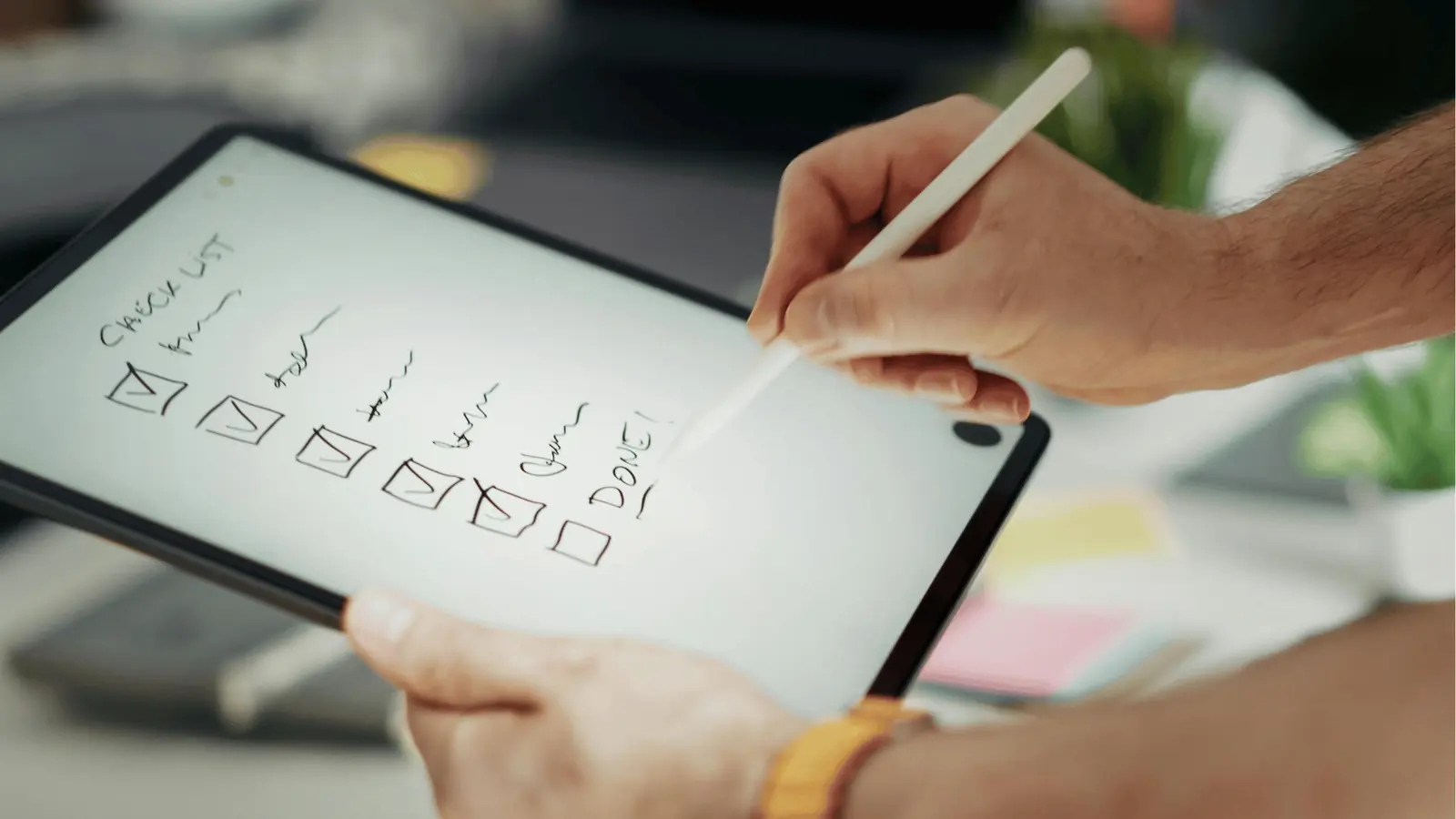
To make this sustainable, you need to turn the post-campaign process into a two-minute ritual. Treat it like a closing checklist for a pilot.
- Tag the source: Ensure the final exported video or image is moved from your local drive to your primary source-of-truth (like Google Drive).
- Contextualize: Jump into your social calendar note in Mydrop. If you have been using calendar notes to track campaign ideas or stakeholder feedback, add the final asset link there. This creates a persistent trail from the original strategy to the final creative.
- Verify access: Check that the folder permissions allow your broader team to retrieve it, not just the designer who created it.
Quick win: Next time your team launches a campaign, do not just delete the project folder. Create one Mydrop calendar note for the campaign's "Best of" assets. Link the high-res originals and the approved copy variants. You will save three hours of Slack-scrolling the next time a regional manager asks for those files.
Conclusion
Building a social asset library is an exercise in valuing your own work. When you stop treating posts as temporary noise and start treating them as intellectual property, the entire pressure on your production cycle shifts. You spend less time hunting for lost files and more time evolving your brand voice.
The goal is to reach a state of High Asset Velocity, where any member of your team can find, adapt, and republish a successful concept in under sixty seconds. That kind of speed is impossible if your history is locked in dead-end folders or isolated threads.
Ultimately, your social calendar should not just be a list of what you plan to do; it should be the living, searchable index of everything you have ever built. If your content is not discoverable, it does not exist. Your team deserves a platform that keeps your creative strategy as organized as your publishing schedule.