

If your agency or multi-brand team is still sharing a master login for a single bio tool account, you aren’t managing assets-you’re managing a security incident waiting to happen. The best tools don't just host links; they act as a gatekeeper for your brand identity. Enterprise-grade management isn't about choosing the prettiest button style-it’s about preventing coordination debt through granular, role-based access control that aligns with your actual brand hierarchy.
We get it: the marketing team is moving fast, the client needs a new landing page by 5 PM, and a "quick update" to a bio link usually ends in a broken brand guideline or a misplaced UTM parameter. It is messy, manual, and perpetually prone to human error. But when you are juggling dozens of stakeholders across multiple regions, these small, repetitive mistakes become a massive tax on your team’s velocity.
Operator rule: Most teams do not have a content problem. They have a decision bottleneck.
What the best tools need to handle

The shift from managing one account to managing a portfolio of brands is not just a change in volume; it is a fundamental shift in risk. A tool that works for a single creator often becomes a liability once you introduce internal departments, external clients, and legal reviewers into the mix.
To scale without friction, you need to evaluate your tech stack against these four operational pillars:
| Capability | The "Flat" Trap | The Enterprise Standard |
|---|---|---|
| Permissions | Shared passwords for all brands. | Role-based access (Read/Contribute/Admin). |
| Governance | Unrestricted access to custom HTML. | Locked templates & sanitized overrides. |
| Visibility | Aggregate data masks brand performance. | Brand-group isolation for clean audits. |
| Tracking | Manual UTM entry (high error rate). | Forced parameter enforcement by link category. |
When you look at tools, don't just ask if they support "multiple profiles." Ask if they support functional isolation. Can you allow a junior analyst to pull daily reports for one specific brand without giving them the power to edit the primary CTA or inject custom head scripts into another brand's page?
If the answer is no, you are essentially asking your team to operate in a high-trust, low-safety environment. That might work for a team of two, but it fails quickly when you have five markets, three approval loops, and a strict compliance team watching over your shoulder.
The goal is to move your team from "policing links" to "empowering channels." The right platform should make it impossible to break brand standards by default, locking the visual architecture while letting your team move fast on content updates. When a bio page functions as a mini-site-complete with email capture, media kits, and social feeds-it stops being a simple link list and starts being a critical conversion surface that requires the same governance as your main website.
Where basic tools start to break

The real headache begins when "simple" tools meet actual corporate complexity. Most bio-link tools are built for a single creator who owns everything. When you drop that into an enterprise environment-where you have a parent brand, five regional sub-brands, and three different marketing agencies-the model flatlines.
It breaks because it lacks the concept of organizational boundaries. In a flat-access tool, if your agency lead has the password, they have the keys to every single brand in your portfolio. That is not just a security risk; it is a creative disaster waiting to happen. You end up with a junior freelancer accidentally updating the theme colors for a competitor's brand or a global campaign link leaking onto a local market's page two days early.
Decision check: If your tool allows a user to "save all" across multiple brand profiles without a clear, role-based approval trail, your workflow is fundamentally broken.
The "quick fix" teams usually adopt is a spreadsheet tracker or a massive internal wiki to manage who is allowed to touch what. But that just adds another layer of coordination debt. You spend more time auditing your own processes than actually shipping content.
The buying criteria that matter
When you are ready to stop managing a security incident and start managing assets, you need to look past the library of pretty button styles. You need a platform that treats permissions as a first-class feature.
Use this Accountability Scorecard to evaluate your next platform. If a tool cannot check these boxes, it is a toy, not an enterprise asset.
| Evaluation Metric | The "Shared Login" Trap (Basic Tool) | The Enterprise Standard (Mydrop Model) |
|---|---|---|
| Asset Isolation | Global access for all users. | Granular brand-group silos. |
| Theme Governance | Any user can change colors/fonts. | Admin-locked styles per brand. |
| Approval Flow | None; live edits only. | Staged updates with status tracking. |
| Audit Log | "Admin" made all changes. | User-specific logs per link-edit. |
| Data Scope | Single global analytics view. | Per-brand domain/UTM filtering. |
1. Hierarchical Access: Can you partition your team so a regional manager only sees their specific sub-brands? If the answer is "no," you are one fat-finger away from a PR headache.
2. State-Based Publishing: Does the tool allow for a "draft" state where you can build out a full media kit or social feed, hold it for review, and only push it to the live domain when the campaign goes dark? Stop publishing live-to-web.
3. Custom Asset Constraints: Look for the ability to restrict what blocks a user can add. You probably want your designers handling the custom HTML and layout overrides, while your social leads should only be touching the button labels and UTM parameters.
4. Domain-Level Scoping: Enterprise brands do not live on sub-domains of a third-party site. You need a tool that lets you map your link-in-bio to links.yourbrand.com without forcing you to manage the hosting or the SSL overhead yourself.
5. Clean Data Attribution: If you have ten different brands running link-in-bio pages, your analytics must be siloed from the start. You should not have to manually filter a CSV to figure out which brand drove which conversion event.
If you are evaluating tools and the vendor focuses entirely on "how many icons you can add," ask them specifically how they handle a multi-brand hierarchy. The moment they start talking about "shared team accounts" instead of "granular role-based access," close the demo. You have already found the ceiling.
How Mydrop supports this workflow
At Mydrop, we see the same pattern across hundreds of brands: coordination debt is almost always caused by a lack of clear boundaries. When your link-in-bio tool treats every page as an equal, unmanaged asset, you lose the ability to apply governance at scale. Mydrop approaches this differently by enforcing brand-group isolation.
Instead of one massive, vulnerable bucket, you organize your assets into distinct, permission-gated brand groups. A junior contributor can update a button label for their specific region without ever touching the custom HTML headers or domain settings of your flagship corporate page. It removes the "what if I break something?" anxiety that keeps teams from moving fast.
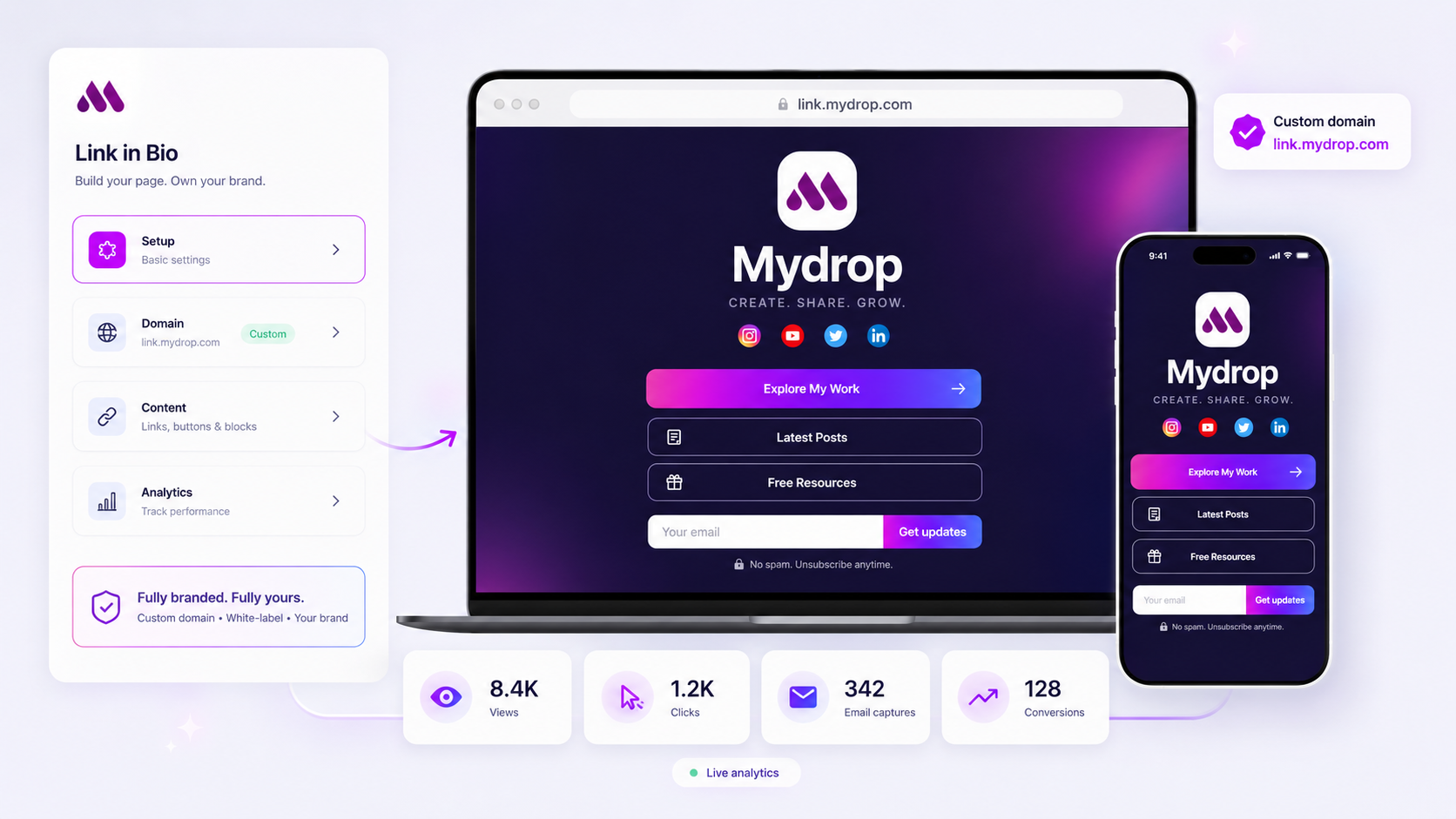
We also treat the bio page as a full-featured conversion surface, not just a list of links. You can trigger lead-capture blocks, surface live social feeds, or offer direct media downloads, all while keeping the data flowing into your specific CRM or analytics pipeline. When you need to push a global update-like a new campaign landing page-you can coordinate that push across ten distinct brand profiles from one dashboard, without worrying about accidental style overrides or misconfigured tracking parameters.
Workflow check: If your tool allows a contributor to modify site-wide CSS, you have already lost your brand integrity. Look for tools that offer granular "read-only" vs. "block-edit" roles by default.
A simple shortlist checklist
Before you commit to a new platform, run this quick audit against your current process. If you check "No" for more than two, it is time to move on.
| Audit Item | Why it matters |
|---|---|
| Can we lock theme/styling? | Prevents "creative drift" where every brand starts to look unique (in a bad way). |
| Are domains scoped to brands? | Ensures your corporate site and regional sites don't share cookie/tracking contamination. |
| Is there an audit log of edits? | Necessary for when that "urgent update" accidentally breaks your primary conversion funnel. |
| Can we restrict HTML/CSS blocks? | Safeguards against injection vulnerabilities or unapproved script tracking. |
| Does it support role-based access? | Keeps the "Admin" power away from teams that only need to swap out a link. |
Conclusion
The goal isn't just to put a pretty link in your social bio. The goal is to build a reliable, scalable conduit that moves your audience from a social platform to your owned ecosystem without breaking.
Most teams do not have a content problem. They have a decision bottleneck. If your current tool is forcing you to manage access through shared passwords and spreadsheets of "who is allowed to touch what," you are paying a high interest rate on your own infrastructure. Stop managing the chaos and start managing the brands. It is time to move your bio pages into the enterprise-grade stack where they belong.

