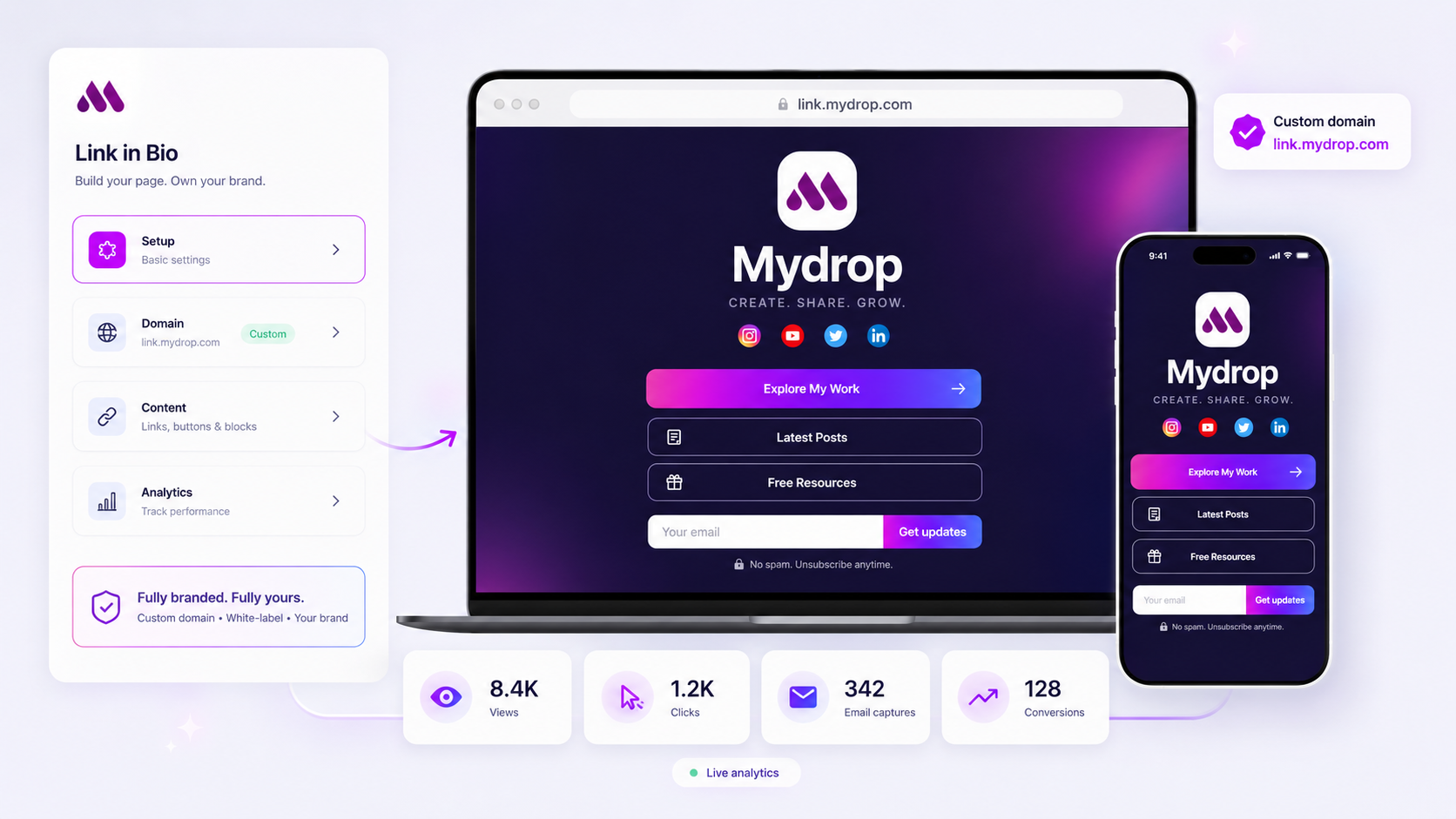
Stop sending fragmented cloud storage links and unbranded attachments to your clients and followers. Instead, build a single, high-conversion portal that anchors every essential asset-from media kits and current campaigns to lead capture and social feeds-in one persistent, branded destination.
We get it. You are juggling a dozen brand identities, multiple content squads, and a chaotic trail of email threads searching for the latest version of a logo or a press kit. It often feels like you are fighting the friction of manual updates while your audience wonders where to actually engage with the brand. You end up wasting hours chasing approvals and re-sending broken links, all while losing potential conversions because the user journey is interrupted by a pile of static files.
This guide helps you audit your current distribution methods, identify where you are leaking credibility, and install a repeatable system to host all brand assets in a unified, professional, and measurable environment.
Where the handoff is actually breaking

The struggle isn't about lack of content; it's about the friction of manual handoffs. When you share a static link to a folder or a PDF, that asset is already dead the moment the brand strategy shifts. If the stakeholder needs a different file format or the audience clicks an expired link, the momentum stops. You are essentially asking your audience to navigate your internal filing system rather than engaging with your brand.
In our experience, teams managing hundreds of profiles usually fail because their assets are tethered to the wrong infrastructure. They rely on "public-facing" file storage that offers zero intelligence, no branding, and no path to conversion.
Here is how the breakdown typically manifests in a standard workflow:
- The In-Box Trap: Important media kits and brand assets are buried in thread history, forcing stakeholders to ask for re-sends.
- The Invisible Click: You share a link, but you have no idea if anyone actually opened it, downloaded the file, or was even the intended recipient.
- The Brand Disconnect: Your social presence is polished and high-production, but the destination link feels like an IT file server, creating a jarring jump in quality for the visitor.
Most teams do not have a distribution problem. They have a governance vacuum.
When you shift to a managed, brand-specific surface, you stop treating asset sharing as a series of ad-hoc tasks and start treating it as a product. At Mydrop, we see the most successful teams treat their bio page as an extension of their website-using it to surface recent social posts automatically, capture email leads, and provide instant access to high-fidelity media assets.
If an asset is worth sending, it belongs on a page you control, branded exactly how the client requires, and tracked so you know exactly which touchpoints are moving the needle.
The coordination debt checklist

Most teams do not have a content problem. They have a decision bottleneck. When your assets are scattered across four different cloud folders, three email chains, and a handful of Slack channels, you are not just hosting files-you are creating a scavenger hunt for your own staff.
Use this scorecard to grade your current distribution flow. If you find yourself in the Manual/Scattered column, your team is likely burning hours just trying to find the "final-final" version of a creative asset.
| Metric | Efficient Distribution | Manual/Scattered Flow |
|---|---|---|
| Asset Location | Single, brand-owned URL | Random shared drive links |
| Version Control | Immediate overwrite/replace | Emailing new links to partners |
| Tracking | Integrated click/conversion data | Guesswork or missing metrics |
| Audit Speed | Real-time verification | 3-hour internal status check |
| Governance | Sanitized, brand-safe portal | Unrestricted, open file access |
If you are scoring low on Access or Traceability, you are losing more than just time. You are losing the ability to see what your audience actually values. Every time someone clicks a stale link and finds a 404 error, that is a lost conversion that never shows up in your reports.
How to move decisions closer to the work
The secret to scaling brand management is putting the power to update assets directly into the hands of the people who own the campaigns. Stop treating your bio page like a static business card. It is the central nerve center for your brand's digital presence.
At Mydrop, we see the best teams shift from reactive file sharing to a proactive "published-first" habit. If a press kit, campaign landing page, or product demo isn't on your managed surface, it essentially does not exist for your audience.
Here is a simple three-step habit to install this week:
- Consolidate the intake. Pick one brand-specific domain or Mydrop slug to be the official source for all public-facing assets.
- Gate the publish step. Before any campaign goes live, add it to your link-in-bio portal. If it is not on the page, the social team does not have the green light to share the link.
- Audit the interaction. Use your analytics dashboard to see which media blocks or downloads are actually moving the needle. If a file is sitting there for a month with zero downloads, remove it.
Operator rule: Treat your link page as a live product, not a storage locker. If an asset has been on your portal for 30 days without a click, it is time to archive it or rotate in new creative.
By moving your asset distribution from a private folder to a public, trackable surface, you remove the guesswork. Your social team stops asking you for links, your clients stop asking for updated media kits, and your analytics start telling you exactly what is resonating with your audience. You aren't just cleaning up a mess; you are building a faster, smarter way to run a brand.
The roles and rules that reduce rework
The best way to stop the bleed is to assign clear ownership for the portal itself. You need one person, a Portal Steward, who acts as the primary gatekeeper for the content surface. This is not about being a bottleneck, but about having a single point of truth for what is currently live.
When you have multiple brands and stakeholders, you need a set of ground rules for how content earns a spot on your primary link page.
Decision check: If an asset does not have a defined expiration date, it stays in the queue until the next quarterly review.
Think of it like a physical shelf. You cannot keep adding things without taking something down. If you do not have a rule for when to archive a link or a media kit, the page becomes a junk drawer. We see teams manage this effectively by applying a strict tagging system in their internal asset library. If a campaign is not marked as active, it does not get published to the live landing page.
This prevents the classic "oops" where a client clicks a link for a promo that ended two weeks ago.
The weekly habit that keeps the system honest
You need a repeatable rhythm to make sure the portal stays fresh. Trying to manage this ad-hoc is why the current chaos exists. Use this simple Friday afternoon checklist to verify your footprint before the weekend traffic hits.
- Check for dead ends: Click every button on your primary brand bio page to ensure the destination URLs are still valid.
- Review analytics: Glance at your top-performing clicks. If a specific media kit download is spiking, check if you should build a dedicated landing page for it next week.
- Archive legacy content: Unpublish any assets or campaign cards from the previous week.
- Hydrate social feeds: Ensure your recent posts are pulling into the page correctly so visitors see the most relevant brand activity.
It takes ten minutes, but it changes your entire posture. When you treat the page as a living asset rather than a "set it and forget it" link dump, you get significantly higher engagement. At Mydrop, we see teams that adopt this weekly review catch issues before the client ever notices them. They spend less time on crisis management and more time on actual growth.
Conclusion
The reality is that your brand assets are already being distributed across dozens of touchpoints. You might as well control where they land. Moving away from scattered cloud links toward a unified, branded portal does not just save time; it turns a messy operational chore into a reliable pipeline for engagement and lead capture.
The next step is simple. Pick one brand, audit its current distribution path, and migrate those assets to a single managed page this week. Once you see the difference in how your team manages updates and how your audience engages with a polished, centralized surface, the case for rolling it out to the rest of your portfolio will become obvious. Stop chasing down files and start building a better destination.