





























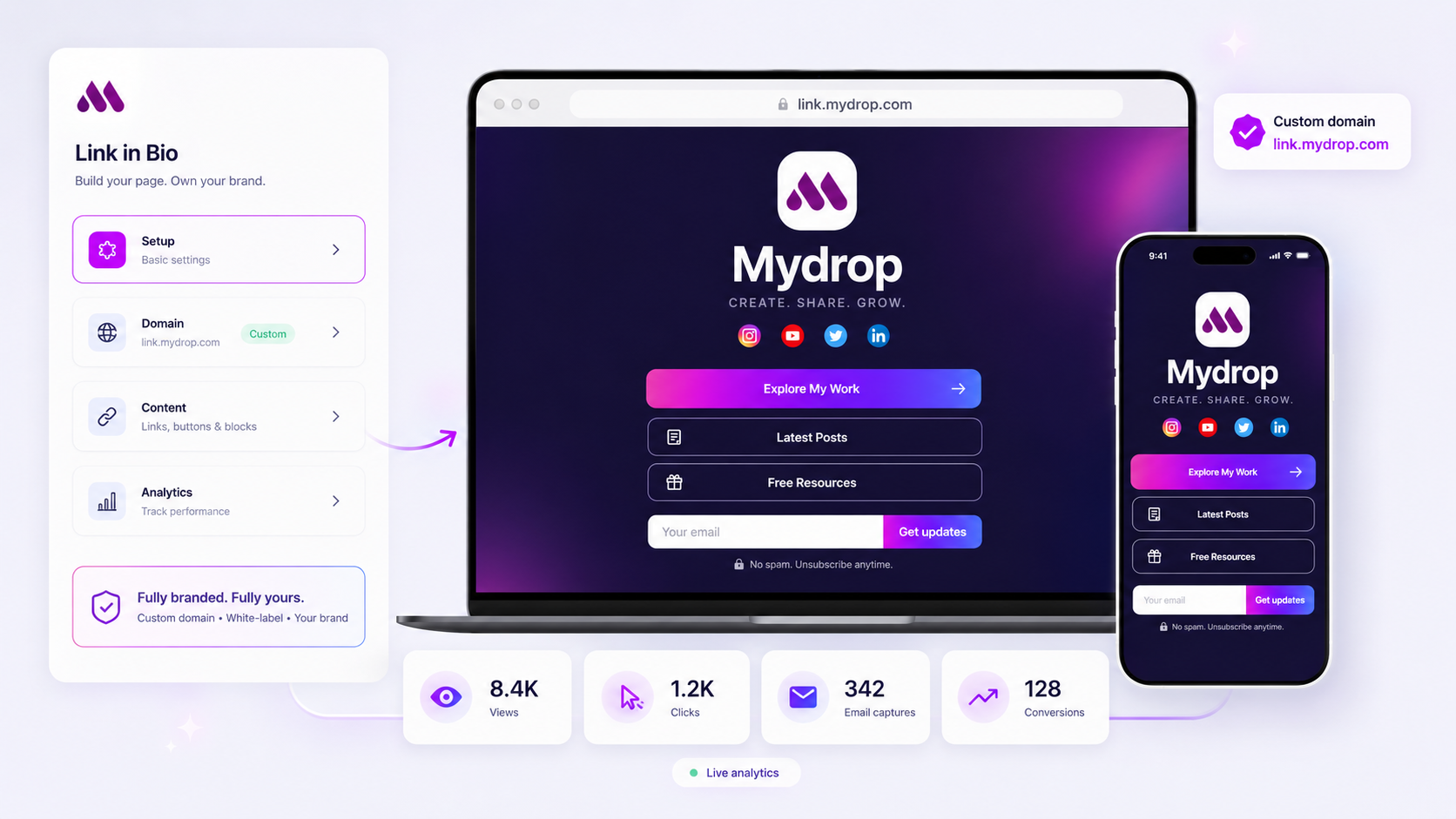
You can get a bio link with email capture forms and CRM integration in five ways: a bio tool with its own capture block and export (Mydrop), a bio tool that connects to email tools (Linktree, Beacons), a landing page built inside your CRM (HubSpot), or a hosted form linked from any bio page. The right one depends on where the lead needs to land and what context it has to carry, above all which campaign sent it.
TLDR: Decide first where leads should live and whether you need the UTM campaign on each one. Mydrop captures name and email with source, UTM, country and device, emails you every new lead, and copies the list as a CSV your CRM can import.
Mydrop pricing check, September 2026: the entry paid plans of the eight tools most often compared with Mydrop run from $6 per channel (Buffer) and $25 a month (Later) to $99 per user (Hootsuite) and $199 per seat (Sprout Social), read on each vendor's pricing page. Mydrop is free to start, then $19 a month flat, not per seat. Full table on Mydrop's compare pages.
Why the bio link is your main lead form on social
Most platforms make the bio the one link that always works. In Mydrop's data on 7,945 posts across 336 accounts, a link in the caption cost 7% of engagement, so serious teams send every call to action to the bio. That makes the bio page your busiest form on social, and a plain list of buttons wastes it.
A good lead setup on that page does three things:
- Captures the address with as few fields as possible (email, maybe a name).
- Keeps the context: which platform, which campaign, which post sent the lead.
- Gets the lead to sales or email fast, ideally the same day.
The three questions that pick your setup
Answer these before you compare tools:
- Where must the lead end up? A CRM like HubSpot, Salesforce or Pipedrive, or an email tool like Mailchimp?
- Do you need attribution per lead? If marketing reports on cost per lead by campaign, the UTM tags have to travel with the email.
- How fast does follow-up need to be? A B2B demo request goes cold in hours. A newsletter sign-up can wait for the weekly import.
5 ways to capture emails from your bio link
| Setup | Where the lead lands | Context carried | Best when |
|---|---|---|---|
| Mydrop capture block | Mydrop editor, an email alert per lead, CSV for CRM import | Name, source, UTM source, medium and campaign, country, device | You run social in Mydrop and need campaign data on every lead |
| Linktree sign-up block | Linktree, plus the email tools it connects to | Check in your trial | Creators with an existing email list |
| Beacons email block | Beacons' own email list | Check in your trial | Creators who want list and sends in one place |
| HubSpot landing page as the bio link | Straight into HubSpot CRM | Full HubSpot tracking | B2B teams already on HubSpot |
| Hosted form (Typeform, Jotform and similar) linked from any bio | The form tool, then the CRM through its integration or Zapier | The fields you add | You need qualifying questions |
There's no single winner. A CRM-native page syncs most tightly; a bio tool gives you the better mobile page but needs a bridge to the CRM.
Set up the capture block so leads arrive scored
Whichever tool you use, three habits decide whether the leads are usable:
- One offer per page. A guide, a demo, a waitlist. Two offers split the clicks and the follow-up.
- Two fields at most. Email always, name only if sales will use it. Every extra field costs you sign-ups.
- UTM tags on every link that points to the page. Tag the bio link per platform (for example,
utm_source=instagram) so each lead shows where it came from.
Then settle your sync rhythm. Native integrations push in real time. A CSV import works fine if someone owns it on a fixed day every week.
How Mydrop captures bio leads with campaign data attached
Mydrop's link in bio has an email capture block with validation. Each lead is stored with its email, name, date, traffic source, UTM source, medium and campaign, country and device type. That means every lead already knows which campaign sent it, which is the field most bio tools drop.
Three things make it practical for a sales team:
- An email alert for every new lead, so a demo request doesn't wait for the weekly export.
- One-click CSV copy of all captures with every column above, ready for a HubSpot, Salesforce or Pipedrive import.
- Clicks per button, plus captures and conversions per page, so you can see which source or campaign produced leads, not just visits.
Mydrop doesn't push leads into a CRM automatically today; the CSV is the bridge. If your team needs real-time CRM sync, pair the Mydrop page with a hosted form for demo requests, and keep the capture block for newsletter and content leads. For agencies, the page can sit on the client's own domain, and the same reports show which social posts drove sign-ups.
Launch your lead page in one afternoon
- Pick one offer and write a one-line promise for it.
- Create a free Mydrop account, add a link in bio page, and put the capture block right under the headline.
- Add UTM tags to the bio link on each platform.
- Set up a weekly CSV import into your CRM, with one named owner.
For copy and offer ideas, read how to turn link in bio clicks into steady leads. Your first tagged leads should show up within the week.



 Google review
 Trustpilot review
 Product Hunt comment




